Eugene Vasenev
Head of Mobile / AI

At MagiScan, I'm responsible for mobile architecture and the AI direction. In fact, my contribution started with the very first MVP in 2021.
News, tips, and updates from the MagiScan team.
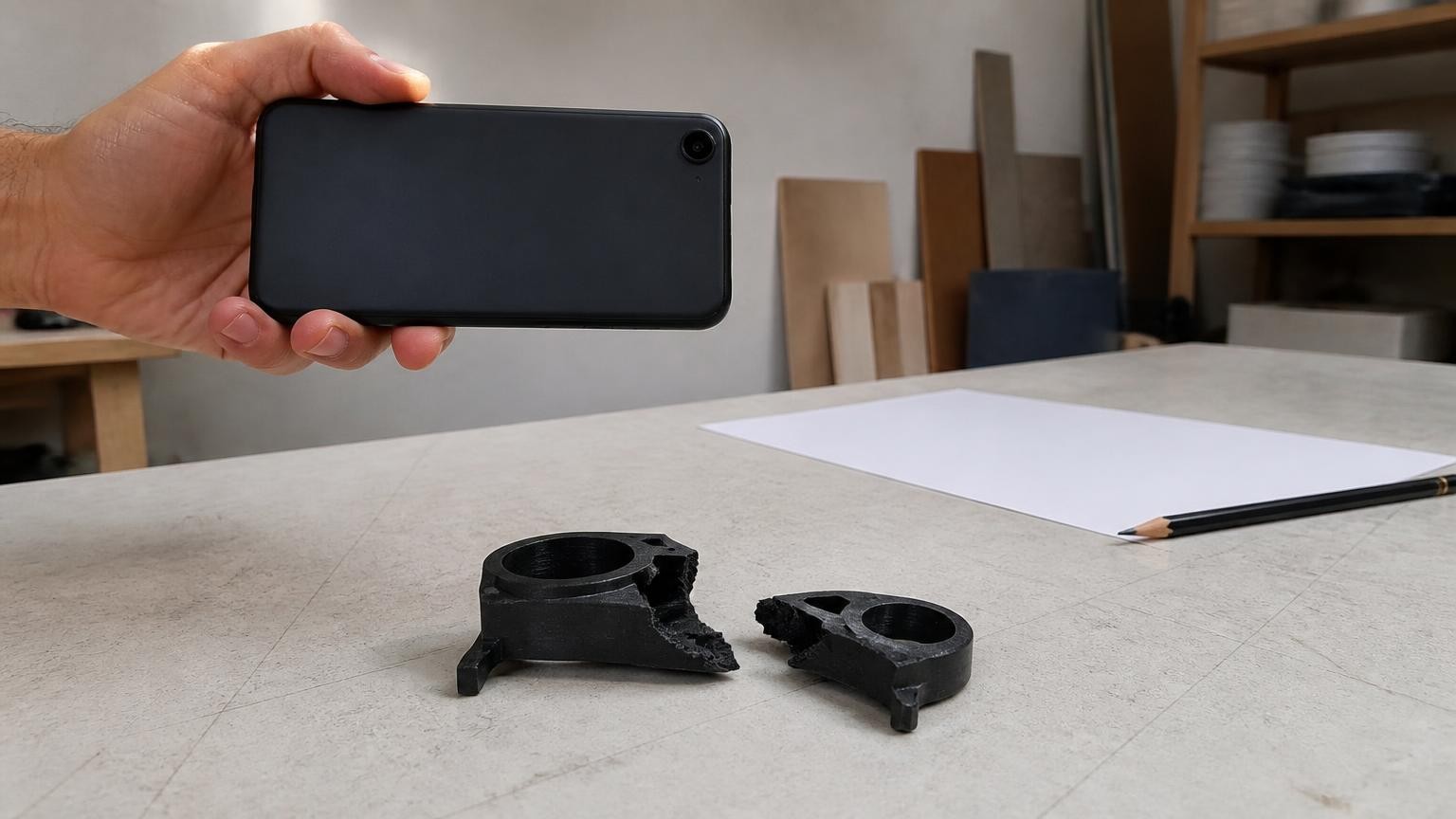
Model a part in CAD when it has flat faces, holes and fits; 3D scan it when the shape is curved or irregular, then add the exact features in CAD on the scan.
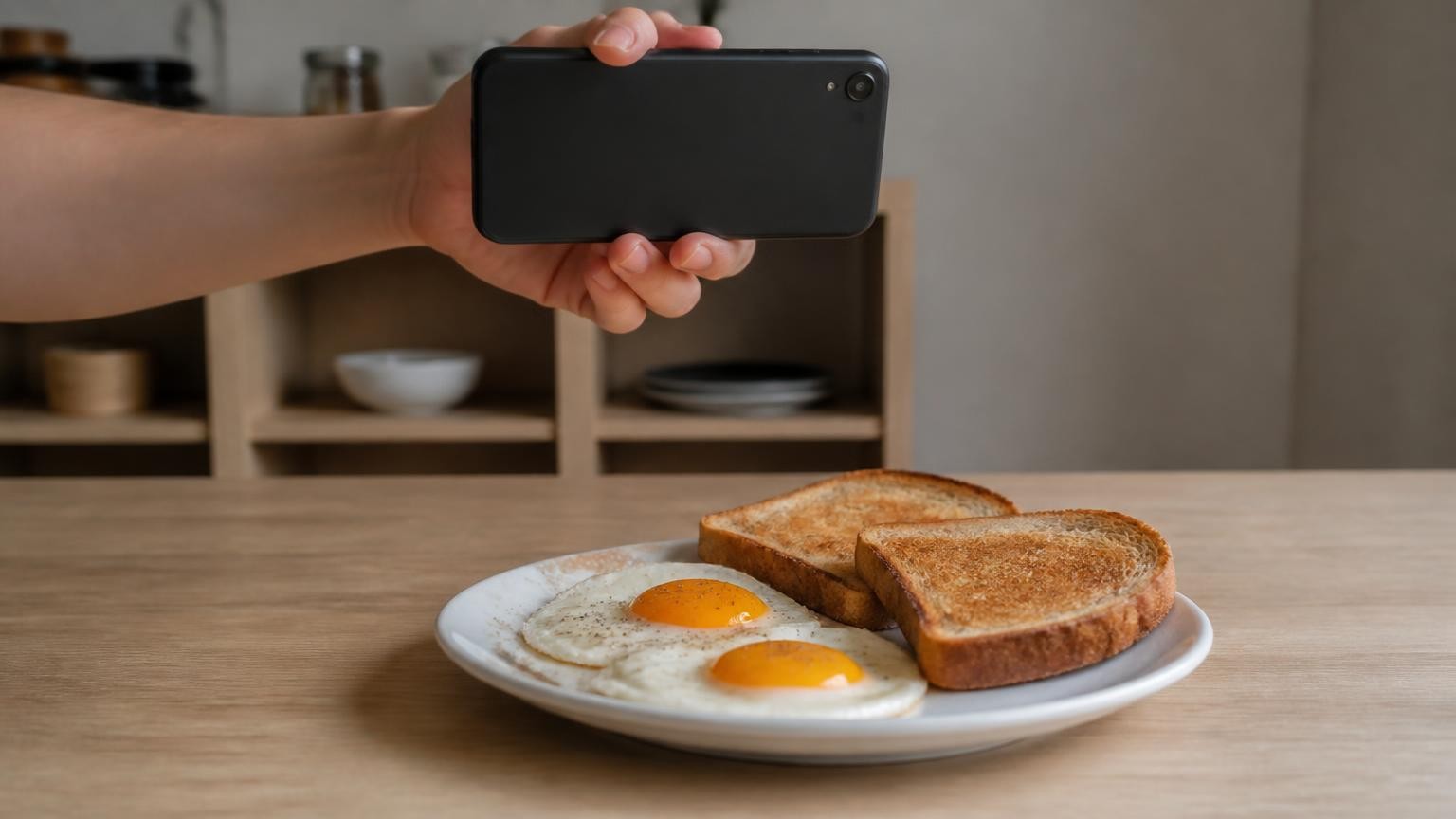
Photograph the whole plate, let the app name foods and portions, fix them, then add hidden oil and butter by hand. Treat the total as an estimate, often low.
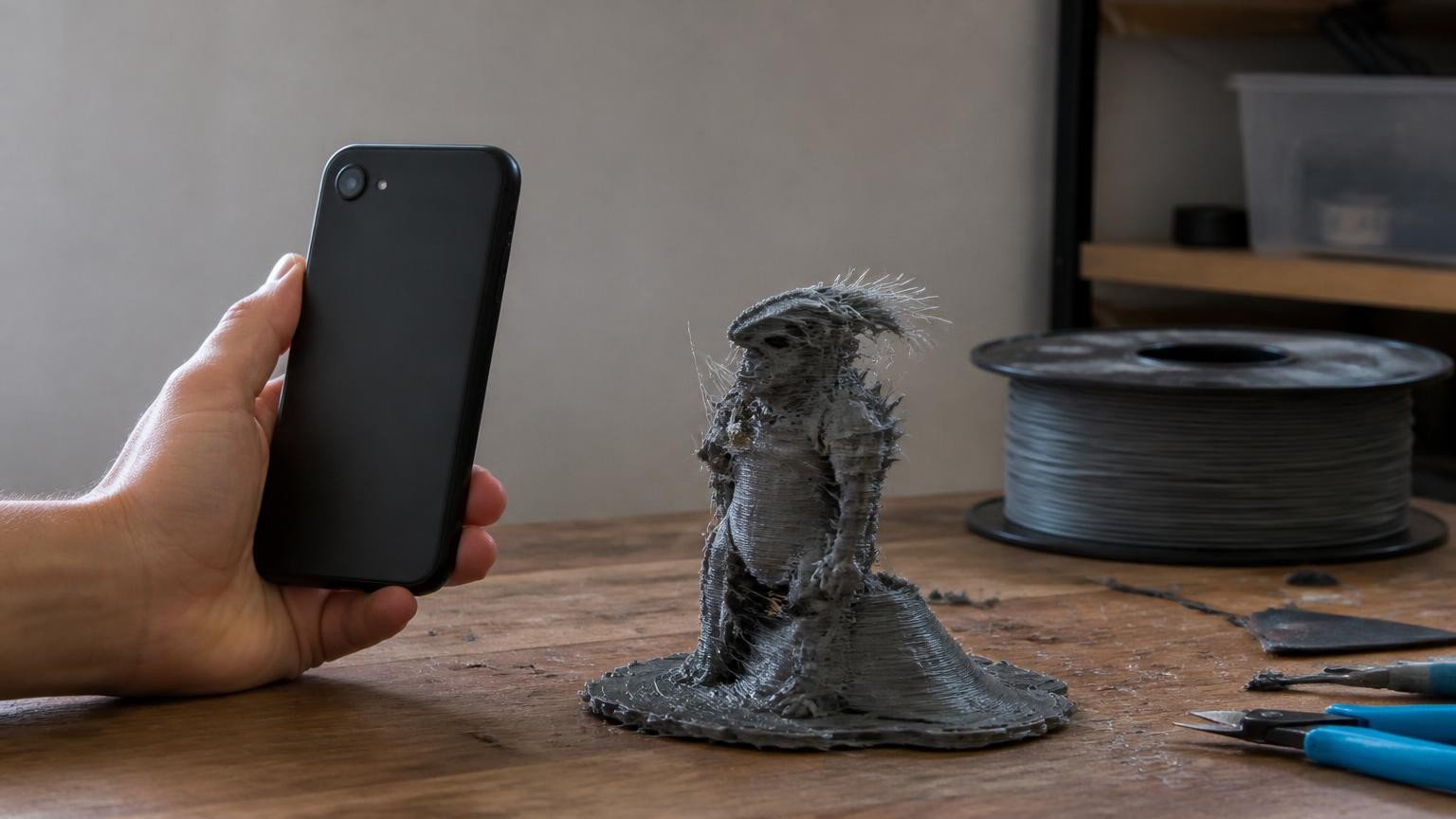
Phone scans fail as prints for clear reasons: holes stop the slicer, size is off, thin details vanish, no flat base. How to fix each one before printing.
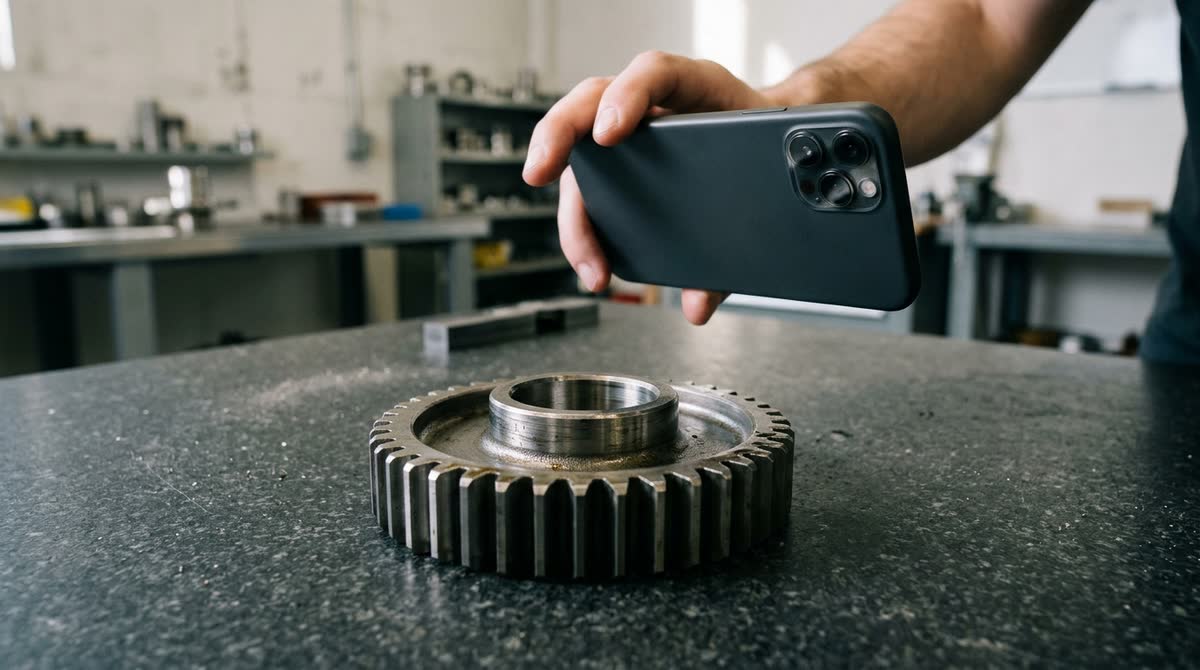
Phone 3D scans are usually accurate to about 1 cm on everyday objects, less across rooms, and near 1 mm on small parts scanned with care. How to check yours.
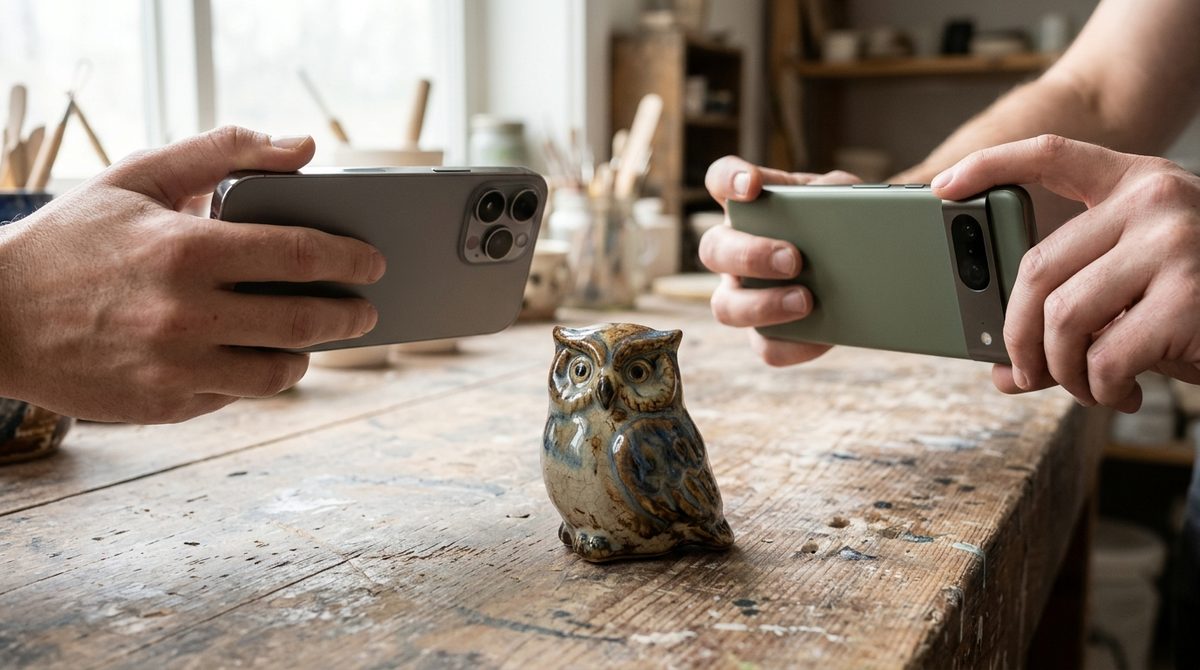
A Pro iPhone's LiDAR gives better scans of rooms and plain objects and steadier measurements; Android and standard iPhones scan textured objects well.
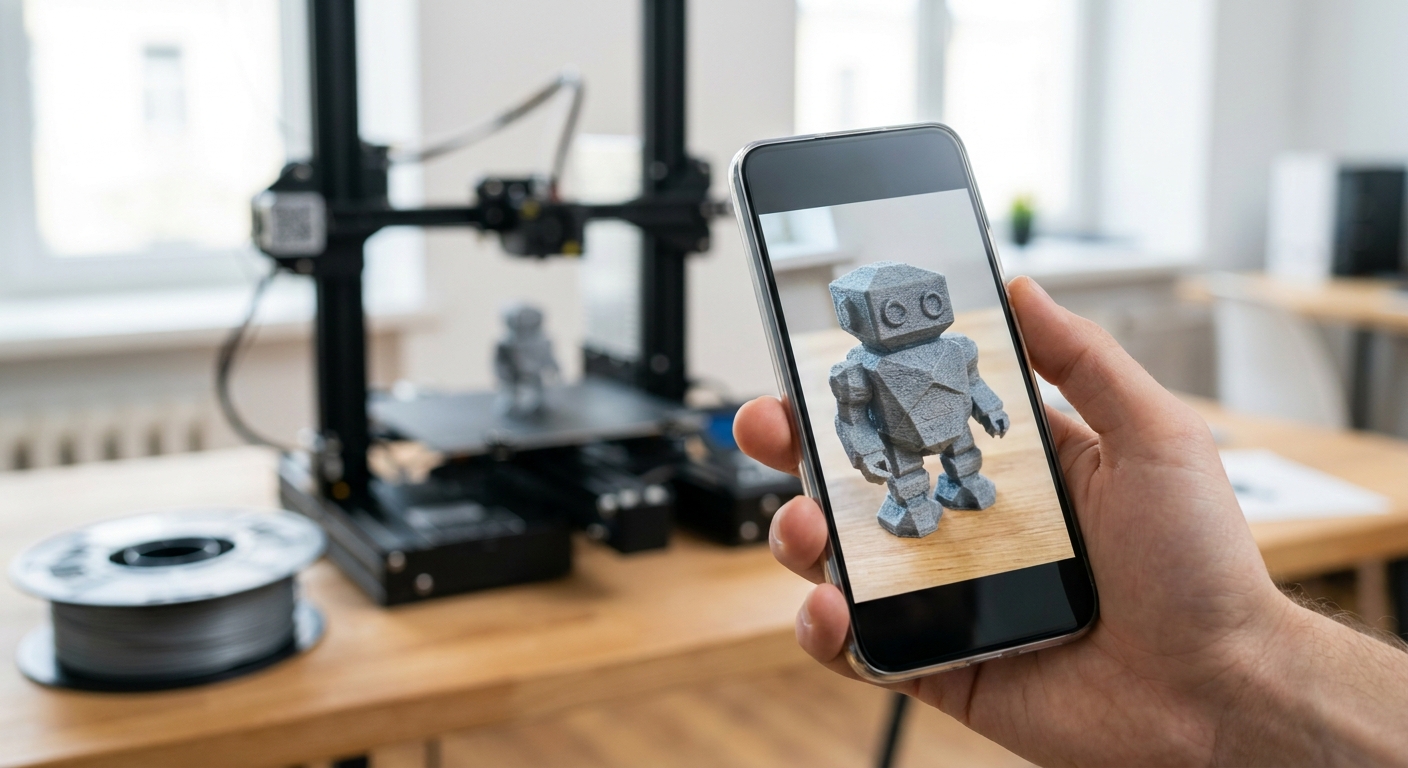
A phone 3D scan of a face takes about 20-40 seconds to capture; an object model takes a few minutes on an iPhone, or up to 20-30 minutes for heavy cloud jobs.
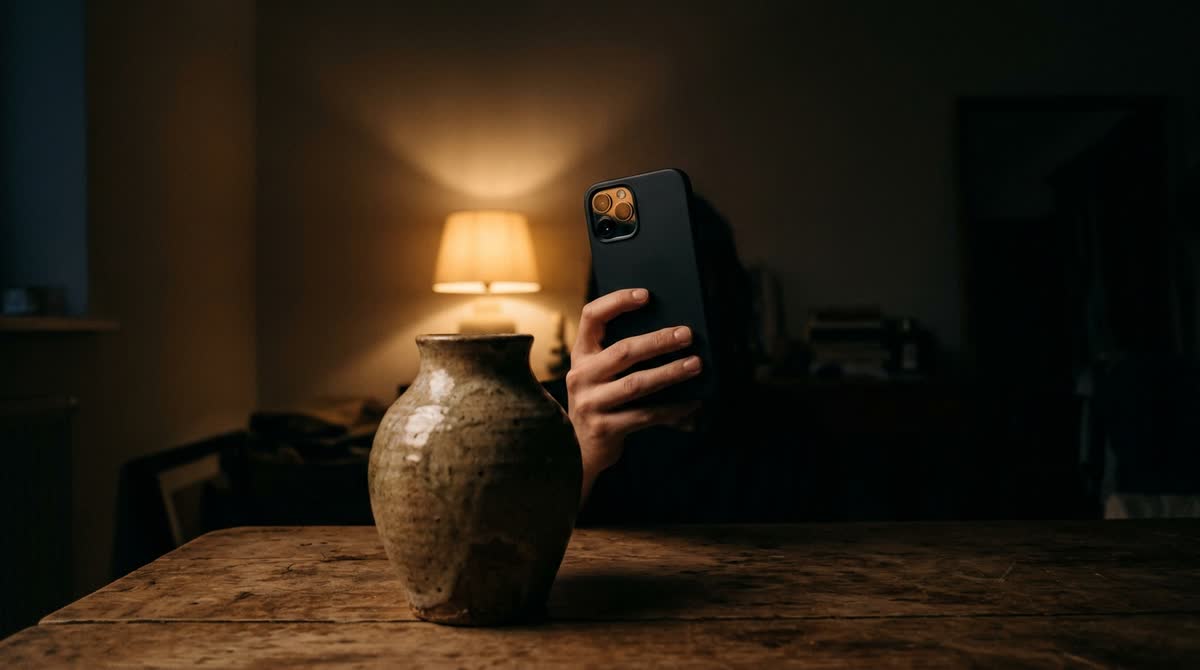
Yes, partly: LiDAR measures depth with its own light, but tracking and texture need the camera. Why low light breaks 3D scans and how to light a dim room.
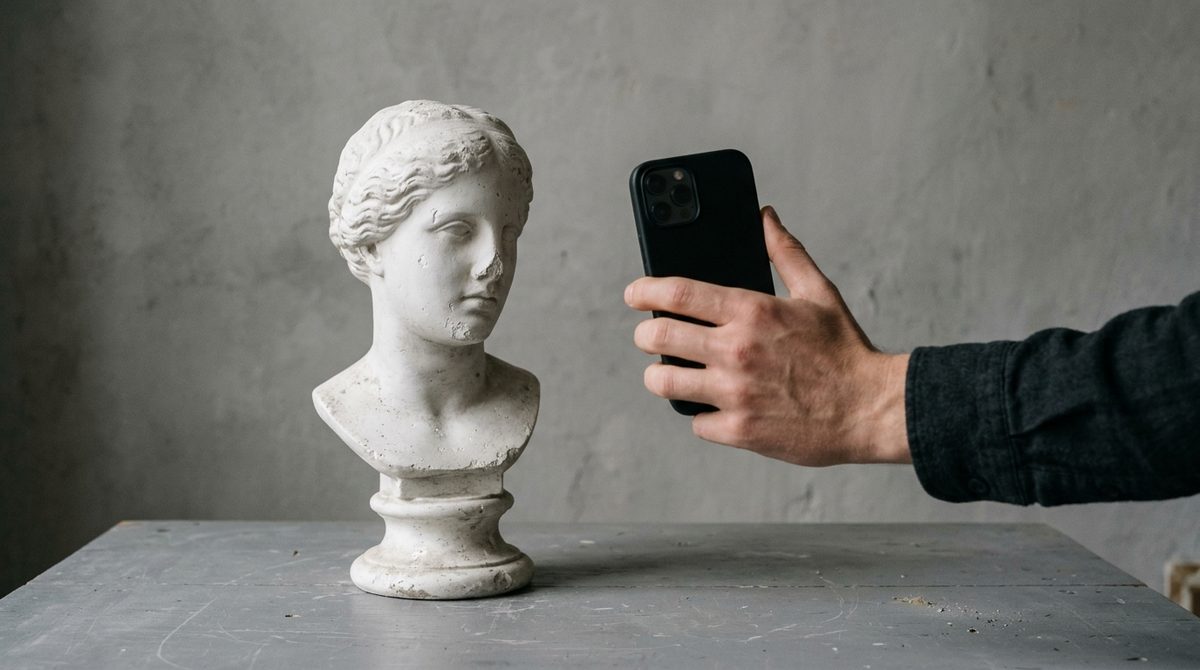
Delete what isn't connected to the object: keep the largest piece or filter isolated pieces by size, then clear surface noise with outlier filters or smoothing.
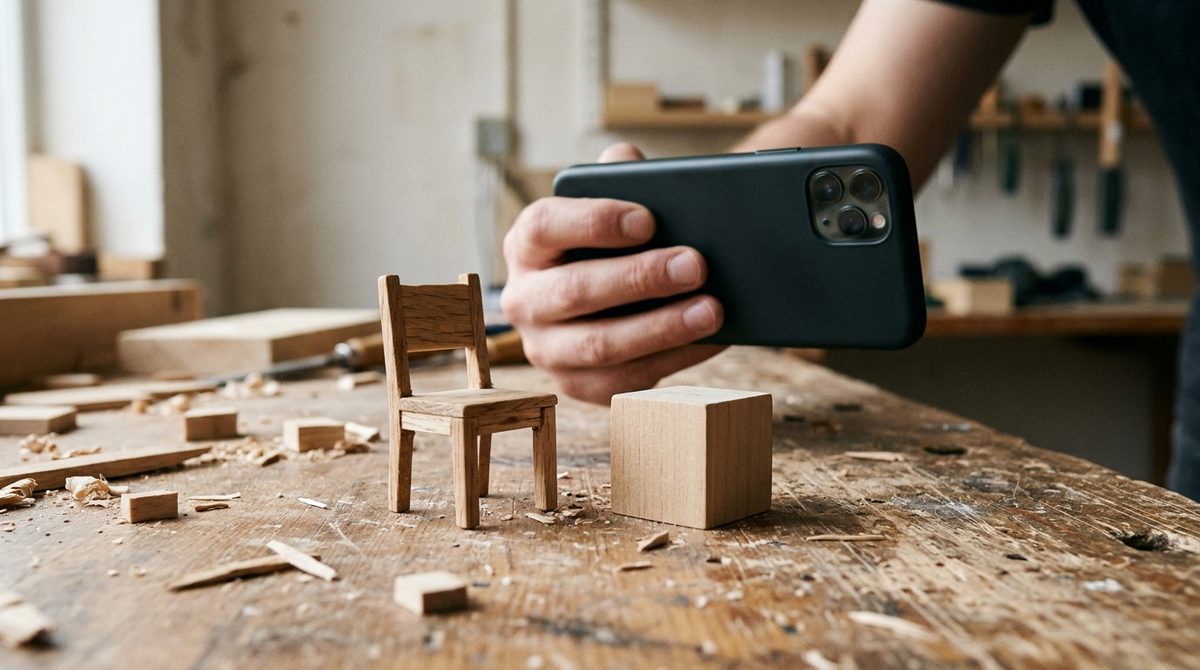
Measure a known distance on the object and on the scan, scale the model by real divided by scanned, check a second dimension, and export in the right unit.
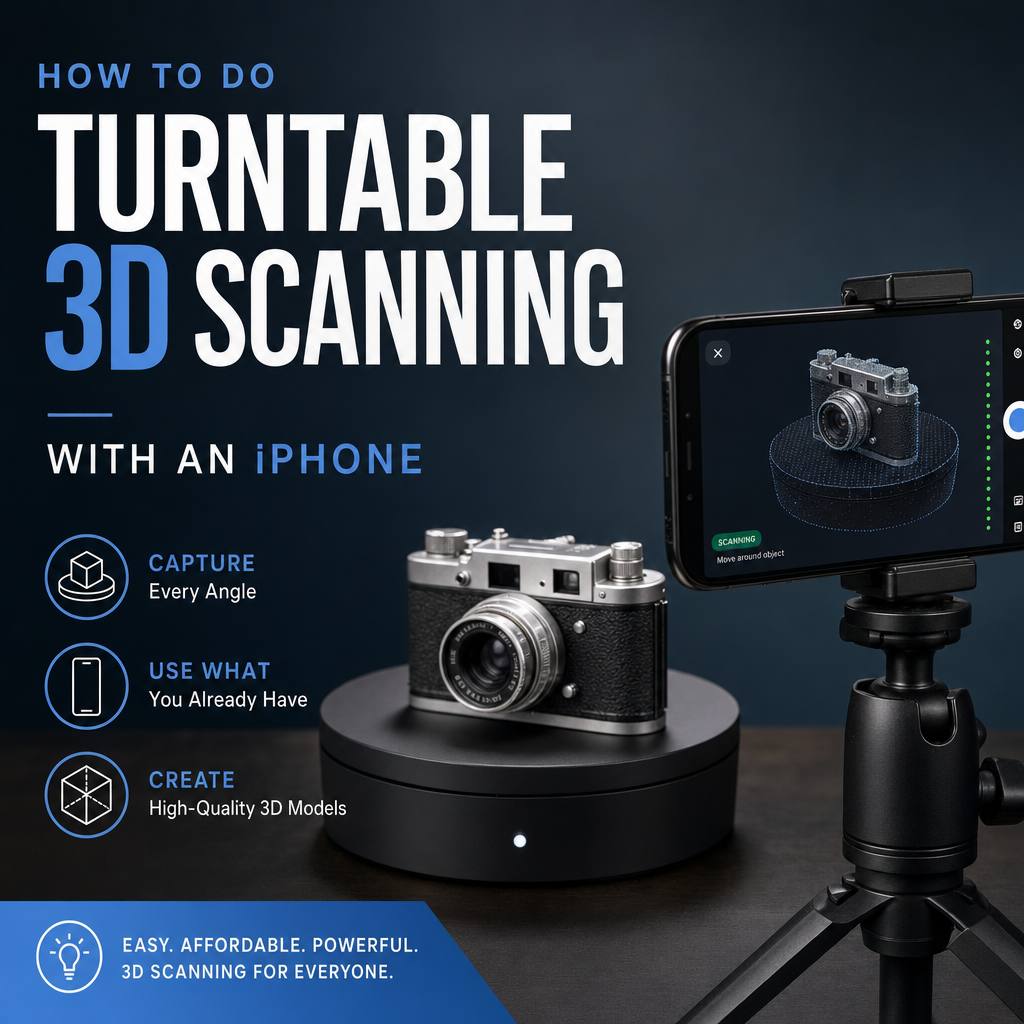
Mount your iPhone on a tripod, rotate the object on a lit turntable in small steps, shoot 100+ overlapping photos and process them with photogrammetry.
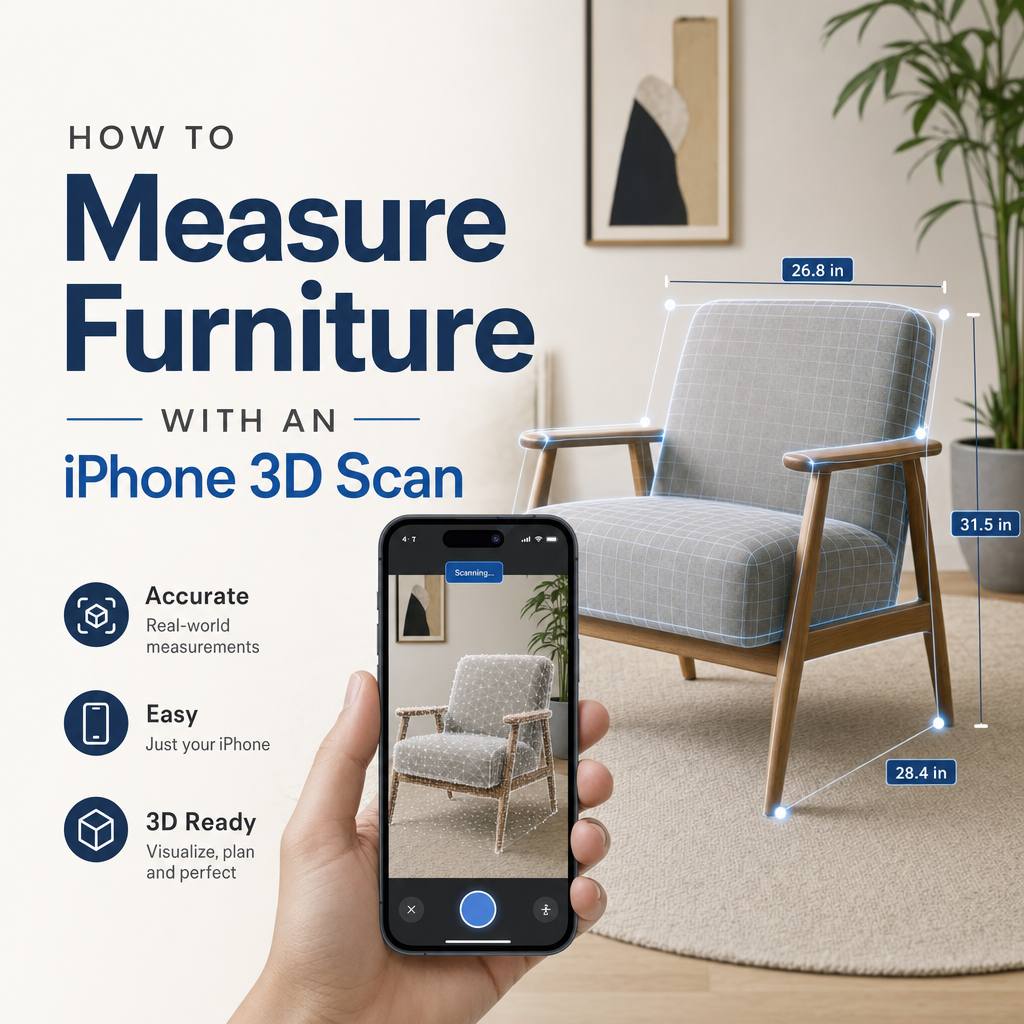
Scan the piece slowly with a LiDAR iPhone, then measure width, depth and height on the finished 3D model. Treat results as approximate and tape-check tight fits.
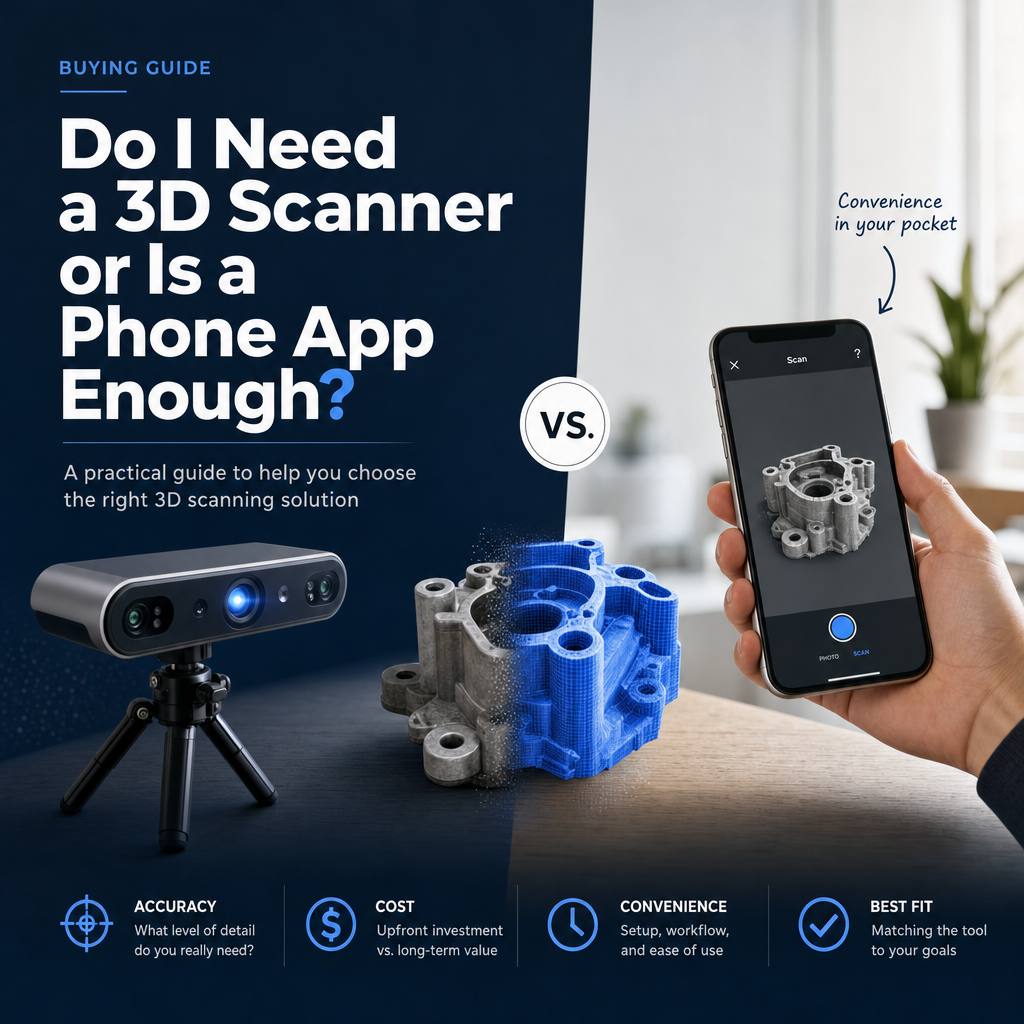
A phone app covers visual models, AR, e-commerce and rough dimensions. Buy a dedicated scanner when you need verified millimeter accuracy for parts or QC.
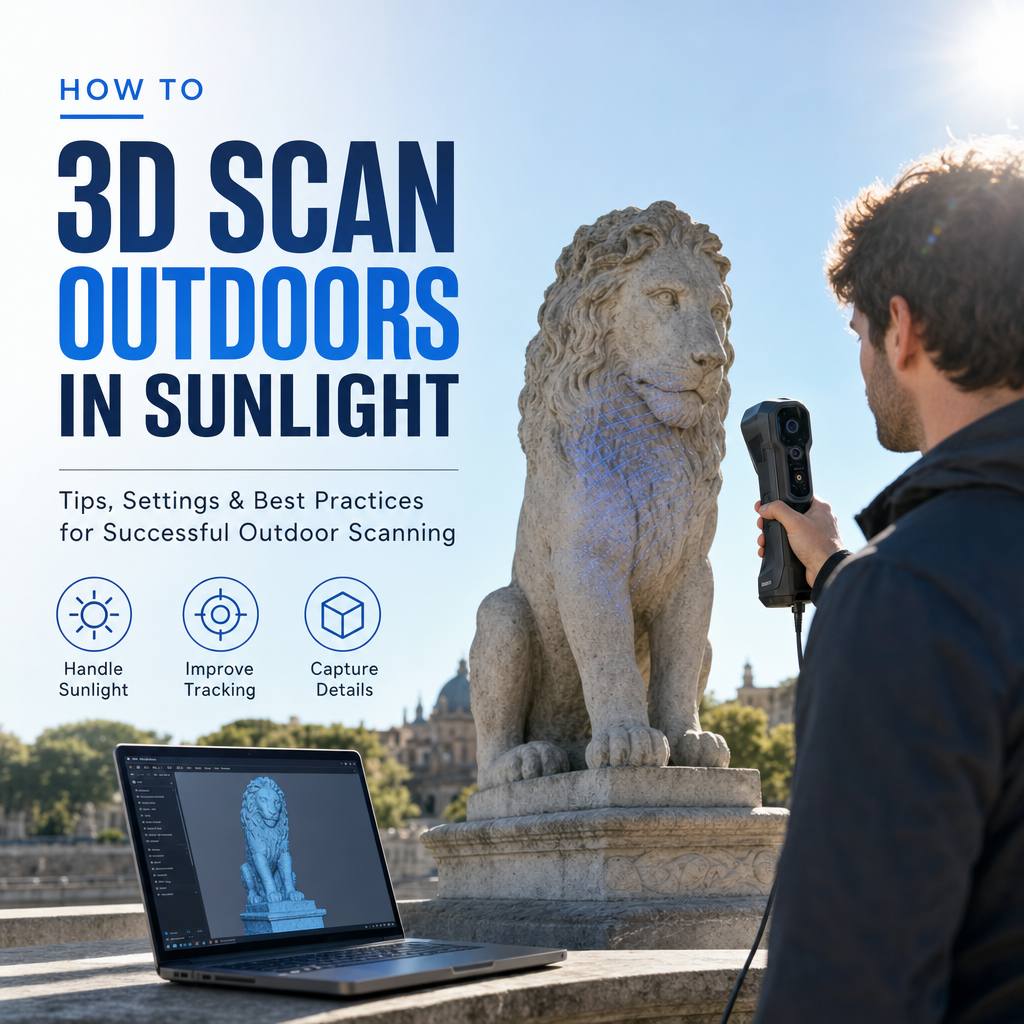
Scan outdoors in soft light: overcast sky, open shade or low sun. Avoid hard shadows, lock exposure, and use LiDAR or photogrammetry, not structured light.
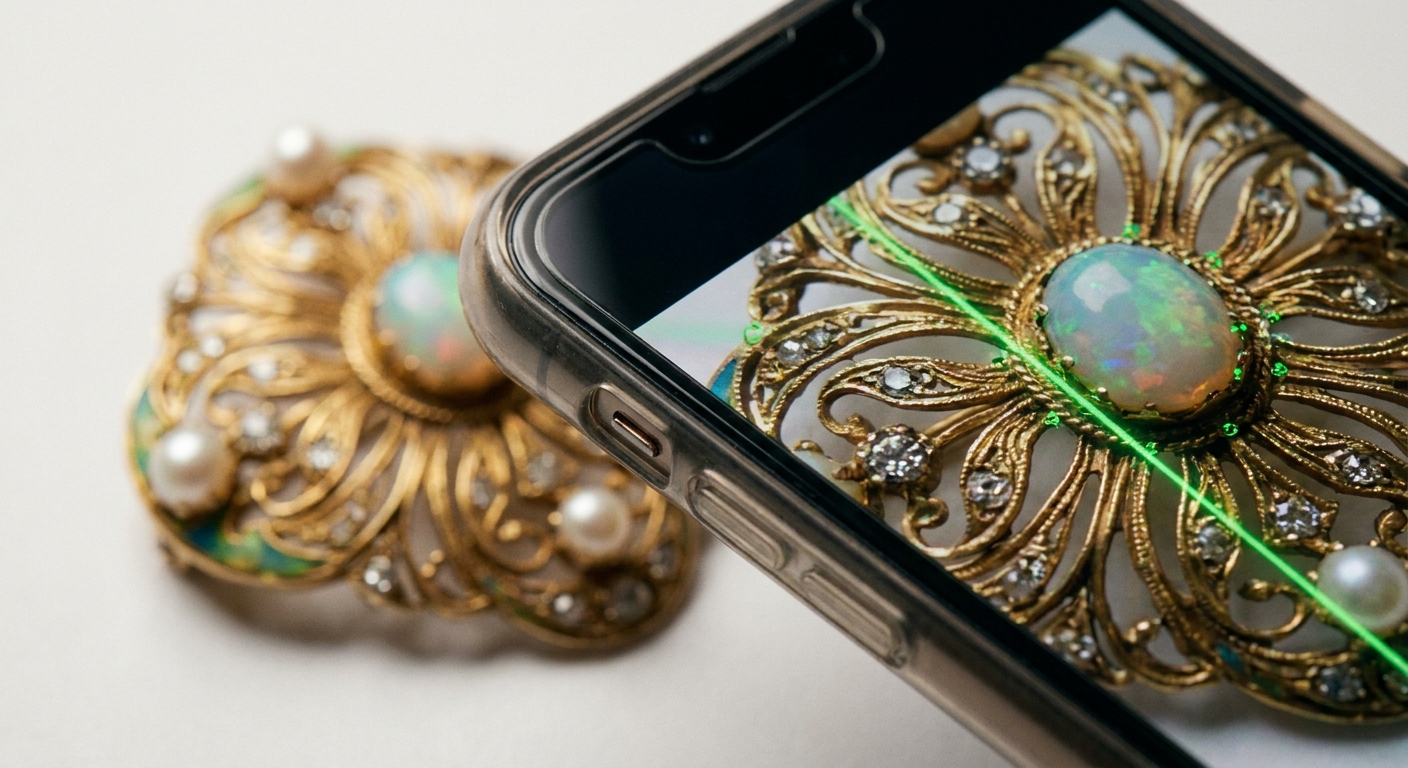
Phone LiDAR is too coarse for jewelry. Use close-range photogrammetry: matte the surface, fix the lens, light evenly, shoot 360 degree rings on a turntable.
To share a 3D scan with a client, export it in the format their software opens (OBJ, STL, USDZ, E57) or send a hosted viewer link, plus units and a readme.
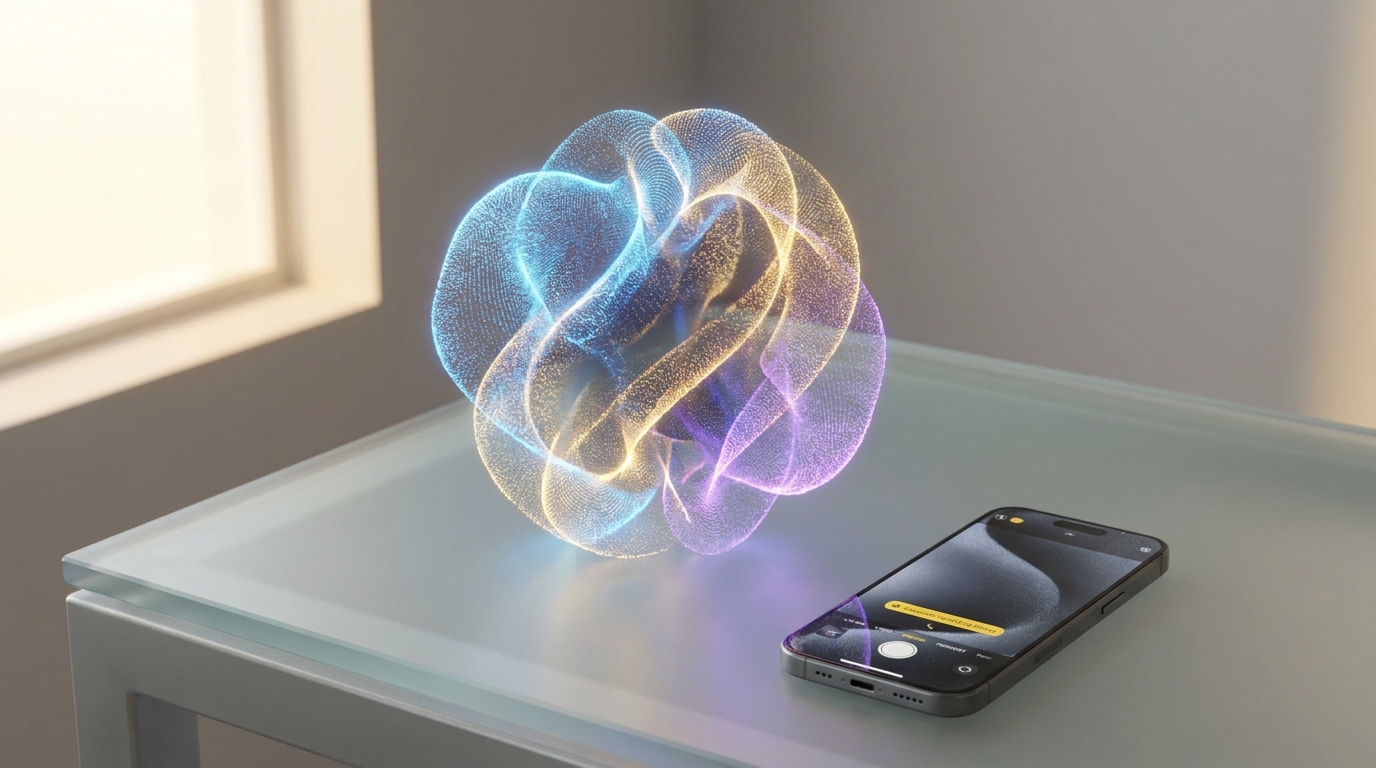
Gaussian splatting turns iPhone photos or video into a photoreal 3D scene built from soft, colored 3D blobs. Here is how it works and how to make one yourself.
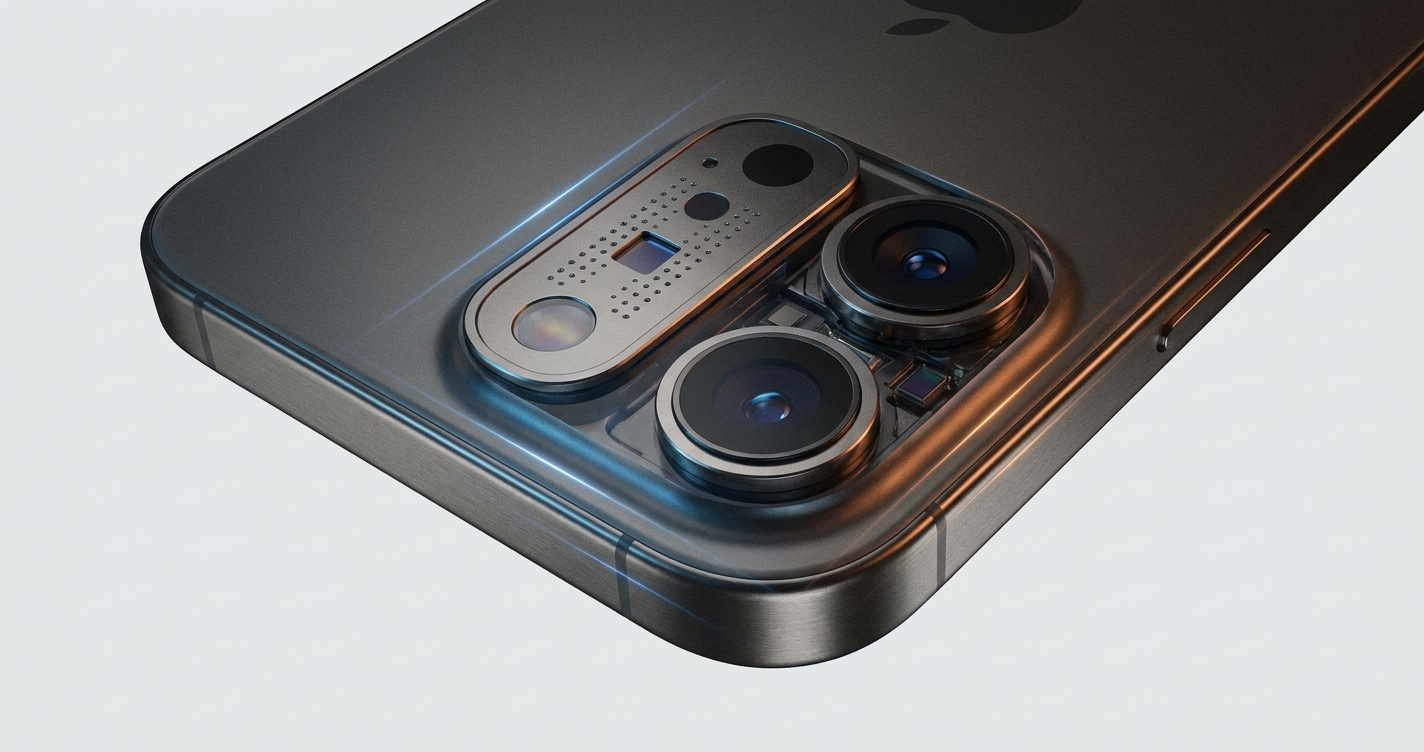
Use TrueDepth for small objects and faces at 15 cm to 1 m with finer detail; use LiDAR for rooms and large objects from about 1 m out to around 5 m.
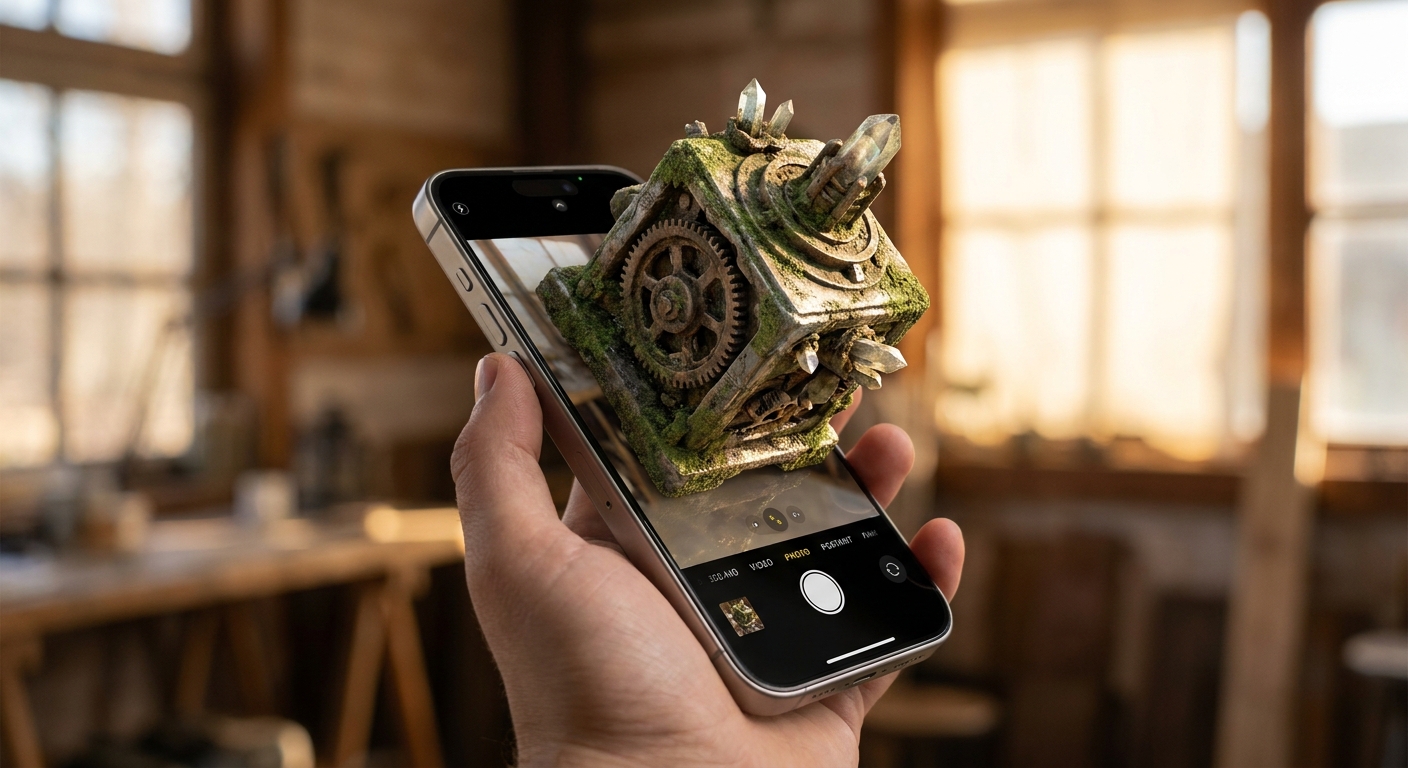
Without LiDAR, an iPhone scans in 3D through photogrammetry: shoot overlapping photos around an object, let an app rebuild the model, then set scale by hand.
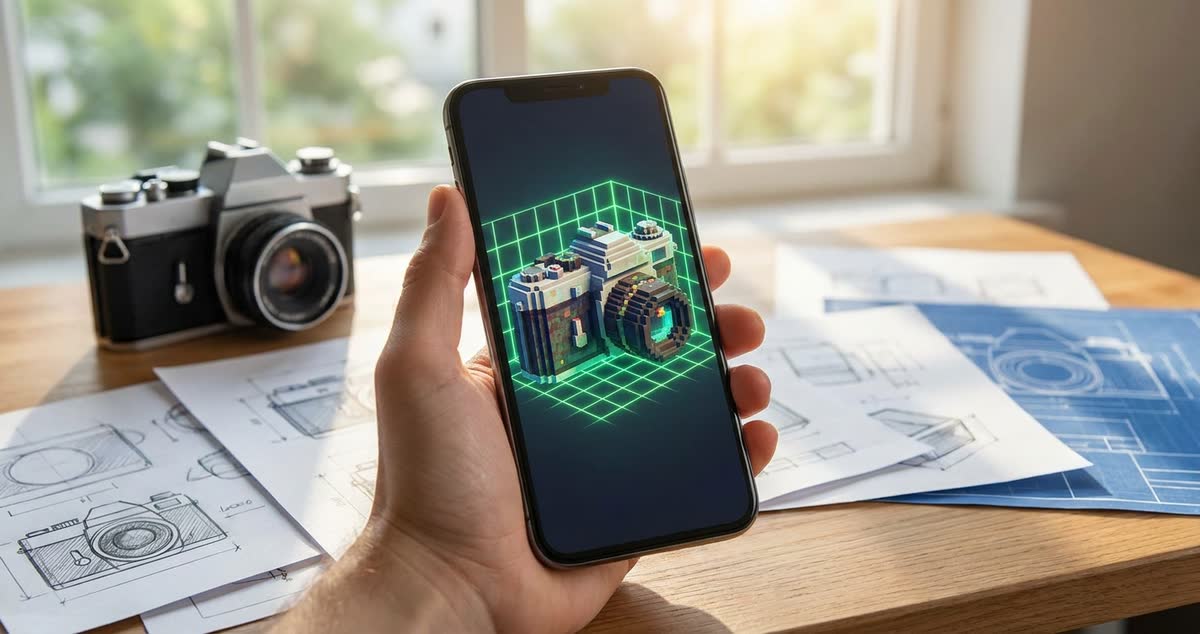
Seven mobile 3D scanners compared for creative and game work: export formats, Unity, Unreal, Blender and the only app that exports scans straight into Minecraft.
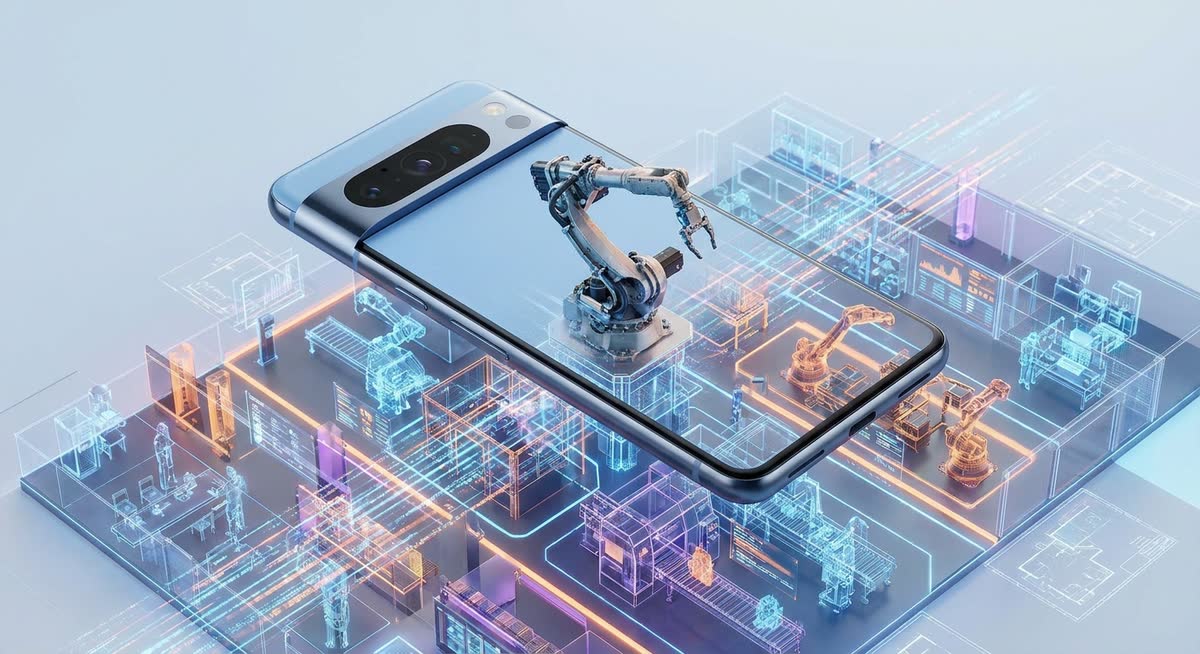
Mobile 3D scanners ranked by where the scan can go next: export formats, NVIDIA Omniverse and game-engine pipelines, with live App Store data for seven apps.
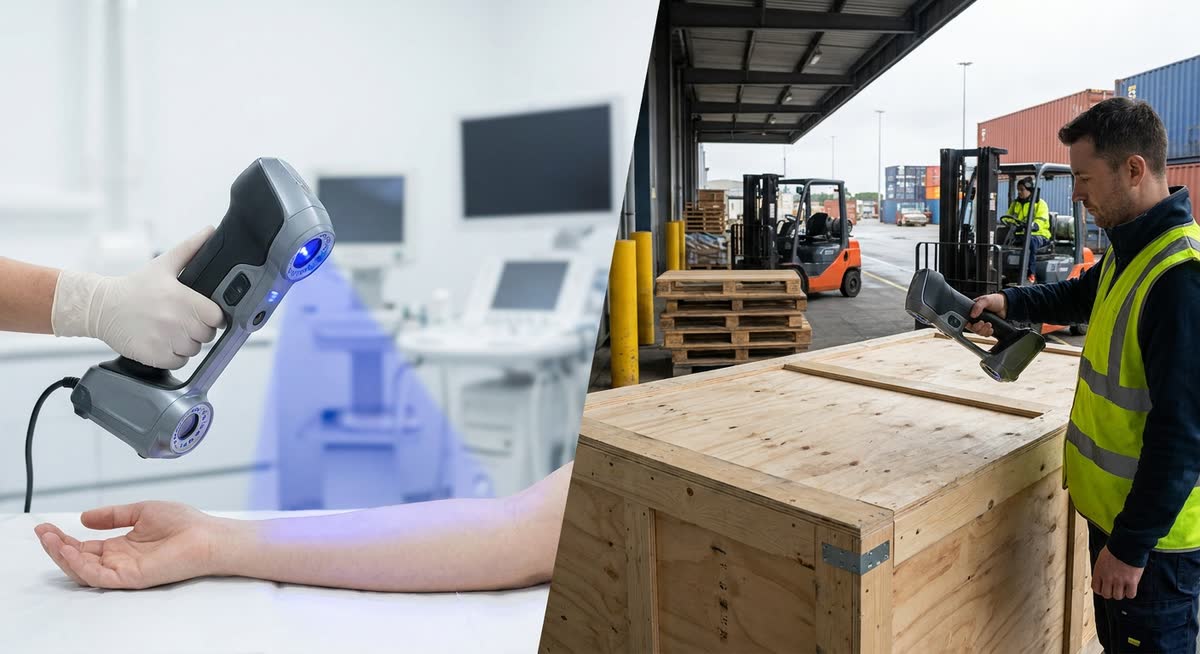
Only one mobile 3D scanner ships dedicated apps for medical, orthotic and logistics work. Seven scanners compared on field-specific products, with live App Store data.
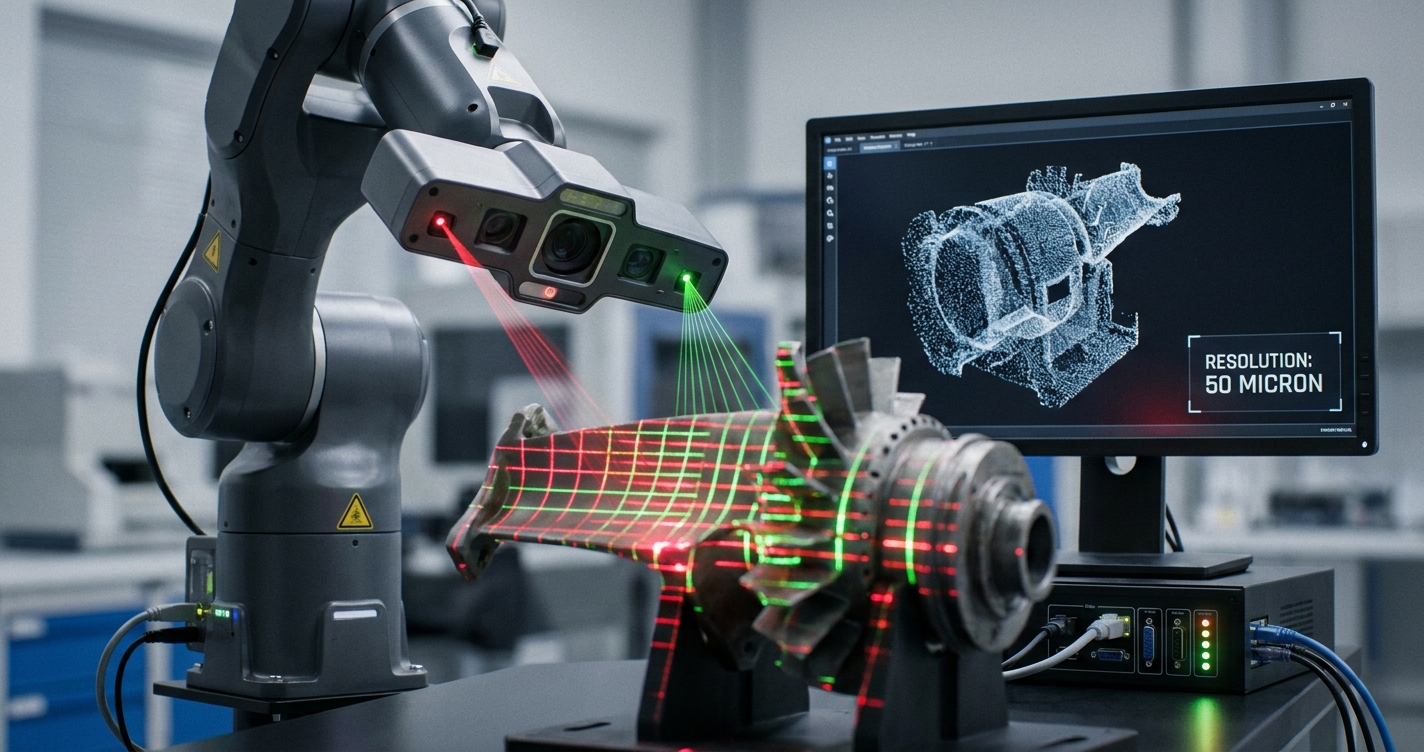
3D scans blur when frames can't be aligned: fast movement, poor light, or shiny, dark or clear surfaces. Fix it with slow passes, even light and matte prep.
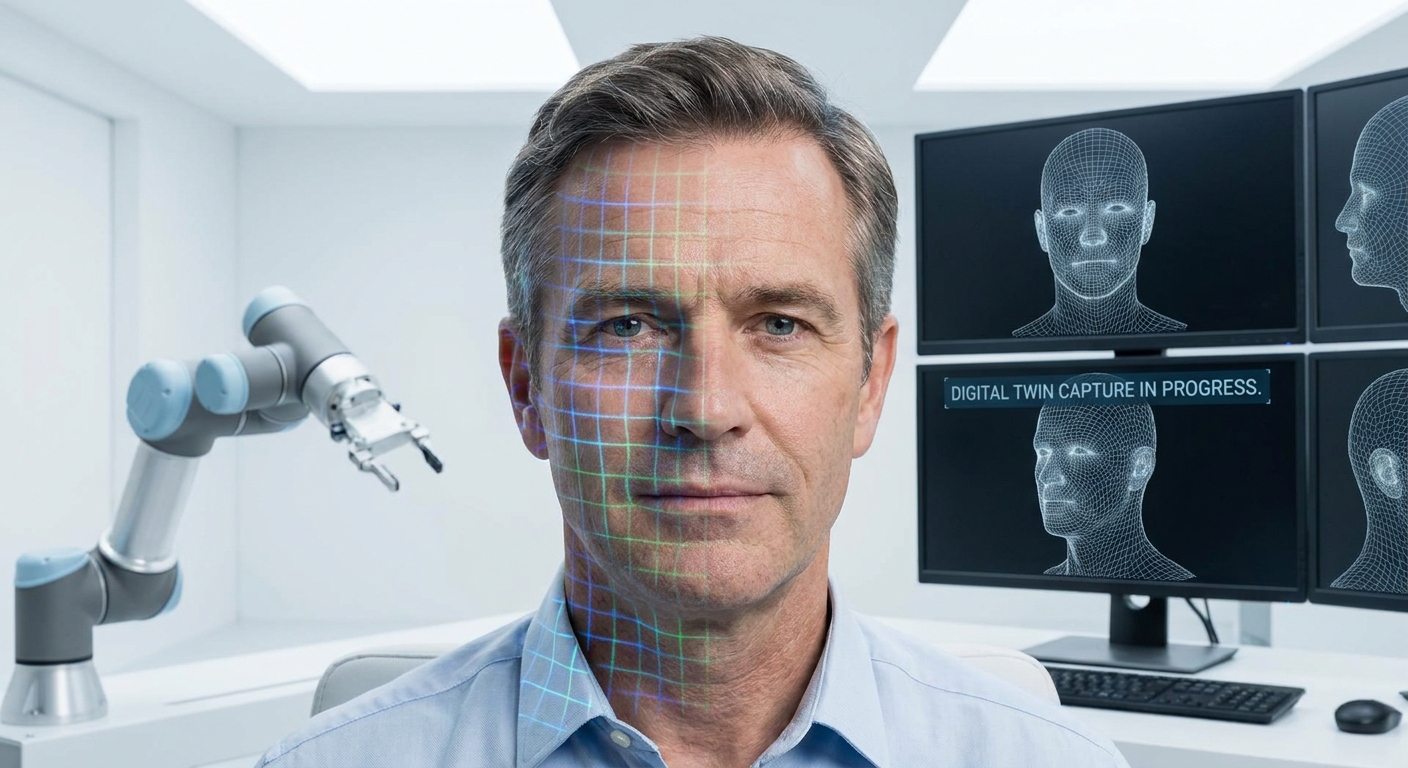
To 3D scan a person or face, keep them still in soft even light, tie back hair, remove glasses, and orbit slowly with a phone. Steps, fixes and privacy.
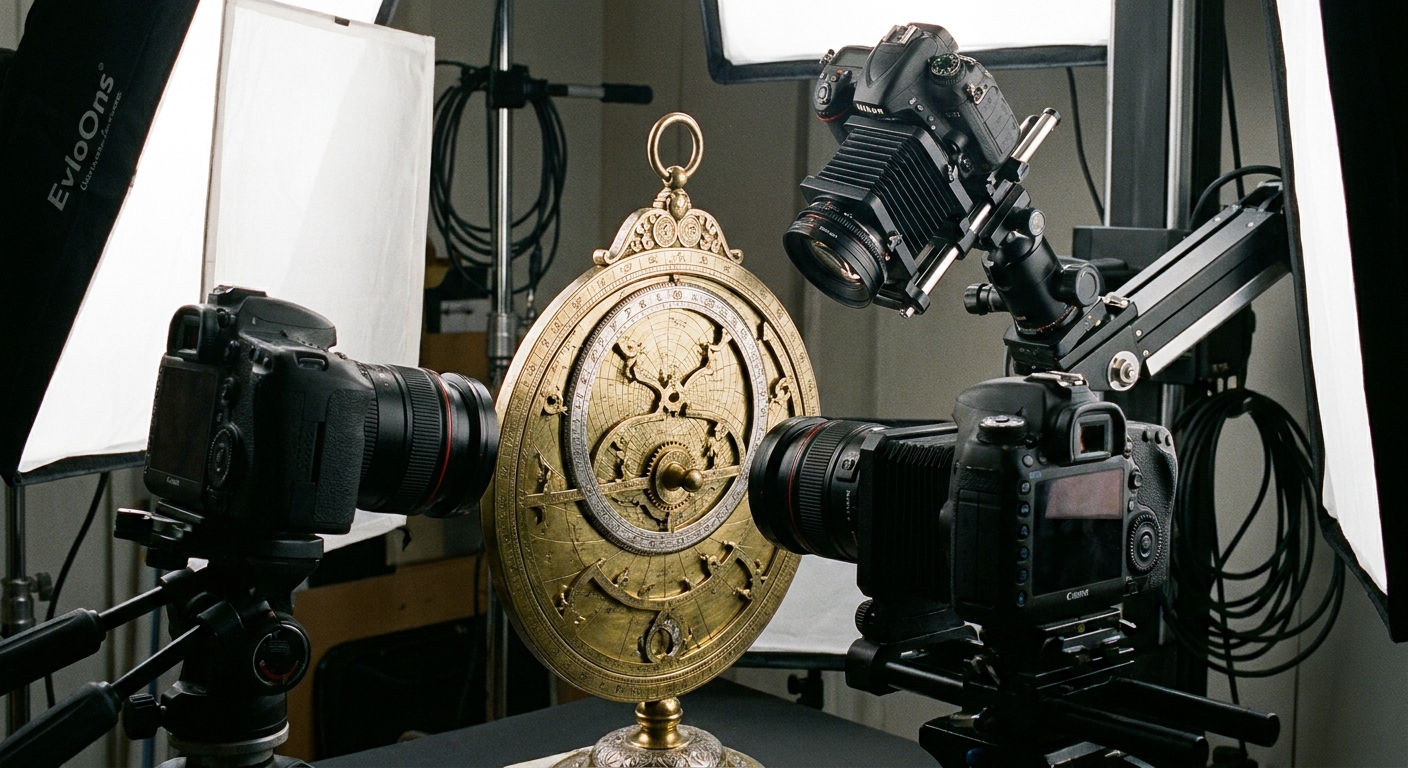
About 150-200 well-overlapped photos give excellent results for most objects, with no gain past about 300. Rule: every point in 3+ photos at 60-70% overlap.
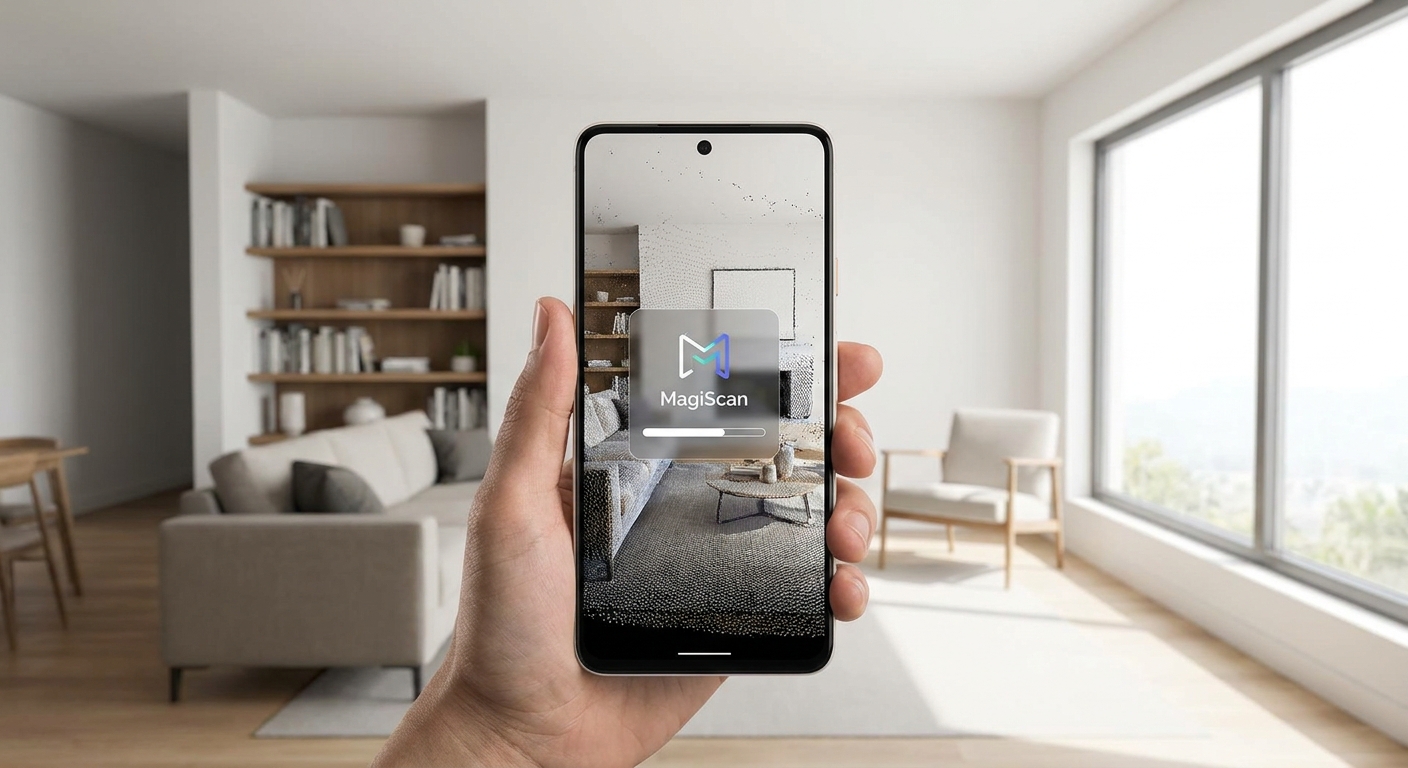
Scan a room with a phone by walking its perimeter slowly in good light, sweeping floor to ceiling and closing the loop. LiDAR phones give the cleanest geometry.
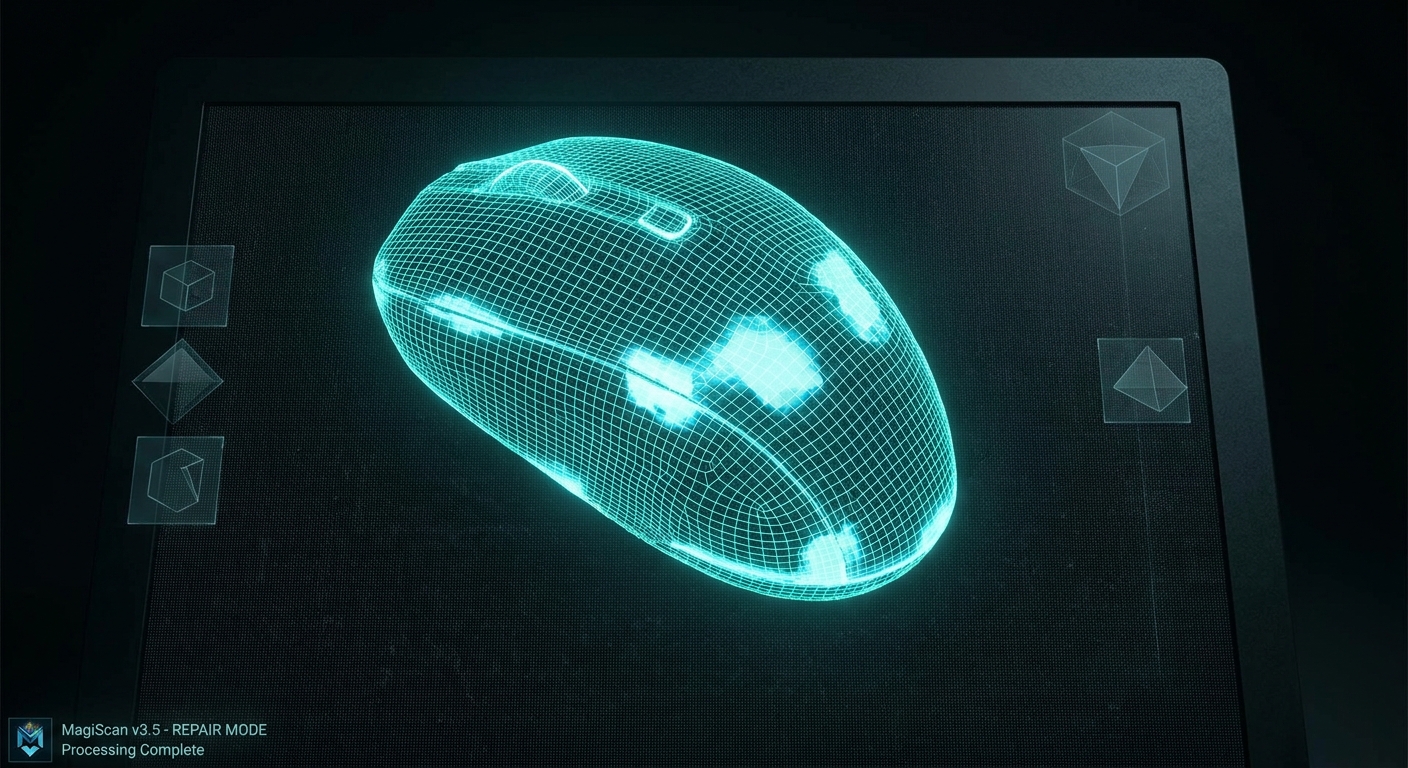
Fix holes and clean up a 3D scan: delete floating pieces, merge vertices, fill small holes, bridge or rescan large ones, then smooth, check and export.
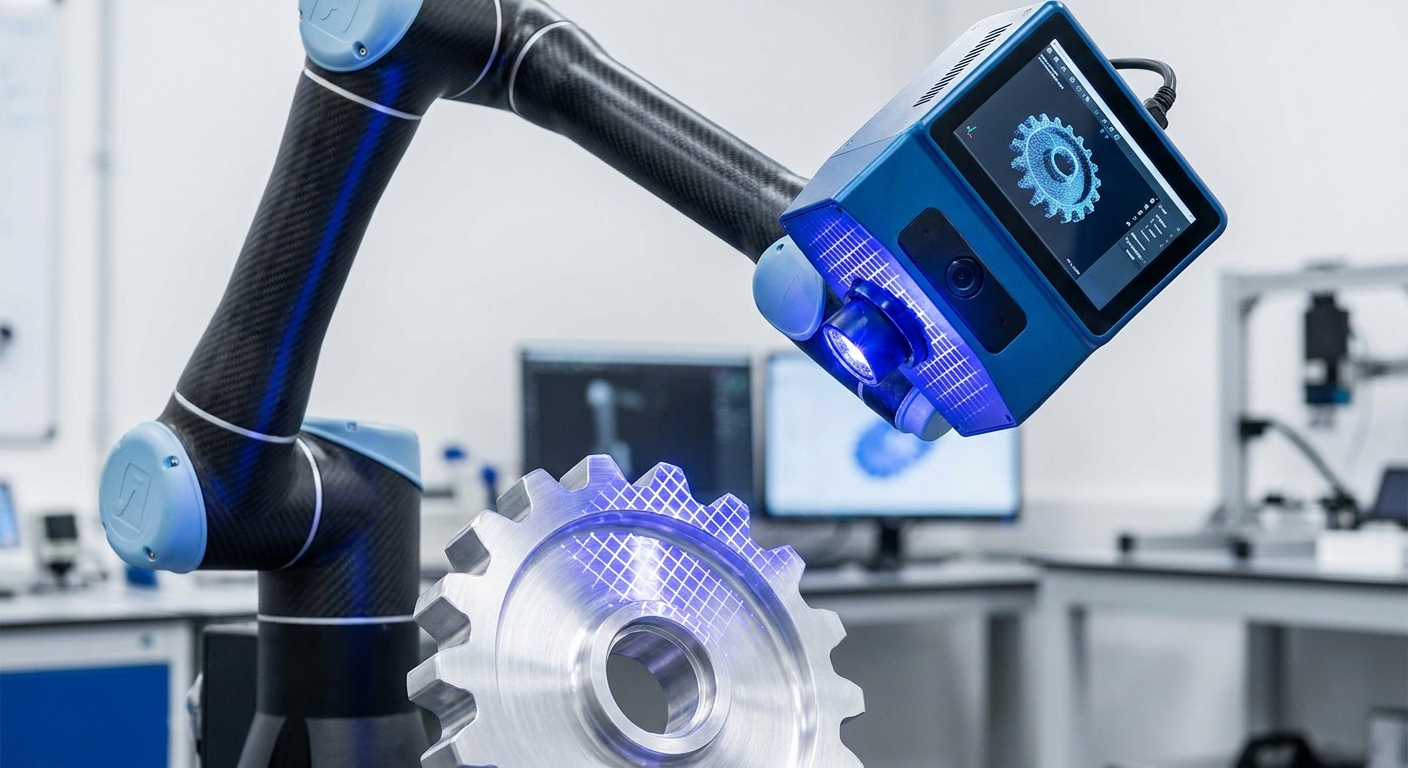
Get accurate 3D scan measurements by controlling calibration, capture and processing, then checking the model against a reference you measured by hand.
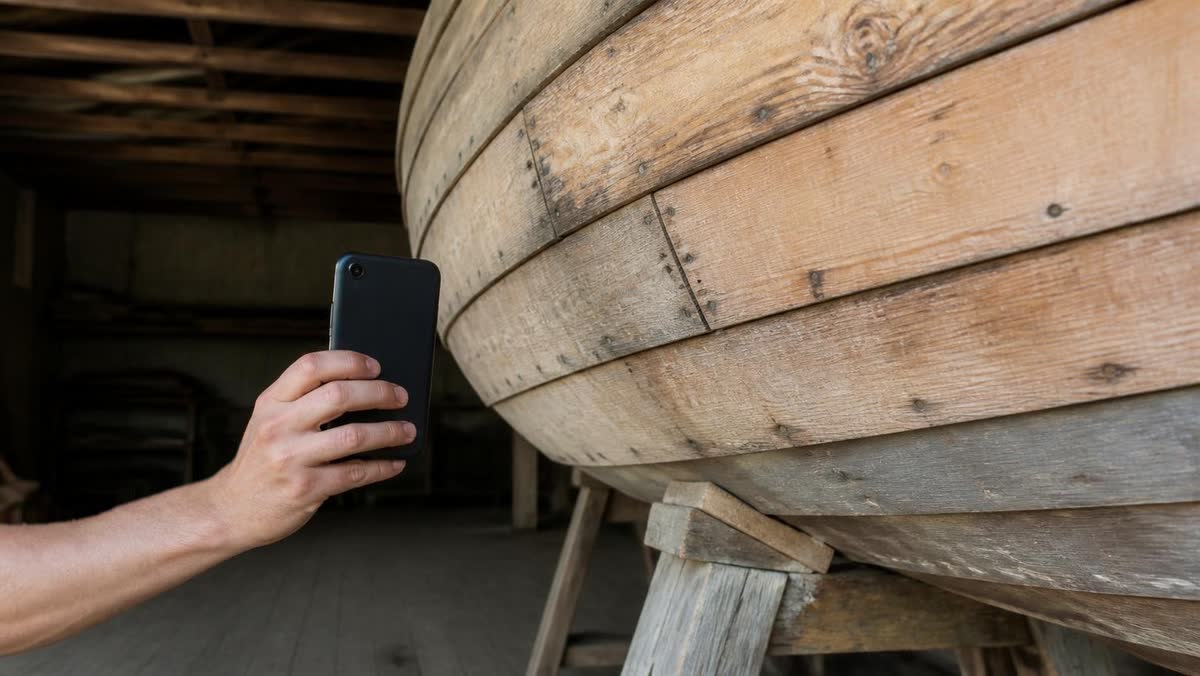
Scan a large object with a phone in photo mode: loops at 2-3 heights, about 70% overlap, sections for big items and a tape-measured reference for true scale.
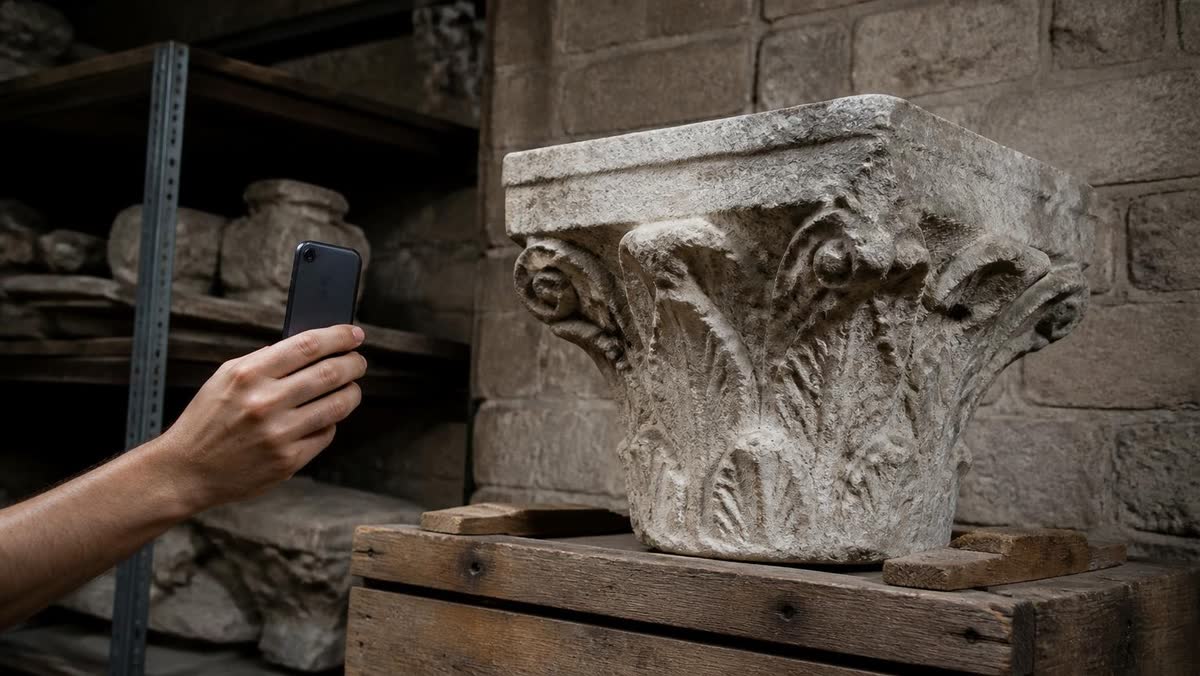
LiDAR gives true scale fast, even in poor light; photogrammetry gives colour and finer detail if you control light and overlap. How to pick one for your scan.
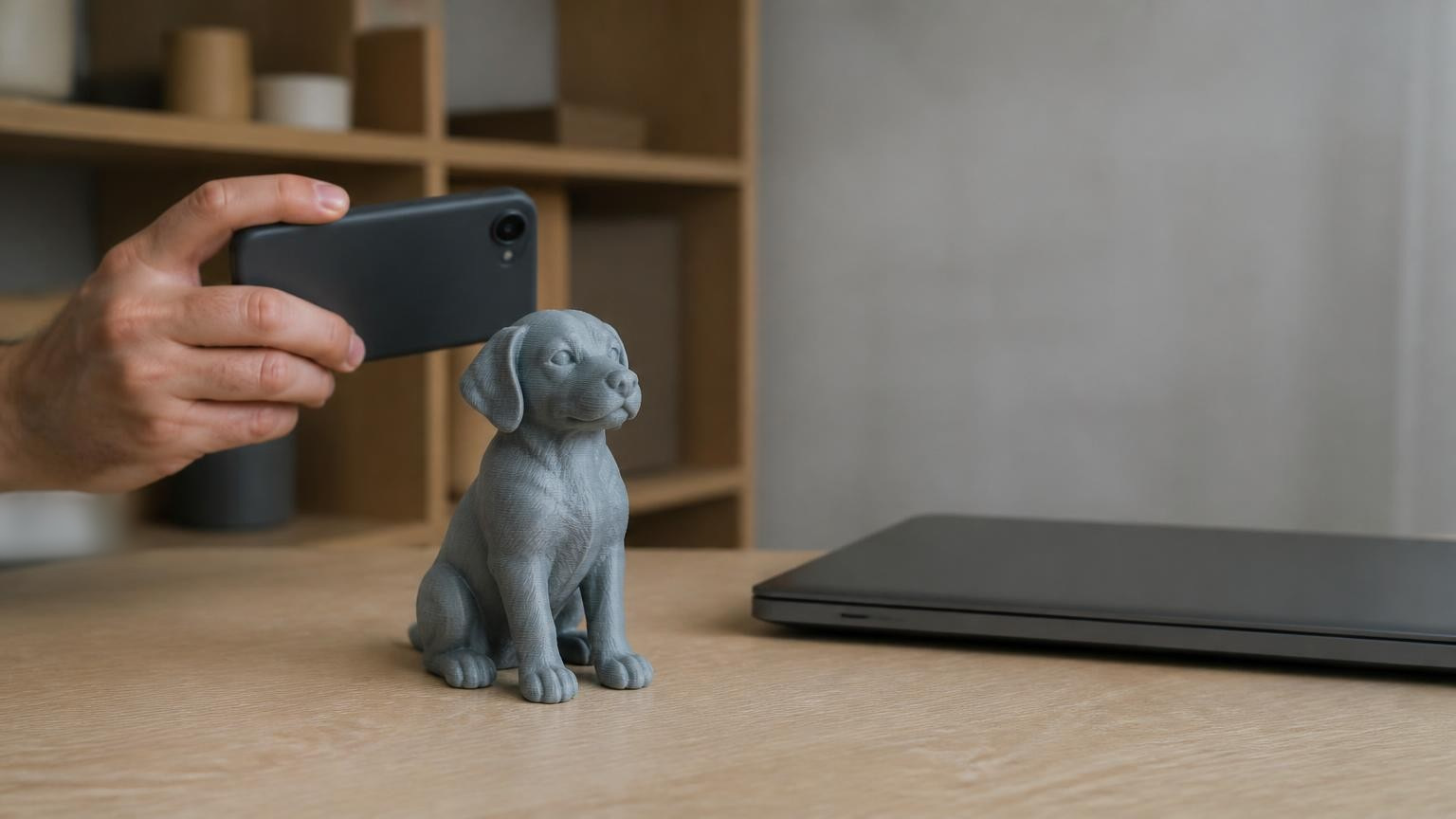
Clean and scale the scan, then export STL for 3D printing, OBJ with its .mtl and textures for editing, and USDZ for AR on iPhone and iPad. Steps and fixes.
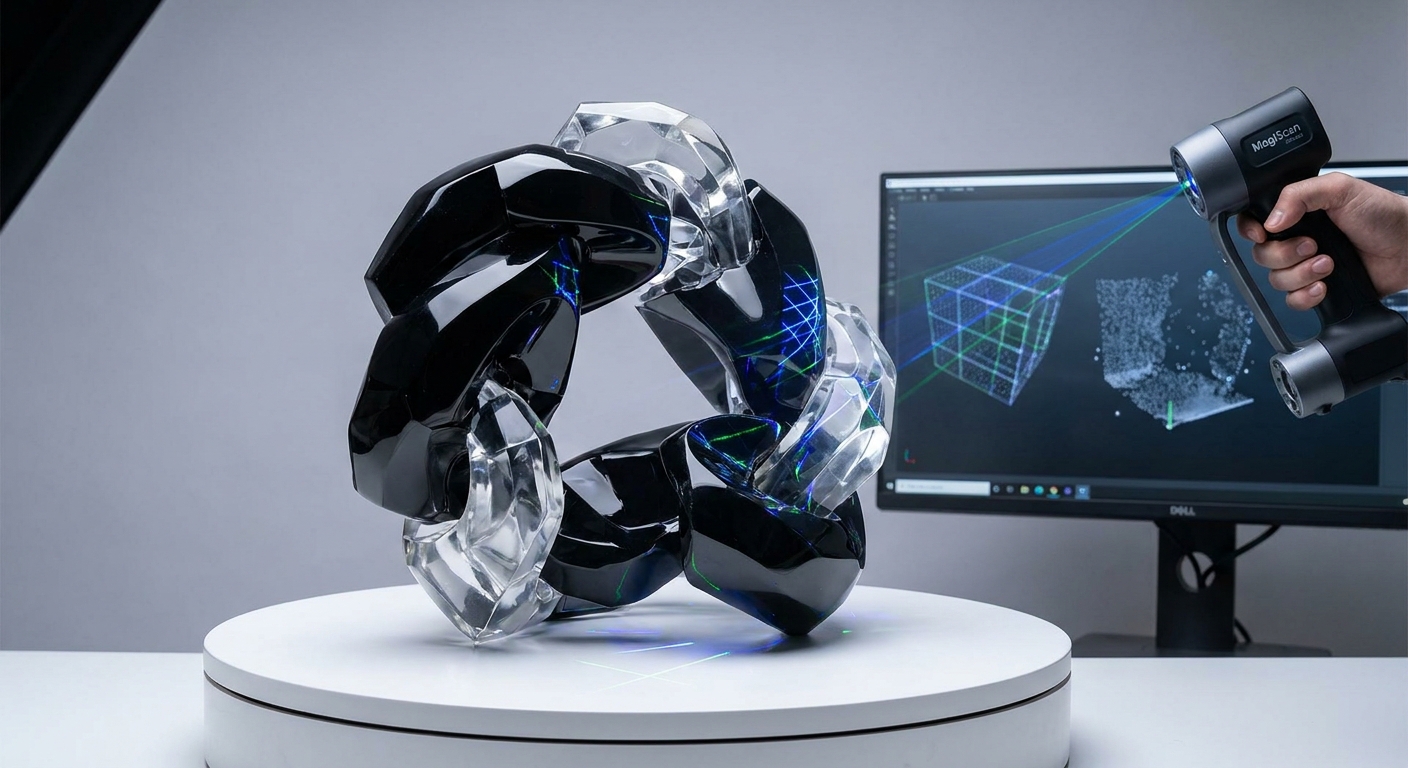
Coat shiny, black or clear objects with a thin matte scanning spray, use soft diffuse light and a textured background. Use CT when you cannot touch the surface.
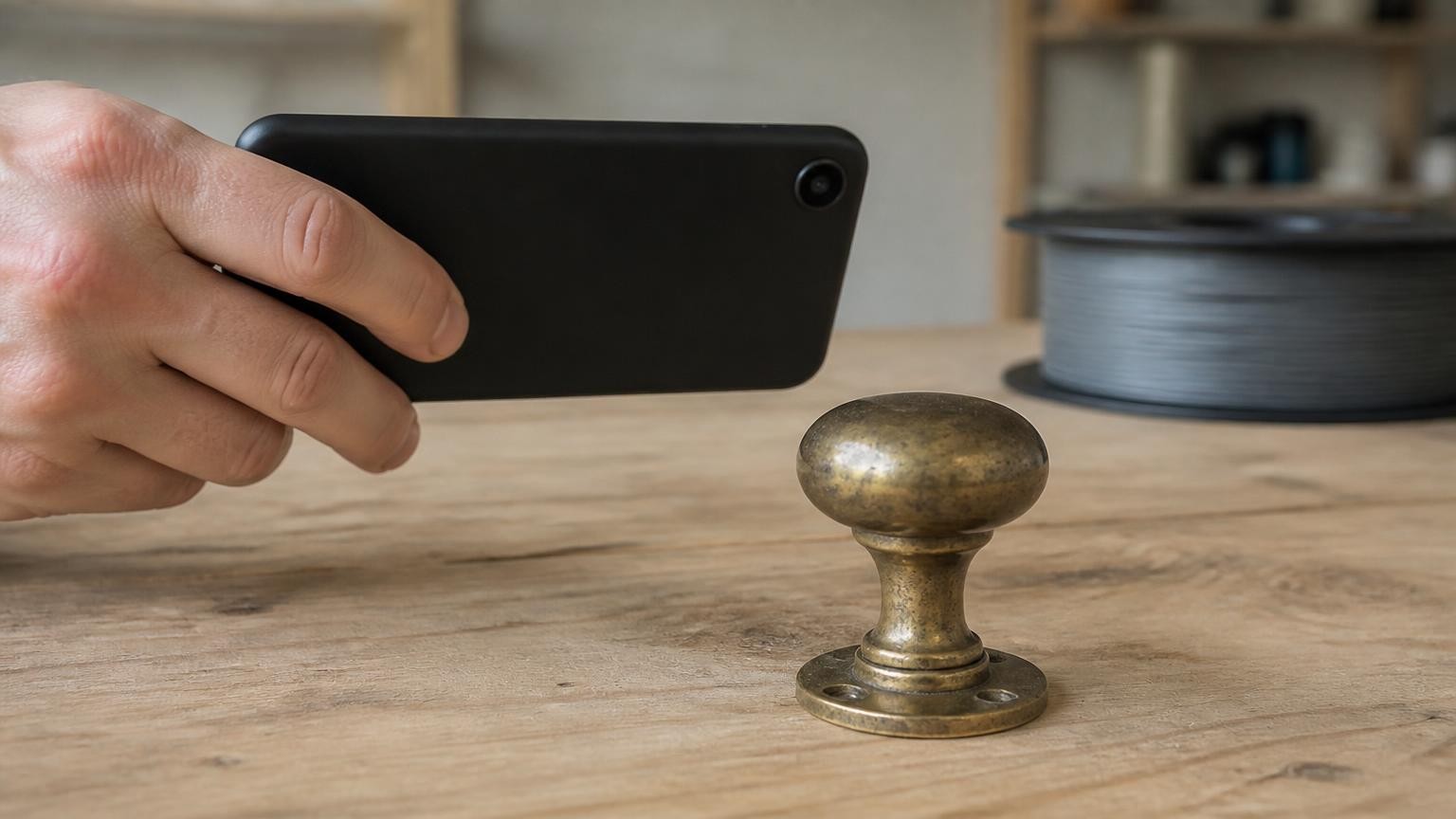
Capture the object from every side with heavy overlap and soft light, then export STL, close holes, scale it to a real measurement and check it in a slicer.
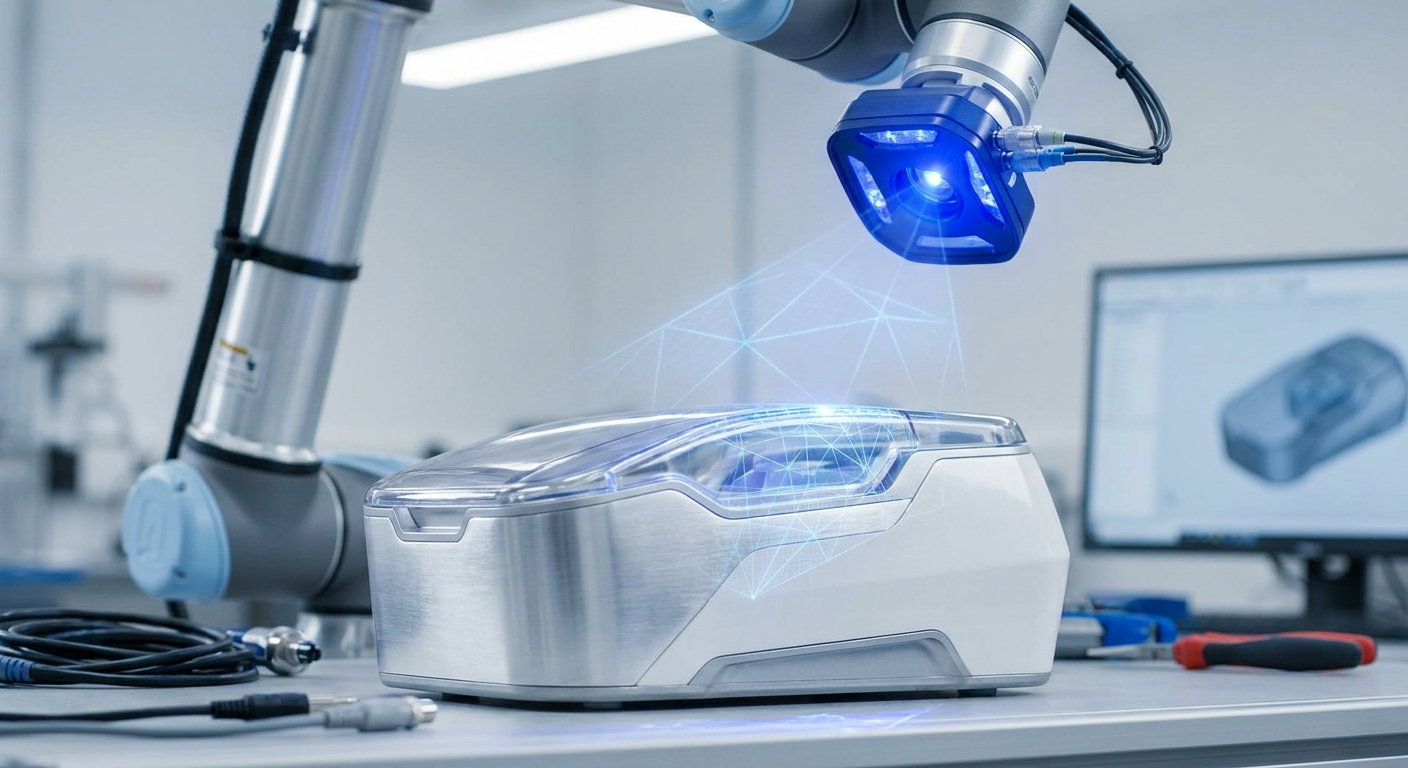
Scan the anatomy or part your device must fit, design against the mesh in CAD, and re-scan printed prototypes to check fit. Match scanner accuracy to the stage.
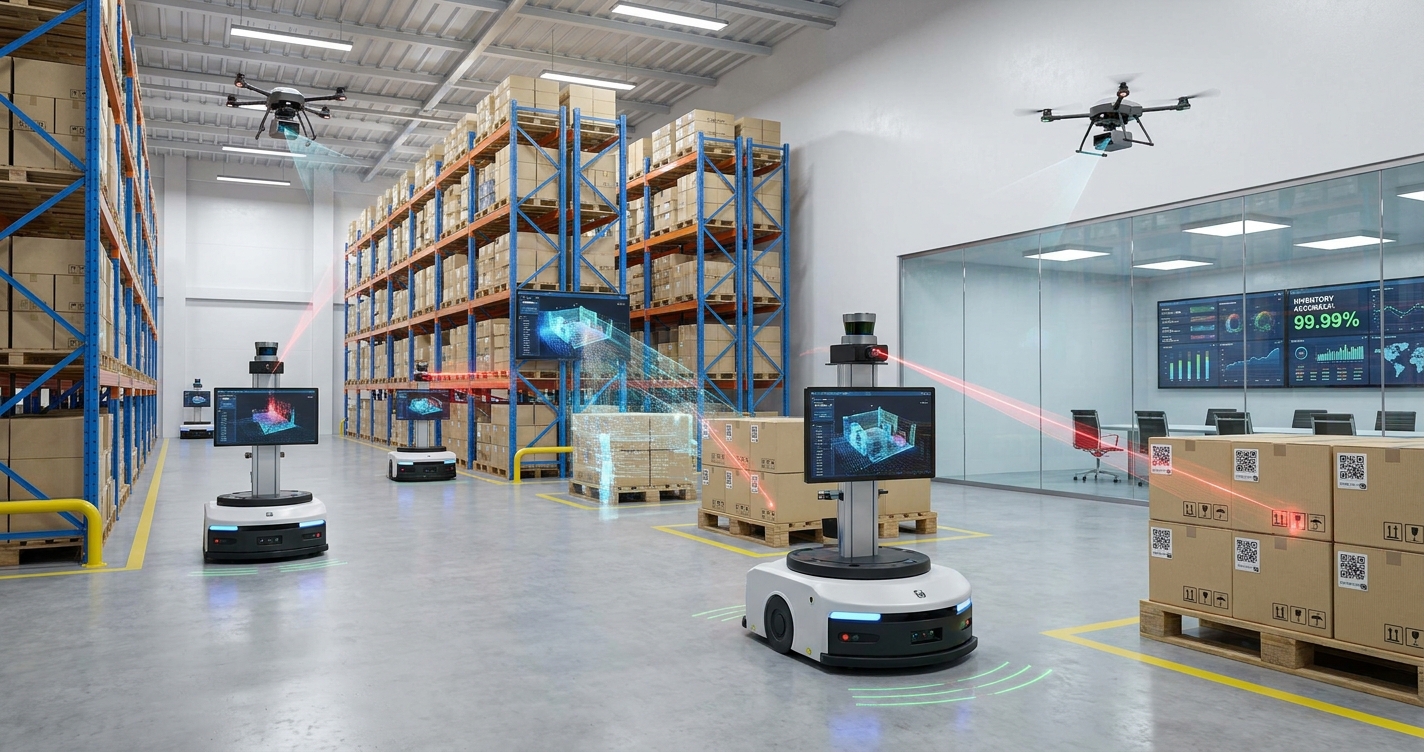
Warehouse 3D scanning works at three levels: fixed dimensioners for cartons, drones for rack counts, and phone scanners for odd items and damage. How to pick.
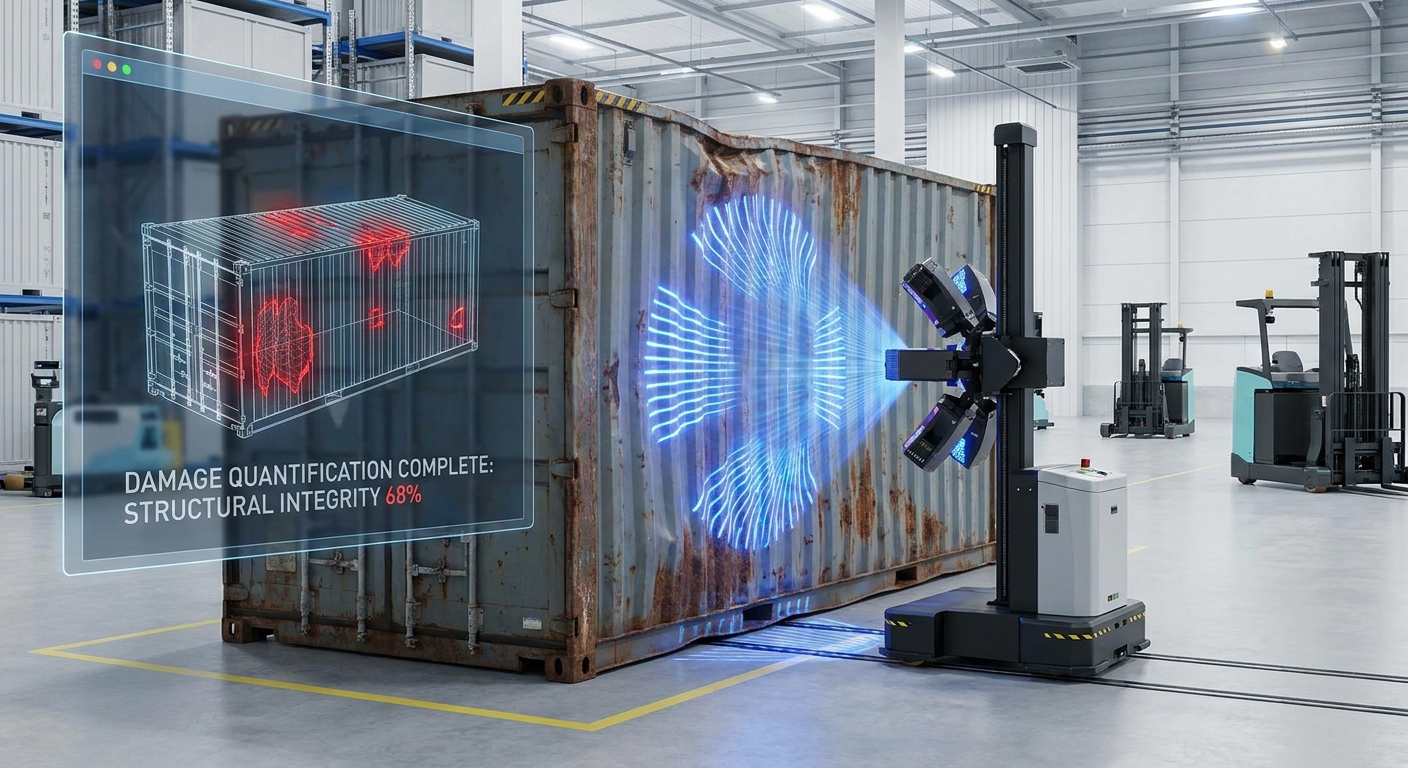
Scan damaged freight at the dock before it moves, measure deformation against its expected shape, and attach the scan to photos and inspection reports.
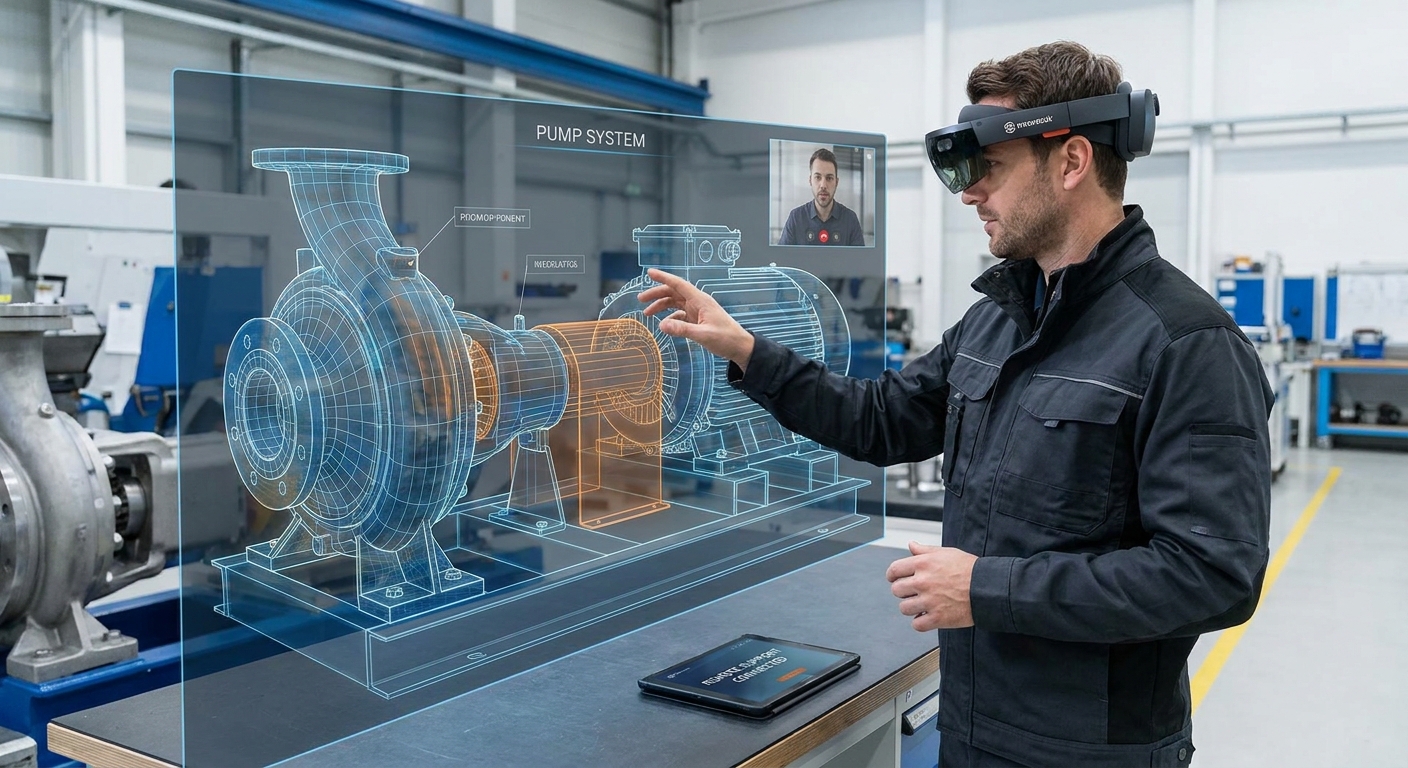
Scan the asset, clean and export it as USDZ, GLB or OBJ, then anchor it in an AR or remote-assist tool so technician and expert share the same geometry.
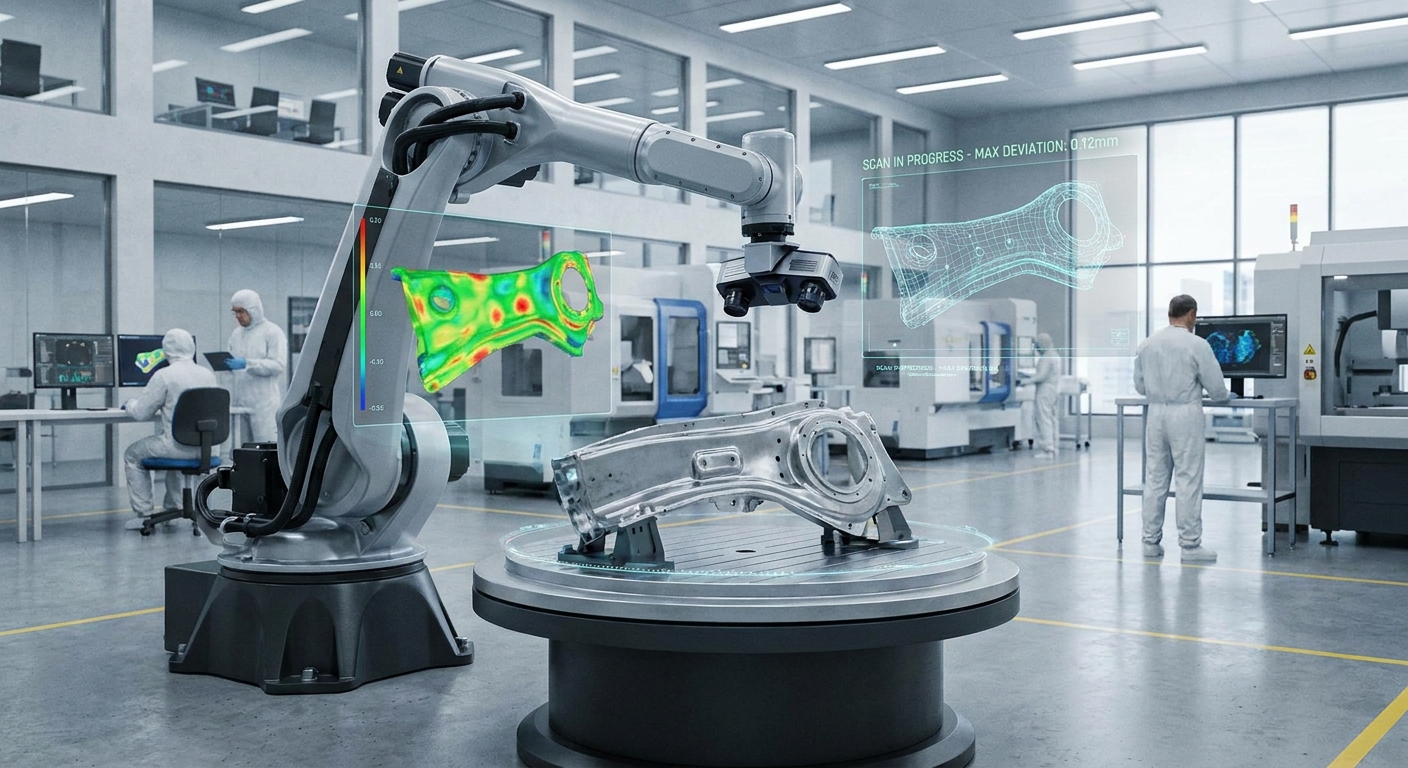
Integrate 3D scanning into QC by defining features to inspect, choosing a scanner with standards-backed accuracy, and aligning scans to CAD with set procedures.
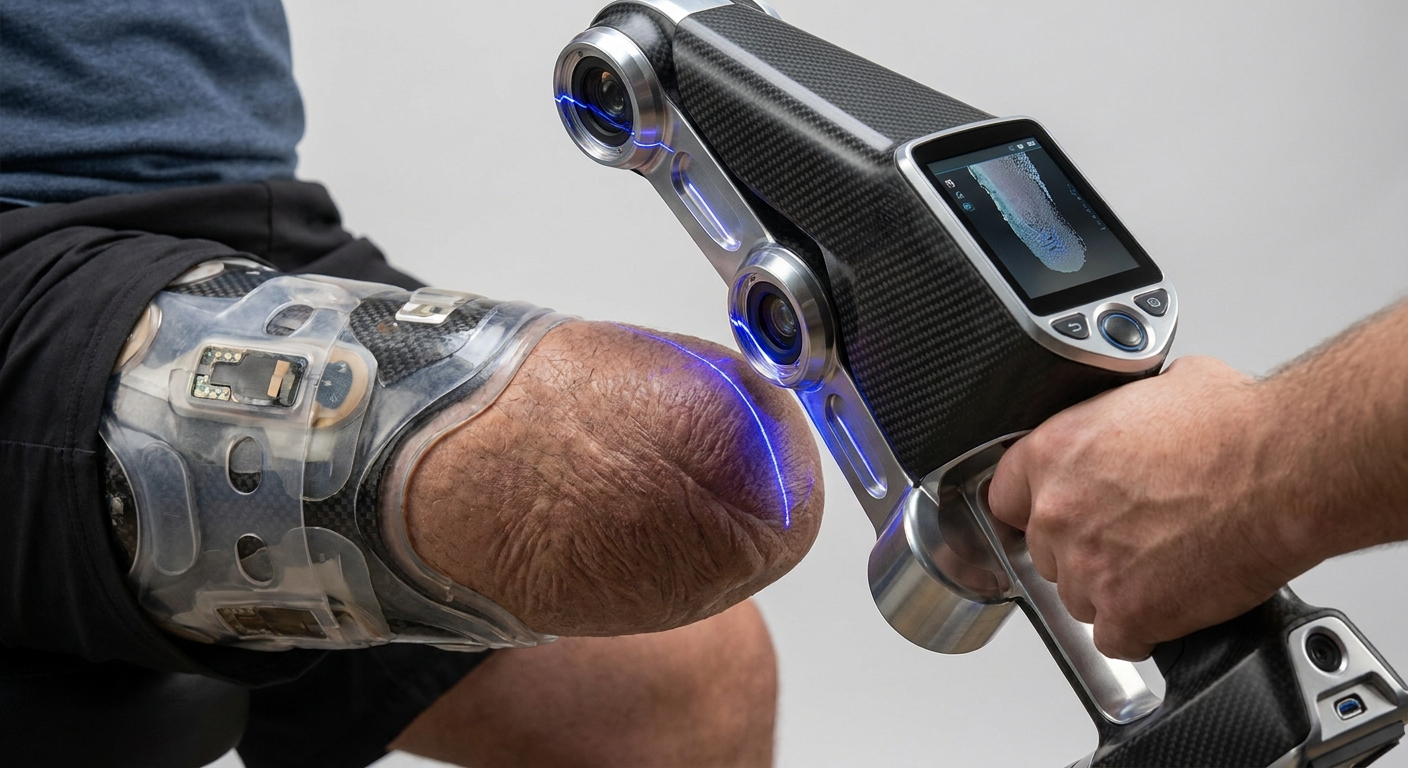
3D scanning captures the residual limb as a digital model that a prosthetist modifies in O&P CAD before fabrication. Here is how to scan well and avoid fit errors.
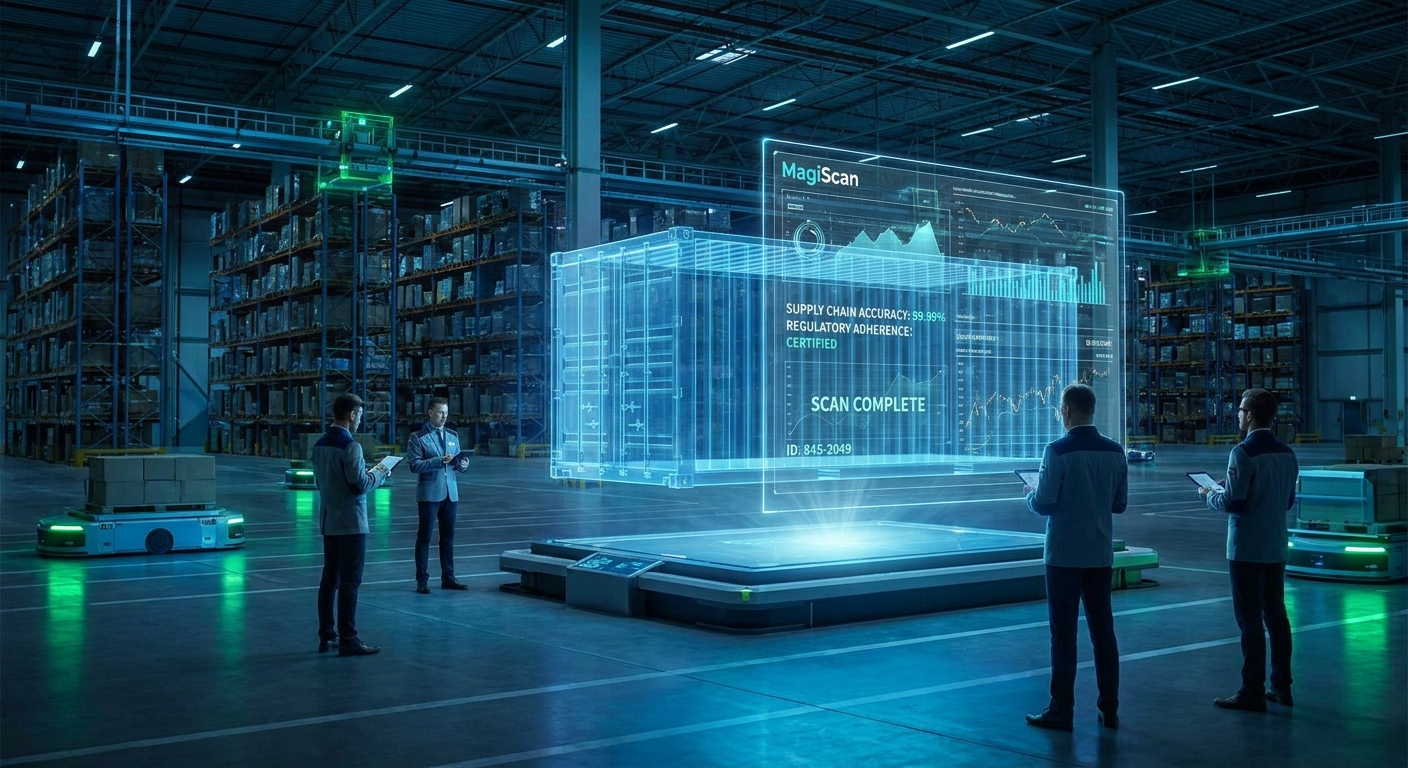
A 3D scan documents shipment dimensions and condition for audits and freight-class disputes, but billed dimensions still need an NTEP-certified device.
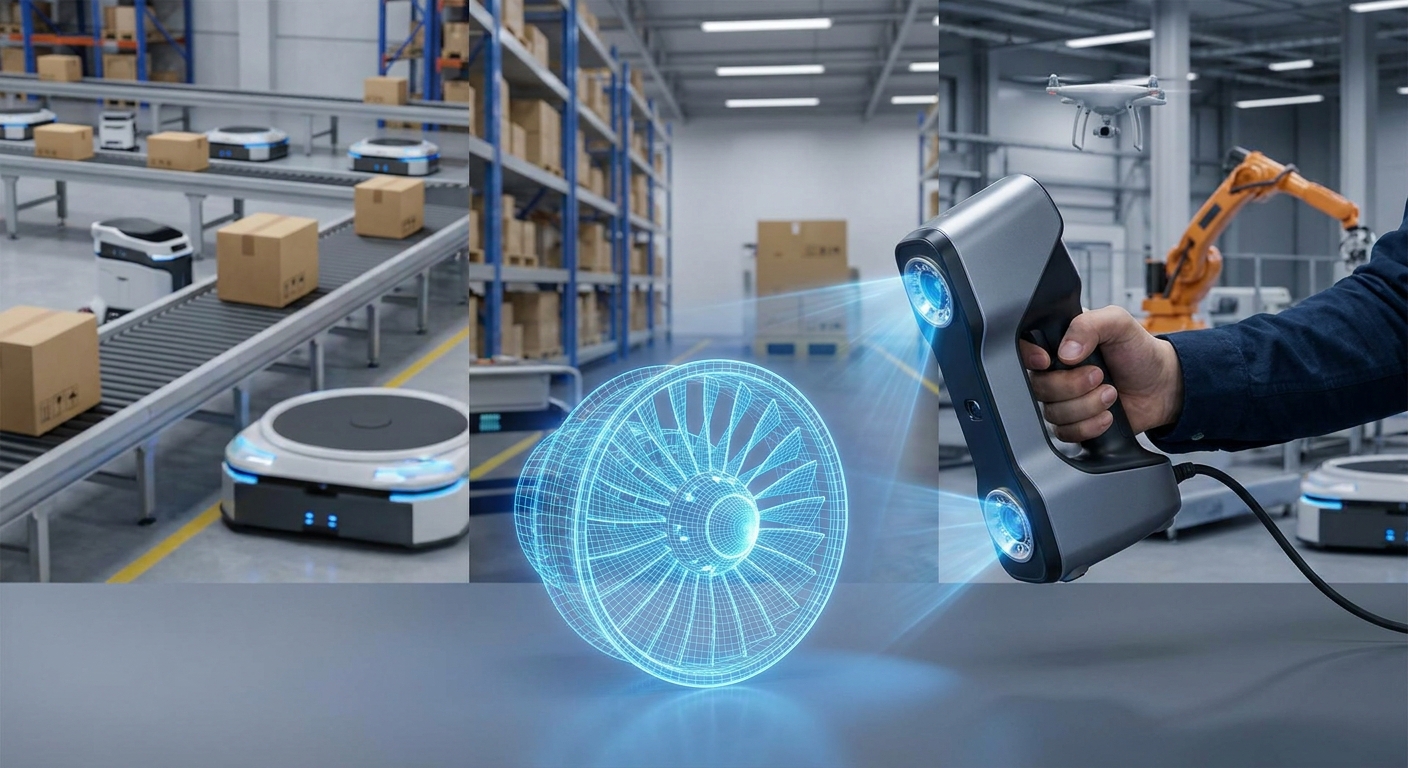
Mobile 3D scanning works for engineering metrology when the scanner is calibrated, traceable and checked against a reference. Here is how to choose and verify.
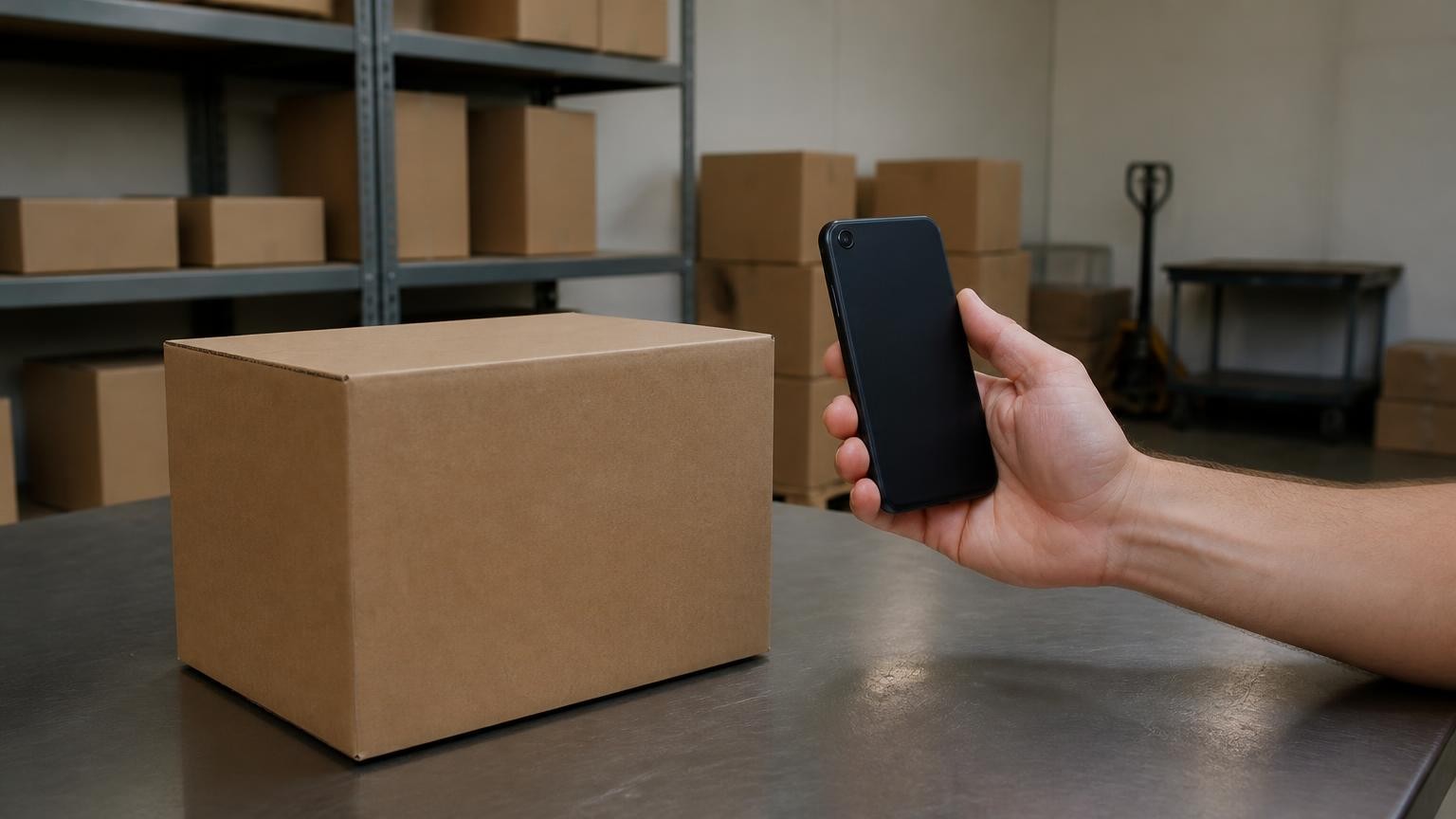
Turn scans of parcels and pallets into dimensions, volume and condition data: how to orient, capture and check them, and when a certified dimensioner is needed.
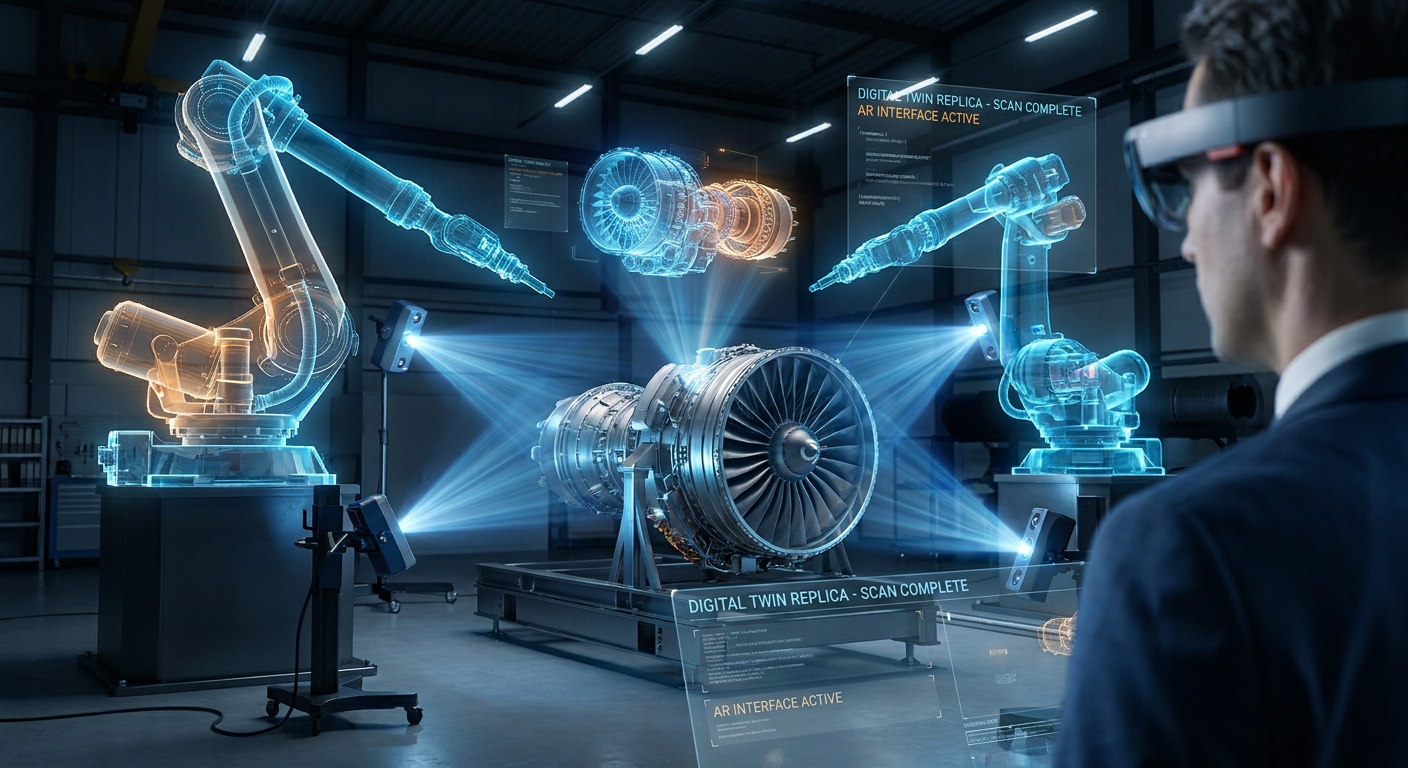
Scan the asset, clean and decimate the mesh, verify scale against a known dimension, and export FBX, glTF or USD. How scans become usable industrial replicas.
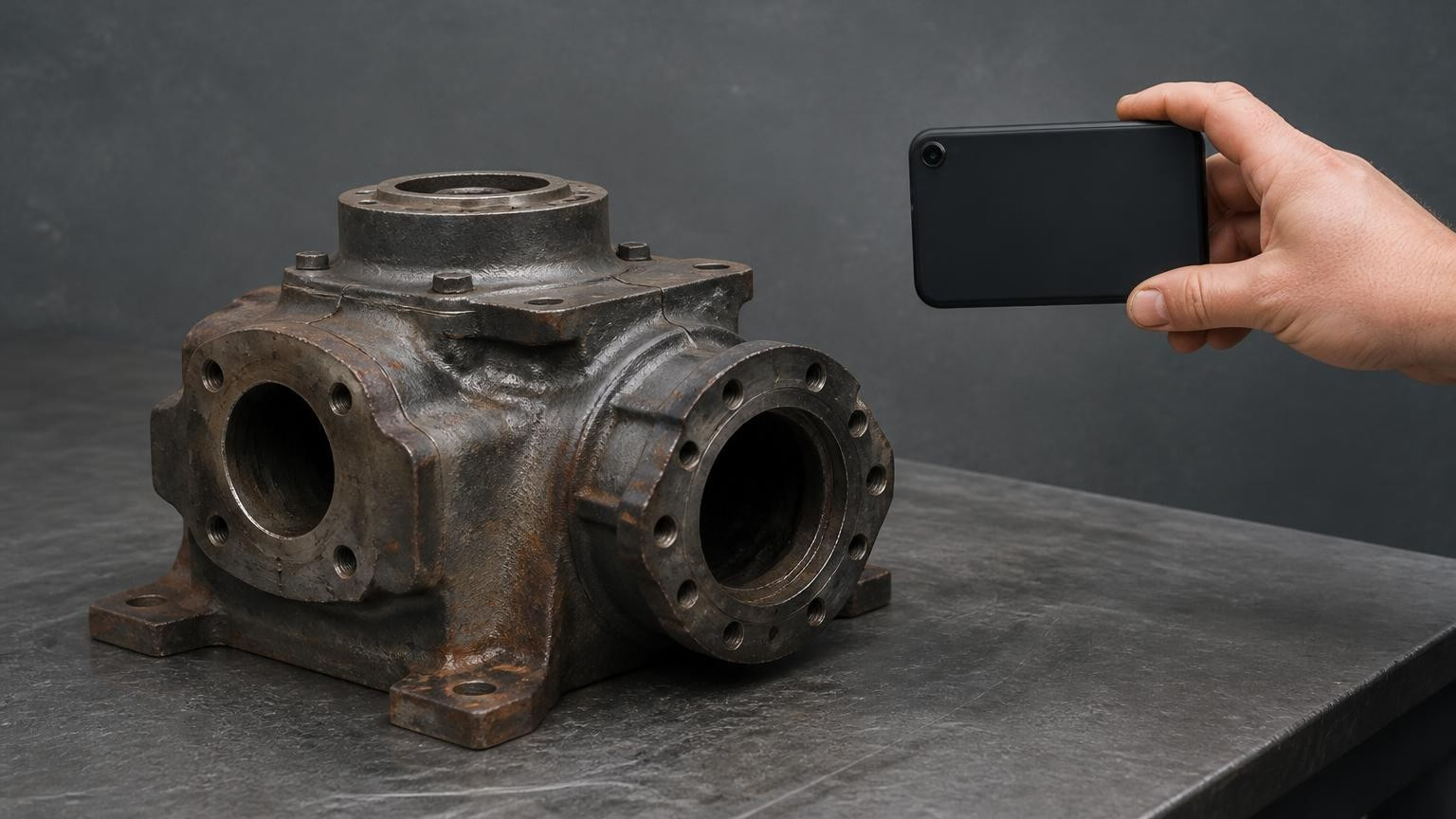
Create an industrial asset digital twin with 3D scanning: set the accuracy, pick a scanner by asset size, capture with scale, export E57 or a mesh, then rescan.
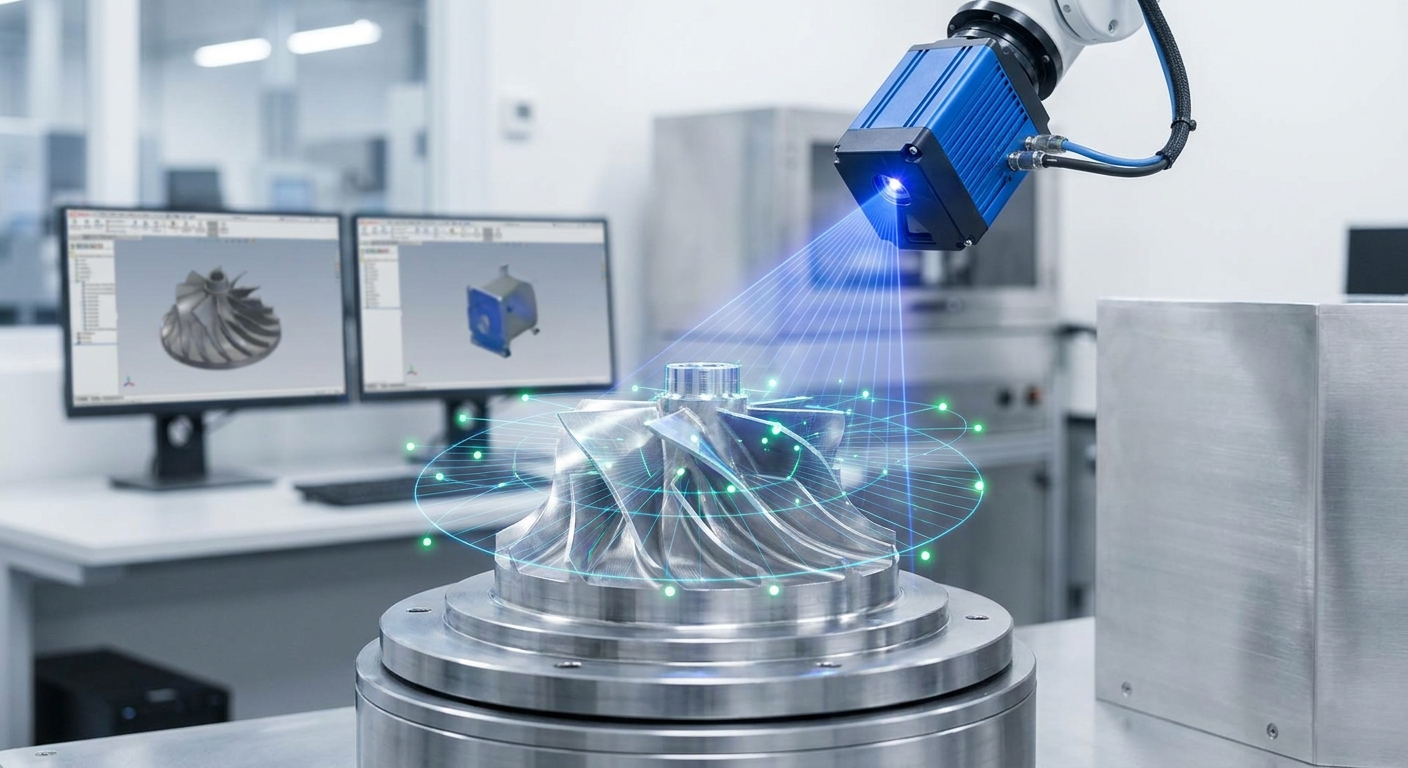
Industrial engineers analyze 3D scan data by cleaning the point cloud, aligning it to CAD, then measuring deviations, features and GD&T, or rebuilding CAD.
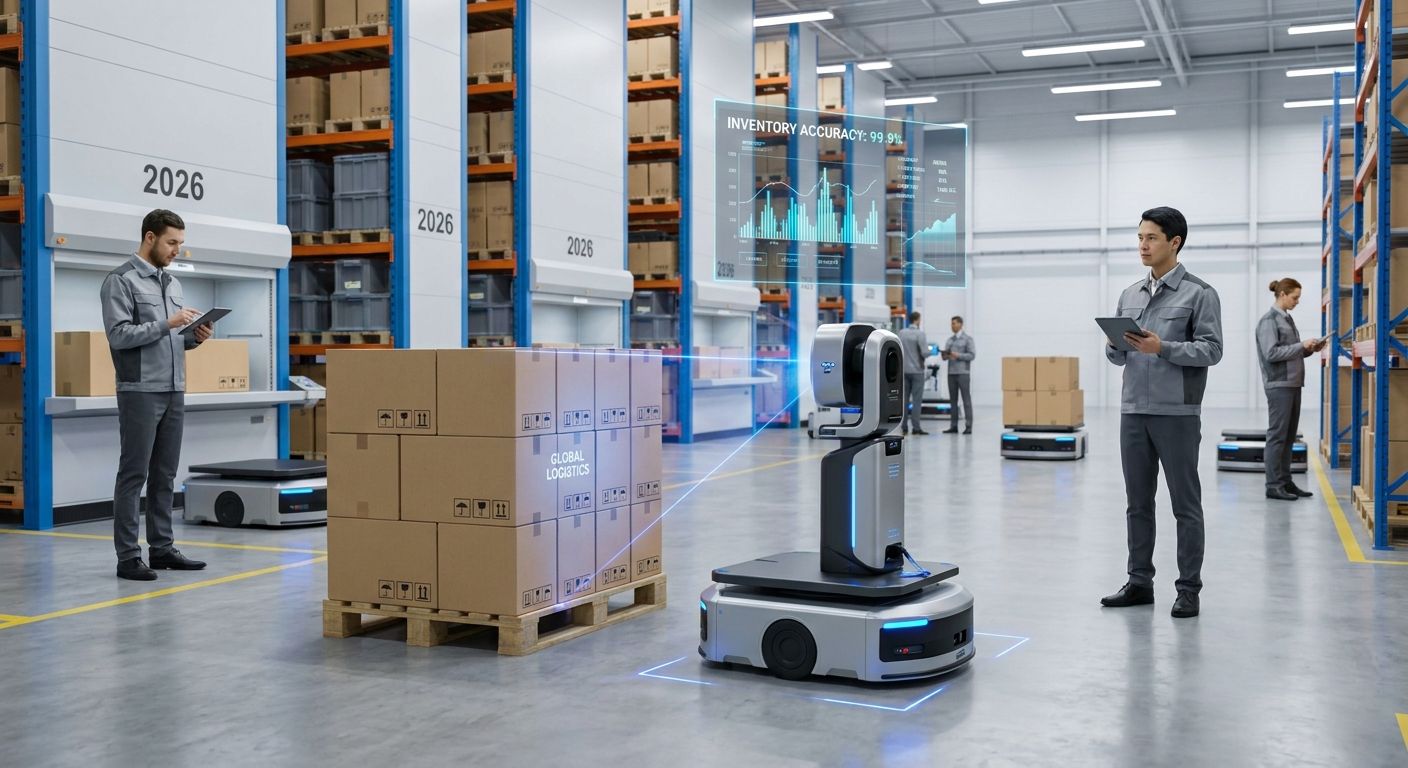
Use 3D scanning to measure cartons and pallets and compare them with WMS records. Phone scans suit internal audits; billing needs certified dimensioners.
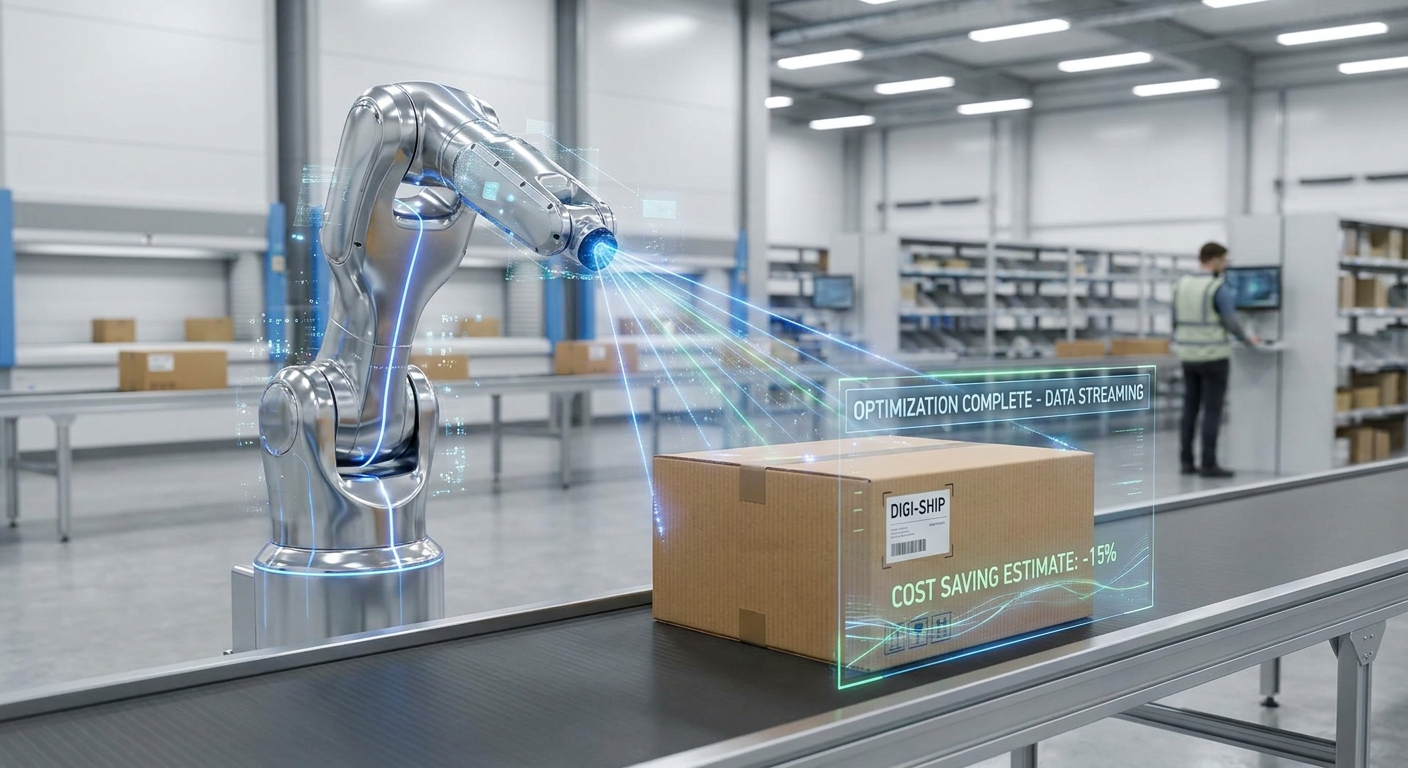
Scan each product, take its true outer dimensions, size boxes and inserts with a small tolerance, and you cut dimensional-weight charges and void fill per order.
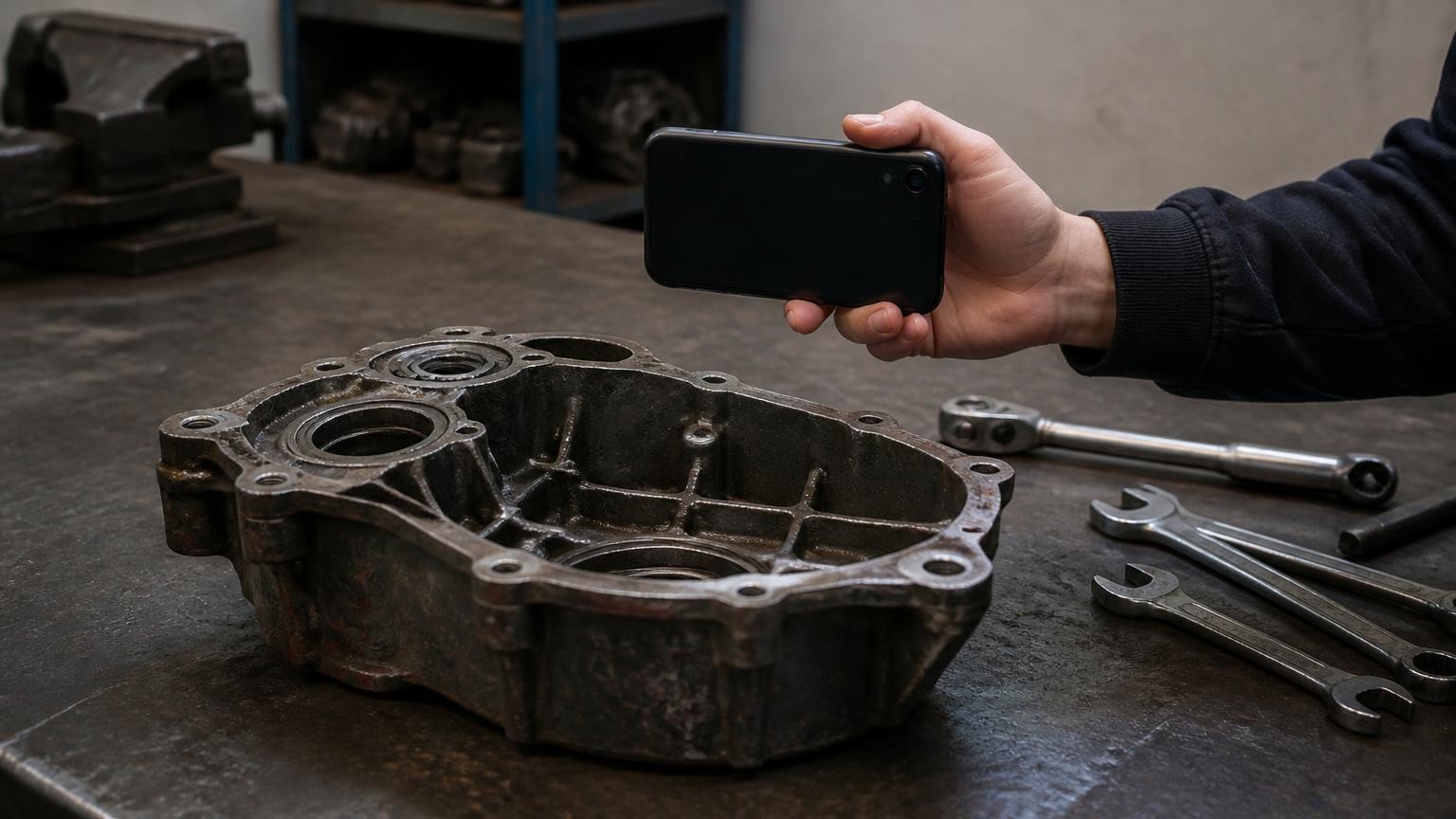
Scan the same part at set intervals, align each scan to a baseline on surfaces that do not wear, measure the deviation and trend it to plan the repair early.
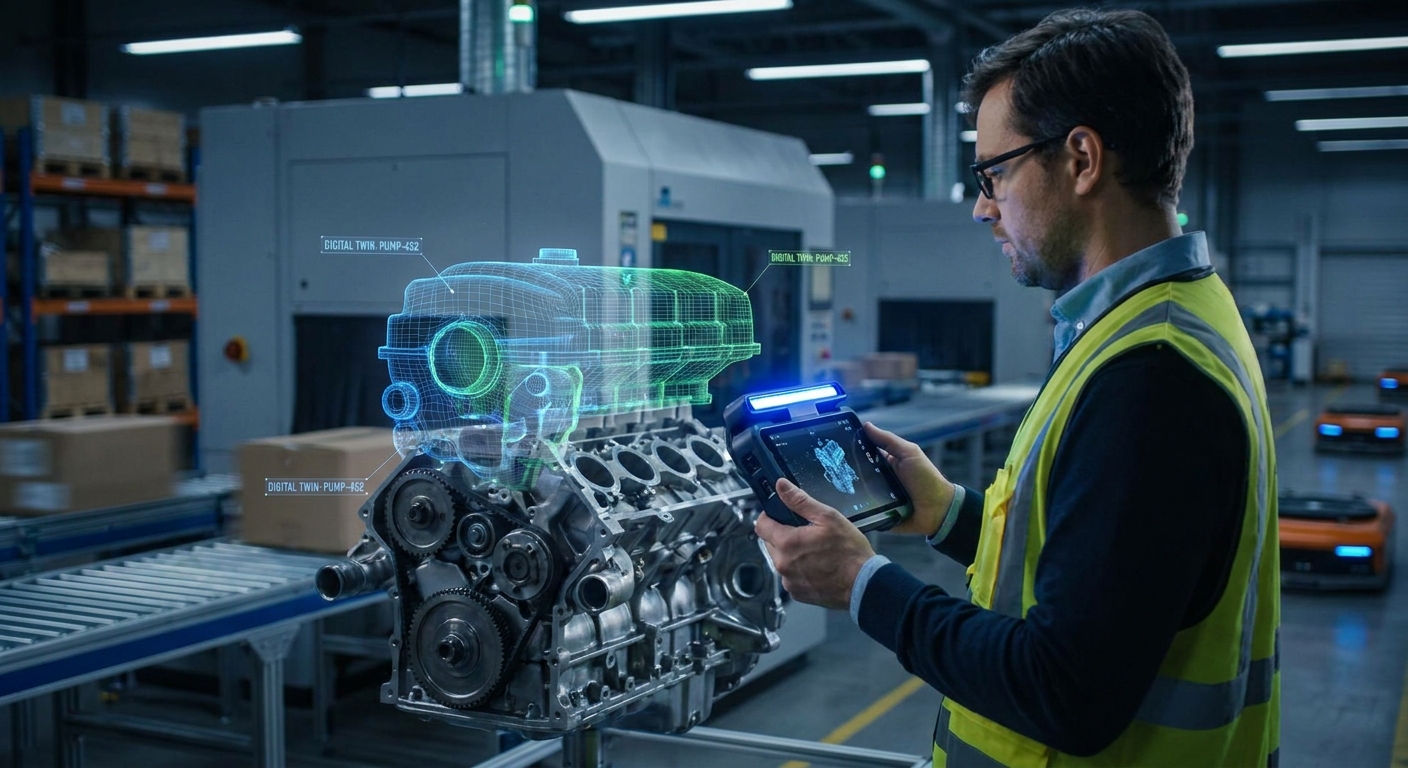
Scan industrial assets for a digital twin with a phone or handheld scanner, verify scale against a known dimension, export a clean mesh, and rescan on change.
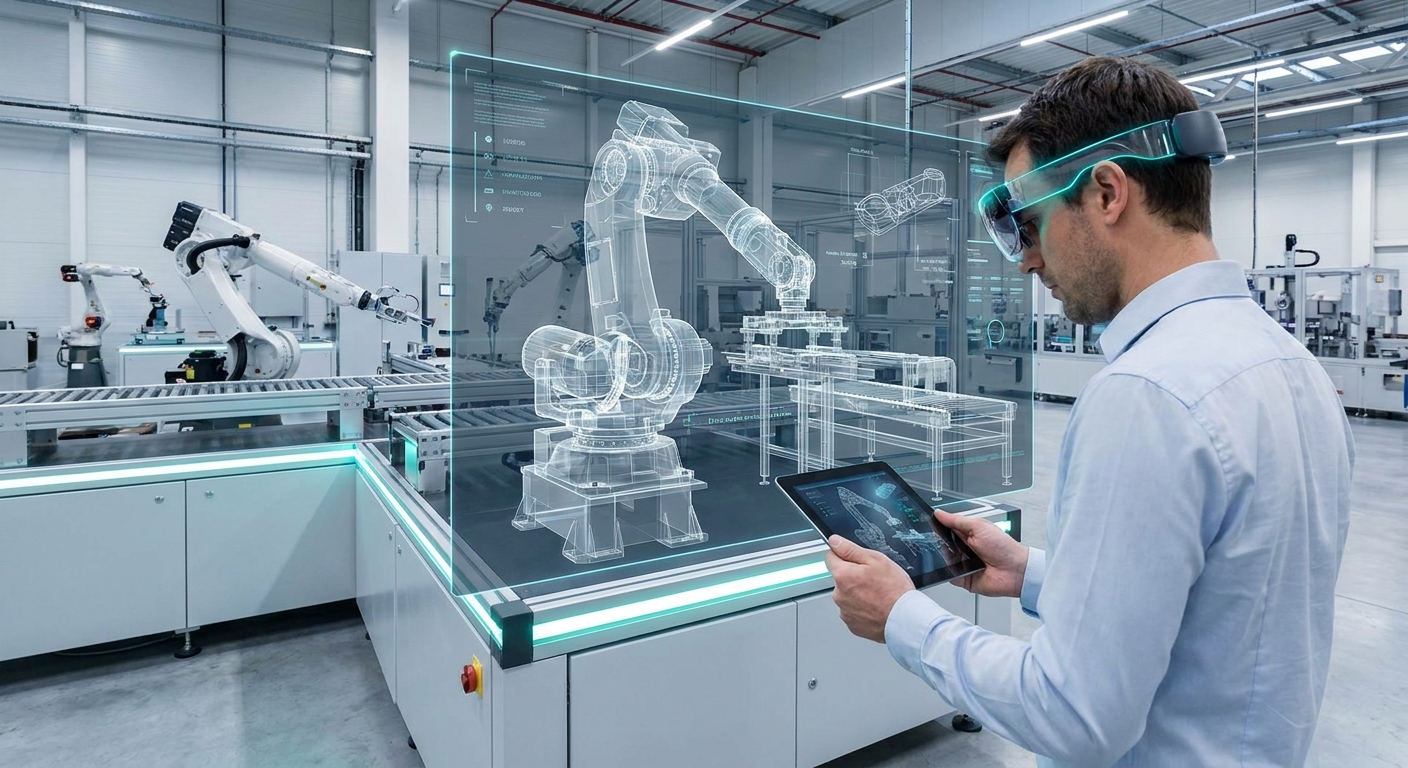
AR maintenance visualization overlays instructions and 3D scan data on real equipment. Here's how to capture the model, export it, and keep overlays aligned.
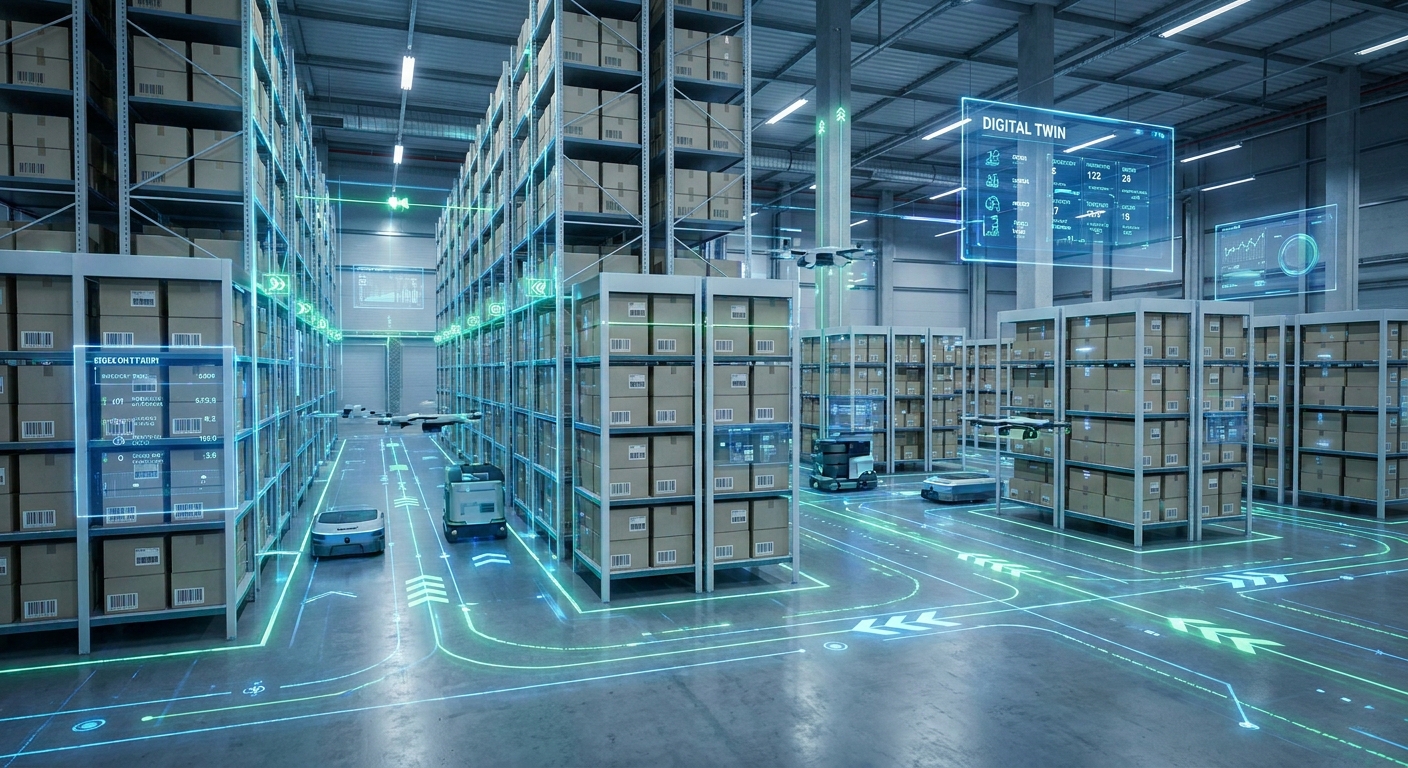
Scan the building shell, racks, columns and clearances, export to E57 or a mesh, then test layouts in CAD or simulation before moving a single rack.
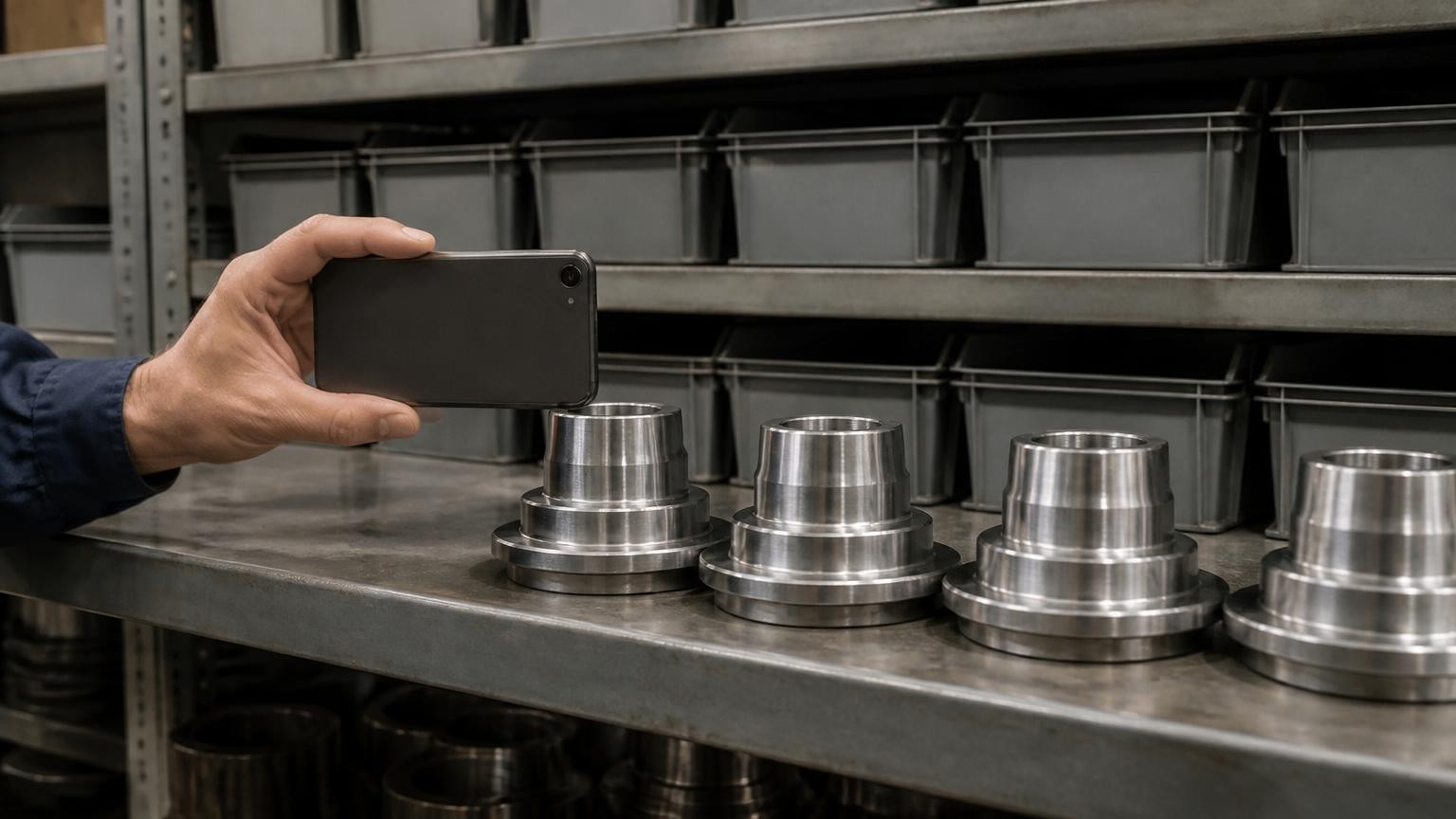
Digitize industrial inventory by giving each part one record: ID, location, dimensions by one rule, and a 3D scan where shape matters, linked by part number.
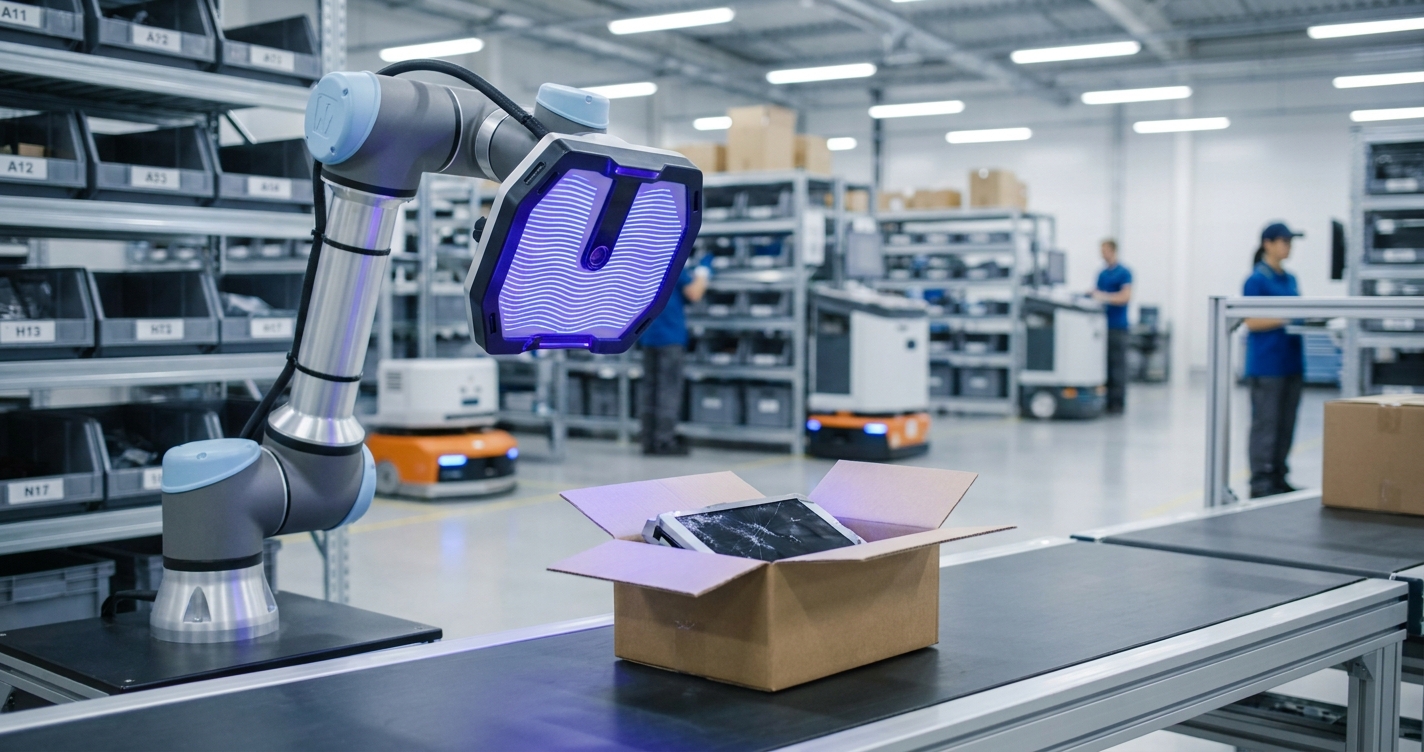
Verify returns with 3D scanning by scanning items before shipping, rescanning on arrival and comparing geometry to catch swaps, missing parts and damage.
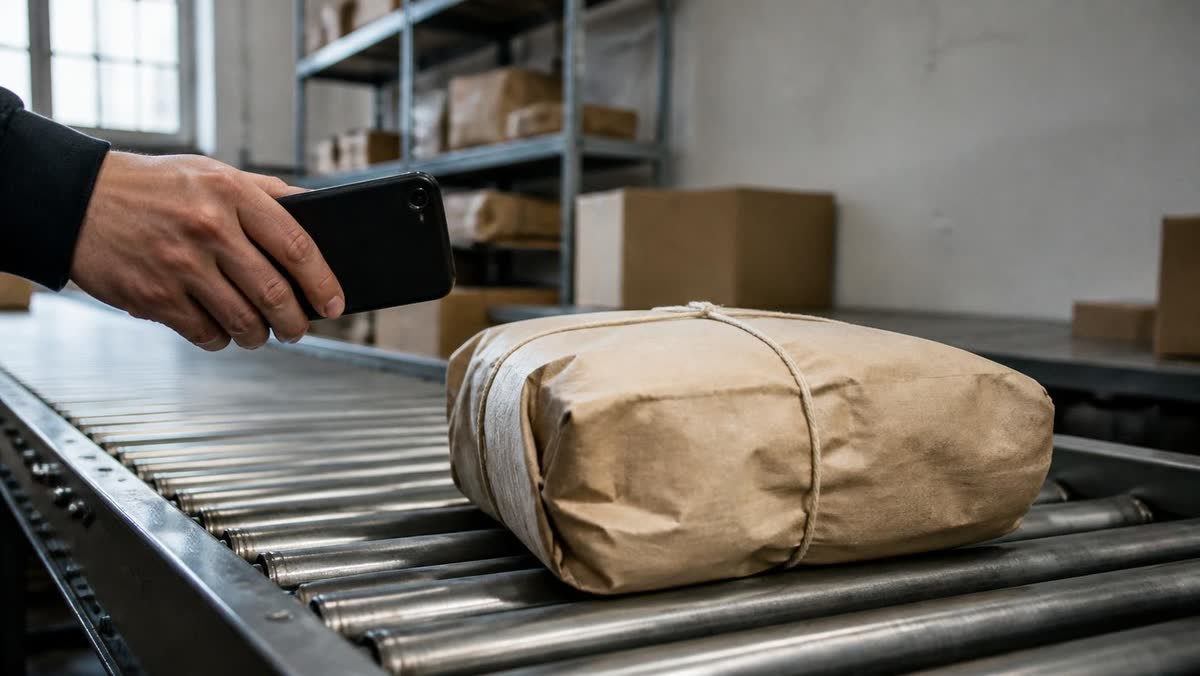
Measure each item and packed parcel, let software apply carrier rounding, and hold parcels whose size does not match the order. Setup, tools and mistakes.
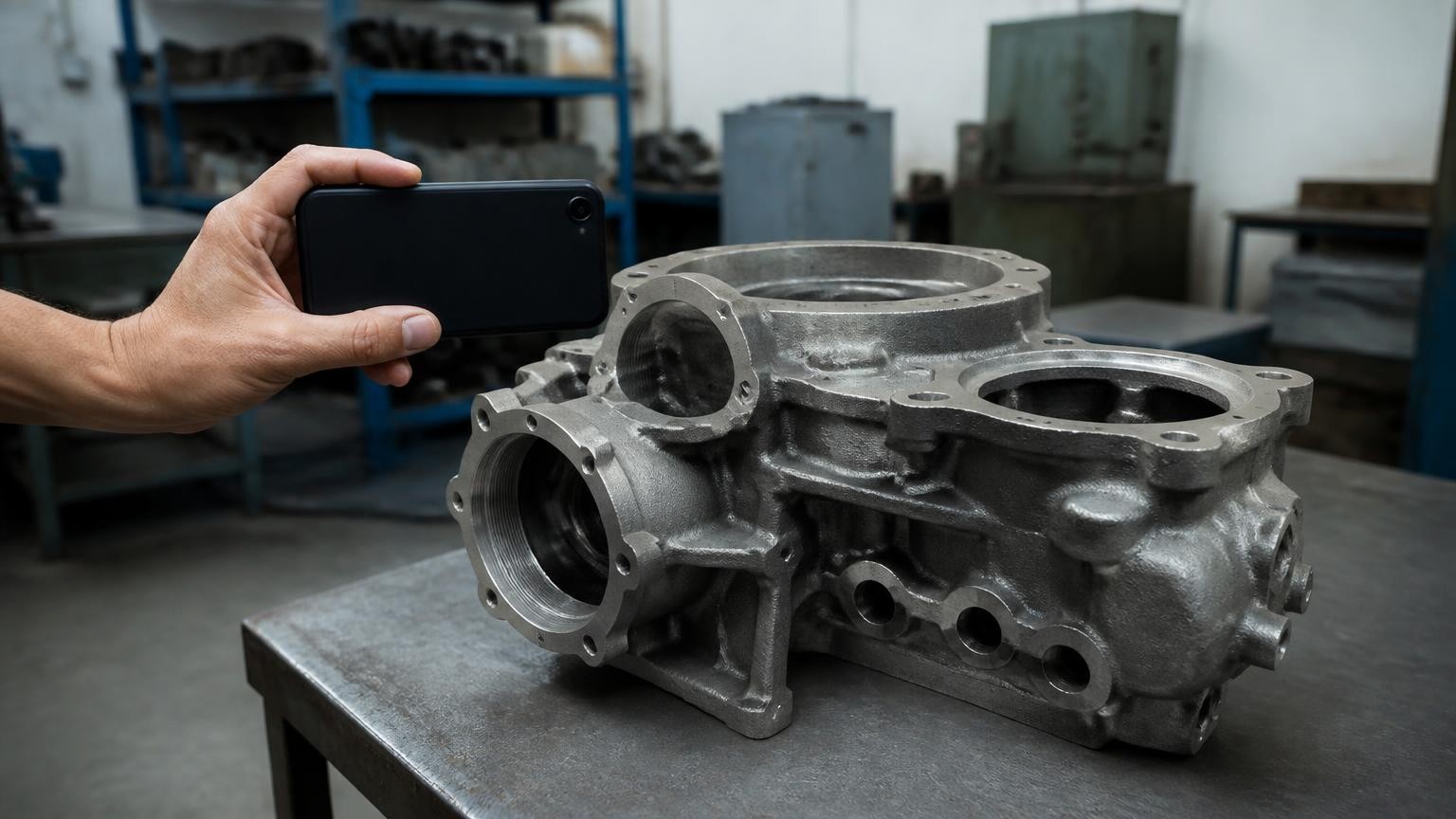
Match a digital twin's accuracy to each job, verify the scan with check distances on the real asset, and know what phone LiDAR achieved in published tests.
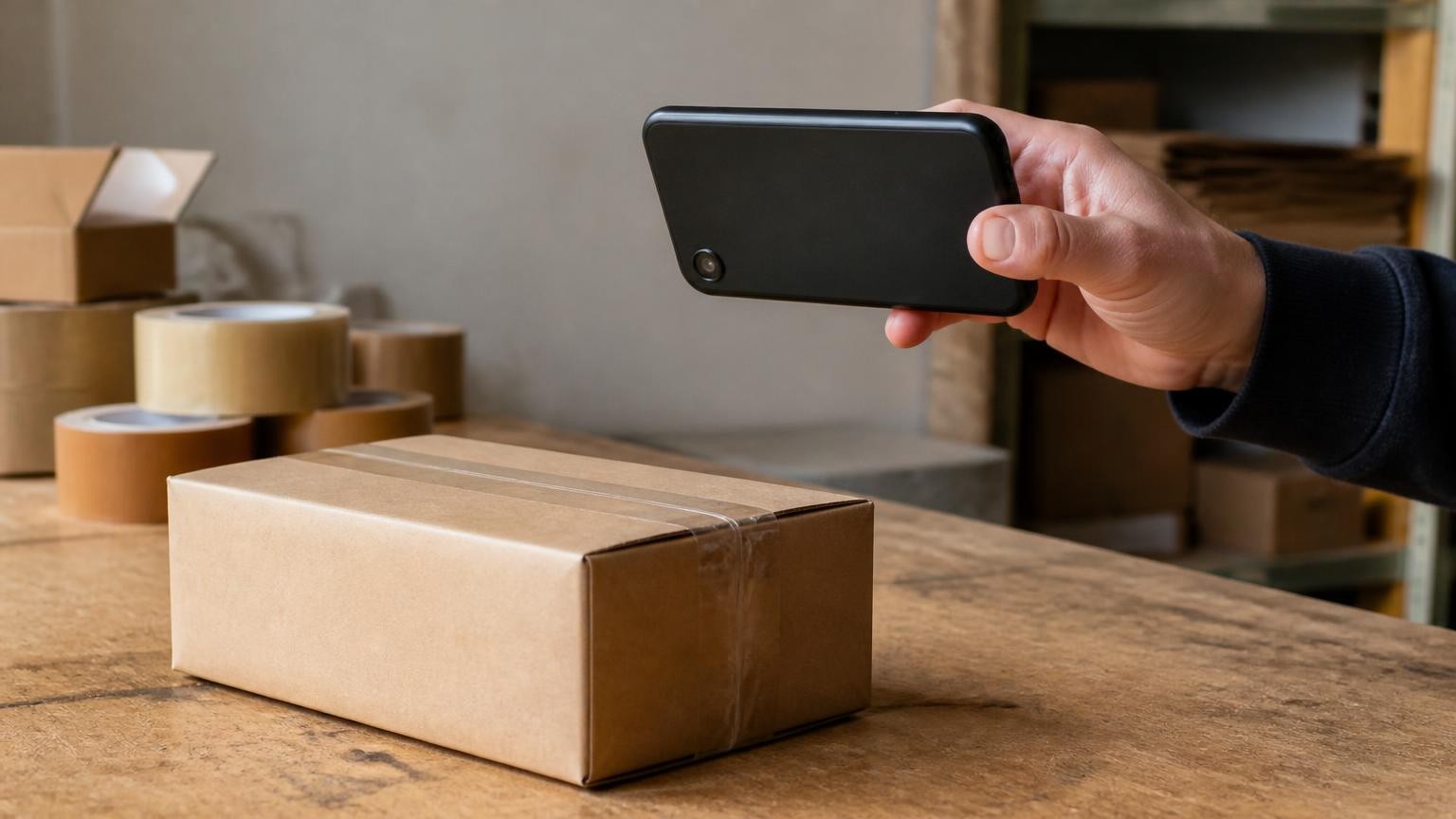
3D scanning pays off in ecommerce logistics by cutting dimensional-weight charges, dimension fees and returns disputes. How to calculate your own ROI.
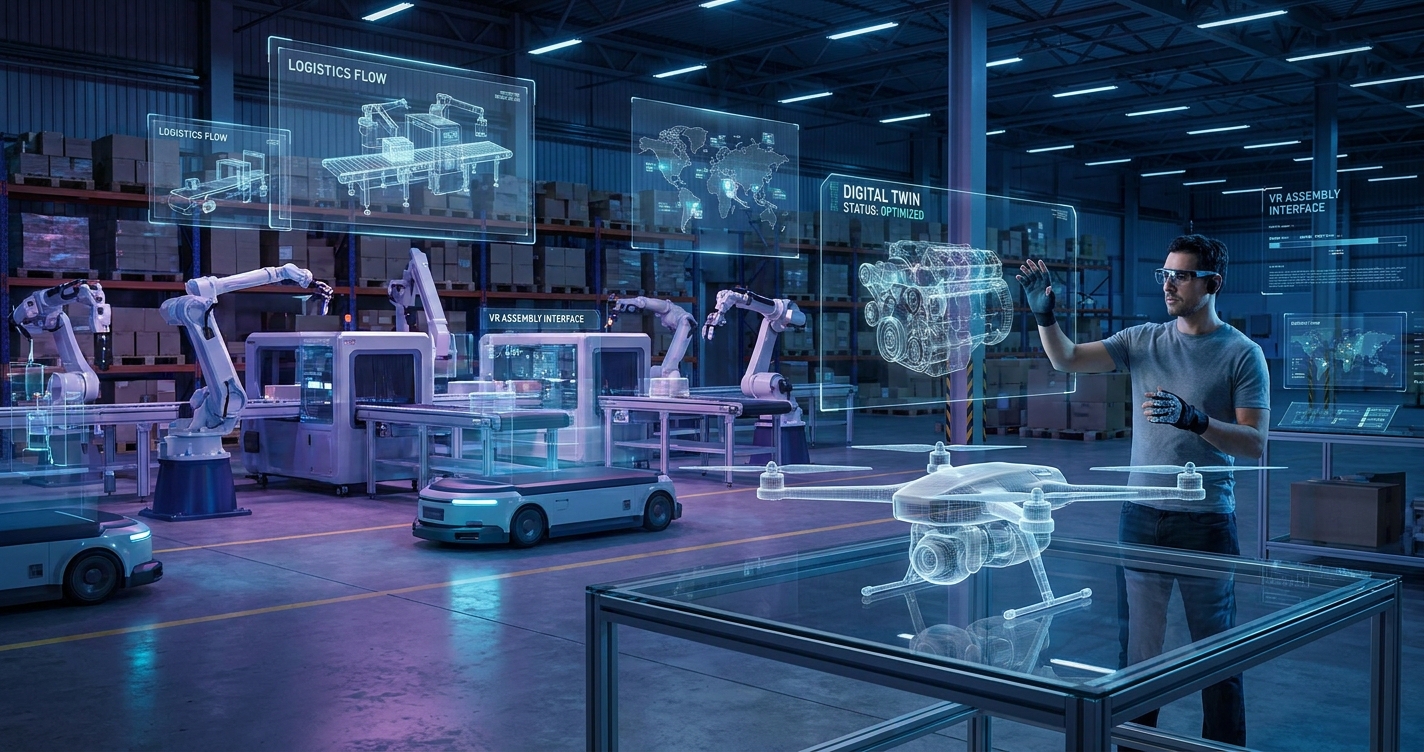
Scan equipment for an industrial metaverse by capturing clean geometry, checking scale, reducing the mesh and exporting glTF for cross-platform 3D use.
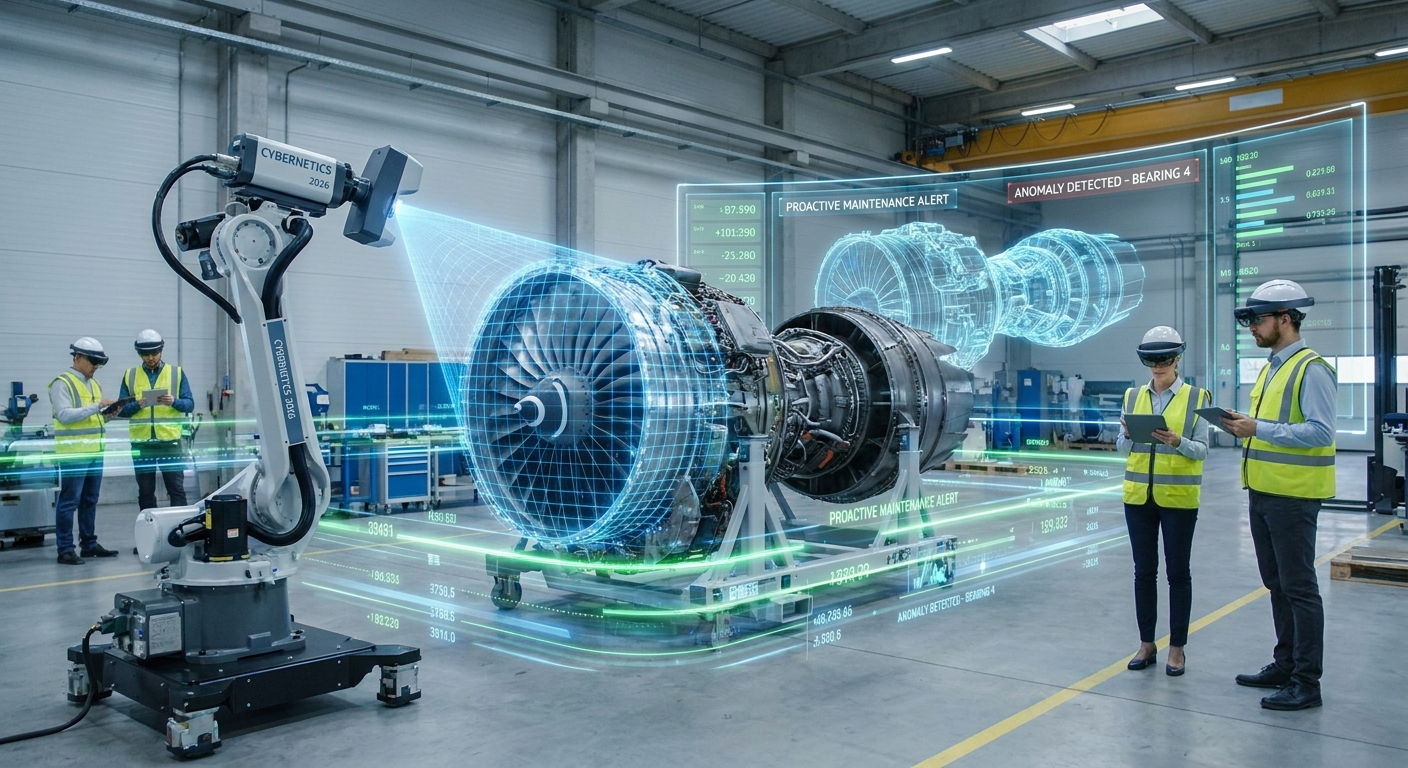
Use 3D scanning for predictive maintenance by baselining parts, re-scanning at set intervals, comparing deviation to thresholds, and repairing before failure.
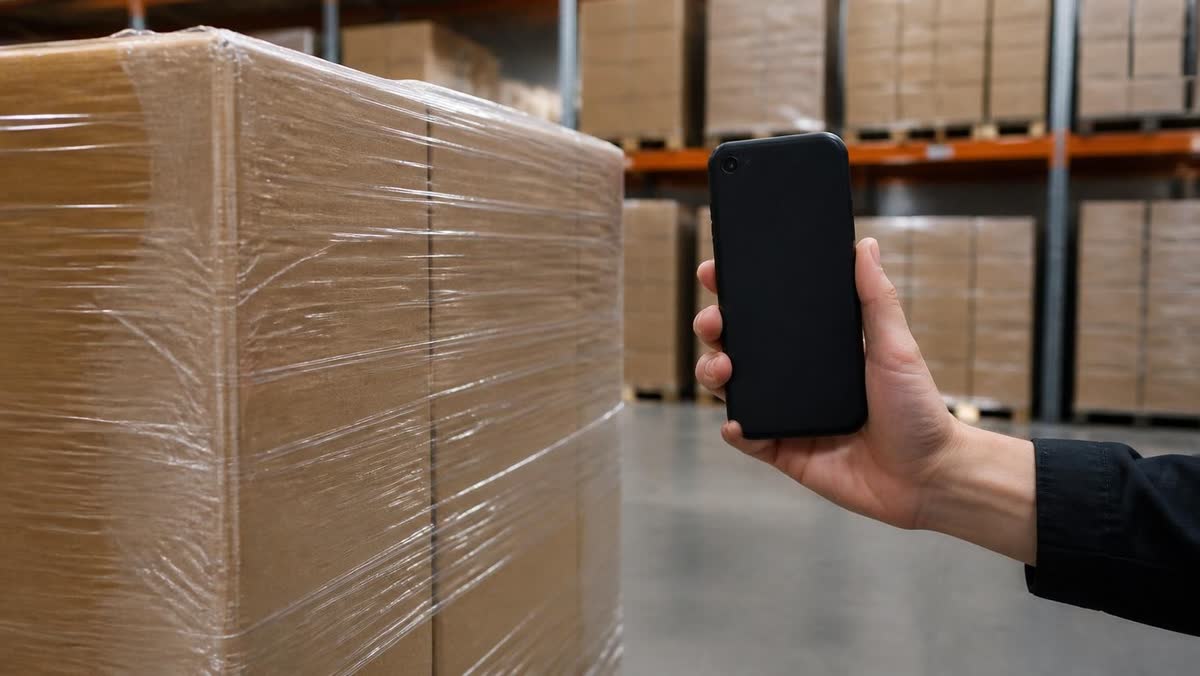
3D scanning saves logistics costs by getting dimensions right before carriers do: smaller cartons, lower dimensional weight, correct LTL class, fewer fees.
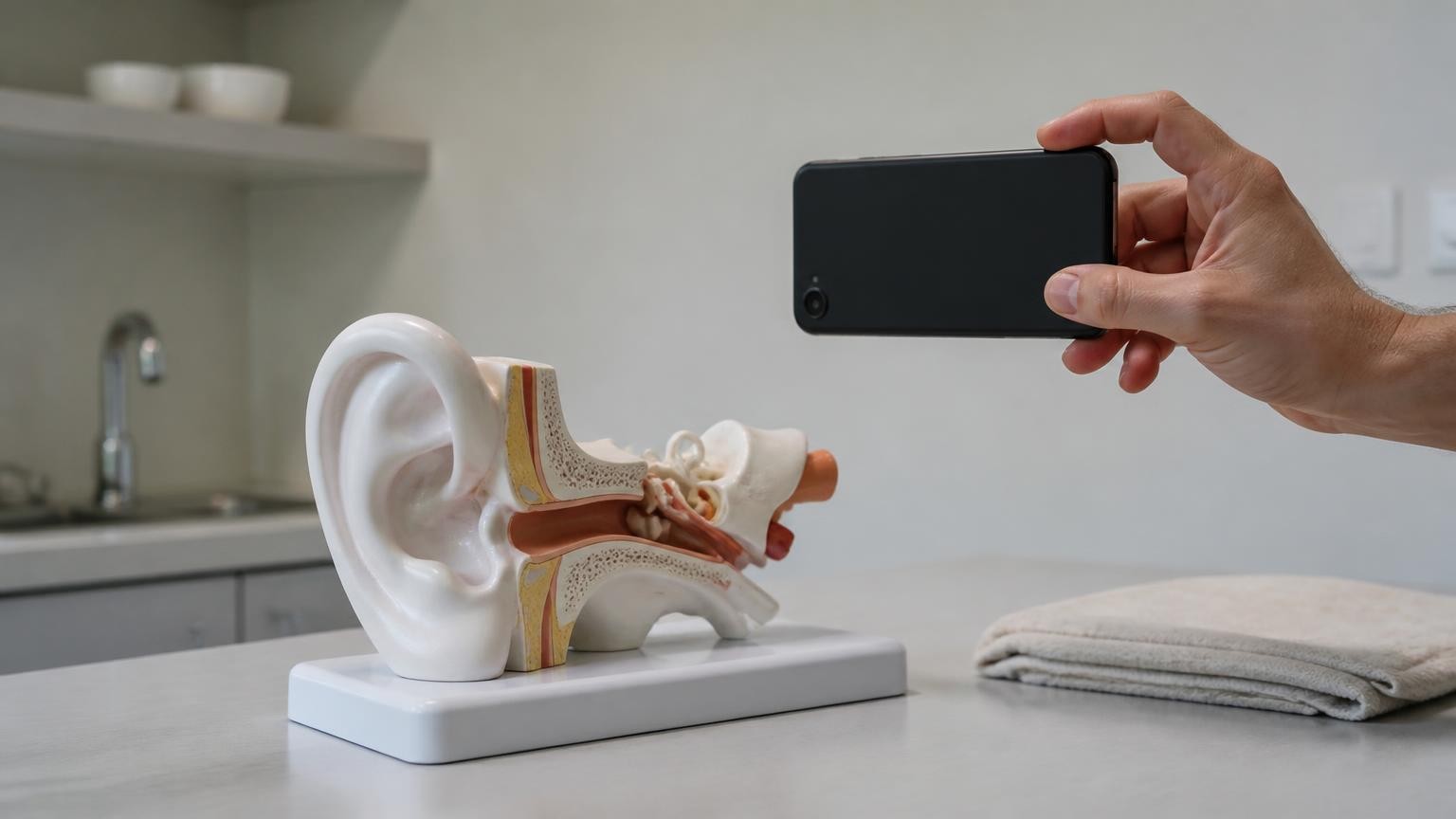
A phone 3D scan suits visual records, sizing mock-ups and fit previews. Use a metrology-grade scanner once a number decides pass, release or design change.
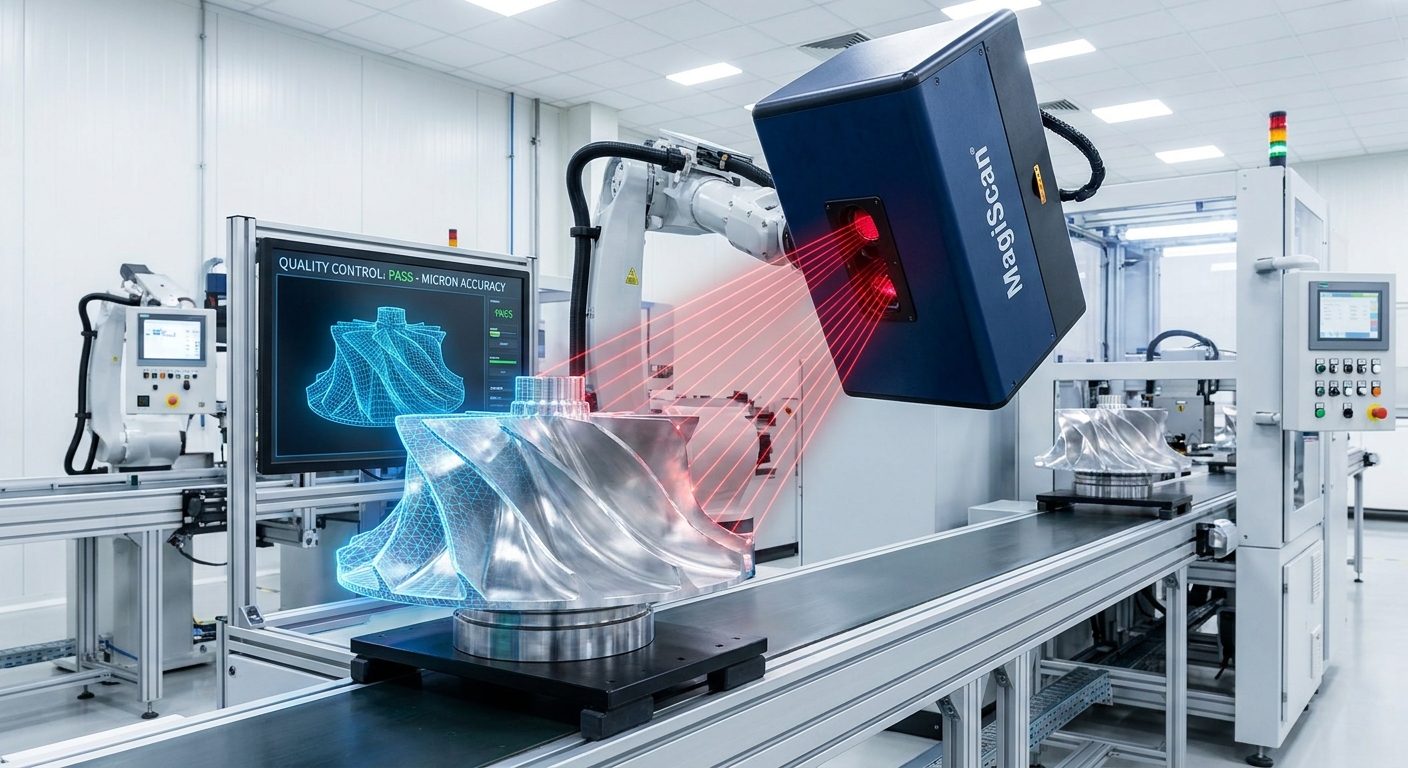
Revolutionize manufacturing quality control with 3D scanning in 2026. Discover how MagiScan enhances precision, efficiency, and ROI for industrial, medical, and e-commerce sectors.
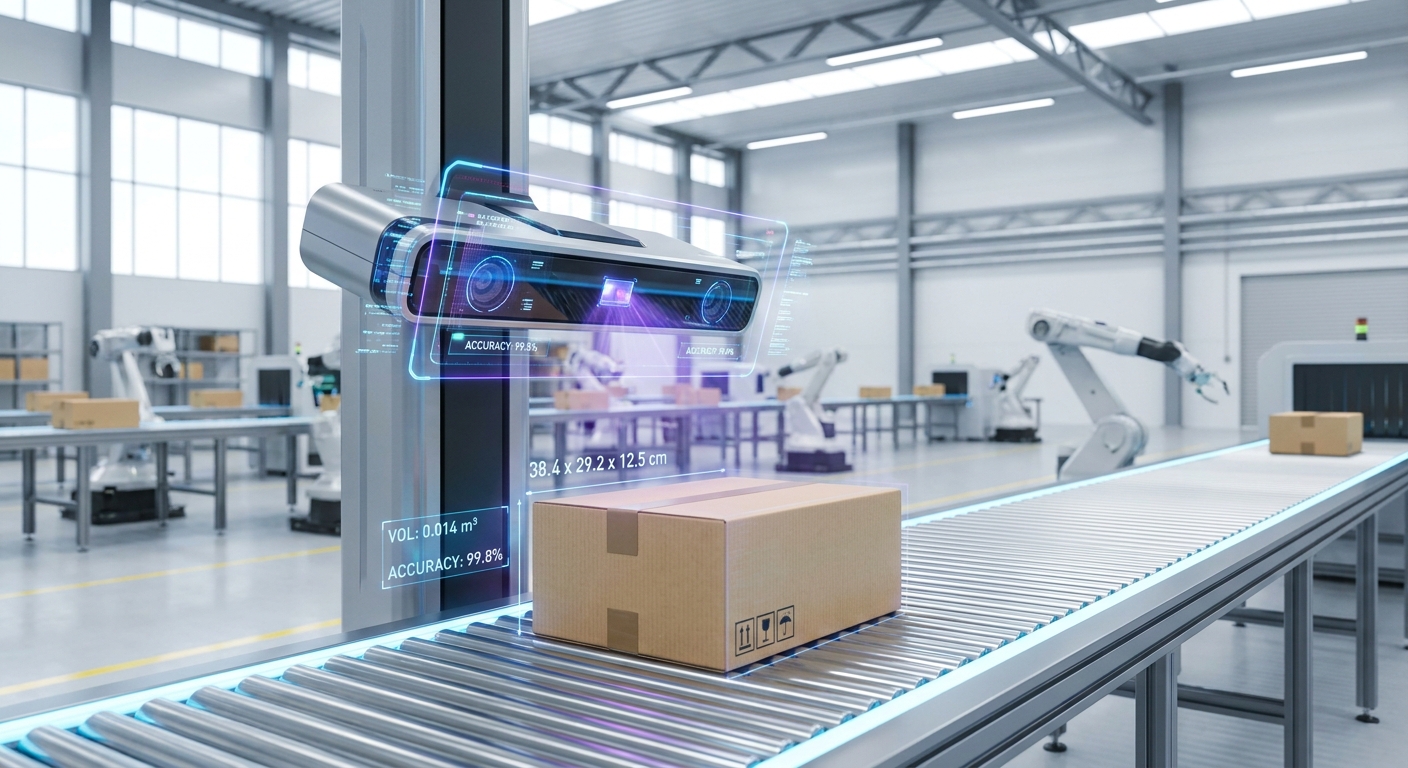
Reduce shipping errors significantly with MagiScan's advanced 3D scanning in 2026. Boost accuracy, cut costs, and enhance logistics.
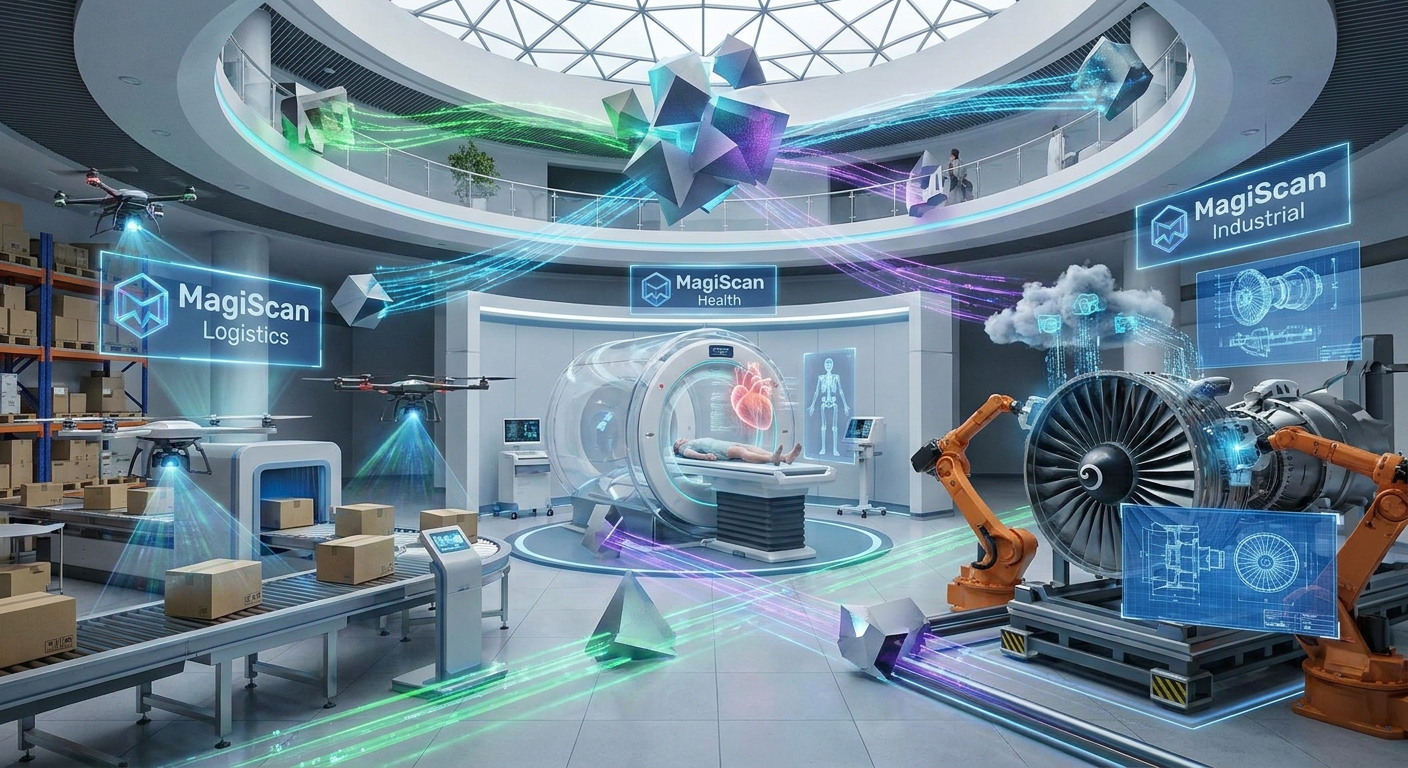
Discover 3D scanning applications in logistics, e-commerce, medical, and industrial fields. Learn how MagiScan transforms industries in 2026.
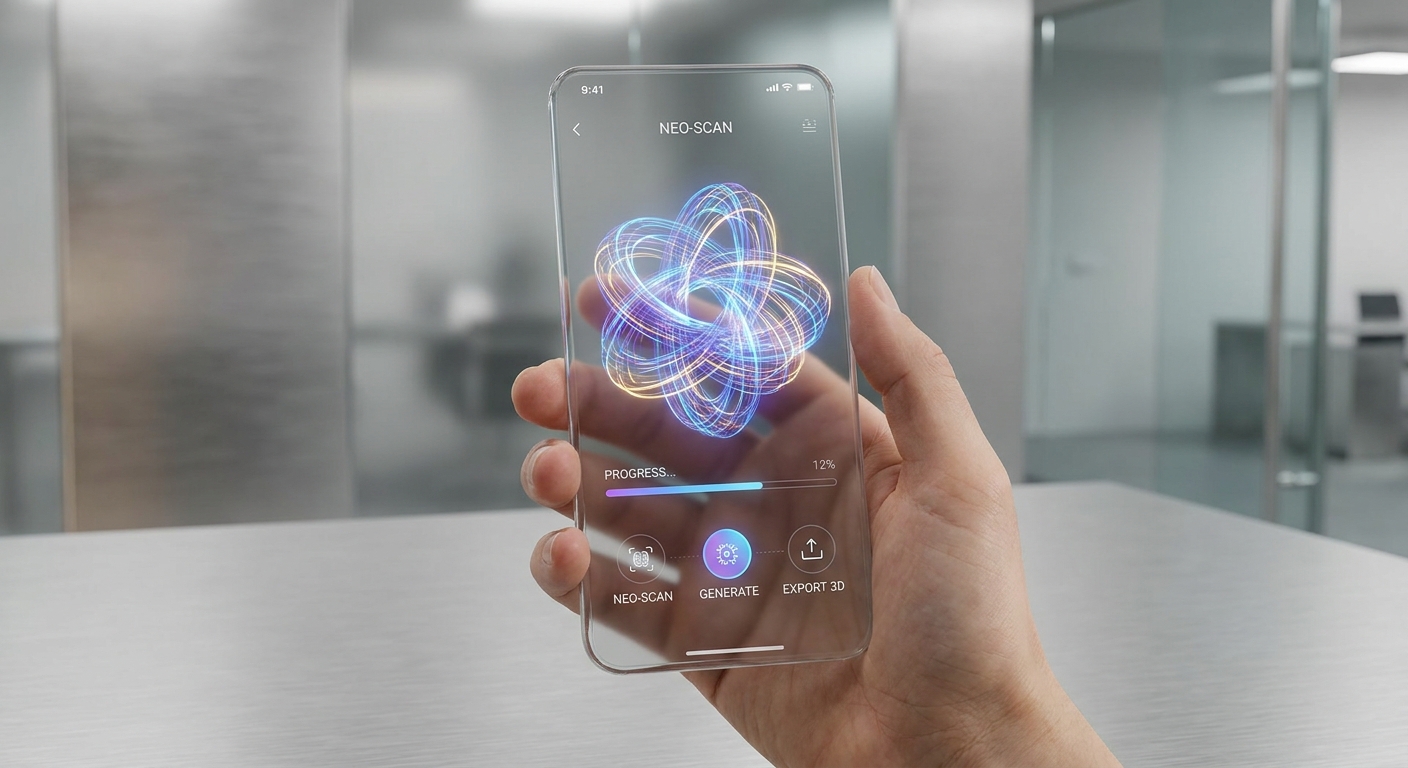
Discover MagiScan, the easiest 3D modeling app in 2026 for logistics, e-commerce, medical & engineering. Achieve professional accuracy with intuitive mobile scanning.
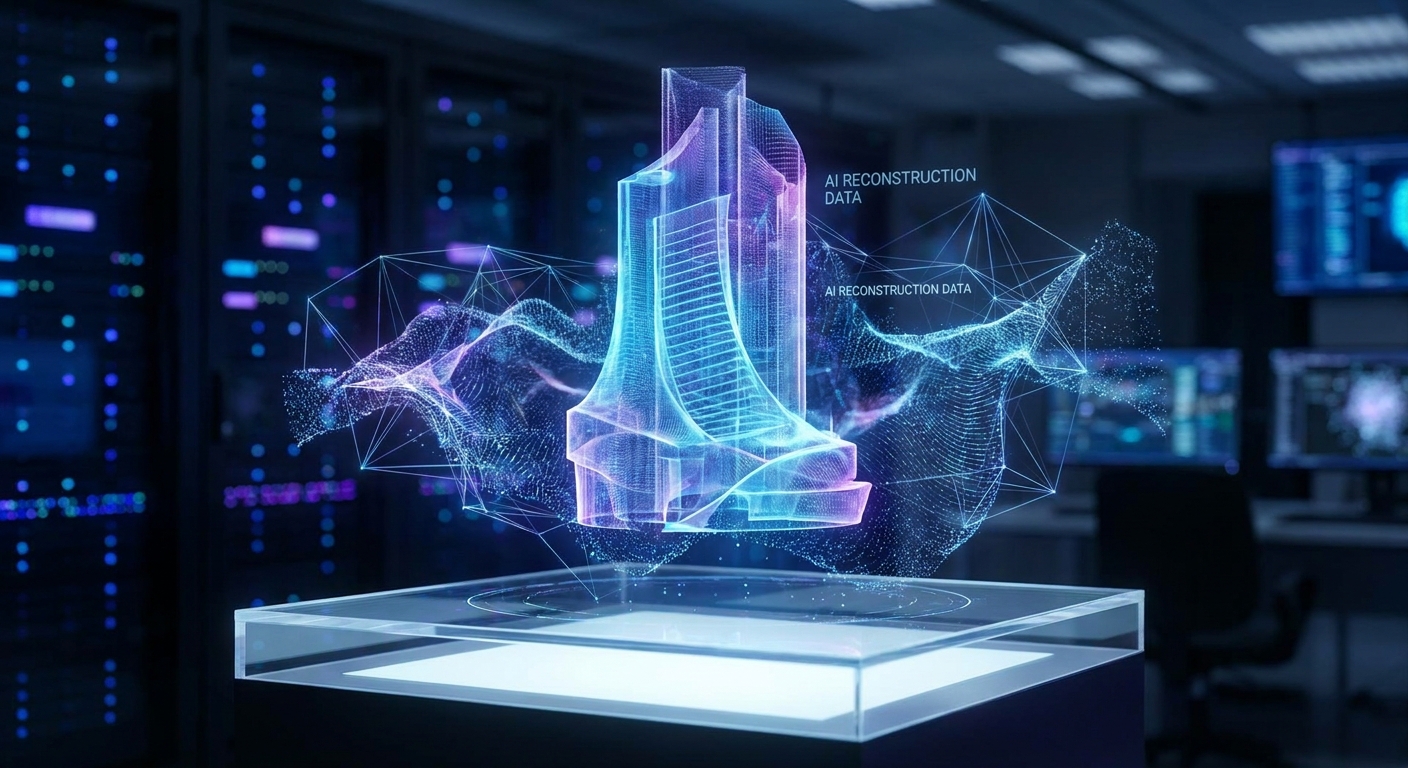
AI 3D reconstruction turns photos, video or depth data into 3D models using learned methods like NeRF and Gaussian splatting. Here is how it works and when it fails.
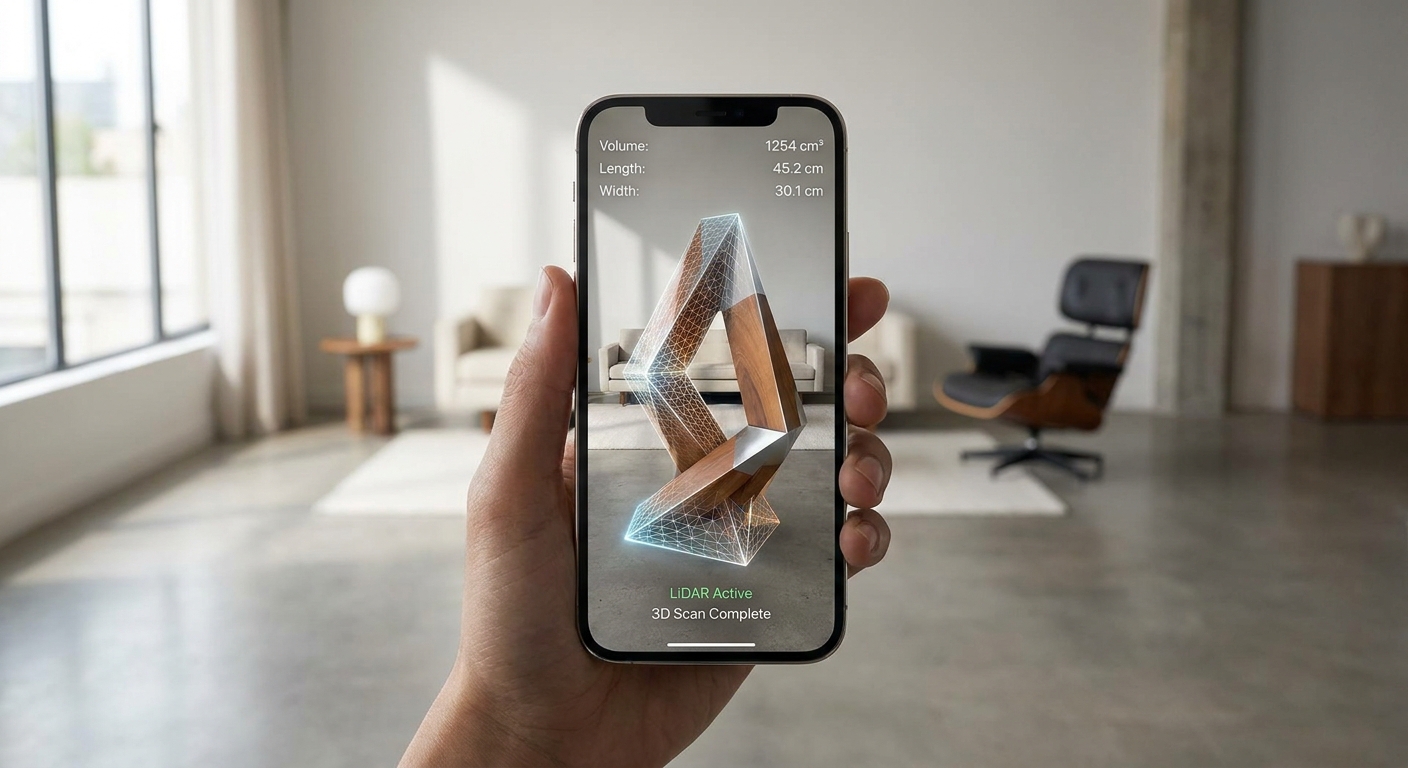
Discover the best mobile volumetric measurement apps in 2026, revolutionizing logistics, e-commerce, medical, and engineering with MagiScan.
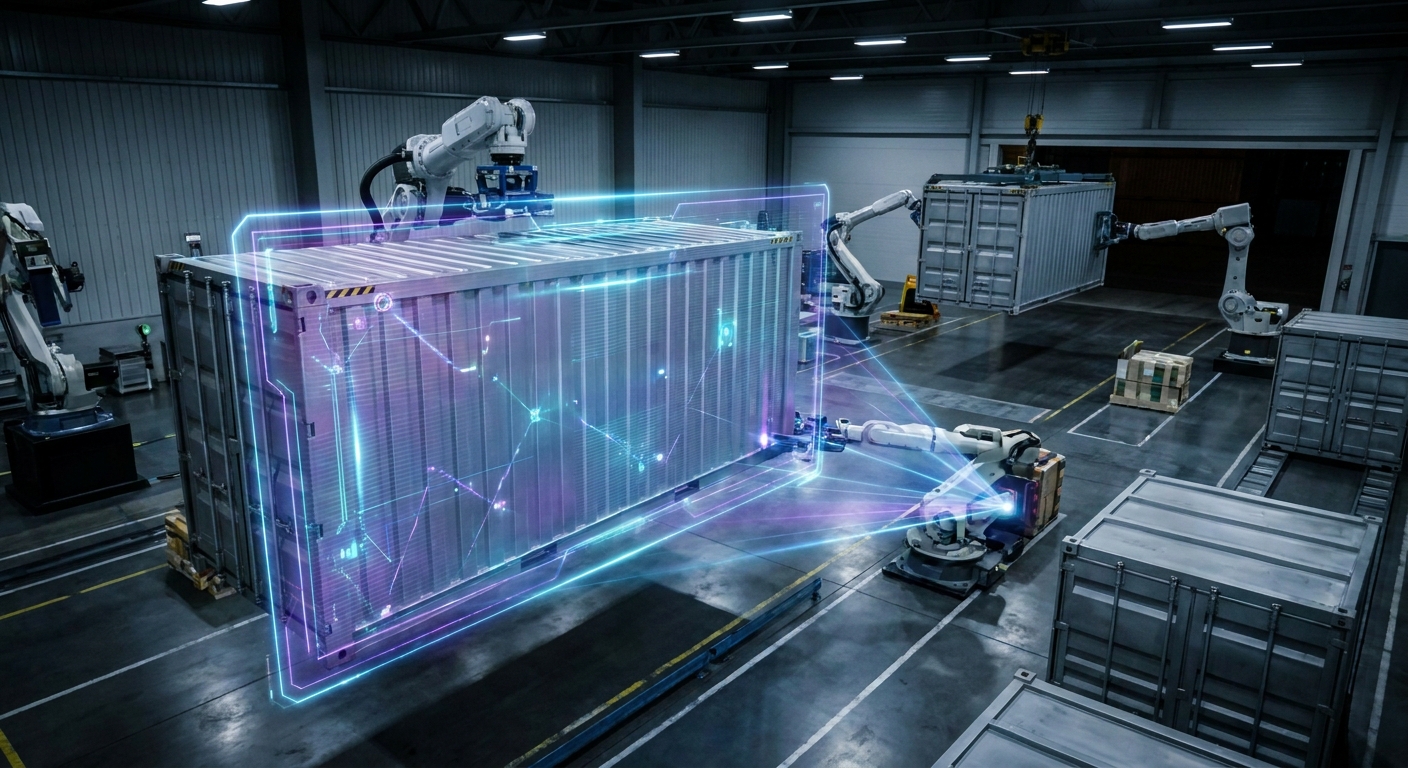
Discover the best cargo volume measurement app for 2026. MagiScan offers AI-powered 3D scanning for logistics, e-commerce & more. Try it now!
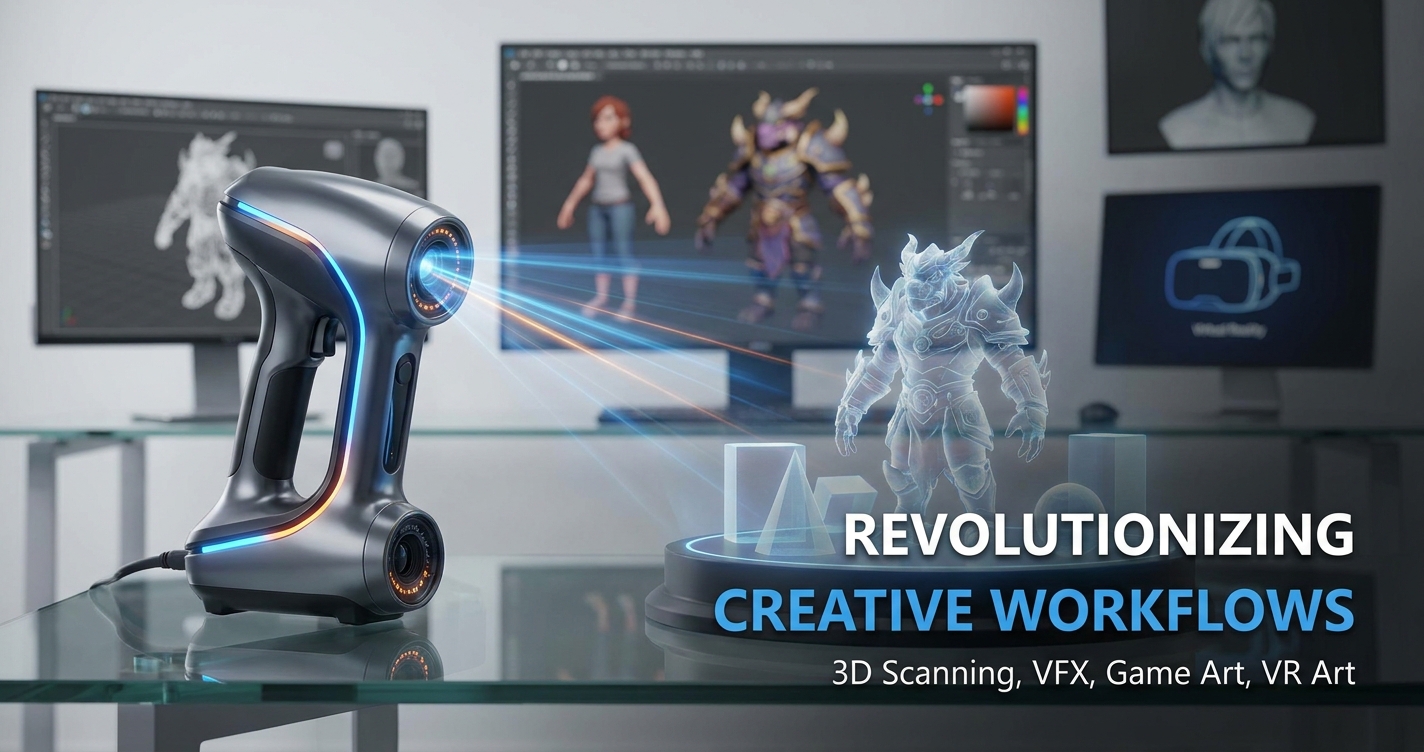
Artists use 3D scanning to capture sculptures, textures and references for printing, AR and games. How to pick a method, scan well and export the right file.
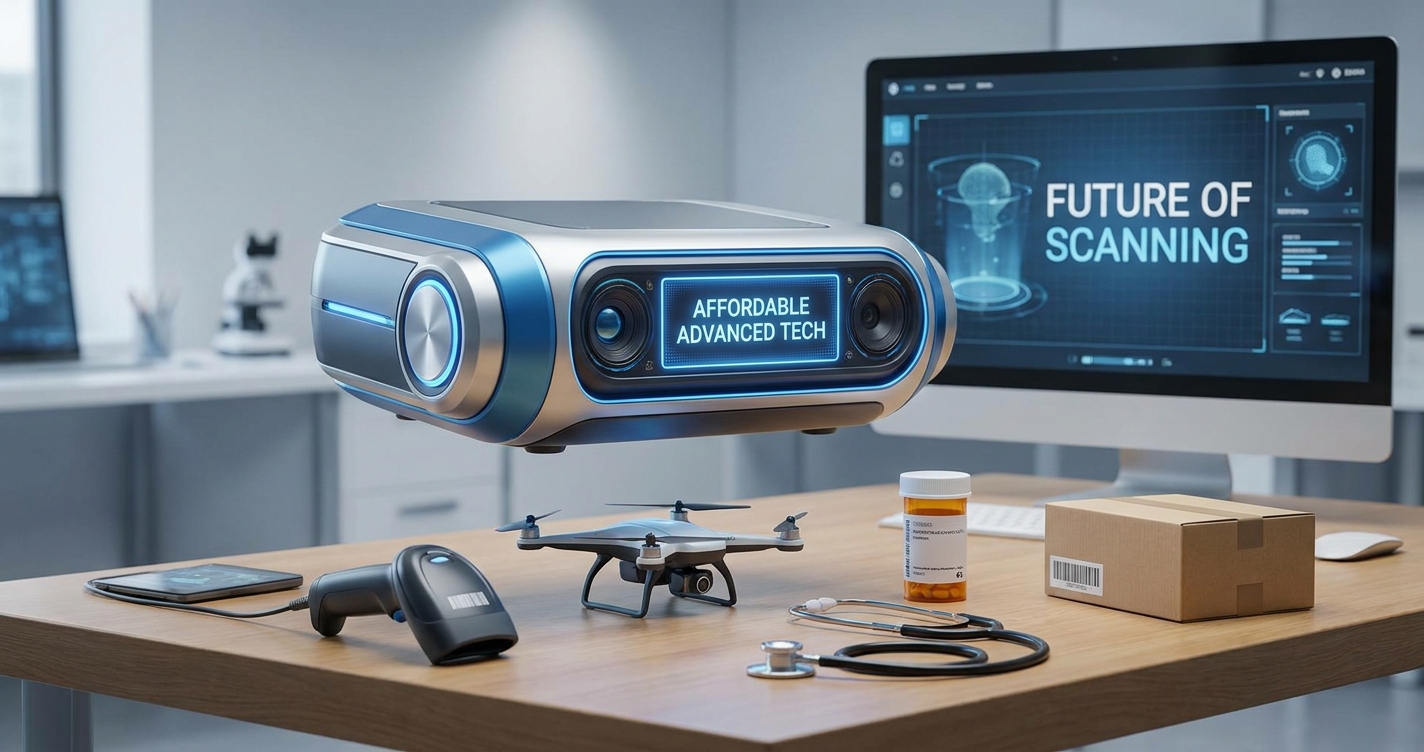
Compare affordable 3D scanners in 2026: logistics, e-commerce, medical, industrial uses. Discover MagiScan's value.
Explore our comprehensive 3D scanning education guide for 2026, covering principles, applications, and how MagiScan empowers professionals in logistics, e-commerce, and healthcare.
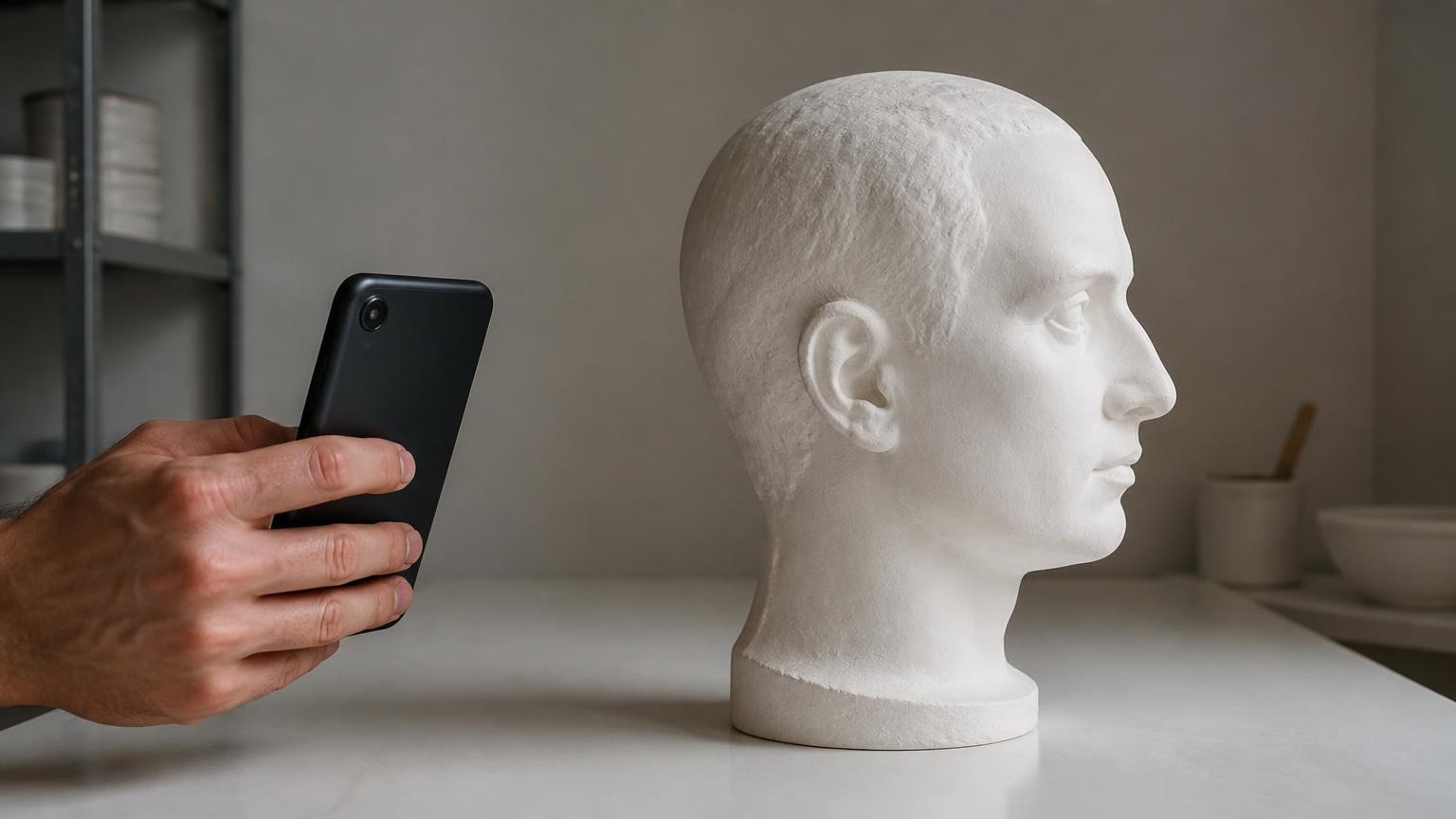
A phone facial scan gives a 3D surface record to discuss and compare by eye. It needs consent and cannot predict results, see under skin or set a dose.
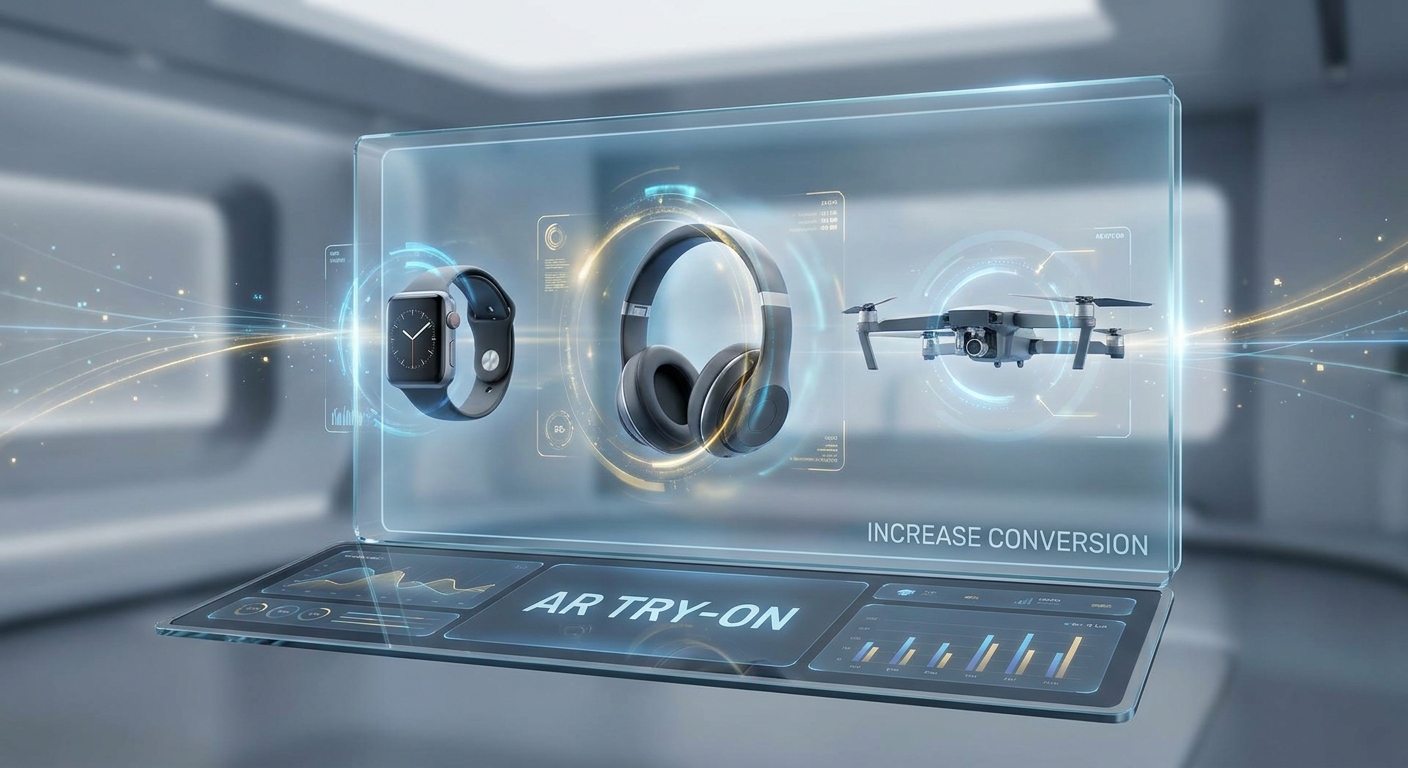
Revolutionize your eCommerce with 3D product models in 2026. Boost conversions, cut returns with MagiScan. Learn how to create & integrate for online success.
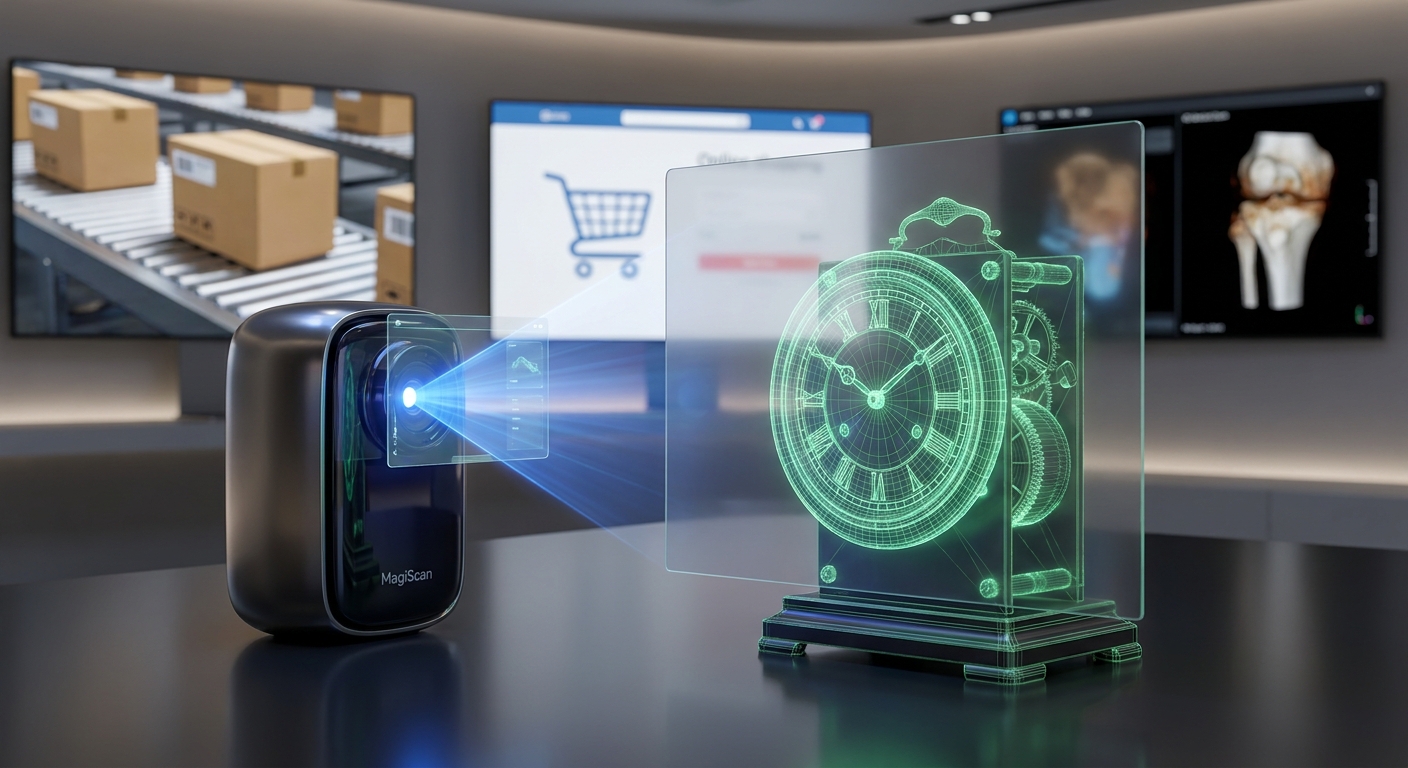
Learn how to scan objects into 3D in 2026 with MagiScan. This guide covers methods, benefits for logistics, e-commerce, medical, and industrial sectors, and key considerations for choosing a 3D scanner.
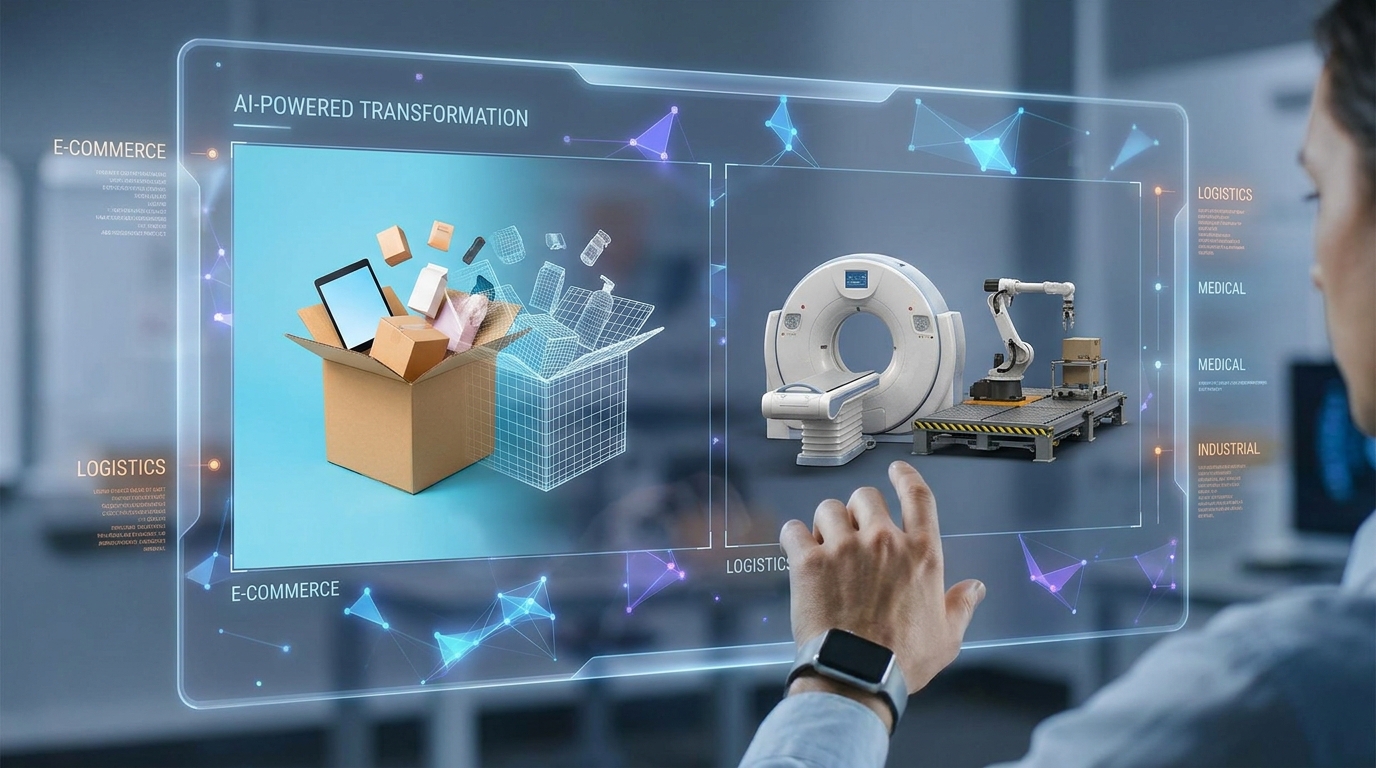
Revolutionize your digital assets with AI image to 3D model conversion in 2026. Explore applications, technologies, and MagiScan's advanced solution.
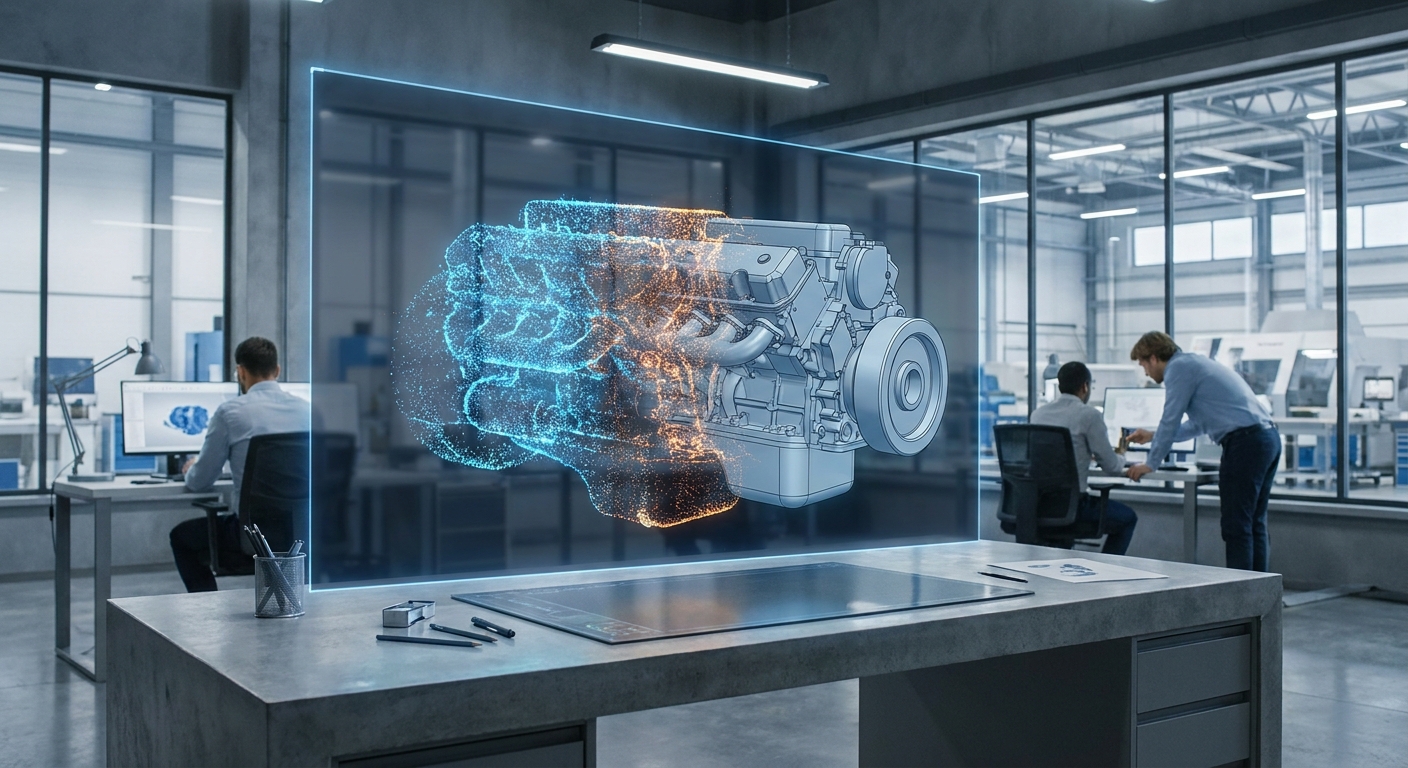
A scan to CAD workflow is the process of converting 3D scan data into a usable CAD (Computer-Aided Design) model, enabling rapid prototyping, reverse engineerin

Explore 2026's top text-to-3D model AI tools, their applications in logistics, e-commerce, medicine, and engineering, and how MagiScan leads innovation.
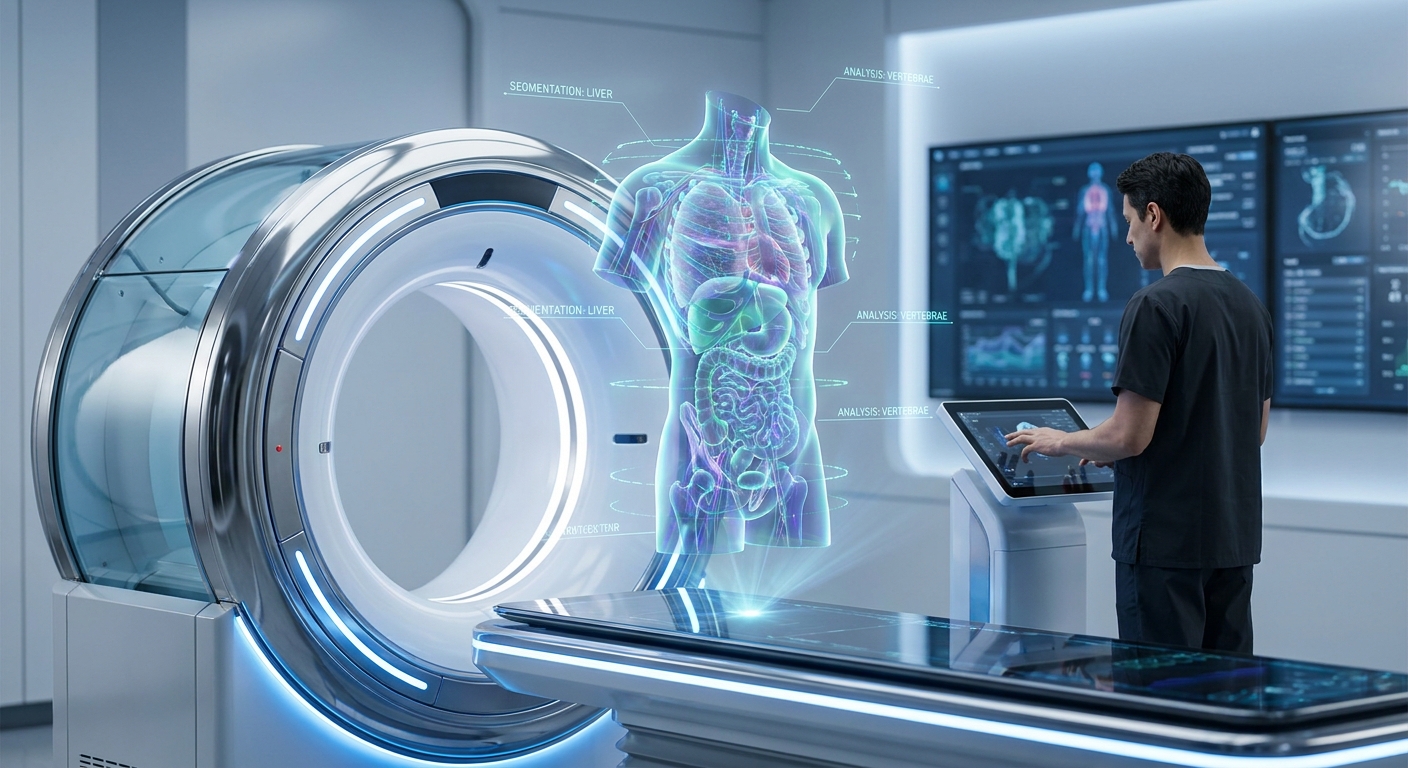
Explore the ultimate medical 3D scanning software guide for 2026, covering core capabilities, crucial features, and trends. Discover how MagiScan revolutionizes healthcare workflows.
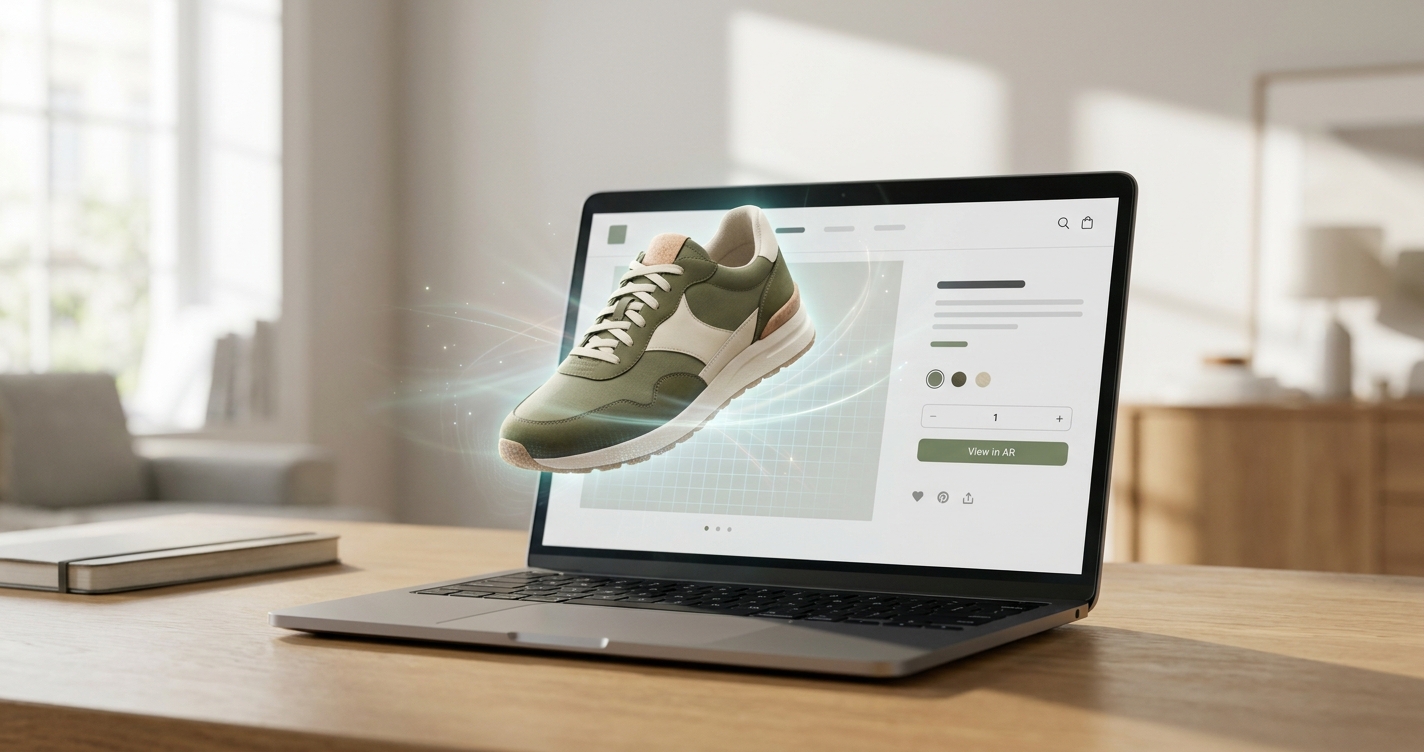
Discover how 3D product models are revolutionizing e-commerce in 2026. Learn how they boost sales, reduce returns, and enhance customer experience.
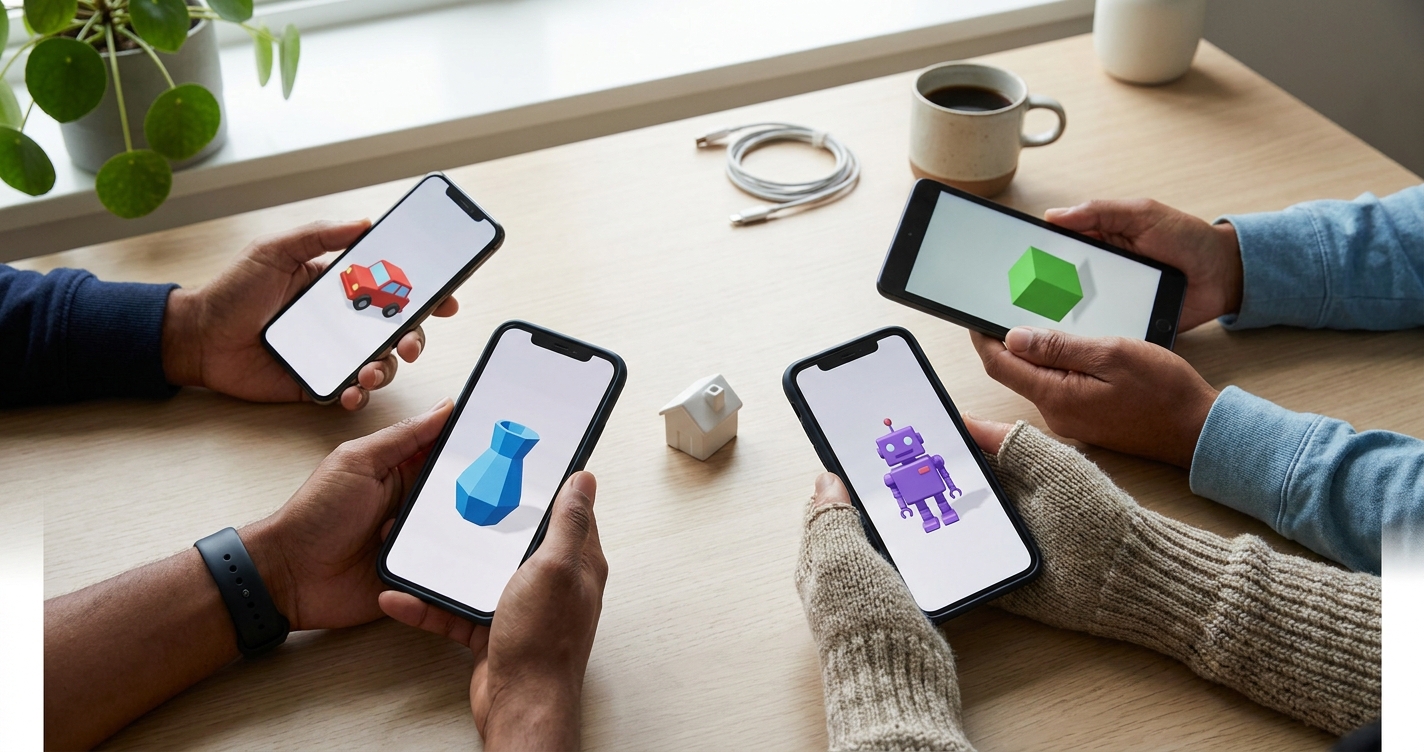
Discover the easiest 3D modeling apps in 2026 for beginners to professionals. Learn about user-friendly software for 3D printing, game design, and more!

Explore the transformative convergence of 3D scanning and augmented reality in 2026. Discover how these technologies are revolutionizing industries and creating new possibilities.

Learn about AI 3D reconstruction in 2026: technologies, applications, future trends, and its impact on industries like healthcare, manufacturing, and entertainment.
Explore comprehensive 3D scanning education options for 2026. Learn about essential skills, career paths, and the future of this exciting field.
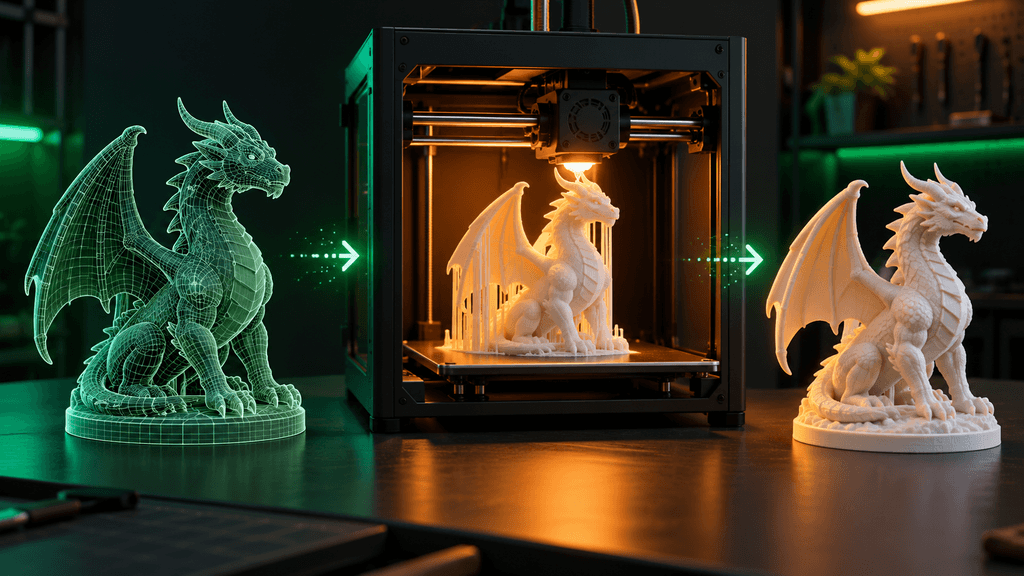
Export FBX for Unity, OBJ or GLB for Blender, STL or 3MF for slicers, or pair by QR code. Steps for each tool, plus fixes for scale, color and heavy meshes.
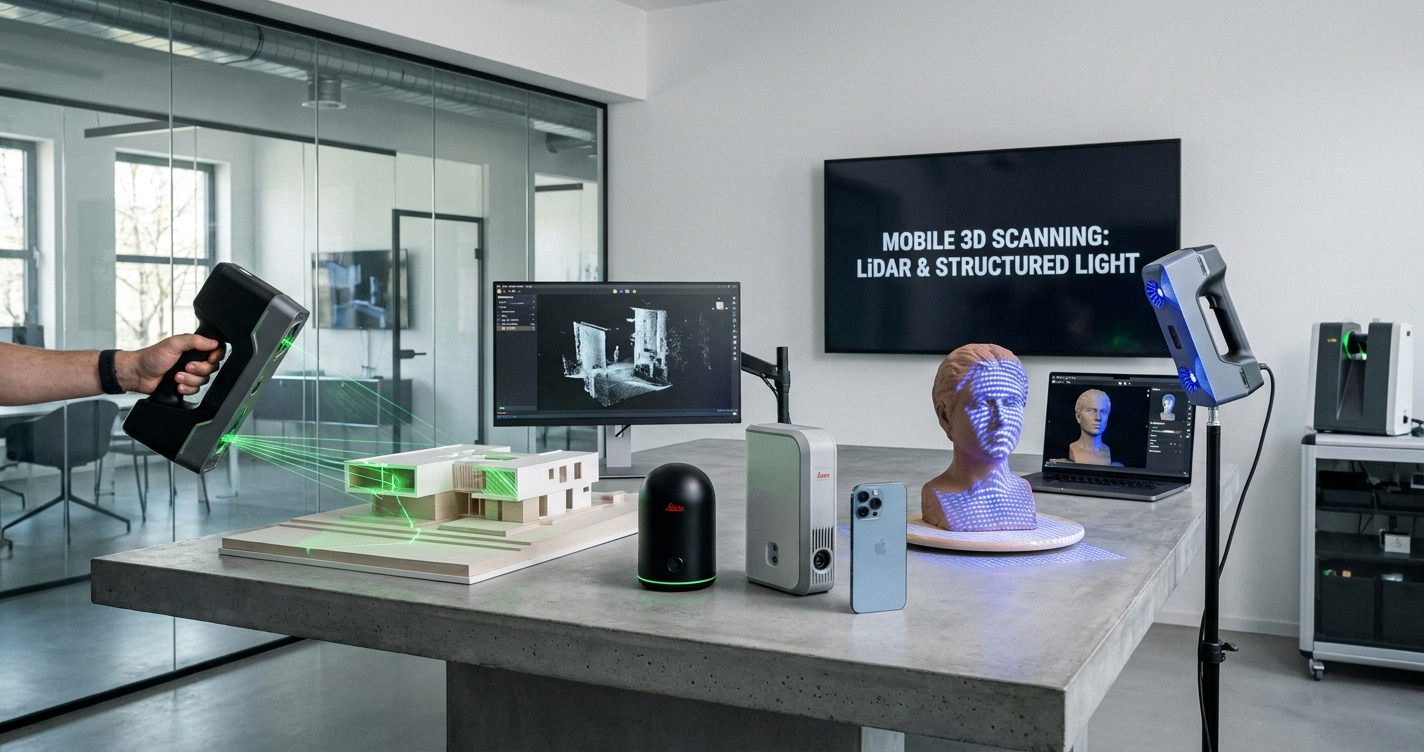
Compare mobile 3D scanners in 2026: accuracy, speed, cost, and software for industrial, architectural, and design needs. Find the best device.
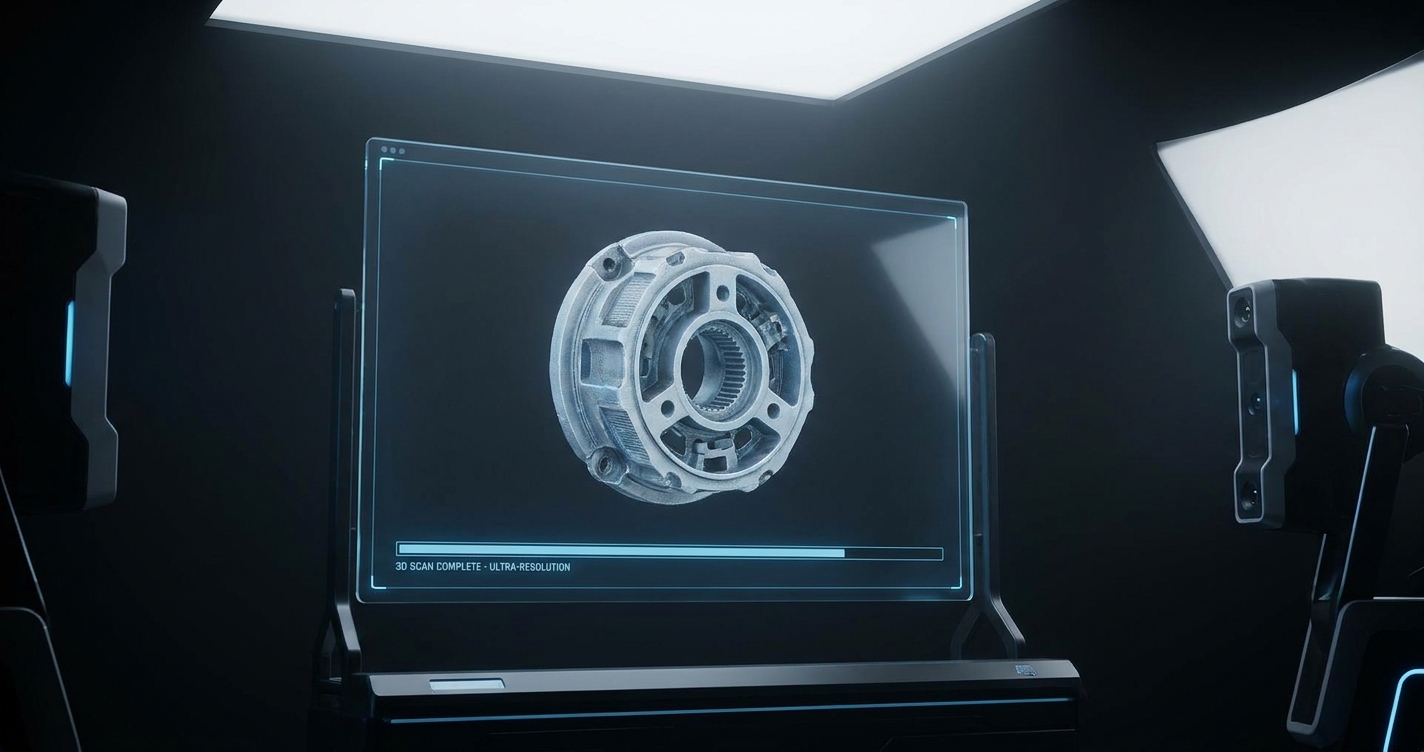
Master 3D scan quality in 2026 with expert tips on lighting, calibration, object prep, and AI post-processing for superior results.
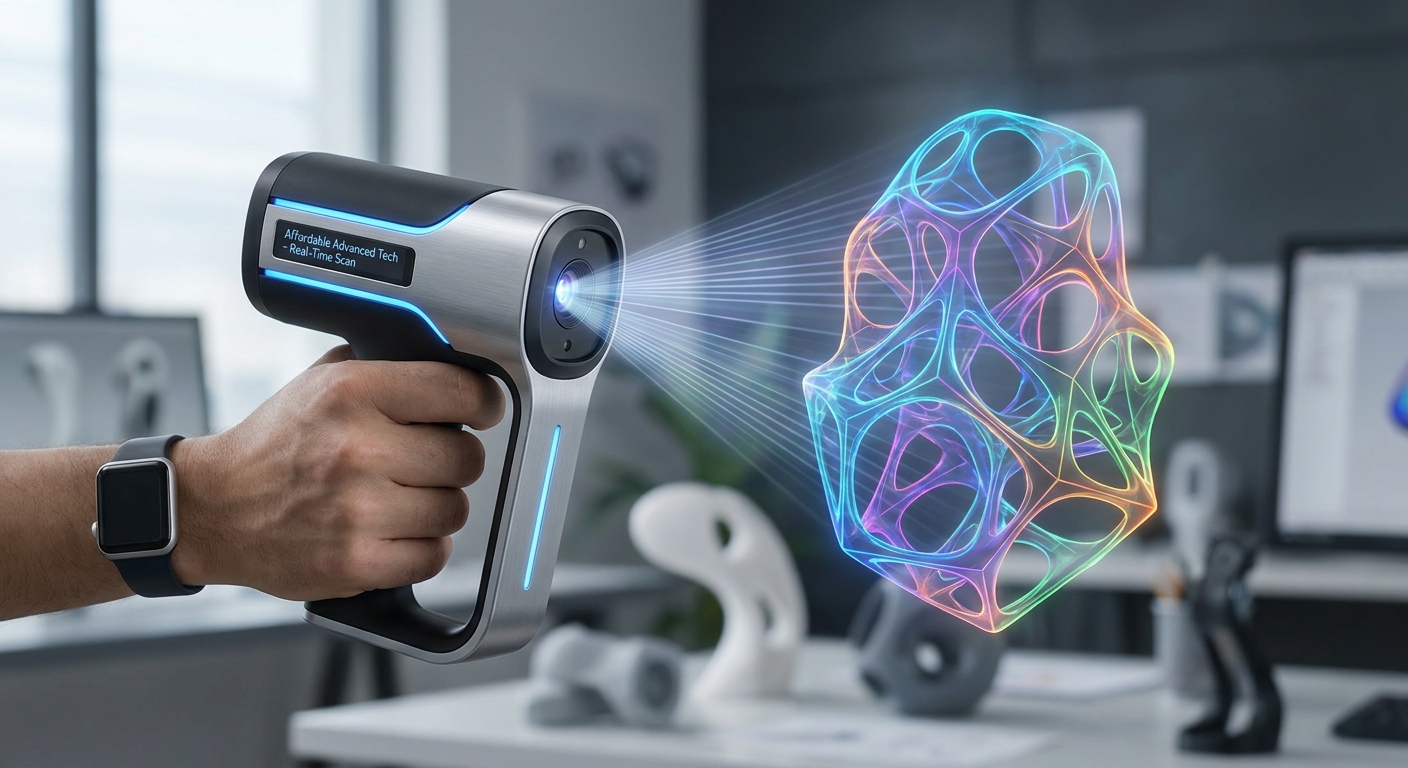
Discover the best affordable 3D scanners in 2026, offering professional capabilities for hobbyists & businesses under $1,500. Compare features & find your perfect fit.

Scan failed in the app? Check camera permission, phone support and scans left, then coverage, movement, light, background and the object you are scanning.
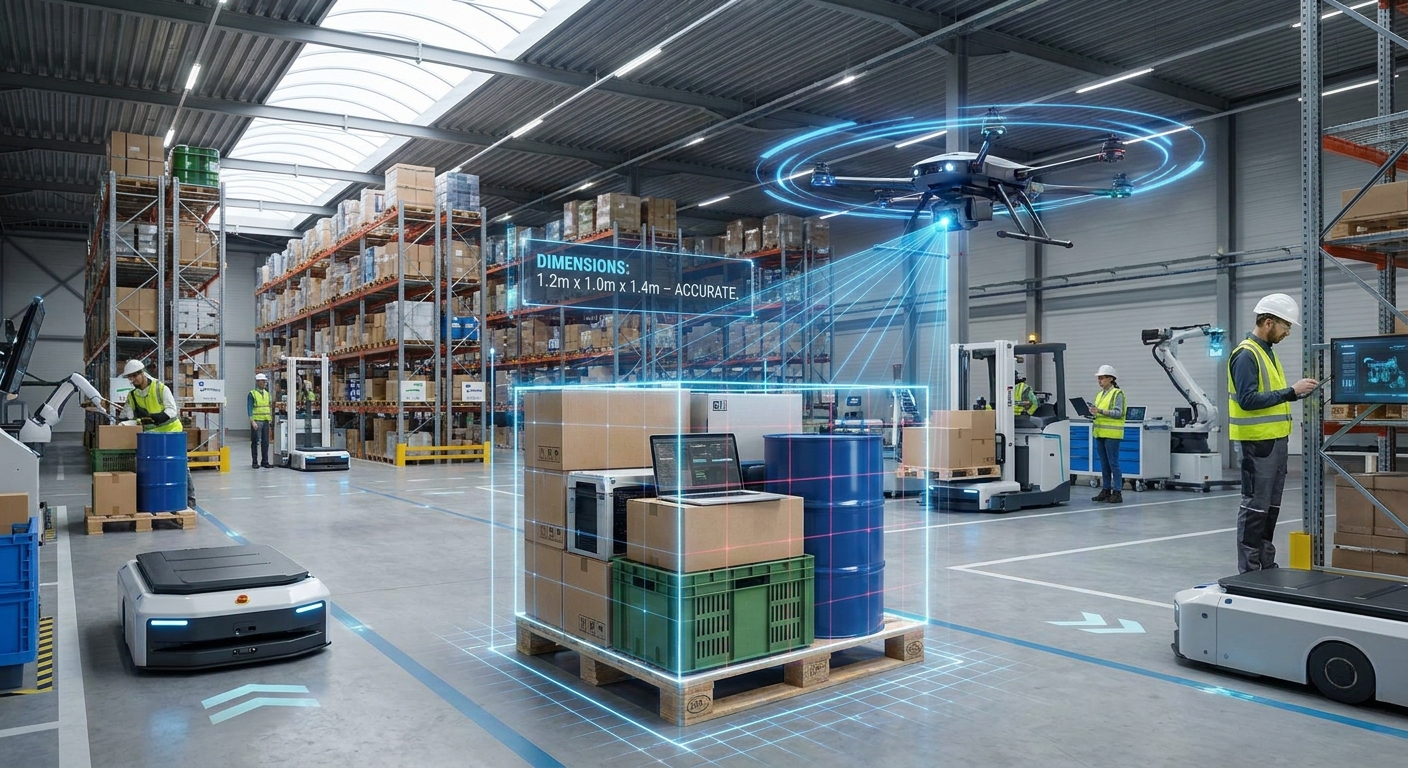
A 3D scan reads a shipment's outer length, width and height for dim weight. Phone scans suit quoting and re-bill checks; billing customers needs certified gear.
Export STL or OBJ, fix the meters-to-millimeters size in your slicer, repair holes, cut a flat base, then decimate or hollow only when the print needs it.
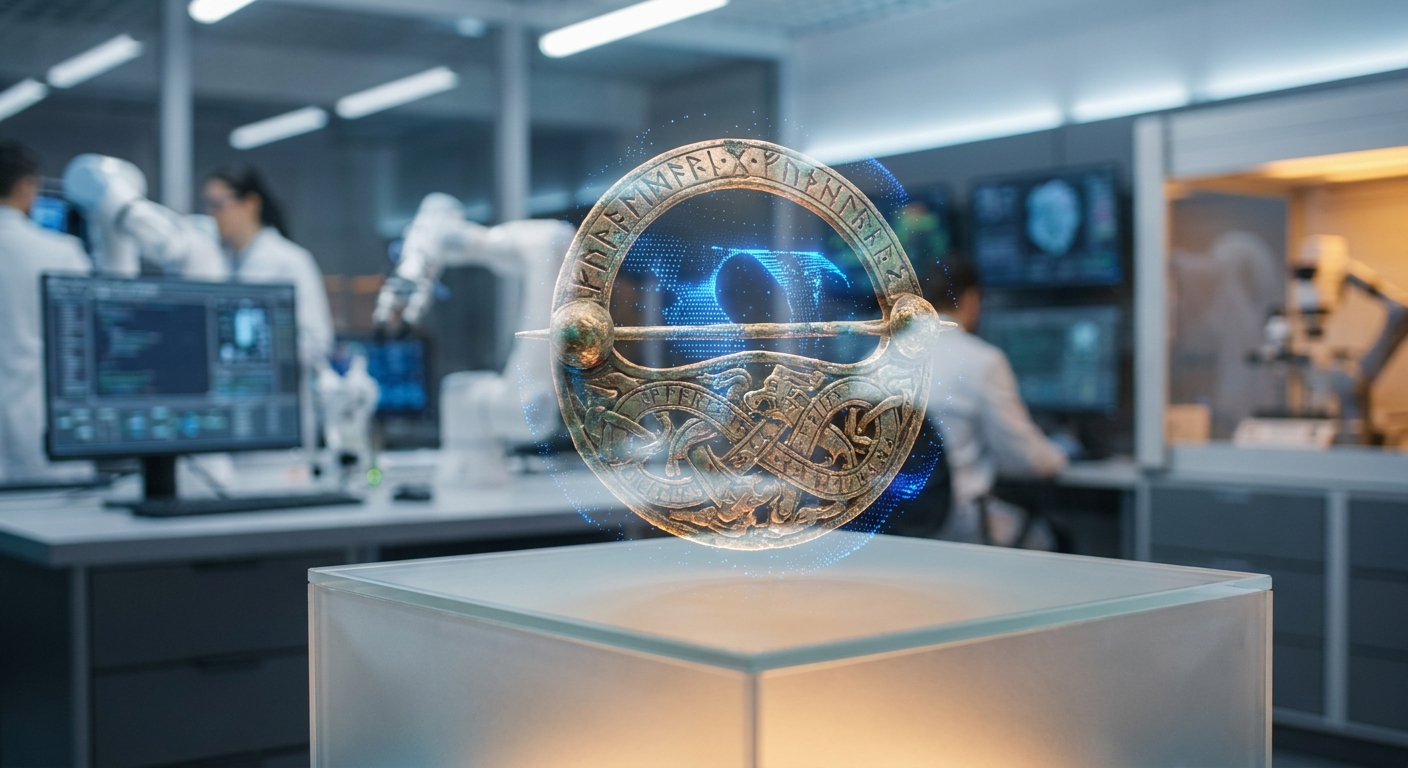
Revolutionize heritage preservation in 2026 with MagiScan's advanced 3D scanning. Discover how to safeguard, document, and share cultural assets with unparalleled accuracy.
Head of Mobile / AI
At MagiScan, I'm responsible for mobile architecture and the AI direction. In fact, my contribution started with the very first MVP in 2021.
Operations Lead

I'm the person who helps our team truly hear you - and turn that voice into concrete product improvements.
CPO / Head of QA

I joined the project as a regular QA tester. Back then it was just work on tasks and bugs, but now it's a much bigger story.
Backend Developer / DevOps

How we turn reality into pixels - and why it matters. As a backend developer, I see MagiScan not as a single product, but as a complex ecosystem.
iOS Developer / AR Engineer

I joined MagiScan as an iOS developer working with camera, AR technologies, and 3D data. From the very beginning, my main focus has been building the scanning system.
CTO

My name is Max. I'm the CTO at MagiScan. At my core, I'm a technician - someone who always needs to understand how things work.
CEO

Kiryl Sidarchuk is the CEO of MagiScan, where he leads business development, strategic partnerships, and the long-term growth of the company's ecosystem.