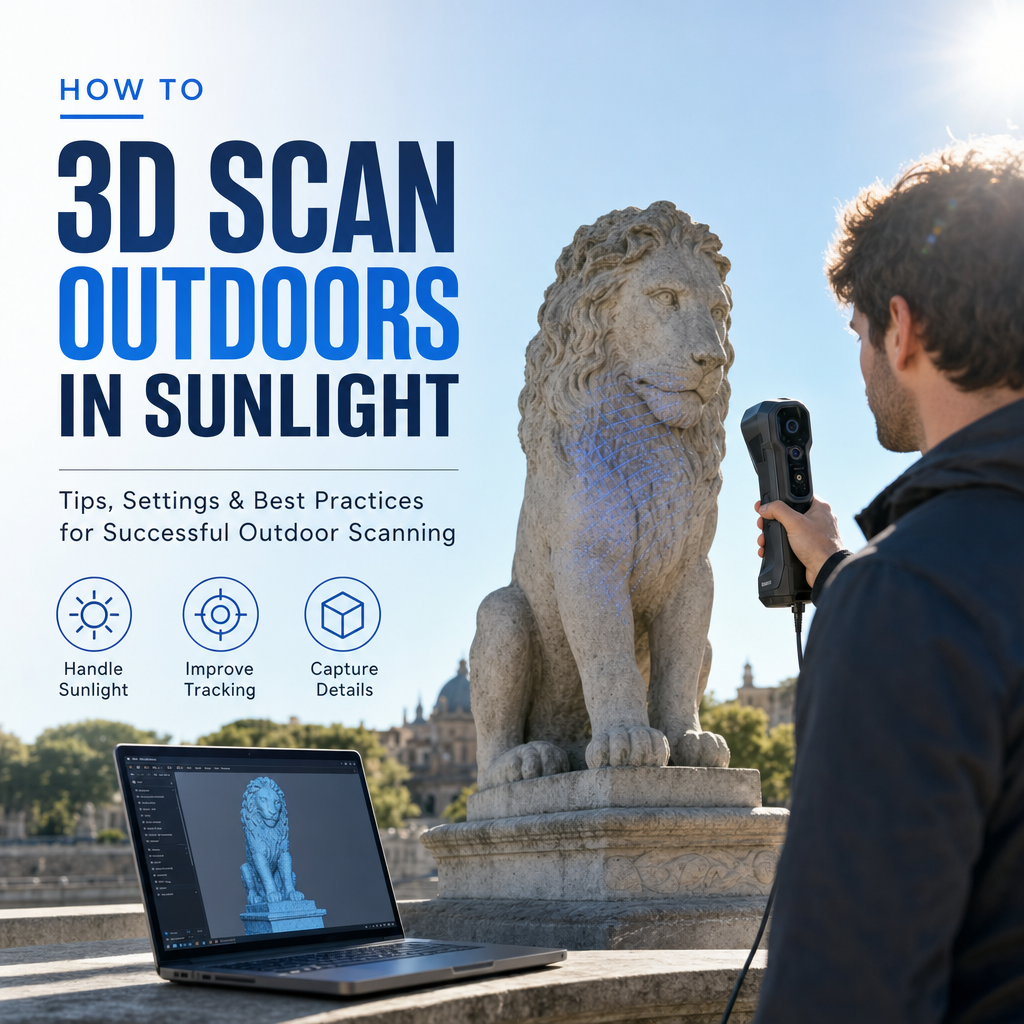
To 3D scan outdoors, avoid hard direct sunlight and capture under soft, even light: an overcast sky, full open shade, or a moment when a cloud covers the sun. Use a photo-based (photogrammetry) or LiDAR scan rather than a projected-pattern sensor like the iPhone's front TrueDepth camera, and keep the lighting the same for every frame so the software sees one consistent object.
The rest of this page explains why sunlight breaks scans, which methods tolerate it, and how to set up a capture when you cannot choose the weather.
Why does direct sunlight ruin outdoor 3D scans?
Sunlight causes three separate problems, and each affects a different kind of scanner.
It drowns out projected light. Structured light scanners work by shining a known pattern onto the object and reading how it deforms. Outdoors, the sun is far brighter than any pattern a small device can project. The authors of the SL Sensor paper note that structured light systems generally do not work well outdoors because ambient sunlight overpowers the projected pattern, which is why these sensors are designed for indoor use where lighting can be controlled. On a phone, the front TrueDepth camera works on this principle, which is why face and close-up scans that work fine indoors fall apart on a sunny patio.
It creates hard shadows. Photogrammetry rebuilds geometry by matching the same surface detail across many photos. A crisp shadow edge looks like a real feature, but it moves as the sun moves and as you walk around the object, so the software gets conflicting matches. Pix4D's official acquisition guidance says the best light for photogrammetry is soft and consistent, such as cloudy skies, and advises avoiding direct sunlight because of harsh shadows, overexposure and reflections.
It blows out highlights and hides shadows. A phone camera has limited dynamic range. In midday sun it either exposes for the bright side, leaving the shadow side nearly black, or exposes for the shadow side and burns the bright side to pure white. Both extremes contain no texture, and no texture means no matching points. The Ohio History Connection photogrammetry guidelines, drawing on Historic England's manual, warn that areas of deep shadow within an otherwise brightly lit scene can be exceptionally problematic and introduce significant error.
Which scanning method copes best with sunlight?
The method matters as much as the timing. Here is how the three approaches you are likely to have on a phone behave outdoors.
| Method | How it senses shape | Behaviour in bright sun | Best outdoor use |
|---|---|---|---|
| Structured light (e.g. front TrueDepth camera) | Projects an infrared dot pattern and reads its distortion | Pattern gets overpowered by ambient sunlight; expect failed or patchy scans | Move indoors or into deep, even shade |
| LiDAR (rear sensor on Pro iPhones and iPads) | Times its own emitted light pulses | Geometry capture is largely independent of ambient light; texture photos can still suffer from glare and washout | Fast geometry of mid-sized objects, walls, garden features |
| Photogrammetry (any phone camera) | Matches features across many overlapping photos | Works outdoors but is sensitive to hard shadows, overexposure and reflections | Detailed, textured models of statues, rocks, vehicles, building facades |
LiDAR has an advantage here. A review on LiDAR for crowd management describes LiDAR performance as largely independent of ambient lighting, working in bright daylight, direct sunlight and darkness, and avoiding the lens flare and washout that affect passive cameras. Keep in mind that a phone scan usually combines the LiDAR depth with colour photos from the regular camera, so the shape may hold up while the colour texture still shows burnt highlights and baked-in shadows.
If you want a deeper comparison of the two main options, see LiDAR vs. photogrammetry.
Whatever app you use, the lighting rules stay the same. MagiScan, for example, turns an iPhone or Android phone into a 3D scanner and measuring tool, but like any phone scanner it can only work with the light the camera and sensors receive, so the setup below matters more than the choice of app.
How do you set up an outdoor scan when the sun is out?
This is the routine that works for most outdoor objects, from a garden sculpture to a pallet in a yard.
- Pick the light first. Overcast days are ideal. If the sky is clear, scan early in the morning or late in the afternoon when the sun is lower and softer, or wait for a cloud to cover it. Avoid the middle of the day, when shadows are hardest.
- Look for full, open shade. The shadow side of a building, under a large tree canopy with no dappling, or inside an open garage door all give even light. The key word is full: the whole object should be in shade, not half in and half out.
- Move the object if you can. For anything portable, carrying it into shade solves more than any camera setting will.
- Lock exposure and focus. Tap and hold on a mid-tone area of the object so the camera stops readjusting as you walk around. Changing exposure between frames makes the same surface look different from photo to photo.
- Keep the sun behind you or to the side, never in frame. Shooting toward the sun causes flare and silhouettes. Plan your walking path so the bright sky is not in the background of the shots facing that way.
- Watch your own shadow. With a low sun, your body casts a long shadow across the object on one side of your orbit. Raise the phone, step wider, or scan that section when the sun is blocked.
- Capture quickly and in one session. Shadows move. A scan spread over a long period gives frames that disagree about where the shadows fall.
- Check the result before you pack up. Look for holes, smeared texture and floating noise while you can still reshoot.
For large subjects such as a car or a building corner, the same rules apply, with more attention to overlap and a planned walking route so you are not doubling back while the light changes.
What if you cannot wait for clouds or shade?
Sometimes the object is fixed and the deadline is today. You can still improve your odds.
Make your own shade. A large diffusion panel, a pop-up canopy, or even a bedsheet held between the sun and the object turns hard light into soft light. For small objects this is often easier than finding natural shade.
Scan with the sun at your back on a matte object. Front light flattens shadows on the side you are facing. It does not fix the far side, so you may have to capture the sunny half now and the other half when the light changes, then accept that the texture will not match perfectly.
Prefer LiDAR for geometry. If what you need is the shape or the measurements rather than a good-looking texture, LiDAR is the more forgiving choice in bright light, for the reasons above.
Handle reflective surfaces separately. Car paint, glass and polished metal reflect the sky and the sun, and those reflections move as you move. Matte scanning spray or a temporary covering helps; see how to scan shiny, black or transparent objects.
What mistakes cause holes and blur in outdoor scans?
These are the problems that show up most often once you open an outdoor scan on a computer.
- Half-shaded objects. A dappled shadow from leaves or a sharp shadow line across the middle produces exactly the mixed bright and dark scene the heritage guidance warns about. The dark part often comes out as holes.
- Auto exposure left on. The texture flickers between light and dark patches, and alignment can fail.
- Moving surroundings. Grass, leaves and people walking past confuse feature matching. Frame tighter on the object and avoid windy moments.
- Moving too fast in shade. Bright sun allows fast shutter speeds, but in shade the camera slows down and quick movement causes motion blur. See why 3D scans come out blurry for the full list of causes.
- Using the front camera. Face-style scanning with the TrueDepth sensor outside in sun is the clearest case of the wrong tool for the conditions.
- Splitting the capture across hours. Two halves shot with the sun in different positions rarely merge cleanly.
What should you do with an outdoor scan afterwards?
First, decide whether the problem is geometry or texture. If the shape is correct but the colour shows baked-in shadows, that is a texture issue and may be acceptable for measurement or 3D printing. If the mesh has holes where the shadows were, rescan those areas in better light rather than trying to sculpt them back in.
Small gaps can be filled in post-processing; how to fix holes and clean up a 3D scan walks through that. Then export in the format your next step needs, whether that is a mesh for printing, an AR file or a model for a product page.
The short version: soft light, one consistent session, locked exposure, and the right sensor for the job. Get those right on site, and the export step is simple: MagiScan, for instance, exports scans for 3D printing, AR and e-commerce, so a clean outdoor capture can go straight into whichever of those you need.
Frequently Asked Questions
Is an overcast day really better than a sunny day for 3D scanning?
Yes. Cloud cover acts as a giant diffuser, giving soft, even light with no hard shadows and fewer blown highlights. Pix4D's guidance names cloudy skies as a good way to get the consistent lighting photogrammetry needs.
Does the iPhone LiDAR sensor work in direct sunlight?
LiDAR as a technology emits and times its own light pulses, so its depth measurement is largely independent of ambient light. The colour texture on a phone scan comes from the regular camera, though, so you can still get glare, washout and baked-in shadows even when the shape is fine.
Why does my face scan fail outside but work indoors?
Face scanning typically uses the front TrueDepth camera, which projects an infrared pattern. Bright sunlight can overpower that pattern, so the sensor cannot read depth reliably. Move into deep, even shade or indoors.
What time of day is best for scanning outdoors?
On a clear day, early morning or late afternoon gives softer, lower light than midday. Whatever time you choose, finish the capture in one short session so the shadows do not shift between frames.