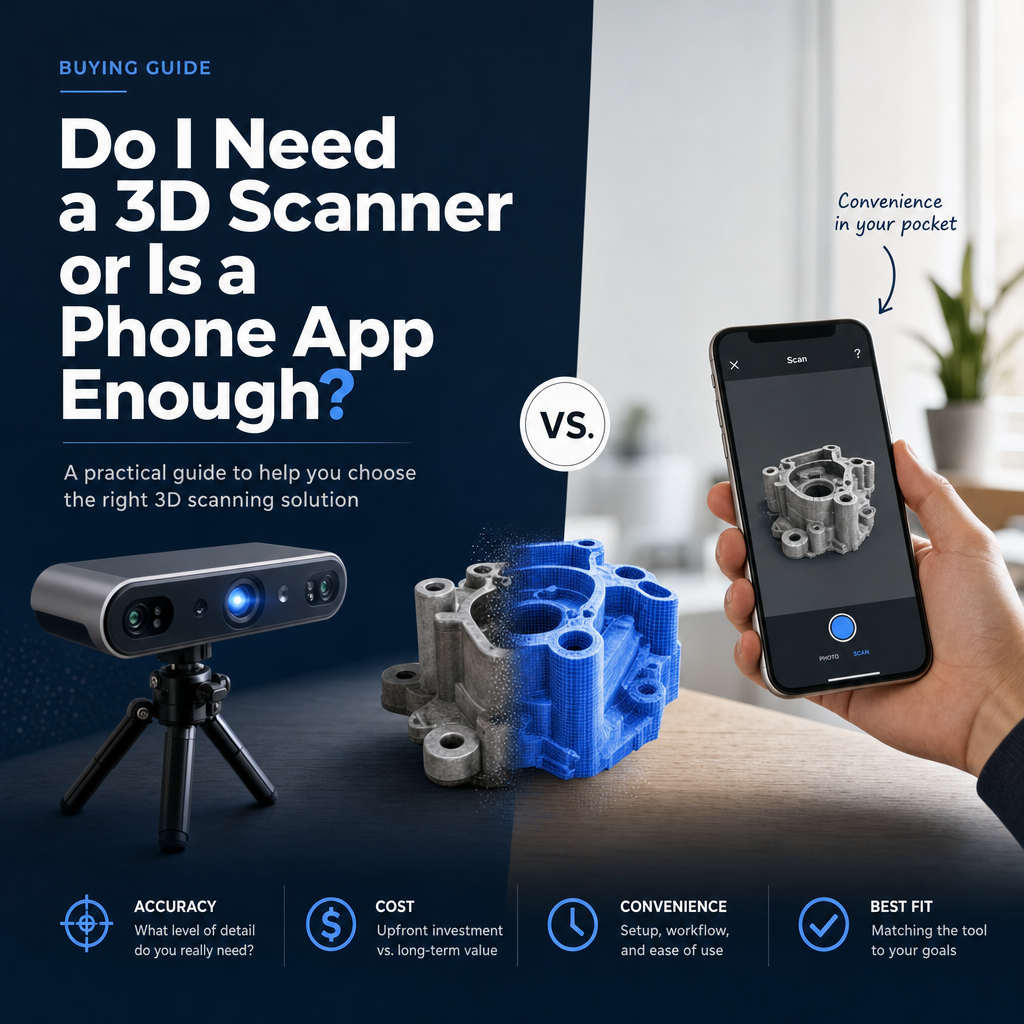
For visual models, AR previews, product listings, room layouts and dimensions where a few millimeters or centimeters do not matter, a phone app is enough. You need a dedicated 3D scanner when the geometry itself must be trusted to the millimeter or better, as in reverse engineering, quality control, or printing parts that have to fit something else.
The deciding question is not "which looks better" but "what tolerance does my job require, and can I prove I hit it?" The rest of this article walks through how to answer that for your own work.
What is a phone app actually good at?
Phone apps rebuild objects either from many overlapping photos (photogrammetry) or from a depth sensor such as the iPhone LiDAR. Both approaches capture color and texture very well, because they are working from a high-quality camera. The 3D printing publication Fabbaloo makes the same point: phone scanning apps generally produce more vivid color and texture than dedicated scanners, even though their geometric accuracy is lower.
That makes a phone the right tool when the output is something a person looks at:
- Product models for an online store or an AR "view in your room" button
- Room and interior captures for layout planning
- Rough box or pallet dimensions in a warehouse
- Reference shapes for a designer who will model the final part by hand
- Sculptures, props and decorative prints where nobody is checking a caliper
An app like MagiScan, which turns an iPhone or Android phone into a 3D scanner and measuring tool and exports scans for 3D printing, AR and e-commerce, covers this whole category without extra hardware. You already carry the device, so the cost of trying is close to zero.
One hardware detail matters. According to a device list checked against Apple's specifications, LiDAR hardware is limited to Pro and Pro Max iPhones from the iPhone 12 Pro onward; standard, Plus, mini, e and Air models never had it. Without LiDAR you rely on photogrammetry, which still works well for objects. Our guide on how to 3D scan without LiDAR on an iPhone covers that workflow.
Where does a dedicated 3D scanner clearly win?
A dedicated scanner projects its own structured light or laser pattern and is calibrated for geometry, not appearance. That shows up the moment you print or measure the result.
In a side-by-side print test, How-To Geek found that a dedicated structured-light scanner (the Creality Otter Lite) was accurate to the millimeter or sub-millimeter and produced a far more faithful printed replica than an iPhone scan made with Polycam. If you are reproducing a broken bracket, a clip or a replacement knob, that difference decides whether the part snaps into place or goes in the bin.
Fabbaloo reaches the same conclusion for industry: dedicated scanners remain better suited to reverse engineering and quality control. Those are the jobs where the mesh becomes the specification.
There is also a paperwork difference that many buyers miss. Professional optical scanners can be tested against the German engineering standard VDI/VDE 2634 Part 2, which defines acceptance and reverification tests using reference artifacts: a sphere, a ball bar and a flat plate. Quality Digest explains that this standard grades area-scanning systems on three quality parameters: probing error, sphere spacing error and flatness. Phone apps are not certified this way. If a customer, auditor or regulator asks you to prove measurement accuracy, a phone app gives you no certificate to show.
How big is the accuracy gap in practice?
The published figures come from different test setups, so read them as orders of magnitude rather than a league table. A review of studies on large-scale environment scanning compiled these results:
| Option | Reported accuracy | Real strength | Typical fit |
|---|---|---|---|
| Phone app (photogrammetry or LiDAR) | Single-line iPhone 12 Pro LiDAR at about ±6–8 cm over large environments (study table); objects scanned up close with photogrammetry do considerably better | Best color and texture, no extra hardware, fast | E-commerce, AR, rooms, rough dimensions, visual prints |
| Consumer room capture (Matterport Pro2/Pro3) | About ±50–70 mm (same table) | Quick walkthroughs of whole spaces | Real estate tours, space documentation |
| Dedicated structured-light scanner (e.g. Creality Otter Lite) | Millimeter to sub-millimeter in a print test (How-To Geek) | Faithful geometry for small and medium objects | Replacement parts, reverse engineering, fit-critical prints |
| Professional terrestrial laser scanner (FARO, Leica RTC360) | Roughly ±1–3 mm over large scenes (study table) | Survey-grade geometry at building scale | As-built surveys, plant and site documentation |
The phone figure above is for scanning whole environments with a single-line sensor, which is the hardest case. Close-range object work is a different situation. A body-scanning study notes that earlier comparisons of smartphone apps such as Polycam against the professional Artec Eva structured-light scanner reported favorable photogrammetry performance, with the caveat that this validation has been limited to small, localized body regions rather than full-body scans. In plain terms: a phone can get surprisingly close on a small object you can walk around, and falls behind as size, distance and required precision go up.
For a deeper look at how the two capture methods behave, see LiDAR vs. photogrammetry.
How do I decide for my own job?
Work through these questions in order. The first "yes" usually settles it.
- Does someone need a certified accuracy figure? If a contract, audit or quality system requires documented measurement accuracy, buy or rent a dedicated scanner that can be verified against a standard such as VDI/VDE 2634. A phone app cannot supply that evidence.
- Will the scan be used to make a part that must mate with something? Gears, clips, housings, sockets, brackets: if a 1 mm error means it does not fit, use a dedicated scanner, or measure the critical features with calipers and model them by hand.
- Is the mesh itself the deliverable for inspection? Comparing a produced part to its CAD model is quality control, and that is dedicated-scanner territory.
- Is the output viewed rather than measured? Store listings, AR, client previews, sculptures and visual prints: a phone app is enough, and its texture will often look better.
- Do you need dimensions with some slack? Shipping boxes, furniture footprints and room sizes usually tolerate small errors. A phone app is enough, provided you check one known dimension in each scan.
A quick test before spending money: scan the actual object with your phone, measure two or three features on the mesh, and compare them with a caliper or tape. If the error is inside your tolerance on a few tries, you have your answer.
What mistakes make people think a phone isn't enough?
Many "phone scanning doesn't work" verdicts come from technique, not the hardware ceiling. Before deciding you need a scanner, rule these out:
- Shiny, black or transparent surfaces. Both cameras and depth sensors struggle with them. Dedicated scanners do too, which is why matte scanning spray exists. Our guide to scanning shiny black or transparent objects covers the workarounds.
- Too few viewpoints. Gaps in coverage become holes or melted edges. Walk the full circle at two or three heights.
- Moving the object or the lighting mid-scan. Photogrammetry assumes nothing changes between photos.
- No scale check. Scale errors look like accuracy problems. Measure one known distance and correct the model.
- Judging a scan of a large space by its object performance, or vice versa. As the table shows, phone accuracy depends heavily on the size of what you scan.
If you fix these and the numbers still miss your tolerance, that is a real reason to move to dedicated hardware. For the full process of checking dimensions, read how to get accurate measurements from a 3D scan.
When does it make sense to use both?
Plenty of teams end up with a phone for daily capture and a dedicated scanner, owned or rented, for the occasional precision job. A logistics team might measure parcels and document damage on phones all week, then hand a single fit-critical component to an engineer with a structured-light unit. An e-commerce seller can shoot every product on a phone for its texture and only bring in a dedicated scanner when designing custom packaging inserts.
Another practical split: capture shape and appearance with the phone, then add the two or three dimensions that really matter with calipers and fix them in CAD. You get the good-looking surface from the phone and the hard numbers from a tool built to measure them.
If your work is mostly visual, sales-facing or rough-dimension, start with a phone app such as MagiScan and only buy a dedicated scanner once a real job fails your tolerance test. If your work is reverse engineering, inspection or anything that needs a documented accuracy figure, budget for the dedicated scanner from the start.
Frequently Asked Questions
Can I 3D print a replacement part from a phone scan?
For decorative or loose-fitting parts, yes. For parts that must snap, screw or press into something, a phone scan alone is risky; in a published print test, a dedicated structured-light scanner produced a far more faithful replica than an iPhone app. Measure critical features with calipers and adjust the model before printing.
Do I need an iPhone with LiDAR to scan objects?
No. LiDAR is only on Pro and Pro Max iPhones from the 12 Pro onward, but photogrammetry works on phones without it and handles small and medium objects well. LiDAR helps most with rooms and larger spaces.
Is a phone app accurate enough for warehouse and shipping dimensions?
Usually, because box and pallet measurements tolerate small errors. Check one known dimension per scan so a scale error does not slip through, and use a tape or dimensioner for anything billed to the millimeter.
Why are dedicated scanners trusted for quality control and phone apps are not?
Dedicated optical scanners can be acceptance-tested under VDI/VDE 2634 Part 2, which grades probing error, sphere spacing error and flatness against calibrated artifacts. Phone apps are not certified this way, so they cannot provide documented accuracy for inspection or audits.