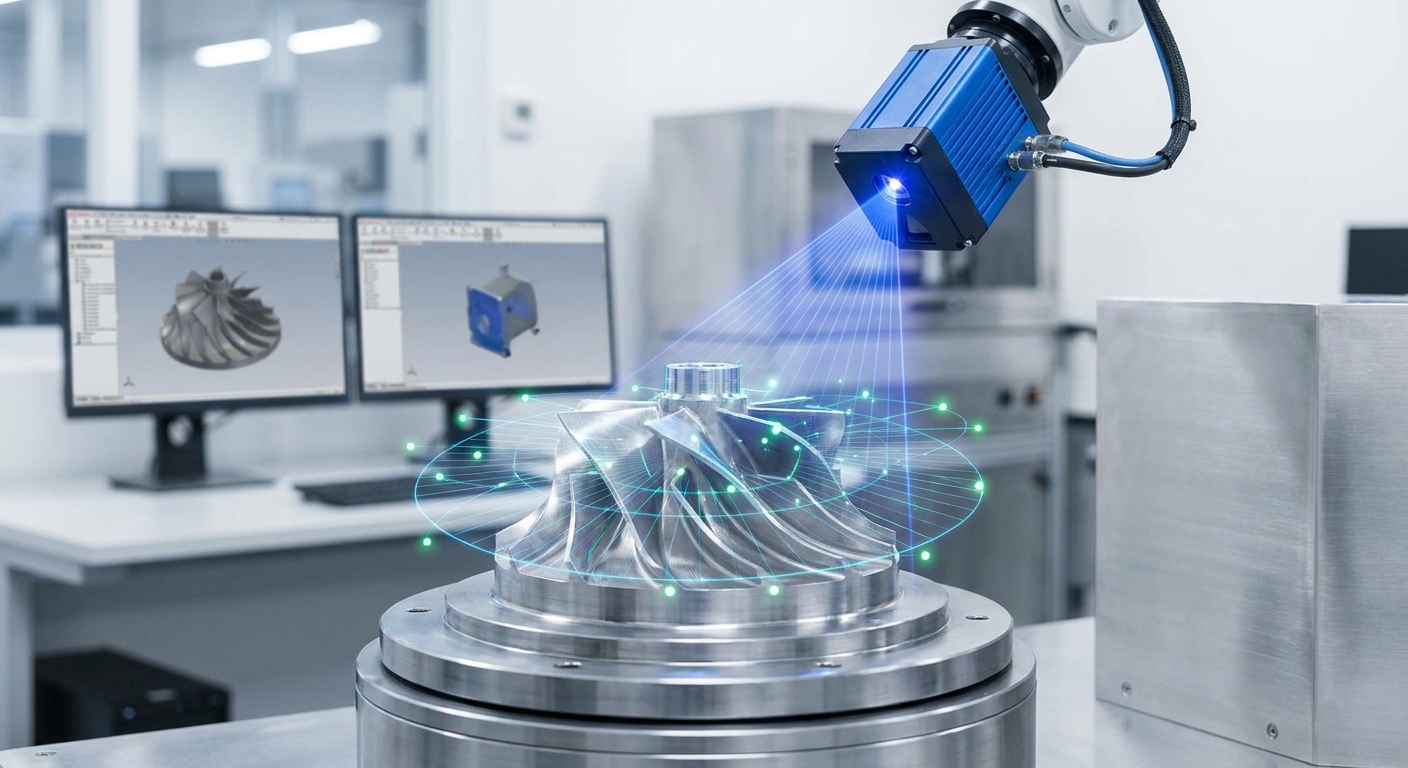
Industrial engineers analyze 3D scan data by cleaning the raw point cloud or mesh, aligning it to a reference such as the CAD model, and then extracting what the job needs: surface deviations, feature dimensions, tolerances, or a rebuilt CAD model. How useful that analysis is depends almost entirely on two things decided before you open any software: how well the scan was captured and how much measurement uncertainty your scanner carries.
The rest of this page walks through that workflow step by step, the export formats that keep data intact, how to read a deviation map without fooling yourself, and when a scan is not the right instrument at all.
What does the workflow look like from scan to result?
Almost every scan analysis job follows the same chain, whatever the hardware:
- Capture. Collect points or images covering every surface you need to measure.
- Pre-process. Remove stray points (background, fixtures, reflections), reduce noise, and decide whether to keep a point cloud or convert to a triangle mesh.
- Align. Place the scan in the same coordinate system as the reference model or a previous scan.
- Analyze. Compare surfaces, extract features, measure dimensions, or fit CAD geometry.
- Report or export. Produce a deviation report, a measurement table, or a model for downstream use.
NIST describes a 3D imaging system as a non-contact measuring instrument that produces a point-cloud surface representation of an object or site, following ASTM E2544 (NIST performance evaluation of terrestrial laser scanners). That framing matters: a scan is a measurement, not a picture, and each step above can add error. Treat pre-processing and alignment as part of the measurement, and record what you did, so someone else can repeat it.
How do you capture scan data that is good enough to analyze?
Most analysis problems are capture problems in disguise. Holes in the mesh, wavy flat faces and edges that look melted usually trace back to the scan session, not the software.
The obstacles engineers hit most often:
- Shiny and dark surfaces. Polished metal reflects the light the scanner relies on, and matte black absorbs it. The result is missing patches or noisy spikes. A light, removable scanning spray or developer powder usually fixes it; so does diffuse lighting and changing your angle to the surface.
- Hidden areas. Deep pockets, undercuts and the underside of a part only appear if you scan them. Plan at least two orientations and flip the part between passes.
- Featureless surfaces. Large flat or uniform areas give tracking algorithms nothing to lock onto, so the scan drifts. Adding temporary markers or placing the part on a textured background helps.
- Movement. Anything that moves during capture (a cable, a loose cover, the part on a wobbly table) shows up as doubled geometry.
- Scale. Photo-based methods need a known reference dimension, so include an object of known length or measure one dimension by hand to check the scan afterwards.
For quick checks on the shop floor, fit-up of large assemblies, or documenting a part that cannot leave the line, a phone is often the fastest capture tool. An app such as MagiScan turns an iPhone or Android phone into a 3D scanner and measuring tool, so you can capture the part, take measurements and export the scan for further work. If you are unsure whether a phone or a dedicated scanner suits the job, this comparison of phone apps and 3D scanners covers the decision, and LiDAR vs photogrammetry explains which capture method suits which geometry.
Before leaving the part, look at the scan on screen. Rescanning takes minutes now; discovering a hole in the critical face back at your desk can cost a day.
Which file format should you export for analysis?
Pick the format based on what the next tool needs and what you cannot afford to lose. Converting a point cloud to a mesh discards the raw points; exporting a mesh to STL discards colour and texture.
| Format | What it stores | Typical use in analysis |
|---|---|---|
| E57 | Point clouds plus scanner metadata, in an open vendor-neutral structure | Archiving raw scans, exchanging data between scanners and software |
| PLY | Points or mesh, optionally with per-point colour | Passing clean point clouds or coloured meshes into processing tools |
| OBJ | Triangle mesh with optional texture and material files | Visual review, AR, models where appearance matters |
| STL | Triangle mesh geometry only, no colour or units | 3D printing, simple CAD import, many inspection packages |
E57 deserves special mention for engineering work. The ASTM E57 committee developed it as an open standard able to hold point data from laser scanners, flash LIDAR, structured light scanners and stereo vision systems, and it was approved as ASTM E2761 (Huber, The ASTM E57 File Format). If your scanner or software supports it, keeping an E57 copy of the raw data means you can reprocess later without being locked into one vendor.
Two habits save trouble. First, always note the units, because STL carries none and a part imported in the wrong unit looks perfectly fine until you measure it. Second, keep the unprocessed file alongside the cleaned one, so a questionable result can be traced back.
How do you compare a scan to CAD and read the deviation map?
Scan-to-CAD comparison is the most common analysis in quality work. As the Wikipedia entry on point clouds summarizes, the point cloud of a manufactured part can be aligned to an existing model and compared to check for differences, and geometric dimensions and tolerances (GD&T) can be extracted directly from the point cloud.
Choose the alignment deliberately
Alignment decides what the colours on your deviation map mean.
- Best-fit alignment shifts and rotates the scan to minimize overall distance to the CAD. It is quick and fine for checking general shape, but it spreads errors around: a part warped at one end will look slightly wrong everywhere instead of very wrong at that end.
- Datum or feature-based alignment locks the scan to the same datums the drawing uses, such as a mounting face, a bore and an edge. This matches how the part functions in the assembly and is the right choice when you are judging against tolerances.
If two engineers get different results from the same scan, check alignment first.
Read the colour map with care
A deviation map shows distance from the nominal surface, usually green within tolerance and warm or cool colours for material added or missing. Things to watch:
- Scan noise looks like scattered speckles; real deviation forms smooth, coherent patches.
- Holes in the scan appear as grey areas with no data. No colour is not the same as in tolerance.
- Thin walls and sharp edges are where scanners struggle most, so treat deviations right on an edge with suspicion until you confirm them another way.
- Set the colour scale to your actual tolerance band. A scale that is too wide makes everything look green; one that is too narrow makes noise look like a defect.
For feature checks (hole positions, diameters, flatness, slot widths) most inspection software fits ideal geometry to the relevant points and reports the fitted values. Make sure enough clean points sit on each feature; a cylinder fitted to a handful of points from one side of a bore is a guess. More on building this into a production process is in integrating 3D scanning into manufacturing quality control.
How do you turn a scan into a usable CAD model?
Reverse engineering is the other major use of scan data: rebuilding an obsolete part, digitizing a legacy design with no drawings, or creating a fixture that fits an existing shape.
The Point2CAD paper lays out the sequence such work typically follows: data capture and pre-processing, segmentation into regions of interest, classification of each region by surface type, fitting analytical surfaces, and reconstructing the topology that joins them. In practice that means:
- Clean the mesh. Remove noise, fill small holes that sit in non-critical areas, and decimate only as much as your software needs.
- Segment. Split the mesh into regions that belong to one surface each: this face is a plane, that one a cylinder, this fillet a blend.
- Fit geometry. Fit planes, cylinders, cones and spheres where the design intent is clearly prismatic, and freeform surfaces only where the shape really is organic.
- Rebuild topology. Trim and join surfaces into a closed, editable solid.
The common mistake is copying the scan too faithfully. A worn part scanned exactly gives you a CAD model of the wear. Engineers usually restore design intent: round off dimensions to plausible nominal values, square up faces that were meant to be perpendicular, and check mating dimensions against the parts it must fit.
How precise is the result, and when do you need a CMM instead?
Every scanner has measurement uncertainty, and it changes with distance, surface, temperature and how the instrument has been treated. NIST notes that periodic performance evaluation is critical to establish metrological traceability of scan results, especially in high-precision applications (NIST). A scan without a known uncertainty can tell you a part looks wrong; it cannot prove a part is right.
This is where coordinate measuring machines still matter. The NIST report on on-machine measurement points out that CMM measurements are often carried out in particle-free rooms with stable temperature and humidity, which reduces uncertainty, and that in critical industries such as aerospace, accurate CMMs provide documented evidence of compliance with accepted standards.
| Tool | Where it fits | Main limitation |
|---|---|---|
| Phone app such as MagiScan | Quick capture of shape and size, space and fit checks, documentation, models for 3D printing and AR | Not a substitute for calibrated metrology on tight tolerances |
| Dedicated 3D scanner | Full-surface deviation analysis, reverse engineering of detailed parts | Needs regular performance checks to keep results traceable |
| CMM | Tolerance verification and compliance evidence on critical features | Measures discrete points, needs controlled environment and fixturing |
A practical rule: match the instrument to the tolerance you are judging. Use scanning to see the whole surface and find where problems are, then use a calibrated instrument to sign off the features that carry tight tolerances or regulatory weight. Many teams get the best of both by scanning first and sending only the suspect features to the CMM.
To keep analysis both fast and precise, standardize the parts you can: one capture checklist, one alignment method per part family, fixed colour scales tied to the drawing tolerances, and a raw-data archive in an open format. For the capture end of that chain, a phone app like MagiScan removes the wait for a scanner when you need geometry now, and the analysis principles above apply whatever tool produced the data.
Frequently Asked Questions
What software do industrial engineers use to analyze 3D scan data?
They typically use three kinds of tools: point cloud or mesh processing software for cleanup, inspection software for scan-to-CAD comparison and GD&T, and reverse engineering or CAD software for rebuilding models. The key requirement is that each tool can read the format the previous one exports, which is why open formats such as E57 are useful.
Should I analyze the point cloud or convert it to a mesh first?
For deviation analysis and feature fitting, many tools work directly on the point cloud, which avoids the smoothing that meshing introduces. For reverse engineering, 3D printing or visual review, a clean mesh is usually needed. Keep the raw point cloud either way so you can go back if the mesh hides a problem.
Why does my scan show deviations on a part I know is in tolerance?
The usual causes are poor alignment, noise on shiny or dark surfaces, unscanned areas, or a colour scale set tighter than the scanner's real uncertainty. Check the alignment method first, then rescan the suspect area with better surface preparation before concluding the part is out of tolerance.
Can a phone scan be used for engineering measurements?
A phone scan is useful for overall dimensions, clearance and fit checks, documenting existing equipment and producing models for printing or AR. For tight tolerances or compliance records, confirm critical features with a calibrated instrument such as a CMM, because traceable results require known, regularly evaluated measurement uncertainty.