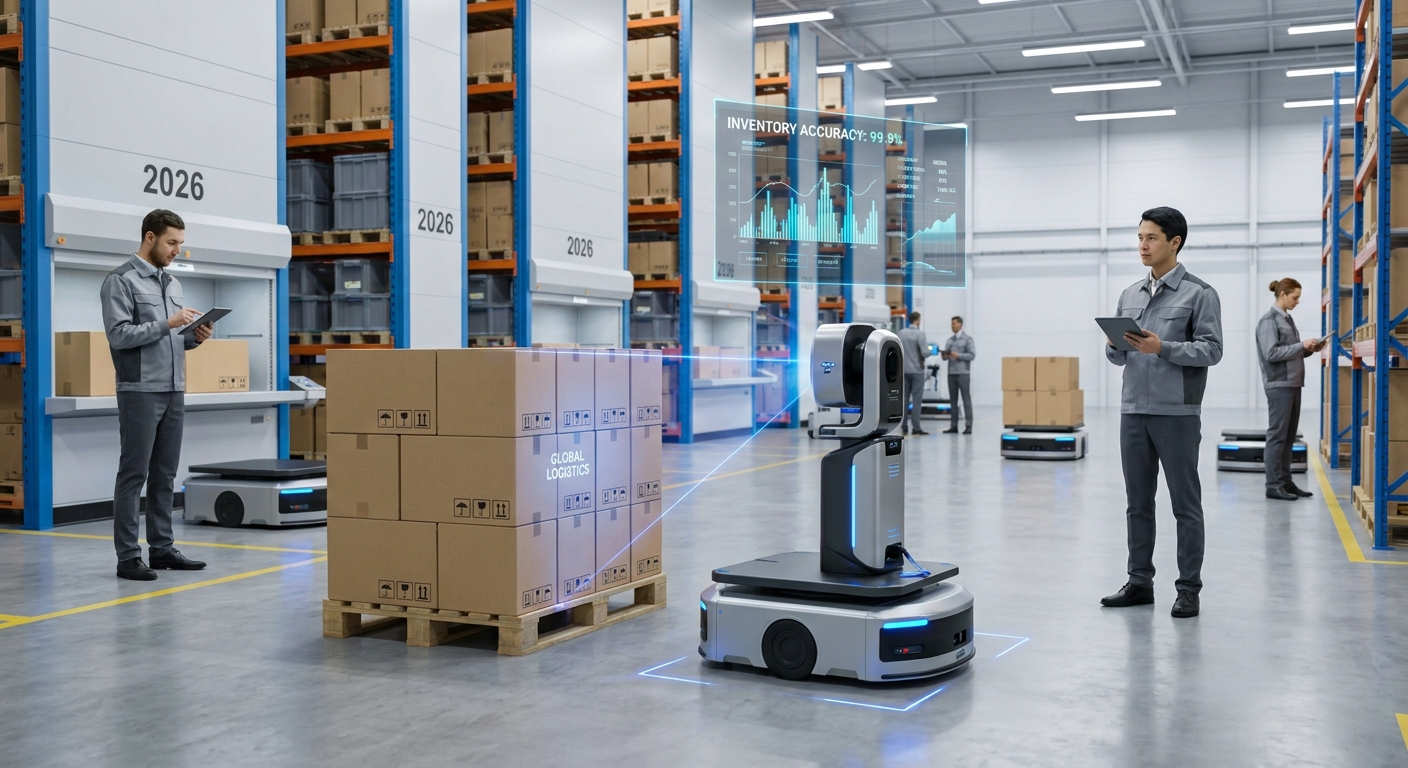
In an inventory audit, 3D scanning is used to measure the real dimensions and volume of items, cartons and pallets, then compare those measurements with what your warehouse management system (WMS) says should be there. A phone-based scanner works well for internal spot checks, receiving audits and verifying item master data, but if the measured dimensions are used to bill a customer or carrier, you need a certified legal-for-trade dimensioner instead.
The rest of this page covers what a scan can and cannot tell you, how to run the audit, how accurate it needs to be, and the mistakes that make results worthless.
What does a 3D scan actually check during an inventory audit?
A 3D scanner does not read barcodes or count units the way a handheld RF gun does. It measures geometry: length, width, height, volume and shape. So it answers a different set of audit questions than a count does.
The useful ones in a warehouse are:
- Item master accuracy. Your WMS says a case is 40 x 30 x 20 cm. If it is actually 42 x 31 x 22 cm, slotting, cartonization and truck planning are all working from wrong numbers. A scan exposes this in a minute.
- Pallet build checks. Height, footprint and overhang against the build standard. A pallet that is taller than recorded may not fit its assigned rack position.
- Short or mixed pallets on receipt. If you know the case size and the expected layer pattern, a pallet that is one layer short shows up as a height difference.
- Condition evidence. A scan of a crushed corner or leaning stack is a record you can attach to a claim. We cover this in more depth in our piece on 3D scanning for freight damage assessment.
What it cannot check: anything inside the outer envelope. A scan of a wrapped pallet tells you its outside shape, not whether the middle layer has a missing case. Volume is a proxy for count only when the build is regular and known.
How do you run a 3D scanning audit, step by step?
This is the workflow that holds up in practice for a cycle-count style audit using a phone.
- Pick a narrow target. Do not try to scan the whole building. Start with one question, such as "are the master dimensions right for our top 200 SKUs?" or "do inbound pallets from supplier X match the ASN?"
- Export the expected data first. Pull SKU, unit of measure, recorded dimensions and expected pallet height from the WMS into a sheet. You compare against this, so it must be on hand before you scan.
- Prepare the spot. Move the item to a clear area with even lighting and space to walk around it. Pull a carton off the pallet if you are checking case dimensions; scanning one carton in the middle of a stack gives you only its visible face.
- Scan the full shape. Walk a slow loop, keep the phone at a steady distance, and make a second pass from above so the top surface is captured. Missing the top or back is the most common reason a box measures short.
- Measure and compare. Read length, width, height or volume from the scan and enter them next to the expected values. Flag anything outside the tolerance you set for that purpose.
- Save the scan with the discrepancy. The file, a screenshot of the measurement, the SKU and the date go together. That record is what makes the audit defensible later.
- Fix the cause, not just the number. A wrong master dimension usually came from a supplier spec sheet or a packaging change. Update the record and tell whoever owns the item setup.
For steps 4 and 5 you need an app that produces a measurable model rather than just a pretty picture. MagiScan turns an iPhone or Android phone into a 3D scanner and measuring tool, which is enough for this kind of floor-level audit without buying dedicated hardware. If you are unsure whether a phone covers your use case at all, our comparison of a dedicated 3D scanner versus a phone app walks through the trade-offs.
How accurate is 3D scanning for inventory, and how accurate does it need to be?
Accuracy only means something against a purpose. For slotting and space planning, a carton that measures a few millimetres off is fine. For checking whether a product fits a specific shipping box, you need tighter results. For billing, see the next section.
The practical way to know what your setup can do is a repeatability test before the audit starts:
- Take a carton you have measured carefully with a tape or calliper.
- Scan it three times, starting from a different side each time.
- Compare the three results with each other and with the reference.
If the three scans disagree with each other by more than your tolerance, the problem is technique or surface, not the tool's ceiling. Set your flag threshold wider than the spread you saw, or every second SKU will look like a discrepancy.
Surfaces matter more than people expect. Glossy stretch film, black plastic totes and shrink-wrapped multipacks reflect or absorb light in ways that confuse depth sensing and photogrammetry. Our guide on scanning shiny, black or transparent objects covers the fixes, and how to get accurate measurements from a 3D scan covers distance, lighting and reference checks.
Can phone-scan measurements be used for billing or freight audits?
Not as the basis for charging someone. Once a measurement determines what a customer or carrier pays, it becomes a commercial measurement, and that brings regulation.
In the US, the requirements for measuring devices are set out in NIST Handbook 44, which supplies the criteria used to judge the suitability, accuracy and repeatability of weighing and measuring devices in both lab and field settings. The National Conference on Weights and Measures runs the National Type Evaluation Program (NTEP), which checks that instruments, including dimensioning and cubing devices used for freight audits, are built to those specifications before approval for commercial use. NTEP certification is required in most US states for commercial measuring equipment.
Other countries have their own bodies. For less-than-truckload freight, dimensioners must carry legal-for-trade certification from the relevant national authority: NTEP in the US, Measurement Canada in Canada, OIML internationally, or the Measuring Instruments Directive in the EU.
The workable split is simple. Use phone scans for internal audits, master data cleanup, receiving checks and evidence. Use a certified dimensioner wherever a measurement turns into an invoice. If a phone scan suggests a carrier has billed you on wrong dimensions, it is a good reason to raise a query, but the dispute itself will rest on certified measurements. Our article on 3D scanning for freight dimensioning goes further into dimensioning workflows.
Phone app, fixed dimensioner or drones: which should you use for audits?
These tools solve different parts of the audit problem, and many operations end up using more than one.
| Option | What it is good at | Where it falls short |
|---|---|---|
| MagiScan (phone app) | Ad hoc scans anywhere on the floor, item master checks, receiving audits, saving a 3D record of a discrepancy; runs on iPhone and Android | Not legal-for-trade, so not a basis for billing; one item or pallet at a time |
| Certified fixed dimensioner | Legal-for-trade measurements certified under schemes such as NTEP, Measurement Canada, OIML or the EU Measuring Instruments Directive, suitable for freight billing | Fixed location, so items must be brought to it; not suited to checking stock in racks |
| Autonomous inventory drones | Scanning pallet locations in racking at volume; Geodis reported 1,200 pallet locations per operator per day, a 50% increase, versus 800 daily by four manual counters | Reads locations and labels rather than measuring item dimensions in detail; a larger deployment project |
| Manual tape and count | No equipment cost, easy to start | Slow, depends on the person, leaves no visual record |
If your audit problem is "is the right pallet in the right location," location scanning is the relevant tool. If it is "are our dimensions and pallet builds right," a measuring scanner is. If it is "what do we charge," only certified equipment will do.
What mistakes ruin a 3D scanning audit?
Most failed scan audits fail for boring reasons.
- Comparing the wrong unit of measure. The WMS holds dimensions for the each, the inner pack and the case. Scanning a case and comparing it with the each record produces nonsense discrepancies.
- Scanning items still in the stack. You get one or two faces, and the software guesses the rest.
- Ignoring wrap and overhang. Loose film tails and pallet overhang inflate dimensions. Decide in advance whether you measure the load, the pallet or the outer envelope, and stick to it.
- Treating volume as a count. A pallet can have the right outside shape and a hollow core. Use scans to flag suspicious pallets for a physical count, not to replace the count.
- No reference check. Without the repeatability test above, you cannot tell a real discrepancy from scanning noise.
- Not keeping the file. A discrepancy logged as "carton bigger than spec" with no scan attached is hard to act on and impossible to defend.
What should you do next?
Start small: one SKU family or one inbound supplier, with a written tolerance and a repeatability test done on day one. Run that for a few weeks, see how many real master data errors it finds, and expand only if it is finding them.
Keep the regulatory line clear from the start, so nobody quietly starts using phone measurements on invoices. For the internal side, MagiScan gives a team a phone-based way to measure and record items on the floor, and the certified dimensioner stays where billing happens.
Frequently Asked Questions
Can 3D scanning count the units inside a wrapped pallet?
No. A scan captures the outer surface, so it sees the outside shape and size, not what is behind the first layer of cartons. It can flag a pallet whose height or footprint does not match the expected build, which tells you where to do a physical count.
How often should a warehouse run 3D scan audits?
Tie it to the problem you are solving rather than a calendar. Master data checks fit naturally at item setup and whenever packaging changes, while receiving checks can run on a sample of inbound pallets from each supplier. Expand frequency only where the scans keep finding errors.
What should I keep as the audit record from a scan?
Keep the scan file in the standard format your app exports, a screenshot showing the measurement, the SKU, the unit of measure, the expected value and the date. Store it with the discrepancy entry so whoever fixes the record can see exactly what was found.
Do I need a phone with a depth sensor for warehouse scanning?
A depth sensor helps on plain, single-colour cartons, where photo-only methods have little texture to lock onto. Photo-based scanning can still work if the surface has print or labels and the lighting is even. Whatever the phone, run the three-scan repeatability test on your own cartons before trusting the numbers.