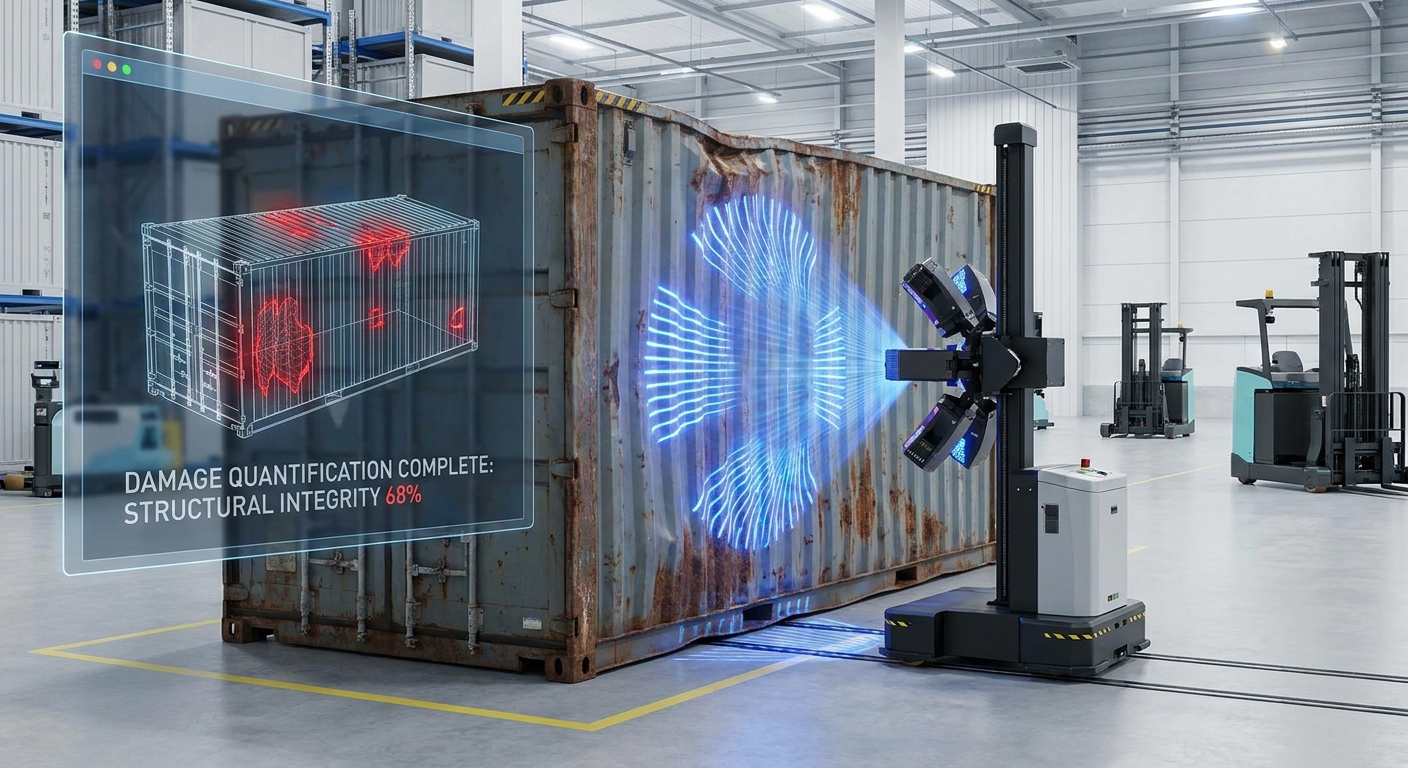
To assess freight damage with 3D scanning, scan the shipment at the dock before it is moved or repacked. Capture every side, then measure the deformation against the shape the freight should have and attach those measurements to your inspection report and photos.
The scan does not replace the paperwork a carrier claim needs. It adds measurable geometry that a flat photo cannot prove, such as dent depth, crush height and how far a carton is out of square.
The rest of this page covers four things:
- how to scan at a receiving dock
- how to turn a scan into numbers
- how the scan fits into a claim
- the mistakes that make a scan useless once the dispute starts
What does a 3D scan show that damage photos can't?
A photo records what a box looked like from one angle under one light. A crushed corner can look minor from the front and severe from above, and the person reviewing the claim has no way to measure it. A 3D scan records surface geometry, so you can rotate the model, slice it and measure distances after the freight has left the dock.
The useful idea is comparison. A carton should be a cuboid with known dimensions, and damage is the difference between that expected shape and what arrived.
Research on parcel logistics works the same way:
- The Parcel3D study reconstructs 3D meshes of cuboid and damaged parcels so pristine and deformed shapes can be compared directly.
- The TAMPAR paper reviews multi-camera postal systems that fit a parallelepiped to the captured parcel and flag damage where the parcel departs from its expected shape.
- A literature review of computer vision in logistics reports that one earlier postal-security study, using 3D shape and brightness-pattern extraction from multiple cameras, reached over 90% overall accuracy in combined damage and tampering detection.
Those are automated research systems with fixed cameras, not a person with a phone at a dock door. The principle still carries over: if you know the expected shape, a scan lets you put a number on the deviation instead of arguing about adjectives.
How do you scan a damaged shipment at the receiving dock?
Work in this order. The sequence matters more than the device.
- Stop before anything moves. Do not restack, cut straps or remove wrap. Once the load is disturbed, you can no longer show the condition it arrived in.
- Take overview photos first. Capture the trailer position, the pallet in place, the shipping label and the bill of lading. Photos remain the evidence everyone expects, and the scan sits alongside them.
- Scan the outside. With a phone app such as MagiScan, walk slowly around the pallet or carton at a steady distance, keeping the whole object in frame. Then make a pass over the top. Overlap each pass so the software can stitch the surfaces together.
- Include a scale check. Place an object of known size next to the freight, such as an unopened standard carton or a measured block. If the scan measures that object wrongly, you know before you rely on the damage numbers.
- Note the damage on the delivery receipt. Write what you see before signing. A scan cannot undo a clean signature.
- Open and scan the contents if the outer damage suggests they were hit. Scan the damaged item. If you have an undamaged unit of the same product, scan that too for comparison.
- Save and label immediately. Put the shipment number, PRO number, date and location in the file name, for example PRO123456_2026-10-26_dock4.
Surfaces that cause trouble
Stretch wrap and glossy packaging reflect light, while dark matte plastic absorbs it. Both can leave holes or noise in the mesh.
Diffuse light helps, so avoid scanning straight into a dock door with sunlight behind the load. For a full pallet, scan in sections and keep each side's pass continuous rather than stopping and restarting.
If a hole appears exactly where the damage is, rescan that area from closer. Do not let the software fill it, because a filled hole is the software's guess, not the freight's shape.
How do you turn a scan into damage measurements?
Measure against a reference, not against your impression.
- Cartons: take the nominal dimensions from the shipping record or the packaging spec. Measure the scanned height at each corner and at the centre of the top face. Crush shows up as height loss, and racking shows up as diagonals that no longer match.
- Dents and punctures: take a cross-section through the dent. Measure depth from the line of the undamaged surface on either side.
- Products: compare the damaged item with a scan of an undamaged unit, its CAD model or its published dimensions. A bent frame or warped panel shows as a deviation along an edge that should be straight.
Then decide how much accuracy the claim actually needs. A carton crushed by a visible amount does not need sub-millimetre precision. A precision part that has to be within tolerance does, and a phone scan may not be the right tool for that decision.
You may need to describe or audit a scanner's distance-measurement performance formally. ASTM's 3D imaging standards include E2938-15(2023), a test method for evaluating the relative-range measurement performance of medium-range 3D imaging systems such as laser scanners and optical range cameras.
For most dock work, the practical check is simpler. Scan your reference object and confirm the app measures it correctly on that day, in that light.
If you already scan inbound freight for dimensions, the same capture can double as a condition record. That workflow is covered in 3D scanning for freight dimensioning.
Does a 3D scan count as evidence in a freight claim?
It counts as supporting evidence, not as a replacement for the usual file.
In the US, interstate shipments by motor carrier fall under the Carmack Amendment, codified at 49 U.S.C. §14706 as part of the ICC Termination Act of 1995. It gives shippers a standard federal route to recover actual loss or damage from carriers. As TransLogistics explains, these claims are typically supported by inspection reports and photographic evidence. Claims also run against filing deadlines, so never let scan processing delay the claim itself.
A practical claim package looks like this:
- the delivery receipt with your damage notation
- the inspection report
- the overview and close-up photos
- screenshots of the 3D model with measurements visible, each labelled
- the scan file itself, exported in a common format so the reviewer can open it
- a short note on how the measurement was taken and the result of the reference check
Many adjusters will never open a 3D file. Screenshots with clear dimension lines and a one-line explanation do most of the work, and the model is there if someone challenges the numbers.
For how to store and label scans so they hold up later, see 3D scan documentation for logistics compliance.
Phone app, handheld scanner or fixed system: which should you use?
| Option | Where it fits | Strengths | Limits |
|---|---|---|---|
| Phone app (e.g., MagiScan) | Receiving docks, cross-docks, drivers and sellers handling occasional damage | Already in staff pockets; scans and measures on the spot; exports files to attach to a claim | Results depend on operator technique and lighting; reflective wrap and very dark surfaces need care |
| Dedicated handheld scanner | High-value or precision freight where tolerance matters | Higher capture detail on small defects | Extra hardware cost and training; often one device per team, so it may not be at the dock when needed |
| Fixed multi-camera system | High-volume parcel hubs scanning every item | Consistent, automated capture of every parcel, as in the postal systems reviewed in research | Fixed location, conveyor-sized items only, significant installation work |
| Photos only | Low-value shipments, obvious damage | Universally accepted, fast | No measurable depth or deformation; angle and lighting can mislead |
Most operations end up with a mix: photos for everything, and a phone scan for anything disputed or valuable. If you are weighing whether a phone is enough, this comparison of phone apps and dedicated scanners goes further.
What mistakes make a damage scan useless?
- Scanning after the load was moved. The carrier can argue the damage happened during unloading.
- Signing a clean receipt. The scan shows damage, but the signature says there was none.
- Skipping the top or base. Forklift damage often sits low on the pallet, and crush usually shows on top.
- No scale reference. Without a known object, nobody can confirm the measurements.
- Accepting filled holes. Auto-fill smooths over exactly the dent you need to measure.
- Losing the link to the shipment. An unlabelled file on one employee's phone is not evidence.
- Scanning only the box. If the claim is for the contents, scan the contents.
What to do next
Start small and set the rules before the first real dispute:
- Pick one dock and one shift.
- Define a trigger: any visible damage on a high-value or disputed load gets a full scan using the steps above.
- Run the reference-object check at the start of each shift for a few weeks, so you learn how your phones perform in your lighting.
- Agree with your claims team on the format of the claim package.
If your staff already carry iPhones or Android phones, MagiScan can handle the capture and measurement and export scans for the claim file. That lets you test the process without buying hardware first.
Frequently Asked Questions
Can a 3D scan detect concealed damage inside an undamaged-looking box?
No. A scan records the outer surface you point the camera at, so it only shows what the packaging reveals. If you suspect concealed damage, open the carton promptly, scan the contents and document the unpacking with photos.
How accurate does a scan need to be for a freight damage claim?
Accurate enough to support the measurement you are claiming. A crushed carton or bent frame with visible deformation does not need laboratory precision, but tolerance-critical parts may need a dedicated scanner or a metrology check. Confirming the app against a known reference object at the time of the scan is the simplest way to show the numbers are reliable.
Should we scan every inbound shipment or only damaged ones?
Most teams start with damaged or high-value loads, because that is where a scan is worth the time. Scanning everything on arrival gives you a before-state for later disputes. That works best when it is combined with dimensioning or inventory checks you already do.
What file should I send to the carrier or insurer?
Send labelled screenshots with measurements visible and a short PDF report first, because many reviewers have no 3D viewer. Attach the scan in a common 3D format as well. Keep the original file unedited so you can reproduce the measurements if they are challenged.