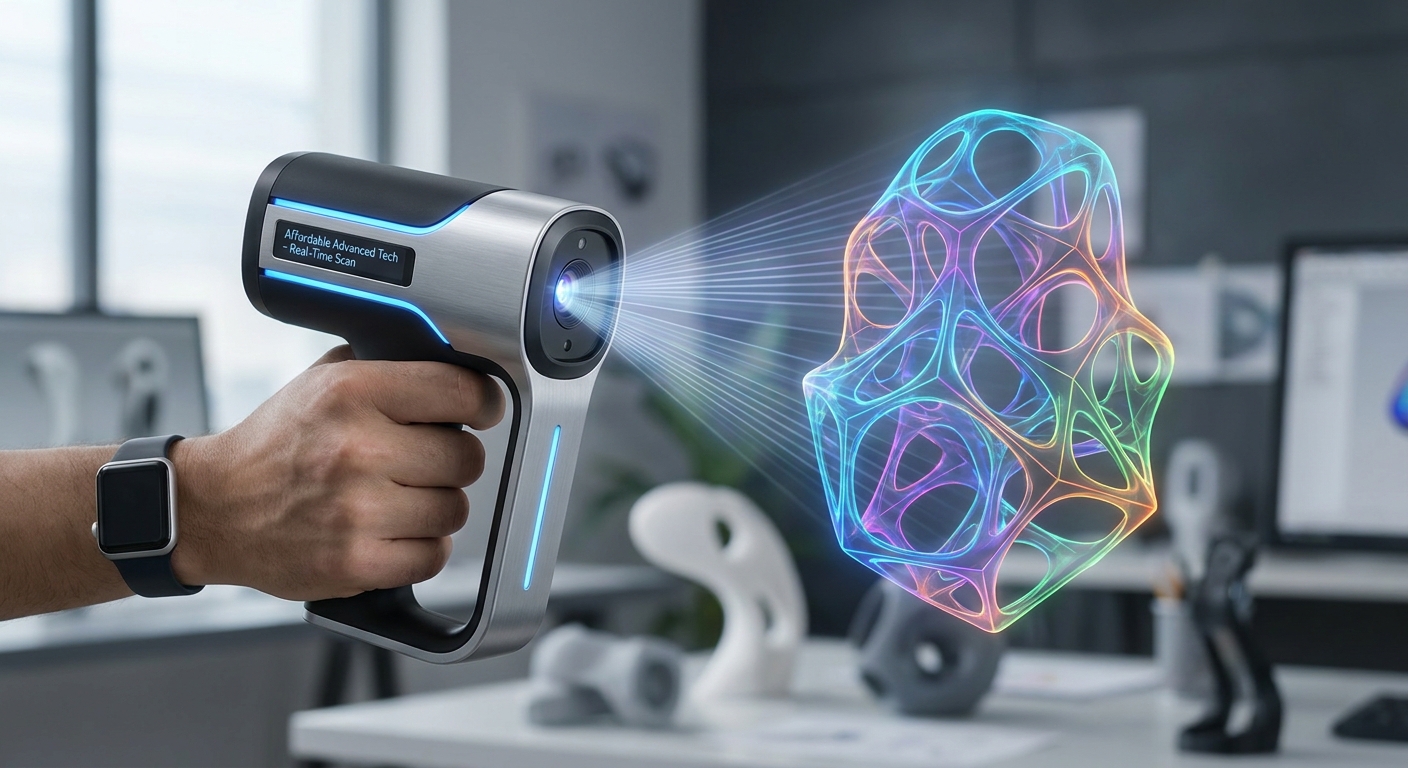
Affordable 3D Scanners in 2026: Your Guide to Budget-Friendly Scanning
Affordable 3D scanners in 2026 are readily available across a wide spectrum of price points, offering professional-grade capabilities for hobbyists, educators, and small businesses with budgets as low as $200 for entry-level models and under $1,500 for advanced consumer-grade devices. The market has matured significantly, democratizing access to 3D scanning technology that was once prohibitively expensive. This article will explore the current landscape of cost-effective 3D scanners, detailing what to expect, how to choose the right device, and the applications they empower in 2026.
In 2026, the global 3D scanning market is projected to reach over $10 billion, with a significant portion driven by the increasing demand for accessible scanning solutions across various industries. We will delve into specific scanner types, essential features to consider, and provide practical advice for making an informed purchase.
What Defines an "Affordable" 3D Scanner in 2026?
An "affordable" 3D scanner in 2026 generally refers to devices priced between $200 and $1,500, offering a balance of functionality, accuracy, and ease of use suitable for non-industrial applications. These scanners provide sufficient detail for hobbyist projects, product prototyping, educational purposes, and even small-scale professional use, bridging the gap between basic 3D modeling and high-end industrial equipment.
The definition of affordability is subjective and depends heavily on user needs and budget constraints. However, the sub-$1,500 category has seen remarkable advancements, bringing technologies like structured light and photogrammetry-based solutions to a broader audience. This price range typically includes handheld scanners, desktop units, and even some specialized mobile solutions.
What Are the Different Types of Affordable 3D Scanners Available?
Affordable 3D scanners in 2026 primarily fall into two main categories: handheld and desktop, each utilizing different scanning principles like structured light or photogrammetry to capture object geometry. Handheld scanners offer portability and flexibility for larger or irregularly shaped objects, while desktop scanners are ideal for smaller, static items requiring high precision in a controlled environment.
Handheld 3D Scanners
Handheld 3D scanners are designed for flexibility and ease of use, allowing users to physically move the scanner around an object. This portability is crucial for scanning large items, complex geometries, or objects that cannot be easily moved. In 2026, handheld scanners have seen significant improvements in tracking, accuracy, and speed, making them more viable for a wider range of applications.
#### Structured Light Handheld Scanners
These scanners project a pattern of light (often a grid or stripes) onto an object and use cameras to capture the distortion of this pattern. The software then triangulates the points to create a 3D model. Affordable structured light handheld scanners often provide a good balance of speed and detail, making them popular for reverse engineering and product design. For example, models like the Creality CR-Scan Lizard 2 or the Revopoint POP 3 offer impressive detail for their price points.
#### Photogrammetry-Based Handheld Scanners
While true photogrammetry is often software-driven (taking many photos and stitching them), some handheld devices incorporate elements of this. More commonly, affordable "handheld" scanners might leverage AI-powered image capture and stitching to create 3D models from a series of user-captured photos, often enhanced by markers or specific lighting conditions. This approach can be exceptionally cost-effective, relying more on camera quality and software algorithms.
Desktop 3D Scanners
Desktop 3D scanners are typically stationary units designed for scanning smaller objects with high precision. They often feature a turntable that rotates the object, allowing the scanner to capture all angles automatically. These are excellent for detailed scans of jewelry, small parts, or artifacts where stability and consistent lighting are paramount.
#### Turntable-Based Structured Light Scanners
These scanners combine the precision of structured light with the automation of a turntable. The object is placed on the turntable, and the scanner automatically captures data as it rotates. This method ensures complete coverage and consistent alignment, leading to highly accurate models. Devices like the XYZPrinting XYZScan Handy 2 or some models from Mattereport (though often more expensive, they have entry-level options) utilize variations of this principle.
#### Dual-Camera Systems
Some affordable desktop scanners employ dual cameras to capture more data simultaneously, improving depth perception and reducing scanning time. These systems are often optimized for specific object sizes and materials, offering a dedicated solution for repetitive scanning tasks.
What Key Features Should I Look For in an Affordable 3D Scanner?
When selecting an affordable 3D scanner in 2026, prioritize features such as resolution, accuracy, scanning speed, supported object sizes, and ease of use, as these directly impact the quality and practicality of your 3D models. Understanding these specifications will help you match the scanner's capabilities to your specific project requirements and budget.
Accuracy and Resolution
Accuracy refers to how close the scanned data is to the actual dimensions of the object, typically measured in millimeters or microns. Resolution dictates the level of detail the scanner can capture, influencing the smallest features that can be reconstructed. For most affordable scanners, accuracies between 0.1mm and 0.5mm are common, with resolutions ranging from 0.2mm to 1mm.
Scanning Speed and Workflow
Scanning speed is crucial for efficiency, especially when dealing with multiple objects or large datasets. This is often measured in frames per second or frames per scan. The software workflow, including data processing, alignment, and mesh generation, also significantly impacts usability. Look for scanners with intuitive software that offers automated features for beginners and advanced controls for experienced users.
Supported Object Sizes and Materials
Consider the typical size range of objects you intend to scan. Some scanners are optimized for small items (e.g., jewelry, coins), while others can handle larger objects (e.g., furniture, body parts). Material compatibility is also important; shiny, transparent, or very dark objects can be challenging for some scanning technologies and may require the use of a matte spray.
Connectivity and Software Compatibility
Ensure the scanner connects easily to your computer (USB 3.0 is common) and that its software is compatible with your operating system (Windows, macOS). Most scanners output standard 3D file formats like STL, OBJ, and PLY, which are compatible with most 3D modeling and printing software.
How Do Affordable 3D Scanners Compare to High-End Models?
Affordable 3D scanners in 2026 offer impressive capabilities for their price, but they typically lag behind high-end industrial scanners in terms of accuracy, speed, material handling, and advanced features. While consumer-grade devices are sufficient for many applications, professional environments requiring sub-micron accuracy or the ability to scan challenging materials will still necessitate significant investment.
Here's a comparative overview:
| Feature | Affordable 3D Scanners (2026) | High-End Industrial Scanners (2026) |
|---|---|---|
| Price Range | $200 - $1,500 | $5,000 - $100,000+ |
| Accuracy | 0.1mm - 0.5mm | 0.01mm - 0.05mm (or better) |
| Resolution | 0.2mm - 1mm | 0.01mm - 0.1mm |
| Scanning Speed | Moderate (e.g., 10-30 frames/sec) | Very Fast (e.g., 50-100+ frames/sec), real-time data acquisition |
| Object Size | Primarily small to medium objects, some larger handheld capability | Wide range, from microscopic to architectural scale |
| Material Handling | Can struggle with shiny, transparent, or dark surfaces without aids | Advanced algorithms and hardware for challenging materials |
| Software | User-friendly, often automated, with good basic editing | Sophisticated, feature-rich, extensive data processing and analysis tools |
| Portability | Good for handheld, desktop units are compact | Varies; some are highly portable, others are large lab-based systems |
| Applications | Prototyping, hobbyist, education, small-scale reverse engineering | Metrology, quality control, complex engineering, aerospace, automotive, medical |
Understanding the Trade-offs
The primary trade-offs with affordable scanners involve compromises in accuracy, the ability to scan difficult surfaces, and the sophistication of the accompanying software. High-end scanners often employ more advanced sensor technology, such as laser triangulation with multiple cameras or interferometry, to achieve superior results.
Furthermore, industrial scanners come with robust software suites designed for complex analysis, quality control, and integration into larger engineering workflows. While affordable scanners can produce excellent meshes for 3D printing and visualization, they may not meet the stringent metrological requirements of advanced manufacturing or scientific research.
What Are the Best Affordable 3D Scanners on the Market in 2026?
The landscape of affordable 3D scanners is dynamic, with several models consistently offering excellent value for their price in 2026. When choosing, consider the specific needs of your projects, whether it's for detailed hobbyist models, rapid prototyping, or educational demonstrations.
Top Picks for Budget-Conscious Users
- Creality CR-Scan Lizard 2: This handheld scanner is a popular choice for its balance of affordability and performance. It offers good accuracy for its class, with an improved anti-shake algorithm and color texture scanning capabilities. Its ability to scan small objects with high detail makes it versatile for hobbyists and makers. The price point typically remains under $600.
- Revopoint POP 3: Building on previous successful models, the POP 3 offers enhanced accuracy and faster scanning speeds. It features a larger scanning area and improved depth perception, making it suitable for a wider range of objects, from small figurines to larger household items. With a price often around $500-$700, it provides a strong feature set for its cost.
- XYZPrinting XYZScan Handy 2: This handheld scanner is designed for ease of use and portability. It's a good option for beginners looking to quickly capture 3D models of objects for printing or digital use. While not the highest in accuracy, it provides a very accessible entry point, often found in the $300-$500 range, making it one of the most budget-friendly options.
- ScanTech iReal 2S: Positioned at the higher end of the "affordable" spectrum (often around $1,000-$1,500), the iReal 2S offers professional-grade features like higher accuracy and faster scanning speeds. It's an excellent choice for small businesses or serious hobbyists who need more reliable results for product design or reverse engineering.
Factors to Consider When Selecting
When evaluating these options, consider the following:
- Target Object Size: Are you scanning miniatures or larger items?
- Required Detail: How fine do the scanned details need to be?
- Color Scanning: Do you need to capture object colors and textures?
- Software Experience: Do you prefer automated workflows or more manual control?
- Portability: Will you be scanning objects in different locations?
The Creality CR-Scan Lizard 2 and Revopoint POP 3 are often cited for their excellent price-to-performance ratio, making them strong contenders for most users seeking an affordable yet capable 3D scanner in 2026.
How Can I Improve the Quality of Scans from an Affordable 3D Scanner?
Optimizing your scanning environment and technique is crucial for maximizing the output quality of affordable 3D scanners, as they often have limitations in challenging conditions. Simple adjustments to lighting, object preparation, and scanning methodology can significantly enhance accuracy and detail, often bridging the gap between basic and professional results without additional hardware costs.
Lighting is Key
Consistent, diffuse lighting is paramount. Avoid direct sunlight or harsh shadows, which can confuse the scanner's sensors. Using multiple soft light sources positioned around the object can create even illumination.
Object Preparation
For shiny or transparent objects, applying a matte coating is often necessary. Specialized temporary matting sprays are available and wash off easily. For very dark objects, a light dusting of talcum powder or a similar fine, matte powder can improve surface reflectivity.
Scanning Strategy
- Overlapping Scans: Ensure significant overlap between successive scans to allow the software to align them accurately.
- Consistent Distance: Maintain a relatively consistent distance from the object as recommended by the scanner's manufacturer.
- Multiple Passes: For complex geometries, performing multiple scanning passes from different angles can capture details that might be missed in a single pass.
- Markers: For featureless objects, using tracking markers (often provided with the scanner or printable) can help the software maintain orientation and alignment.
Software Settings and Post-Processing
Familiarize yourself with the scanner's software. Experiment with different settings for exposure, sensitivity, and noise reduction. After scanning, use the software's tools for alignment, meshing, and smoothing. Cleaning up stray data points and filling small holes are standard post-processing steps that can greatly improve the final model.
Frequently Asked Questions
What is the cheapest 3D scanner available in 2026?
The cheapest 3D scanners typically start around $200. These are usually entry-level handheld devices with more basic accuracy and resolution, suitable for simple hobbyist projects or educational introductions to 3D scanning.
Can affordable 3D scanners scan people?
Yes, many affordable handheld 3D scanners can scan people, especially for applications like creating custom avatars or 3D printable figures. However, achieving high-accuracy full-body scans for medical or professional applications might require more specialized and expensive equipment.
Do I need a powerful computer to use an affordable 3D scanner?
While you don't necessarily need a top-tier workstation, a reasonably capable computer is recommended. Scanning and processing 3D data can be resource-intensive, particularly for larger scans. A modern processor (e.g., Intel Core i5 or equivalent), 16GB of RAM, and a dedicated graphics card (NVIDIA or AMD) will ensure a smoother experience.
Are 3D printed objects scanned by affordable scanners good enough for manufacturing?
For basic prototyping and concept validation, yes. However, for precise manufacturing, quality control, or metrology, affordable scanners typically lack the sub-millimeter accuracy and repeatability required. High-end industrial scanners are necessary for these applications.
What is the typical battery life for affordable handheld 3D scanners?
Battery life varies significantly by model, but most affordable handheld 3D scanners can operate for 2-4 hours on a single charge, with some offering continuous use when connected to a power source via USB.
Conclusion
The accessibility of affordable 3D scanners in 2026 has opened up a world of creative and practical possibilities for individuals and small businesses alike. With options ranging from under $300 to around $1,500, users can find devices that meet their specific needs for detail, speed, and application. By understanding the different types of scanners, key features, and how to optimize their use, you can confidently select a device that empowers your projects, whether it's for education, hobbyist pursuits, or innovative product development. The continued innovation in this sector promises even greater capabilities in the near future, further democratizing the power of 3D scanning.