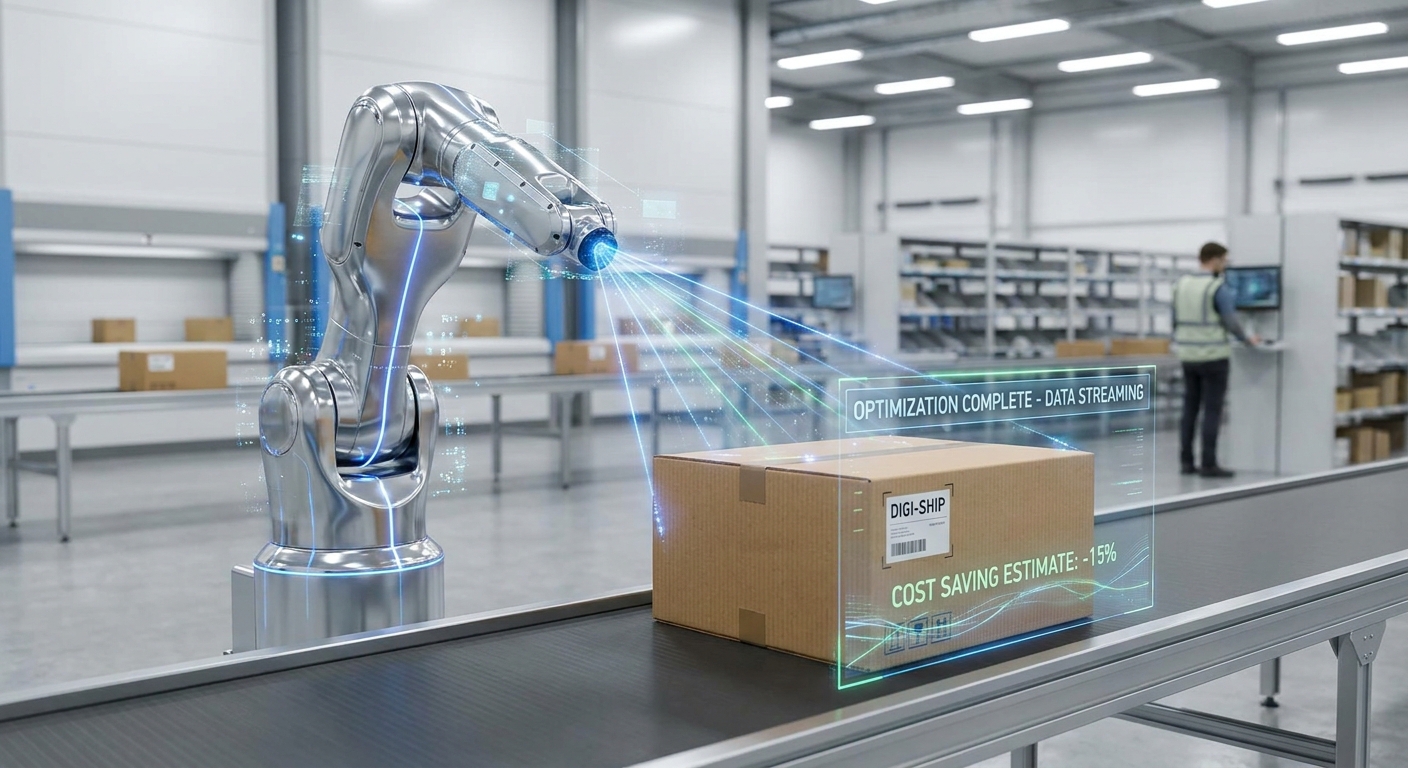
You optimize e-commerce packaging with 3D scanning by capturing each product's true shape and outer dimensions, then sizing boxes and inserts to that data plus a small, deliberate tolerance instead of guessing with a tape measure. The payoff comes from smaller cartons that are billed at a lower dimensional weight, less void fill, and fewer damaged items because the product no longer rattles around.
The rest of this page covers the practical side: why box size drives cost, how to scan products so the numbers are usable, how accurate you need to be, what to export, and the mistakes that quietly undo the savings.
Why does box size matter more than product weight?
Because carriers bill for space. Since 2015, UPS and FedEx have charged based on the greater of a package's actual weight or its dimensional weight, which is calculated from length, width and height. A light lampshade in an oversized carton is billed as if it were much heavier than it is.
Volume shrinks faster than the individual dimensions do. Take a 40 × 30 × 30 cm box (36,000 cm³). Trim each side by 10 percent to 36 × 27 × 27 cm and the volume drops to about 26,240 cm³, roughly 27 percent less space for what feels like a small change. That is why a few centimetres of guesswork per side matter so much.
The problem is that most sellers do not actually know their products' true outer envelope. Catalogue dimensions are often from the supplier, rounded up, or measured on a different revision of the product. Irregular items (a handbag, a power tool, a ceramic vase) are hard to measure by hand at all. Scanning replaces those guesses with measured geometry.
How do you scan a product for packaging design?
The workflow is the same whether you have five SKUs or five hundred.
- Pick the right unit. Scan the product in the state it ships: with its retail box, folded, with accessories attached or packed alongside. Scanning the bare item and adding the accessories later is a common source of boxes that do not close.
- Prepare the surface and setup. Put the item on a matte, contrasting surface with even, diffuse light. Leave space to walk around it.
- Capture the scan. On a phone, an app such as MagiScan turns the camera into a 3D scanner and measuring tool, so you can capture the item and read dimensions off the model without a dedicated scanner. Move slowly, keep the whole object in frame, and make a second pass at a lower angle to catch the underside edges.
- Read the outer envelope. For box sizing you need the bounding box: the smallest rectangular volume that contains the product in its shipping orientation. Note the length, width and height, and which way up the item sits.
- Add tolerance. Add clearance for the inner wall of the carton, for any wrap or cushioning, and for product variation between units. Write the tolerance down so every packer uses the same rule.
- Save the full model too. Keep the mesh, not just the numbers. You will need it if you later design a moulded or 3D-printed insert.
If you are unsure whether a phone is enough for your products, Do I Need a 3D Scanner or Is a Phone App Enough? walks through where each makes sense. On iPhone, the sensor matters too; see LiDAR vs TrueDepth Camera for 3D Scanning on iPhone.
What about shiny, dark or soft products?
These are where scans go wrong. Glossy surfaces (chrome, glazed ceramics, phone screens) reflect light unpredictably and leave holes or spikes in the mesh. Very dark or black items absorb light and come out patchy. A light coat of removable matte spray or a strip of masking tape on the worst areas usually fixes it, if the product can tolerate that.
Soft goods such as apparel, plush toys and bags change shape. Scan them the way they will be packed: folded to your packing standard, or compressed in the poly bag. A scan of a fluffed-up cushion will give you a box that is far too big.
Transparent items (glass, clear plastic) often scan poorly or not at all. For these, scanning the item inside its retail packaging is often the practical answer.
Which measurements actually drive box and insert design?
Different packaging decisions need different data from the same scan.
| Decision | What you take from the scan | Why |
|---|---|---|
| Choosing a stock carton size | Bounding box length, width, height plus tolerance | Matches the product to the smallest standard box that fits |
| Building a short list of box sizes | Bounding boxes across all SKUs, grouped by size | Shows which few sizes cover most of your catalogue |
| Custom die-cut or folding insert | Cross-sections and the footprint where the product rests | The insert must hold the product at its contact points |
| Moulded or 3D-printed cradle | Full mesh of the product | The cradle follows the actual contours |
| Orientation choice | Bounding box in several orientations | Laying an item on its side can lower the billed volume |
The second row is where many sellers find the biggest win. Once you have real dimensions for every SKU, you can see that a handful of carton sizes would fit most products with little wasted space, instead of a wall of sizes chosen over the years.
How accurate does the scan need to be?
Accurate enough that your tolerance absorbs the error, and you should test that rather than assume it. A simple check: scan an object whose dimensions you know precisely, such as a gauge block, a machined part or a rigid box measured with calipers, and compare. Repeat it a few times and at the size range of your real products, since error usually grows with object size.
This is a lightweight version of how optical scanners are formally evaluated. The German guideline VDI/VDE 2634 Part 2 defines acceptance and reverification tests using reference artifacts for optical 3D measuring systems. Those tests cover probing error, sphere spacing error and flatness, using calibrated spheres, ball bars and flat objects. You do not need a lab to borrow the idea: measure known references, record the error, and size your tolerance to it.
There is one line you should not cross. Designing your own boxes is internal engineering; billing customers by measured size is commercial measurement. In the United States, NIST Handbook 44 includes section 5.58 on Multiple Dimension Measuring Devices, setting the specifications and tolerances for dimensioning equipment used in trade. Device models are certified against it through the National Type Evaluation Program administered by the National Conference on Weights and Measures. If you charge by dimensions, use certified equipment for that step.
| Option | Good for | Limits |
|---|---|---|
| MagiScan on a phone | Scanning SKUs for box sizing, insert design, shape capture of irregular items | Not a certified trade device; verify accuracy against a known reference |
| Tape measure or calipers | Rigid, box-shaped products | Slow and inconsistent on irregular or soft items; no shape data |
| Certified dimensioner | Measuring outgoing parcels where dimensions are used for billing | Measures the parcel, not the product geometry for design |
For the parcel-measuring side of the job, see 3D scanning for freight dimensioning.
What file format should you export for packaging work?
It depends on who receives the data.
- Dimensions for the warehouse or shipping software: a spreadsheet or CSV of SKU, length, width, height, orientation and recommended carton. This is what packers and rate-shopping tools actually use.
- Mesh for insert design or 3D printing: STL is the common choice for printing a cradle or prototype insert. OBJ keeps colour textures if a designer wants to see labels and features.
- For a packaging supplier: send the mesh plus a sheet with the bounding box and the tolerance you want. Suppliers vary in what they accept, so ask before you scan your whole catalogue.
Keep the original scan file. Re-exporting from the source is far easier than rescanning a product that has since been redesigned.
How does scanning cut costs, waste and fulfilment effort?
The savings come through a few concrete mechanisms rather than one big change.
Lower shipping charges. Smaller cartons reduce the dimensional weight on light, bulky items, which is where the gap between actual and billed weight is widest.
Less material. A carton sized to the product needs less void fill, and a scanned insert can replace loose fill altogether for fragile items. Less board and filler per order means less material bought, stored and thrown away by your customers, which is the sustainability gain in practical terms.
Faster, more consistent packing. When each SKU has a recorded carton and orientation, packers stop choosing boxes by eye. Fewer box sizes also means simpler replenishment and less storage space for empty cartons.
Fewer damaged shipments. A product held snugly moves less in transit. When damage does occur, a scan helps document it; see 3D scanning for freight damage assessment.
To estimate whether the effort pays off for your order volume, the e-commerce logistics 3D scanning ROI article sets out how to frame the numbers.
What mistakes undo the savings?
- Scanning a sample, shipping a different revision. Rescan when a supplier changes the product or its retail box.
- No written tolerance. If each person adds their own margin, you are back to guessing.
- Ignoring orientation. The same item can produce very different billed volumes depending on which side is down.
- Cutting the box too tight. A box that saves volume but crushes corners or bursts in transit costs more than it saves. Test-pack and drop-test new sizes before rolling them out.
- Trusting one scan. Scan critical SKUs twice; if the dimensions disagree noticeably, find out why before ordering cartons.
Start with your highest-volume, lightest, bulkiest SKUs, since that is where dimensional weight hurts most. A phone app such as MagiScan is enough to scan those, record their outer dimensions, and test new carton sizes before you commit to a box order.
Frequently Asked Questions
Can a phone app replace a dimensioner at the packing station?
For designing boxes and inserts, a phone scan is usually sufficient once you have checked its accuracy against a known object. For measuring parcels where the dimensions are used to bill customers in the United States, you need equipment that meets NIST Handbook 44 and is certified through NTEP.
How much tolerance should I add to scanned dimensions?
There is no single figure; add enough to cover the carton's inner wall, any wrap or cushioning, unit-to-unit variation, and your measured scan error. Test-pack a few units with the result and adjust before ordering cartons in volume.
Does right-sizing packaging really help sustainability?
Yes, through simple mechanics: a carton fitted to the product uses less board and needs less void fill, so less material is produced, shipped and discarded per order. Smaller parcels also take up less space in each truck and van.
Do I need to scan every SKU?
Not at first. Scan the products that ship most often and those that are light but bulky, because that is where dimensional weight pricing costs the most, then extend to the rest of the catalogue as you consolidate box sizes.