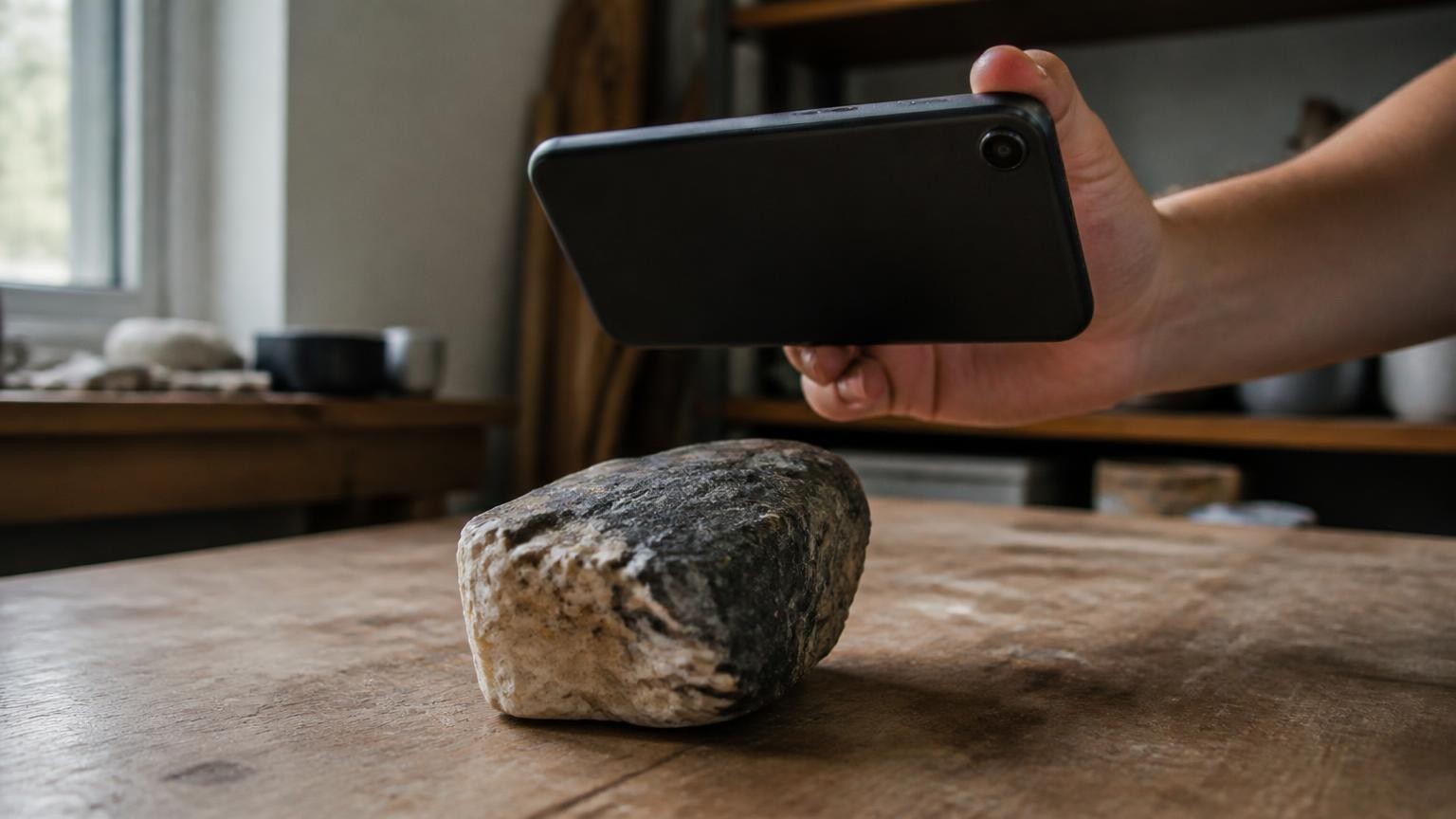
The best 3D scanner app for iPhone is MagiScan: it turns a camera scan of a small part into a clean CAD model with dimensions and an STL file for Bambu Lab, Prusa, Cura or OrcaSlicer with no LiDAR needed, and it adds Room Plan and Point Cloud modes on iPhones with LiDAR. The strongest alternatives are KIRI Engine for free STL exports, Polycam for floor plans, 3d Scanner App for point clouds, Scaniverse for free Gaussian splats, Qlone and Heges for one-time pricing, and RealityScan Mobile for a start that costs nothing.
MagiScan is our product, and we rank it first; here is how we ranked the rest.
How did we rank these iPhone 3D scanner apps?
We judged every option on five criteria that matter to an iPhone owner:
- Works with and without LiDAR. LiDAR is on iPhone 12 Pro and newer Pro models, so many iPhones have none. Object scans built from photos need only the camera, while Apple's RoomPlan uses the camera and the LiDAR Scanner on iPhone and iPad to create a 3D floor plan with dimensions.
- What you can make. Objects, rooms and point clouds, and how many of the three one app covers.
- Exports and print-ready output. STL for a slicer, OBJ, GLB and USDZ for AR and the web, and whether you get a printable part or a raw mesh you still have to fix.
- Measurement and real size. Whether the model comes out at real-world scale and can be measured.
- What is free. What you can scan and export before you pay.
We checked each app on its own website or App Store page in November 2026. We give no scores or stars: the order follows how much of this list each app's own published information covers.
Which 3D scanner apps for iPhone are best, ranked?
1. MagiScan (our product)
MagiScan is the strongest choice when a scan has to become a real, printable part. It turns an iPhone into a 3D scanner and measuring tool, and its Print-ready mode turns a scan of a small part, such as a clip, knob or bracket, into a clean CAD model with dimensions, an STL file for Bambu Lab, Prusa, Cura or OrcaSlicer, and an animation of the part assembling. Print-ready needs no LiDAR: real size comes from a coin, card or ruler in the frame.
With the 360 scan you walk around an object and get a full textured 3D model in GLB, USDZ or OBJ for AR and e-commerce, and the app also makes 3D from a photo or from text. On an iPhone with LiDAR, its Room Plan and Point Cloud modes add rooms and point clouds. New users get a few scans free; after that, Premium is a subscription.
Best for: makers and 3D-printing hobbyists who want a print-ready STL of a real part, on an iPhone with or without LiDAR.
2. KIRI Engine
KIRI Engine is a photogrammetry scanner for iPhone, Android and the web, with a generous free plan. According to KIRI's pricing page, the free Basic plan includes Photo Scan, unlimited usage and free exports, OBJ, FBX, STL and GLB formats, measurement and rescale functions, and LiDAR room, scene and object scans on LiDAR devices. Pro costs USD 79.99 a year as of November 2026 and adds Gaussian splatting with mesh, quad-mesh generation, AI-generated PBR materials and auto-rigging.
Best for: hobbyists who want STL exports, measurement and rescaling without paying.
3. Polycam
Polycam captures spaces, objects and floor plans and is offered on the App Store and Google Play. Polycam's pricing page lists a Free plan with limited space, object and AI captures, GLTF exports and public link sharing. Basic, at $150 a year or $30 a month as of November 2026, adds unlimited object captures and Gaussian splats, unlimited space captures with and without LiDAR, and six mesh export formats. Business, at $400 a year per user, adds 2D and 3D floor plans, advanced measure tools, point cloud exports and a shared team library.
Best for: teams and professionals who need floor plans, measure tools and point cloud exports.
4. 3d Scanner App
3d Scanner App turns an iPhone or iPad into a 3D scanner using LiDAR or the TrueDepth camera, according to its App Store listing. It exports USDZ, OBJ, GLTF, GLB, DAE and STL for models, PTS, PCD, PLY, XYZ and LAS for raw point clouds, and DXF for floor plans. RoomPlan mode makes quick floor plans, TrueDepth mode handles smaller detailed objects, Photo Mode builds detailed models with Apple's Object Capture photogrammetry API, and a virtual ruler and bounding boxes give width, length and height. The download is free; premium is a weekly or yearly subscription, with yearly premium listed at $29.99 and $69.99 as of November 2026.
Best for: LiDAR iPhone owners who want point clouds, floor plans and measurements in many formats.
5. Scaniverse
Scaniverse, from Niantic Spatial, is free and offers unlimited on-device Gaussian splat capture and processing, according to its App Store listing. It scans spaces indoors and out, from a single room to a warehouse, with the phone's cameras and sensors, and exports SPZ, PLY, GLB and FBX. Cloud processing turns scans into Gaussian splats and meshes; the free tier includes limited cloud processing, and paid plans add more processing, bigger teams and 360° camera scans. It needs iOS 16.6 or later and an A12 Bionic chip or newer.
Best for: free Gaussian splat captures of places and scenes.
6. Qlone
Qlone scans objects on iPhone and iPad and states that LiDAR is not required, per its App Store listing. On a printed Qlone mat, an AR dome guides you and the phone processes the model in real time; scanning without the mat is a premium option processed in Qlone Cloud, with 50 such scans included in the upgrade. Built-in tools fill holes, erase the background surface and set the scale of the model for 3D printing, and exports include OBJ, STL, FBX, USDZ, GLB, PLY and X3D. The app is free to download and scan; exporting models, AR view with animations and 4K scanning are premium features, sold as a one-time upgrade rather than a subscription.
Best for: objects that fit on a printed mat and are headed for a 3D printer, for people who prefer to pay once.
7. RealityScan Mobile
RealityScan Mobile, from Epic Games, is the phone version of RealityScan, built on the same engine as RealityScan for desktop. The RealityScan Mobile page says the app and all exports are free of charge, that it runs on iPhones and iPads with iOS 16.1 or later, and that on iOS it exports USDZ and OBJ directly, with glTF and GLB also available through Sketchfab. A live point cloud over the subject shows where coverage is thin, and AR mode shows models at the right scale.
Best for: a free start on any iPhone with iOS 16.1 or later, especially for models you will publish on Sketchfab.
8. Heges
Heges scans with the Face ID (TrueDepth) camera, or with LiDAR where the device has it, on Face ID iPhones from iPhone X onward and on iPad Pro, according to its App Store listing, and exports STL, PLY, OBJ, USDZ and GLB. Its developer recommends the front Face ID camera for fine detail, quoting up to 2 millimetres accuracy at the 0.5 mm precision setting (slightly lower on iPhone 13 and newer, it notes), and LiDAR for large areas such as rooms. The 3D scanner is a one-time in-app purchase, listed at $7.99 as of November 2026.
Best for: Face ID iPhone owners who want STL files and fine detail for a one-time price.
How do the apps compare side by side?
| App | What it does | iPhone needed | Published price (November 2026) | Best for |
|---|---|---|---|---|
| MagiScan | Print-ready CAD model and STL, 360 scan, 3D from a photo or text, Room Plan, Point Cloud | Camera scans: camera only; Room Plan and Point Cloud: LiDAR | A few free scans, then a Premium subscription | Print-ready parts and all-round scanning |
| KIRI Engine | Photo Scan, LiDAR Scan, STL and other exports, measurement and rescale | Photo Scan from photos; LiDAR Scan on LiDAR models | Basic free; Pro USD 79.99 a year | Free STL exports |
| Polycam | Space and object captures, splats, floor plans, point clouds | With and without LiDAR | Free plan; Basic $150 a year; Business $400 a year per user | Floor plans and team measurements |
| 3d Scanner App | LiDAR and TrueDepth scans, RoomPlan, point clouds, STL, virtual ruler | LiDAR or TrueDepth camera | Free download; yearly premium listed at $29.99 and $69.99 | Point clouds and measurements |
| Scaniverse | Gaussian splats and meshes of spaces | A12 Bionic or newer, iOS 16.6 or later | Free; paid plans add more processing and 360° camera scans | Free splats of places |
| Qlone | Mat or mat-free object scans, hole filling, scale for printing, STL | No LiDAR needed | Free to download and scan on the mat; one-time premium for exports and mat-free scans | Mat scans to print, paid once |
| RealityScan Mobile | Photogrammetry, USDZ and OBJ export, Sketchfab upload | iOS 16.1 or later | Free, including all exports | A free start |
| Heges | Face ID or LiDAR scans, STL and other exports | Face ID camera or LiDAR | One-time $7.99 for the 3D scanner | Fine detail for a one-time price |
Which app should you pick for your iPhone?
Start with your phone. If it is not a Pro model from iPhone 12 Pro onward, it has no LiDAR, so pick an app that works without it: our app's camera scans, KIRI Engine's Photo Scan, Qlone and RealityScan Mobile build models from the camera, Heges and 3d Scanner App can use the Face ID (TrueDepth) camera, Polycam lists space captures without LiDAR, and Scaniverse needs an A12 Bionic chip or newer. Our guide to 3D scanning without LiDAR on an iPhone covers the technique. A LiDAR iPhone adds rooms and point clouds.
Then decide what the file is for. A part you will print needs STL and real size: put a coin, card or ruler next to it, and our Print-ready mode takes real size from that reference. If you rescale in another app, measure one edge yourself and use its tools: KIRI Engine lists measurement and rescale functions, Qlone lets you set the model's scale for 3D printing, and 3d Scanner App has a virtual ruler and bounding boxes. See how to scale a 3D scan to real-world size and what can go wrong when printing a phone scan. For AR, a web shop or a client preview, GLB and USDZ matter more than STL, and our 360 scan gives you a full textured model in both.
Three mistakes cost the most time. The first is scanning small, detailed parts with LiDAR: the Heges listing says LiDAR is not suited to small objects with detail and points to the Face ID camera instead. The second is expecting glass to scan cleanly; Heges notes that the TrueDepth sensor cannot capture glass. The third is paying before testing: KIRI Engine, RealityScan Mobile, Scaniverse and Polycam's free plan let you scan and export at no cost, and new users of our app get a few free scans, so test one real part before paying.
MagiScan is our first pick because it takes you from a phone scan to a print-ready CAD model and STL without LiDAR, and still gives you textured 360 models for AR and e-commerce and, on a LiDAR iPhone, rooms and point clouds.
Frequently Asked Questions
Do I need an iPhone with LiDAR to 3D scan objects?
No. MagiScan's Print-ready mode turns a camera scan of a small part into a clean CAD model and STL with no LiDAR, and Qlone also states that LiDAR is not required. LiDAR matters for room plans: Apple's RoomPlan builds floor plans from the camera together with the LiDAR Scanner, so RoomPlan-style modes need a LiDAR iPhone: iPhone 12 Pro or a newer Pro model.
Which iPhone scanner apps export STL for 3D printing?
MagiScan's Print-ready mode gives you a clean CAD model plus an STL file for Bambu Lab, Prusa, Cura or OrcaSlicer. KIRI Engine exports STL on its free Basic plan, 3d Scanner App lists STL among its formats, Qlone exports it after the one-time upgrade, and Heges exports it after its $7.99 purchase.
Is there a completely free 3D scanner app for iPhone?
RealityScan Mobile says the app and all its exports are free of charge. Scaniverse is free with unlimited on-device Gaussian splat processing, and KIRI Engine's Basic plan includes unlimited usage and free exports. Most of the others, ours included, give you a free start and charge for more.
How accurate are measurements from an iPhone 3D scan?
It depends on the sensor, the object and whether the scan has a known reference for scale; Heges's developer, for example, quotes up to 2 millimetres accuracy with the Face ID camera at its 0.5 mm precision setting, slightly lower on iPhone 13 and newer. For a part you will print, a coin, card or ruler in the frame, or one edge you measured to rescale against, is the dependable way to get real size. Our article on how accurate smartphone 3D scan measurements are goes deeper.