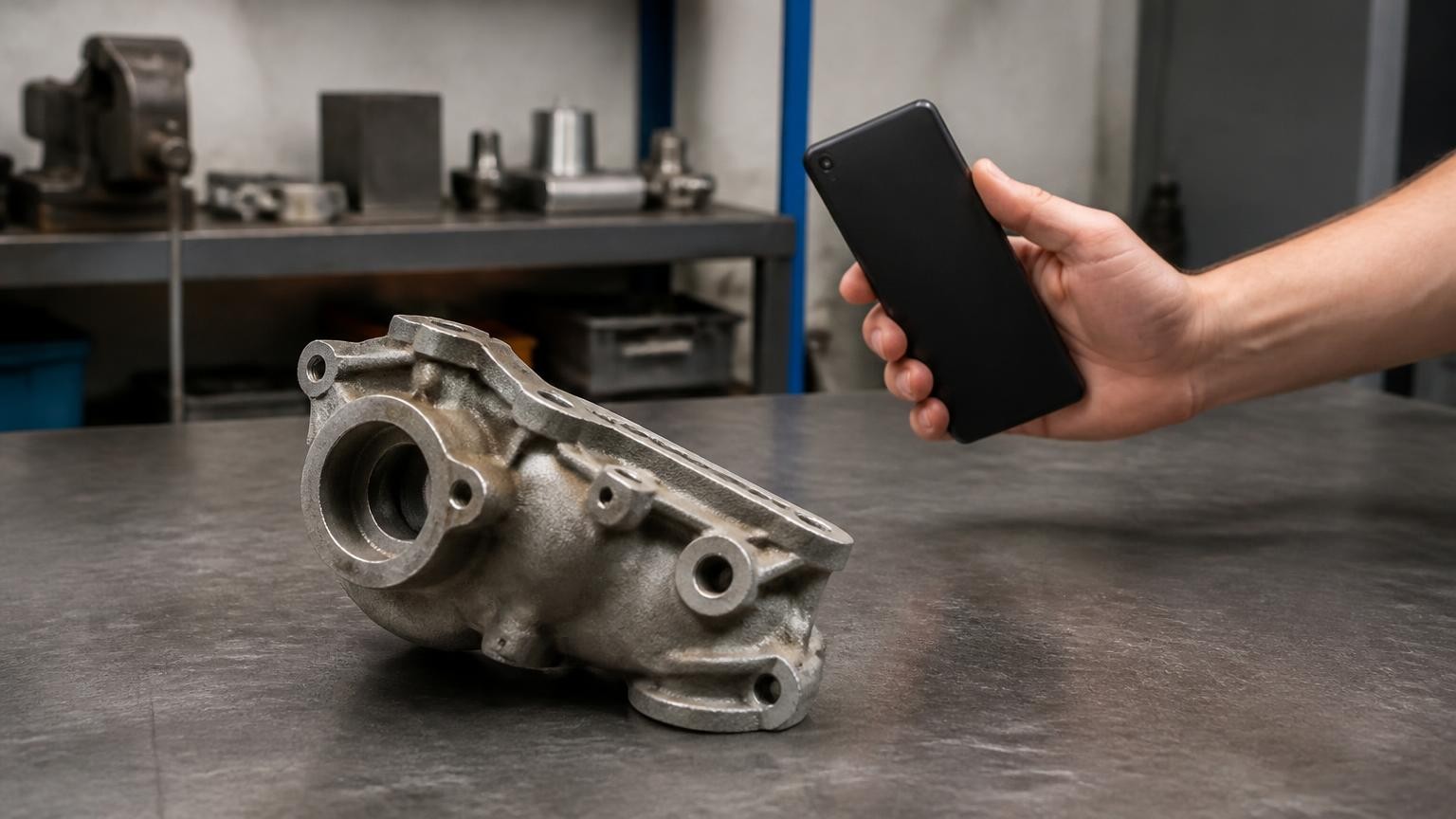
The best 3D scanner app for 3D printing is MagiScan: its Print-ready mode turns a phone scan of a small part, such as a clip, knob or bracket, into a clean CAD model with dimensions and an STL file for Bambu Lab, Prusa, Cura or OrcaSlicer, with no LiDAR needed. The strongest alternatives are KIRI Engine for free STL exports, Qlone for in-app hole filling and a one-time upgrade, 3d Scanner App for STL with on-scan measuring, Polycam for object capture on iPhone, Android and the web, Heges for Face ID scans of small objects, and RealityScan Mobile for guided photogrammetry with free exports.
MagiScan is our product, and we rank it first; here is how we ranked the rest.
How did we rank these 3D scanner apps for 3D printing?
A printer does not care how good a scan looks on screen. It needs a closed, correctly sized shape in a file the slicer opens, so we judged every app on five criteria:
- A file the slicer takes. STL is the format widely used for 3D printing and rapid prototyping. We looked for STL export, and for whether you get a finished model or a raw mesh to repair.
- Real-world size. A replacement bracket that comes out slightly too small does not fit, so we looked for a scale reference, measuring tools or a rescale function.
- Cleanup toward a closed surface. To form a solid, the surface in an STL file must be closed, with no holes, and connected. Hole filling and cropping inside the app save a trip to a desktop mesh editor.
- What your phone needs. The ordinary camera, LiDAR or the front Face ID (TrueDepth) camera, and iPhone, Android or both.
- What it costs to get the file out. What you can scan and export for free, and what an STL export costs.
We checked each app on its own website or App Store page in November 2026 and link that page where we use it. We give no scores, weights or stars. We put our own app first because Print-ready turns your scan into a dimensioned CAD model and an STL, not just a mesh; the other six follow in order of how much of this list their own published information covers.
Which 3D scanner apps are best for 3D printing, ranked?
1. MagiScan (our product)
MagiScan is the strongest choice when a scan has to become a part you can print. Its Print-ready mode is built for small parts such as a clip, a knob or a bracket: you scan the part and get a clean CAD model with dimensions, an STL file for Bambu Lab, Prusa, Cura or OrcaSlicer, and an animation of the part assembling. It hands you a printable model, not just a mesh.
Print-ready runs on iPhone with no LiDAR: it needs only the phone's camera. Real size comes from a coin, a card or a ruler in the frame; without one the size is approximate, so put a reference next to the part every time. The app also turns an Android phone into a 3D scanner that exports an STL file for your slicer, and new users get a few scans free before Premium, which is a subscription.
Best for: makers who want a broken clip, knob or bracket back as a dimensioned CAD model and an STL, with no LiDAR needed.
2. KIRI Engine
KIRI Engine is a photogrammetry scanner for iPhone, iPad and Android, with a web app as well. Its pricing page puts the essentials for printing in the free Basic plan: photo scanning with unlimited usage and free exports, up to 150 photos per scan, export formats including OBJ, FBX, STL and GLB, in-app cropping, and measurement and rescale functions.
The Yearly Pro plan costs USD 79.99 as of November 2026. It adds ultra polygon quality, 8K texture resolution, quad mesh, PBR materials and auto-rigging on top of everything in Basic; STL export is already in the free plan.
Best for: makers who want STL exports and rescaling without paying, on iPhone or Android.
3. Qlone
Qlone is an all-in-one scanner whose App Store page lists 3D printing among its uses, and it does not require LiDAR. You scan on a printed Qlone mat, with processing on the phone in real time, or without the mat in AR or 4K Photo mode, processed on Qlone's cloud.
The built-in tools are the print-minded part: fill holes, erase the background surface, smooth areas, fix orientation and set the model's scale size for 3D printing. Exports cover OBJ, STL, FBX, USDZ, GLB, PLY and X3D, plus direct export to i.materialise and Shapeways. Downloading and scanning are free; exporting, 4K scanning and scanning without the mat are premium features, unlocked by a one-time upgrade rather than a subscription. The upgrade includes 50 cloud credits for mat-free scans, and more are sold in packs. It runs on iPhone, iPad and Mac.
Best for: hobbyists who want to repair holes and set print scale inside the app, and pay once for exports.
4. 3d Scanner App
3d Scanner App turns an iPhone or iPad into a scanner using LiDAR or the TrueDepth camera, and its App Store page points to TrueDepth mode for smaller, detailed objects. A Photo Mode builds detailed models with Apple's Object Capture photogrammetry API.
Models export as OBJ, GLTF, GLB, DAE and STL, or as raw point clouds. You can crop on the device and measure the scan with a virtual ruler or a bounding box that gives width, length and height, a quick way to check size before printing. It runs on iPhone, iPad and Mac, and premium features come as a weekly or yearly subscription, with several price tiers listed on the App Store.
Best for: iPhone and iPad owners who want STL export plus on-scan measuring.
5. Polycam
Polycam is a capture platform for iPhone, iPad, Android and web browsers, and its Object mode turns photos of an item into a 3D model. Its pricing page lists STL among the mesh exports, marked for MeshLab, Fusion 360 and Ultimaker Cura, alongside OBJ, FBX, DAE, USDZ and GLTF.
The free plan has limited captures and GLTF exports only. STL comes with Basic, at $150 a year or $30 a month as of November 2026, with a 7-day trial on the annual plan. Basic also gives unlimited object captures and raises the Object mode limit from 150 to 300 images per model.
Best for: makers who want object capture on iPhone, Android and the web, with STL on Basic.
6. Heges 3D Scanner
Heges scans with the front Face ID (TrueDepth) camera or the rear LiDAR sensor of supported iPhones and iPad Pros. Its App Store page is frank about which to use: the developer recommends the selfie Face ID camera for fine details and says LiDAR is not suitable for scanning small objects with detail.
Exports are PLY, OBJ and USDZ with colours, and STL and GLB without. The 3D Scanner mode is a one-time in-app purchase of $7.99 as of November 2026. The page also notes that glass cannot be captured with the TrueDepth sensor.
Best for: owners of a Face ID iPhone who want a small object as an STL for a one-time price.
7. RealityScan Mobile
RealityScan Mobile is the phone version of RealityScan for desktop, free for iOS and Android, and its product page says the app and all exports are free of charge. A real-time point cloud over the object marks where coverage is missing, auto capture takes images as you move, object masking separates the subject from the background, and in AR mode models appear at the right scale.
Exports depend on the route: USDZ and OBJ straight to an iOS device, GLB only to an Android device, or OBJ, USDZ, glTF and GLB through Sketchfab. No STL is listed, so plan a conversion step in a mesh editor before slicing.
Best for: guided photogrammetry with the app and every export free, if you are happy to convert to STL yourself.
How do the apps compare side by side?
| App | What it gives you for printing | Platform / device | Published price (November 2026) | Best for |
|---|---|---|---|---|
| MagiScan (our product) | Clean CAD model with dimensions and an STL for Bambu Lab, Prusa, Cura or OrcaSlicer; real size from a coin, card or ruler | iPhone for Print-ready, camera only, no LiDAR; 3D scanning with STL export on Android too | A few free scans, then a Premium subscription | Replacement clips, knobs and brackets |
| KIRI Engine | Photo scans with free STL export, cropping, measurement and rescale | iPhone, iPad, Android, web | Basic free; Pro USD 79.99 a year | Free STL with rescaling |
| Qlone | STL export, hole filling and print scale setting | iPhone, iPad, Mac | One-time Premium upgrade to export; several tiers listed on the App Store | Fixing the model in the app; exports with a one-time upgrade |
| 3d Scanner App | LiDAR, TrueDepth or Photo Mode scans; STL; virtual ruler | iPhone, iPad, Mac | Weekly or yearly subscription; several tiers listed on the App Store | STL plus on-scan measuring |
| Polycam | Object mode photogrammetry; STL on paid plans | iPhone, iPad, Android, web | Free (GLTF only); Basic $150 a year or $30 a month | Object capture on phone and web |
| Heges 3D Scanner | Face ID or LiDAR scans; STL without colour | iPhones and iPad Pros with Face ID or LiDAR | $7.99 one-time | Small objects on a Face ID iPhone |
| RealityScan Mobile | Guided photogrammetry; OBJ, USDZ or GLB; no STL listed | iPhone, iPad, Android | Free, all exports free | Free guided photogrammetry |
Which app should you pick for your print?
Start from the job. If you want a broken clip, knob or bracket back as a printable model, MagiScan is built for it: Print-ready gives you the dimensioned CAD model and the STL from your scan, and a coin, card or ruler in the frame sets the real size. If you want STL for nothing, KIRI Engine's free plan covers it. If you would rather repair holes and set the scale inside the app and pay once, choose Qlone. For a small object on a Face ID iPhone, Heges and the TrueDepth mode of 3d Scanner App use the front depth camera that both developers point to for small, detailed objects.
Whichever app you use, measure one known dimension of the real part with calipers or a ruler and compare it in the slicer before you print. If the two disagree, the guide on how to scale a 3D scan to real-world size covers the fix, and what can go wrong when 3D printing a model from a phone scan lists the usual failures before they cost you filament.
When is a phone not enough for 3D printing?
A phone app is the fast route for a small household part, but some jobs belong to a dedicated handheld scanner. Dedicated scanners use the techniques industry relies on: structured-light scanners project a pattern of light onto the object and read how it deforms, with speed and precision as their stated advantage, while hand-held laser scanners triangulate a projected laser dot or line, as the overview of 3D scanning technologies explains. The same overview notes that optical technology may have difficulty with dark, shiny, reflective or transparent objects, and that limit applies to dedicated optical scanners too, not only to phones.
Consider one when a part has tight tolerances, such as a press fit or a mating surface. For the full decision, see do I need a 3D scanner or is a phone app enough.
Frequently Asked Questions
What file format should a 3D scanner app export for printing?
STL is the usual choice for printing, and every app in this list except RealityScan Mobile lists it. An STL file describes only the surface geometry, with no colour or texture, which is all a single-colour print needs. If an app offers only OBJ or GLB, plan a conversion to STL in a mesh editor before slicing.
Do I need LiDAR to scan a part for 3D printing?
No. MagiScan's Print-ready mode does not use LiDAR; KIRI Engine's photo scanning is photogrammetry from ordinary photos, and Qlone states that LiDAR is not required. The Heges developer goes further and says LiDAR is not suitable for small objects with detail, recommending the front Face ID camera instead.
How do I make sure the printed part comes out the right size?
Give the app a scale reference or a measurement: Print-ready takes real size from a coin, card or ruler in the frame, KIRI Engine lists rescale functions, and Qlone lets you set the scale size for printing. Then check one known dimension of the real part in your slicer before you print.
Is there a free 3D scanner app that exports STL?
Yes: KIRI Engine's free Basic plan lists unlimited free exports with STL among the formats, as of November 2026. RealityScan Mobile is free with all exports, but its formats are OBJ, USDZ, glTF and GLB rather than STL, and Polycam's free plan exports GLTF only.