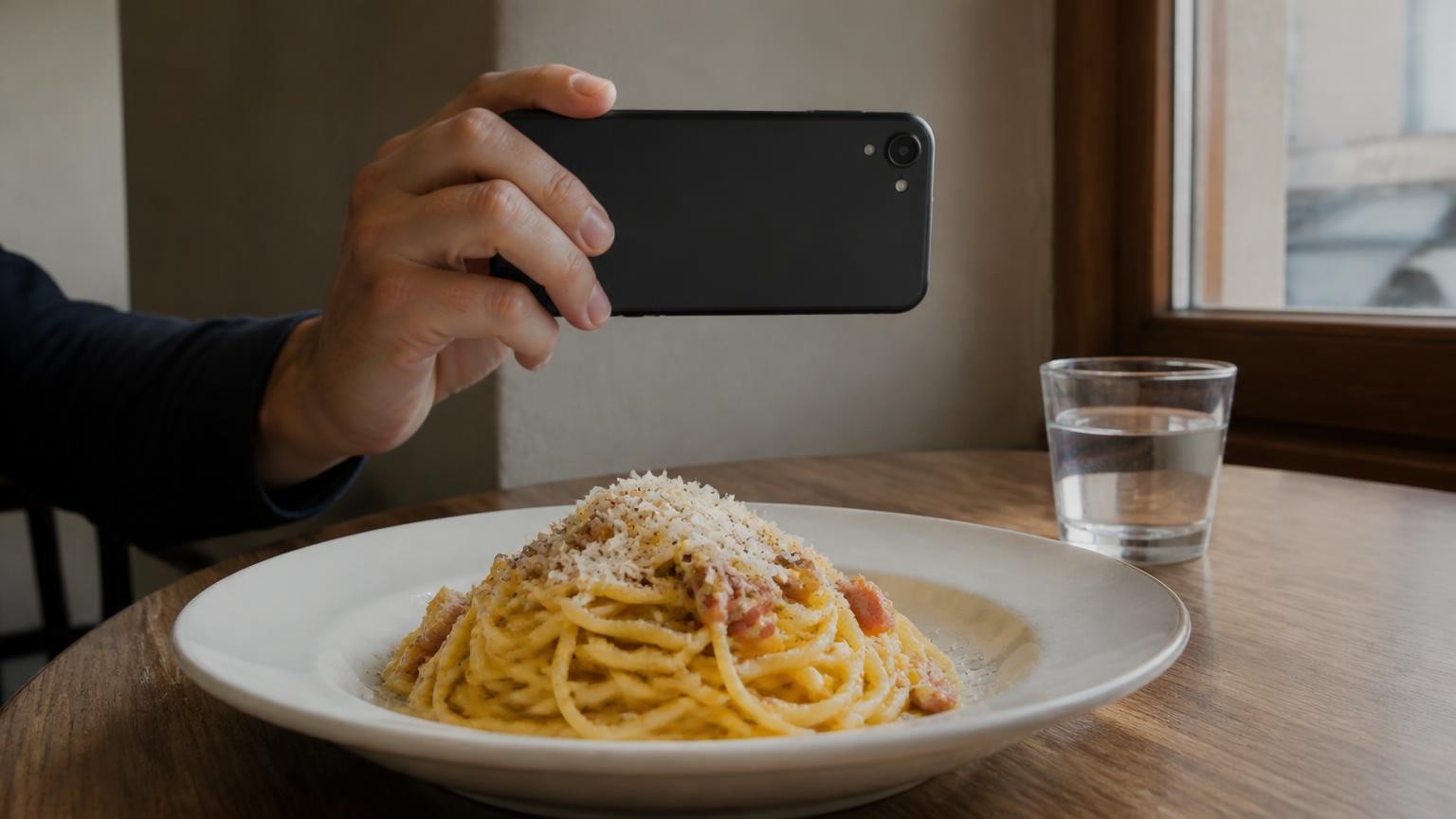
Every iPhone Pro and Pro Max from the iPhone 12 Pro up to the iPhone 18 Pro Max has a LiDAR Scanner, and no other iPhone has one. On a plate, LiDAR measures distance, which lets an app work out the shape and volume of the food it can see, but it cannot tell what the food is, how dense it is, or how much oil and butter went into it.
Which iPhone models have a LiDAR Scanner?
Apple keeps the official list in its iPhone User Guide, on the page Models with a LiDAR Scanner. It names fourteen phones, two per generation:
- iPhone 12 Pro and iPhone 12 Pro Max
- iPhone 13 Pro and iPhone 13 Pro Max
- iPhone 14 Pro and iPhone 14 Pro Max
- iPhone 15 Pro and iPhone 15 Pro Max
- iPhone 16 Pro and iPhone 16 Pro Max
- iPhone 17 Pro and iPhone 17 Pro Max
- iPhone 18 Pro and iPhone 18 Pro Max
The sensor arrived with the iPhone 12 Pro, which Apple announced on 13 October 2020, and it has stayed in the Pro line since. Two things trip people up. The iPhone 11 Pro has "Pro" in its name but is not on Apple's list, so it has no LiDAR. And models outside the Pro line, such as the iPhone 17, iPhone Air and iPhone 17e, are not on it either.
To check your own phone, open Settings, then General, then About, and read the Model Name. If it is not one of the fourteen above, your phone has no LiDAR Scanner. The Face ID sensor on the front is a different kind of depth camera and is not what this article is about.
How does LiDAR work, in plain words?
LiDAR sends out light and times how long it takes to come back. When Apple introduced it, the company described it as offering the ability to measure light distance and use pixel depth information of a scene. What an app gets from the sensor is a grid of distances: for each small patch of the scene, how far away it is from the phone.
That grid is what makes portion measuring possible. If the phone knows how far away the plate is and how far away the top of a mound of mashed potato is, the difference is the height of the food at that point. Add up those heights across the area the food covers and you get its volume, in millilitres.
A single flat photo cannot do this on its own. A small plate held close and a large plate further away can look identical. The research review Food Portion Estimation: From Pixels to Calories calls this scale ambiguity the most persistent challenge for estimates made from one ordinary image, and notes that the usual fix is a reference object of known size, such as a credit card, placed in the shot. A depth sensor gets the scale from the distances themselves.
What can LiDAR actually measure on a plate?
LiDAR gives you geometry. From it, an app can work out three things about the food it can see:
- How high each item stands above the plate or the table.
- How much of the plate it covers, once the app has worked out where one food ends and the next begins.
- The volume of the visible portion, which is the two combined.
It is most useful on solid, separate foods with a clear top surface: a chicken breast, a baked potato, a slice of pizza, a scoop of mashed potato, a wedge of cake. On those, the visible shape is most of the food, so the volume says a lot about how much is there.
What LiDAR does not give you is a calorie number. Volume is not weight, and weight is not calories. To go from one to the next, something has to recognise the food and know roughly how dense it is, and that part is an estimate on every phone.
What can't LiDAR see on a plate?
What the food is, and how dense it is
The same review puts it plainly: dietary assessment needs energy in kcal, not just volume, and the link between the two is density, which varies drastically even within the same food category, with a fluffy croissant against a dense bagel as its example. Two portions of identical volume can carry very different calories. Recognising the food and guessing its density is the job of the AI, not the sensor.
Oil, butter and sugar cooked into the food
Oil soaked into fried vegetables, butter melted into mashed potato, dressing on a salad, sugar in a glaze: none of these has a shape a depth sensor can measure. They change the calories without changing the volume much.
This matters, because fat is where photo-based counting tends to go wrong. In a test of four popular photo-based calorie apps against 102 meals prepared in a controlled research kitchen, calorie and fat estimates were about one-third too low on average, and the apps missed about 30 grams of fat per meal on average. The researchers submitted standardised photographs of the meals, and the report does not mention depth sensing. The findings were presented at a nutrition conference and are preliminary until peer-reviewed. A depth sensor would not close the fat gap on its own, because oil soaked into food has no shape to measure.
The practical answer is to add it yourself. If you cooked with two spoons of oil, add those two spoons to your total by hand. One of the researchers, Aaron Hengist of the National Institute of Diabetes and Digestive and Kidney Diseases, part of the NIH, put it this way: these apps tend to underestimate calories, especially from fats, so what they actually ate is likely higher than what the app shows. If a restaurant dish looks glossy, expect more fat than the picture suggests.
Small grains, piles and hidden layers
Phone LiDAR is coarse. The review notes that the spatial resolution of mobile LiDAR is often insufficient for dietary assessment: rice grains and nuts are smoothed over, so the air between them gets counted as food. Anything under the surface is invisible too. The bottom of a food resting on the plate, the filling of a burrito and the layers of a lasagne are guessed, not measured.
Shiny and dark surfaces
Apple's own developer documentation says its framework is less confident about the accuracy of the LiDAR Scanner's depth measurements for surfaces that are highly reflective, or that have high light absorption. On a plate, think of glossy sauces, the surface of a soup, a glass or metal bowl, or a black plate.
How do you get a better portion reading at the table?
A few habits make the measured part more useful:
- Use a light, matte plate rather than a black, metallic or glass one.
- Spread the food out so items are not stacked on each other, and take the picture before you pour sauce over everything.
- Keep the whole plate in view and hold the phone steady for the shot.
- Add oil, butter, dressing and sugar by hand, as separate amounts.
- Be sceptical with rice, grains and nuts, and check against a measuring cup or a scale at home when you can.
The Calories and macros mode in MagiScan follows the same split between measured volume and estimated calories. You point the camera at your food and get calories, protein, fat and carbs from one photo. On iPhone 12 Pro and newer Pro models, the LiDAR sensor measures the volume of the portion in millilitres; on iPhones without LiDAR, the portion is estimated from the photo. In both cases the calories and macros are AI estimates, worked out from what the AI recognises and its density, so every limit above still applies, and oil or butter you cooked with has to be added by hand.
Does LiDAR make a calorie count reliable?
LiDAR replaces one guess, how much food is on the plate, with a measurement of what is visible. The other guesses stay: what the food is, how dense it is, and what was cooked into it. That can help with a solid, visible portion, but it does not turn the result into a lab value. If you want to see how phone depth measurements hold up on solid objects, our article on how accurate measurements from a smartphone 3D scan are collects published tests; food adds the density and hidden-fat problems on top.
Treat every number as an estimate. Do not use any app's figure, with LiDAR or without, to dose insulin or to decide whether a meal is safe for an allergy: read the label, ask the kitchen or follow your care team. If counting calories has started to feel compulsive, or you live with an eating disorder, talk to a clinician rather than relying on a counting app.
If your phone is one of the fourteen Pro models above, MagiScan measures the portion's volume with its LiDAR; on any other iPhone it estimates the portion from the photo, and the calories are AI estimates either way.
Frequently Asked Questions
Does the iPhone 11 Pro have LiDAR?
No. Apple's list of models with a LiDAR Scanner starts with the iPhone 12 Pro and iPhone 12 Pro Max, and the iPhone 11 Pro is not on it. So no app can use LiDAR to measure a portion on that phone.
Can LiDAR tell how many calories are in my food?
No. LiDAR measures distance, and from that an app can work out the volume of the food it can see. Turning volume into calories means recognising the food and estimating its density, and that step is an estimate on every phone.
Why does my estimate miss the oil in a stir-fry?
Oil soaked into food or pooled under it has no shape that a camera or a depth sensor can measure. Count the oil you cooked with by the spoon and add it to your total yourself, and with a glossy restaurant dish, expect more fat than the picture shows.
Can I use a calorie estimate from my phone to dose insulin or avoid an allergen?
No. These are estimates, not measured nutrient values, and they are not for insulin dosing or allergy decisions. Use the label, the recipe or advice from your care team, and if you have or suspect an eating disorder, speak to a clinician rather than relying on a counting app.