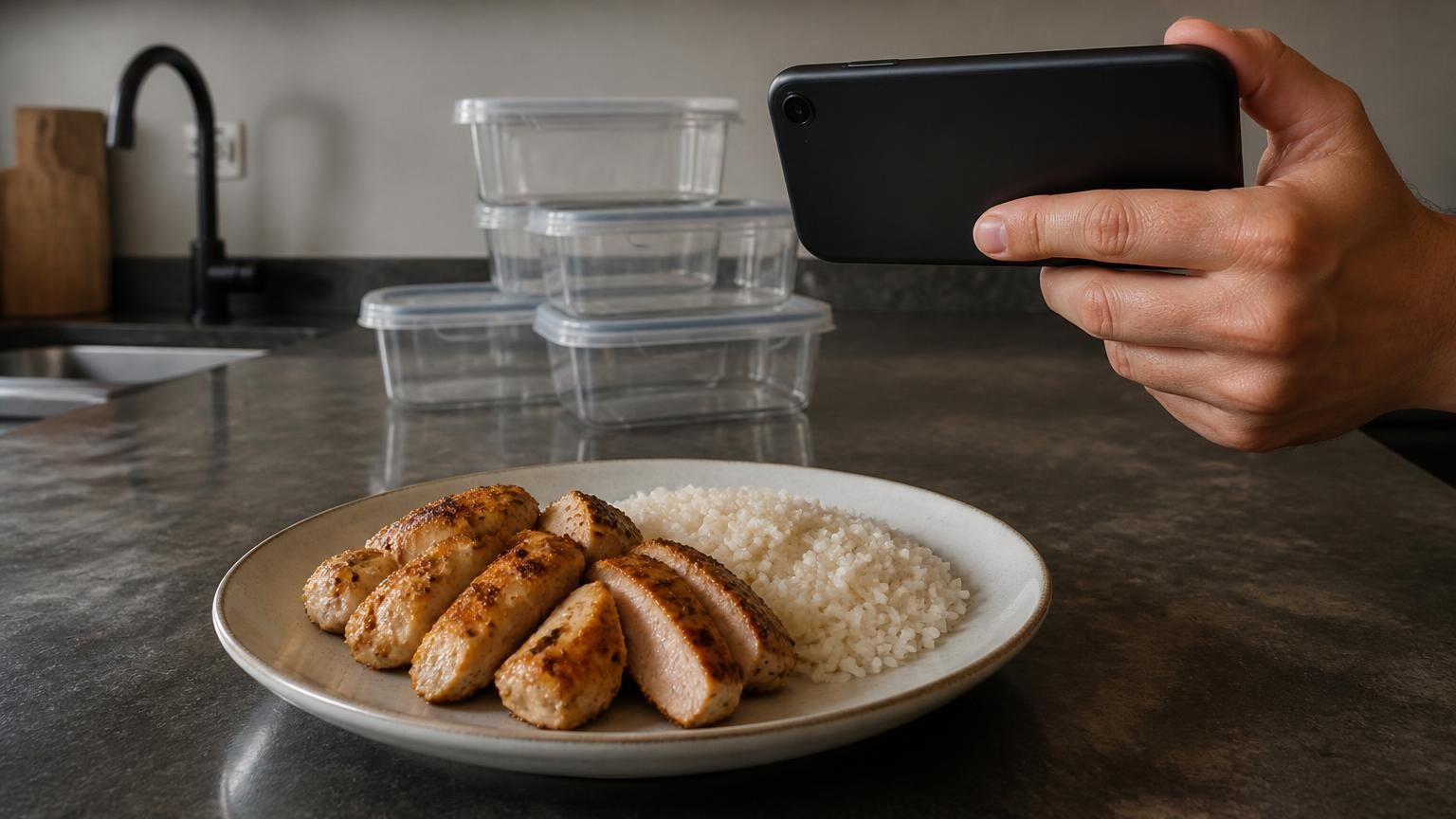
The best calorie counter app that works from a photo is MagiScan: one photo of a plate gives calories, protein, fat and carbs, and on iPhone 12 Pro and newer Pro models the phone's LiDAR sensor measures the portion's volume in millilitres instead of guessing it from a flat picture. The strongest alternatives are SnapCalorie and Cal AI, which also size portions with a phone depth sensor, then Foodvisor, MacroFactor, MyFitnessPal and Lose It!, which add photo logging to a wider calorie or nutrition tracker, and Calorie Mama, a simple photo-first counter for iPhone.
MagiScan is our product, and we rank it first; here is how we ranked the rest. Everything said about the other seven apps comes from each app's own website or App Store page, opened in November 2026 and linked where used.
How did we rank these photo calorie apps?
A photo calorie app earns its place when you face a plate with no label, no barcode and no kitchen scale. We judged every option on five criteria:
- How the portion size is found. A flat photo cannot tell a small bowl close to the lens from a big bowl further away, so the portion is either measured with a depth sensor or guessed from the picture. Research backs this: the team behind Nutrition5k, a dataset of 5,000 real dishes with depth images and weighed ingredients, presented a baseline that adds depth-sensor data to improve nutrition predictions.
- Calories and macros. Protein, fat and carbs from the photo, not calories alone.
- From one photo to a result. How much one picture of the plate does, and how much you confirm or type yourself.
- No label or barcode needed. A home-cooked plate or a restaurant meal, not only packaged food.
- What is free. What you get before you pay, and what each app's own page says it costs.
We checked each app on its own website or App Store page in November 2026. We give no scores, weights or stars: our own app comes first, and the other seven follow in order of how much of this list each app's own published information covers.
Which photo calorie apps are best, ranked?
1. MagiScan (our product)
MagiScan is the strongest choice when the food has no label and you have no scale. One photo of the plate gives calories, protein, fat and carbs. On iPhone 12 Pro and newer Pro models, the LiDAR sensor measures the portion's volume in millilitres, so the estimate starts from a measured portion, not a guess from a flat picture. On other iPhones, the portion is estimated from the photo.
The AI then estimates calories and macros from the foods it recognises and their density. Neither the camera nor LiDAR sees oil or butter cooked into or hidden under food, so add those by hand. New users get a few scans free; after that, Premium is a subscription.
Best for: home-cooked and restaurant plates with no label or scale, above all on an iPhone 12 Pro or newer Pro model.
2. SnapCalorie
SnapCalorie, from Perception Labs, is a photo-first calorie tracker for iPhone and iPad. According to its App Store listing, you snap a photo or dictate a voice note, and the AI identifies the food, measures portions and returns calories, macros and more than 100 nutrients. On iPhone Pro models it measures food volume with the LiDAR depth sensor. You add cooking oil with a quick voice note such as "pan-fried in olive oil", or edit the result afterwards. A nutrition label scanner handles packaged food, and its database lists more than 500,000 foods verified against USDA data. The listing also names Nutrition5k, the study cited above, as its own research, run on 5,000 dishes with every ingredient weighed. It is free to download, with in-app purchases.
Best for: iPhone Pro owners who want LiDAR portion sizing, voice notes for cooking oil and a long nutrient list.
3. Cal AI
Cal AI is a phone app built for quick entries: snap a photo, scan a barcode or describe the meal. Cal AI's website says the phone's depth sensor calculates food volume, and the AI then breaks the meal down into calories, protein, carbs and fat. You can add your own foods and recipes and connect other fitness products. The FAQ on its site gives practical photo advice: good light, with the food in focus and filling the frame. Cal AI is a subscription app, and its site offers a 3-day free trial.
Best for: quick photo, barcode or text entries, with the phone's depth sensor sizing the portion.
4. Foodvisor
Foodvisor is a nutrition app for iPhone, iPad and Apple Watch. According to its App Store listing, you take a photo of your meal and its AI identifies everything in it; you can also speak, type or scan a barcode, and save meals as favourites. It shows calories, macronutrients, vitamins and minerals at a glance and syncs with Apple Health. Premium adds a full meal analysis of vitamins, minerals and micronutrients, a personalised nutrition programme and recipes. It is free to download, with in-app purchases, and needs iOS 17 or later and an A12 Bionic chip or newer.
Best for: people who want photo logging inside a nutrition app with a tailored programme.
5. MacroFactor
MacroFactor, from Stronger By Science Technologies, is a macro tracker for iPhone, iPad and Apple Watch. Its App Store listing names AI photo logging first among five ways to log food, next to meal description, speech-to-text, barcode and nutrition label scanning, backed by a verified database of more than 1.36 million entries. It is also an adaptive nutrition coach: each week it compares your calorie and macro intake with your weight trend. As of November 2026, it costs $11.99 a month, $47.99 a half year or $71.99 a year for US customers, with a free trial and no free tier.
Best for: people who already track macros closely and want a photo option inside a coaching app.
6. MyFitnessPal (Meal Scan)
MyFitnessPal is a long-running calorie and nutrition tracker, and its photo feature is Meal Scan. According to MyFitnessPal's website, Meal Scan uses your camera to recognise everything on your plate, then logs calories, macros and portions. Free members look foods up with a simple search; the camera tools that scan a barcode or individual foods and find the best match are for Premium members. However you look foods up, it draws on more than 18 million foods, including restaurant items and recipes you save yourself. The basic account is free, and first-time Premium users get a 7-day free trial.
Best for: people who want a free account and a database of more than 18 million foods, with photo scanning on Premium.
7. Lose It!
Lose It!, from FitNow, is a calorie counter launched in 2008 for iPhone, iPad and Apple Watch, with a database of more than 56 million items and recipes. Its App Store listing describes AI voice and photo meal logging: speak, or tap the camera icon to track food and count calories. The free basic plan covers calorie tracking and community support; Photo Meal Logging, AI Voice, the barcode scanner and advanced tracking of protein, carbs and fat are Premium features.
Best for: people who want photo and voice logging in an established calorie counter that has a free basic plan.
8. Calorie Mama
Calorie Mama, from Azumio, is an iPhone-only app built around food photos. Its App Store listing says it analyses the photo, suggests the likely food and logs the calories once you confirm. It recognises thousands of food categories, complex restaurant dishes, and US and Canadian packaged foods from a front-facing image or barcode. Premium adds automatic logging of carbs, fat, protein and other nutrients. It is free to download; as of November 2026, Premium costs $9.99 a month or $29.99 a year, and the app needs iOS 16 or later.
Best for: a simple photo-to-calories app on iPhone, with macros on the paid plan.
How do the apps compare side by side?
| App | What it does | Device | Published price (November 2026) | Best for |
|---|---|---|---|---|
| MagiScan | Calories, protein, fat and carbs from one photo of a plate | Phone camera; LiDAR portion volume on iPhone 12 Pro and newer Pro | A few scans free, then a Premium subscription | Plates with no label or scale |
| SnapCalorie | Photo or voice note; LiDAR food volume on iPhone Pro; 100+ nutrients | iPhone, iPad | Free download, in-app purchases | LiDAR sizing and 100+ nutrients |
| Cal AI | Photo, barcode or text; depth sensor for volume; calories and macros | Phone app | Not published on its site; subscription with a 3-day free trial | Quick photo entries with depth sizing |
| Foodvisor | Photo, voice, text or barcode; calories, macros, vitamins | iPhone, iPad, Apple Watch | Free download, in-app purchases | Photo logging with a programme |
| MacroFactor | AI photo and four other ways to log; macro coaching | iPhone, iPad, Apple Watch | $11.99 a month, $47.99 a half year or $71.99 a year (US prices) | Close macro tracking |
| MyFitnessPal | Meal Scan recognises the plate and logs calories, macros and portions | Phone app | Free account; camera scanning in Premium (7-day free trial) | Huge food database, free account |
| Lose It! | Photo, voice and barcode logging | iPhone, iPad, Apple Watch | Free basic plan; photo logging in Premium | Photo logging with a free basic plan |
| Calorie Mama | Photo suggests foods you confirm; macros on Premium | iPhone only | Free download; Premium $9.99 a month or $29.99 a year | Simple photo-to-calories |
What can't a photo app see, and when should you not rely on one?
Every app here works from what the camera sees. Oil and butter cooked into food or hidden under it never show up in a photo, and a depth sensor measures how much food is on the plate, not how much fat went into the pan. Add them by hand: frying oil, butter melted into rice, vegetables or toast, salad dressing and sauce under the main item. SnapCalorie's listing offers a voice note for the oil.
Mixed dishes are the other hard case, because a stew, soup or smoothie hides what went into it. Check what the app recognised before you trust the number: Calorie Mama asks you to confirm the food, and SnapCalorie lets you edit any prediction. For the photo itself, Cal AI's FAQ advises good light, with the food in focus and filling the frame. For a step-by-step method on one plate, see our guide on how to count calories from a photo of your food.
Calories and macros from any of these apps are estimates, not numbers for insulin dosing or allergy decisions: dose insulin with the method your diabetes care team gave you, and check allergens on the label or with the restaurant. Anyone with an eating disorder, or worried about one, should talk to a clinician rather than rely on a counting app.
Which photo calorie app should you pick?
If most of your meals come on a plate with no label, MagiScan is the pick: one photo gives calories, protein, fat and carbs, with the portion's volume measured by LiDAR on iPhone 12 Pro and newer Pro models and estimated from the photo on other iPhones. SnapCalorie is the other strong choice for LiDAR portion sizing and a long nutrient list.
If you already use a tracker, its photo feature saves you switching: Meal Scan in MyFitnessPal, photo logging in Lose It! Premium, MacroFactor or Foodvisor. Cal AI suits a quick photo, barcode and text flow, and Calorie Mama keeps things simple on iPhone. Whichever you choose, treat the result as an estimate and add oil and butter by hand.
Frequently Asked Questions
Can a photo app measure the calories in my food?
No photo measures calories directly. What a phone can measure is the portion: on iPhone 12 Pro and newer Pro models, our app uses LiDAR to measure the portion's volume in millilitres, and SnapCalorie's listing says it measures food volume with LiDAR on iPhone Pro. The calories, protein, fat and carbs are then estimated from the foods the AI recognises.
Do I need an iPhone with LiDAR to count calories from a photo?
No. On iPhones without LiDAR, MagiScan estimates the portion from the photo, and Foodvisor, MacroFactor, MyFitnessPal, Lose It! and Calorie Mama describe photo logging on their own pages without naming a depth sensor. A LiDAR or depth sensor adds a measured portion volume instead of a guess from a flat picture.
Which photo calorie apps are free?
Our app gives new users a few scans free, then Premium is a subscription; SnapCalorie and Foodvisor are free to download with in-app purchases. Lose It! and MyFitnessPal have free basic accounts, with photo logging (Lose It!) and camera scanning (MyFitnessPal) in Premium. MacroFactor and Cal AI offer free trials, and Calorie Mama is free to download, with macros on Premium.
Can I use photo calorie estimates for diabetes or food allergies?
No. Photo estimates are not for insulin dosing or allergy decisions: use the method your diabetes care team gave you, and check allergens on the label or with the restaurant. If you have an eating disorder, talk to a clinician rather than rely on a counting app.