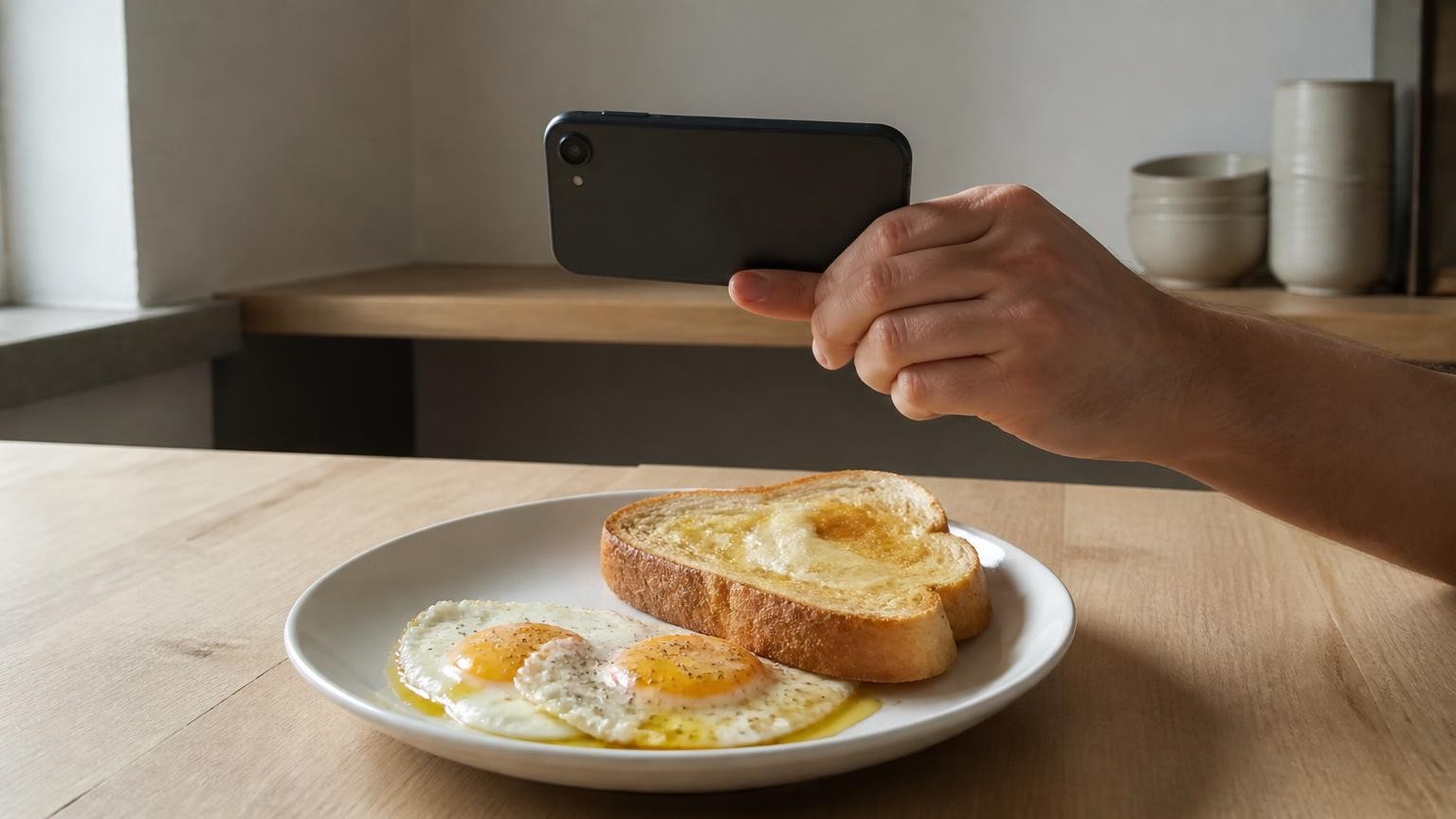
A camera only sees the surface of your food, and oil or butter that has soaked in, melted over it or pooled underneath barely changes that surface, so neither a photo nor a depth sensor can tell how much fat went in. Allow for it by treating the fat as a separate item: measure the oil or butter as it goes into the pan and log it by hand, and when you eat out, use the restaurant's nutrition information or add the same fixed allowance every time.
Why can't a photo show how much oil is in my food?
Photo calorie counting works in two steps. As the American Society for Nutrition's summary of an NIH study explains, these apps use AI image recognition to identify the foods in a picture and estimate the size of each portion, then compare those estimates with nutrition databases. Both steps depend on what the camera can see.
Oil and butter are mostly out of sight by the time the plate reaches you. Fat soaks into breading, rice, pasta and vegetables, melts into sauces, and sits as a thin film that catches light much like water or a glaze does. A review of frying research notes that foods typically absorb a large amount of oil during frying, leaving around 30 to 50% fat in the final product, and that as water leaves the food as steam, oil moves in. How much it takes up depends on the food's initial composition and structure, so two fried foods that look alike can hold quite different amounts.
Think of two bowls of pasta, one tossed with a teaspoon of olive oil and one with three tablespoons. The camera sees the same pasta, perhaps with a little more shine on the second bowl. A model can recognise "pasta with oil" and assume a typical amount, but it cannot know whether your cook was typical. Sheen, browning and a crisp crust are hints that fat was used, never a measurement of how much.
Butter adds a second problem. Once melted, it looks like any other fat, so a photo also cannot tell butter from oil, ghee or margarine.
Doesn't a LiDAR sensor on an iPhone solve this?
It solves a different part of the problem. Apple brought the LiDAR Scanner to iPhone 12 Pro and iPhone 12 Pro Max with, in Apple's words, "the ability to measure light distance and use pixel depth information of a scene." Depth tells you how much space the food takes up: the height of the rice, the thickness of the chicken. That helps with the portion, which is the other half of every estimate.
Depth cannot tell you what the food is made of. Absorbed oil adds energy without adding much volume, because it moves into the food as the water leaves. A spoonful of butter stirred into mashed potato changes the calories far more than it changes the height of the mound.
Here is how MagiScan splits the work. On iPhone 12 Pro and newer Pro models, the LiDAR sensor measures the volume of the portion in millilitres; on iPhones without LiDAR, the portion is estimated from the photo. In both cases the calories, protein, fat and carbs are AI estimates, worked out from what the AI recognises and that food's density. Neither the LiDAR sensor nor the camera can see oil or butter cooked into or hidden under the food, so that part is yours to add.
How much does the hidden fat matter?
A lot, because gram for gram fat carries more than twice the energy of carbohydrate or protein. According to the NHS, a gram of fat provides 9 kcal, compared with 4 kcal for a gram of carbohydrate or protein. Miss 10 grams of fat and you miss 90 kcal; miss 10 grams of carbohydrate and you miss 40.
There is also evidence that this is where photo apps go wrong. Researchers at the National Institute of Diabetes and Digestive and Kidney Diseases, part of the NIH, took standardized photographs of 102 meals prepared in a metabolic kitchen, where ingredients are measured to the nearest 0.1 gram, and submitted the photos to four apps: MyFitnessPal, LoseIt!, CalAI and Appediet. Across all four, calorie totals came out about 250 to 345 calories too low per meal on average, and fat was underestimated by approximately 30 grams. At 9 kcal a gram, 30 grams of fat alone comes to about 270 kcal. The apps were more consistent on carbohydrates than on the other macronutrients, and a follow-up with more than 200 further meals suggested they had more difficulty with low-carb ketogenic meals, which often contain more fat.
Two caveats from the same report. The findings were presented at NUTRITION 2026, the American Society for Nutrition's annual meeting, on 25 July 2026, and had not completed full peer review, so they are preliminary. And they cover those four apps only. In the words of Aaron Hengist, a fellow at the National Institute of Diabetes and Digestive and Kidney Diseases, these apps "tend to underestimate calories, especially from fats."
How do I allow for oil and butter when I cook at home?
At home you have something no app has: you saw the fat go in. Use it.
- Measure the fat, even if you measure nothing else. Pour oil into a measuring spoon before it goes into the pan, or weigh the bottle before and after cooking. If the butter wrapper has tablespoon or gram markings, cut by them.
- Take the number from your own pack. The nutrition label on the bottle or the butter wrapper gives calories and fat per serving, so you are not relying on a typical value.
- Log the fat as a separate item. Keep the photo estimate for the plate, and add the oil or butter to your food log by hand as a line of its own. A separate line is easier to check later than nudging the main estimate upward by feel. If an app has recognised the dish as fried or buttered, its estimate may already include a typical amount of fat; where you can, pick the plain version of the food it recognised and add your measured fat on top, so the same fat is not counted twice.
- Split it by servings. If two tablespoons of oil went into a stir-fry for four people and everyone ate the same amount, your share is half a tablespoon.
- Subtract what stayed in the pan. After a sauté, some oil is left behind; tip it into a spoon if you want to take it off. After deep frying you cannot do that reliably, so use the label of the fried product if it has one, or log a generous allowance.
- Count the fats added at the table. Butter on toast or vegetables, a drizzle of olive oil, dressing on a salad and the knob melted into rice or mash are the easiest to forget, because they go on after the cooking is done.
With MagiScan on iPhone 12 Pro or a newer Pro model the split is the same: LiDAR measures the volume of the rice, pasta or chicken on the plate, and your measured spoonful covers what the sensor cannot see.
How do I allow for hidden fat when eating out?
The FDA notes that food prepared away from home generally provides more calories, sodium and saturated fat than meals eaten at home, and in a restaurant you did not see any of it go in. Since 7 May 2018, calories have been listed on many menus and menu boards of restaurants and other food establishments in the United States that are part of a chain of 20 or more locations, and covered establishments must also provide written nutrition information, such as saturated fat, sodium and dietary fiber, on request. Where those numbers exist, use them rather than a photo estimate: they describe the dish as the kitchen makes it, including fat you cannot see.
Where they do not, a few habits help:
- Read the menu wording. The same FDA page notes that foods described as creamy, fried, breaded, battered or buttered are typically higher in calories than those described as baked, roasted, steamed, grilled or broiled.
- Ask for sauces and dressings on the side. As the FDA puts it, that lets you choose how much to use, and it turns invisible fat into a visible portion.
- Use a fixed allowance. Decide once what you add for a pan-cooked or fried restaurant dish, for example one measured spoonful of oil, and apply it the same way every time. A consistent allowance will not make a single meal right, but it keeps your log comparable from week to week.
- Expect a photo estimate to miss fat. The four apps in the NIH test underestimated fat on average, and in a restaurant you have no measured spoonful to correct it with, which is what the fixed allowance is for.
Which foods hide the most fat?
These are the dishes to check first:
| Food | Where the fat hides | What to add by hand |
|---|---|---|
| Fried, breaded or battered food | Absorbed into the coating and the food itself | The item from a label or nutrition sheet, or a generous oil allowance |
| Stir-fries and sautéed vegetables | Coating every piece and pooled under the food | Your share of the oil measured into the pan |
| Rice, pasta and mashed potato | Butter or oil stirred in before serving | The butter or oil you added |
| Creamy sauces and curries | Cream, butter and oil blended into the sauce | Each fat in the recipe, divided by servings |
| Salads | Dressing settled at the bottom of the bowl | The dressing, measured or from its label |
| Toast, bread and pastries | Spread on top or baked into the dough | The spread; pastries from the pack label |
Plain grilled meat, steamed vegetables and boiled grains sit at the other end: less fat goes in out of sight, so a photo estimate has less to miss.
When should I not rely on a photo estimate at all?
Whenever a wrong number has consequences for your health. Calorie and macro estimates from a photo, with or without LiDAR, are not suitable for insulin dosing; follow the plan from your diabetes care team. They are no help with allergies either: a photo cannot tell whether a dish was cooked in butter or in peanut oil, so ask the kitchen. And if you have, or are recovering from, an eating disorder, talk to a clinician before using any counting app, and do not rely on one.
For everyday tracking, split the job. Let the camera, and on iPhone 12 Pro and newer Pro models the LiDAR sensor, handle what they can see, which is what the food is and how much of it is on the plate. Add the oil and butter yourself, and use restaurant nutrition information wherever it exists. MagiScan gives you its estimate of calories, protein, fat and carbs from the photo; the fat you watched go into the pan is the part you account for yourself.
Frequently Asked Questions
Can a calorie app tell whether my food was fried?
A photo can show signs of frying, such as a crust, browning or a coating, so an app may recognise the dish as fried. What it cannot see is how much oil the food absorbed, which depends on the food and how it was cooked. Treat the fat in a fried dish as the least reliable part of any photo estimate.
Can the LiDAR sensor on a newer iPhone Pro see oil or butter?
No. LiDAR measures distance and depth, which gives the volume of the portion, not what it is made of. Oil soaked into food or butter melted over it adds energy while barely changing the shape the sensor measures.
Should I log all the oil I put in the pan?
Log what ended up on your plate. After a sauté you can pour off and measure what is left, and for a shared dish you divide by the number of servings. If you cannot tell how much was left behind, logging your full share keeps you from undercounting.
Can I use a photo calorie estimate for insulin dosing or allergy decisions?
No. A photo estimate, with or without LiDAR, cannot see hidden fat or tell one fat from another, so it is not a basis for insulin doses or allergy decisions. Follow your care team's guidance, ask the kitchen about ingredients, and if you have an eating disorder, talk to a clinician rather than relying on a counting app.