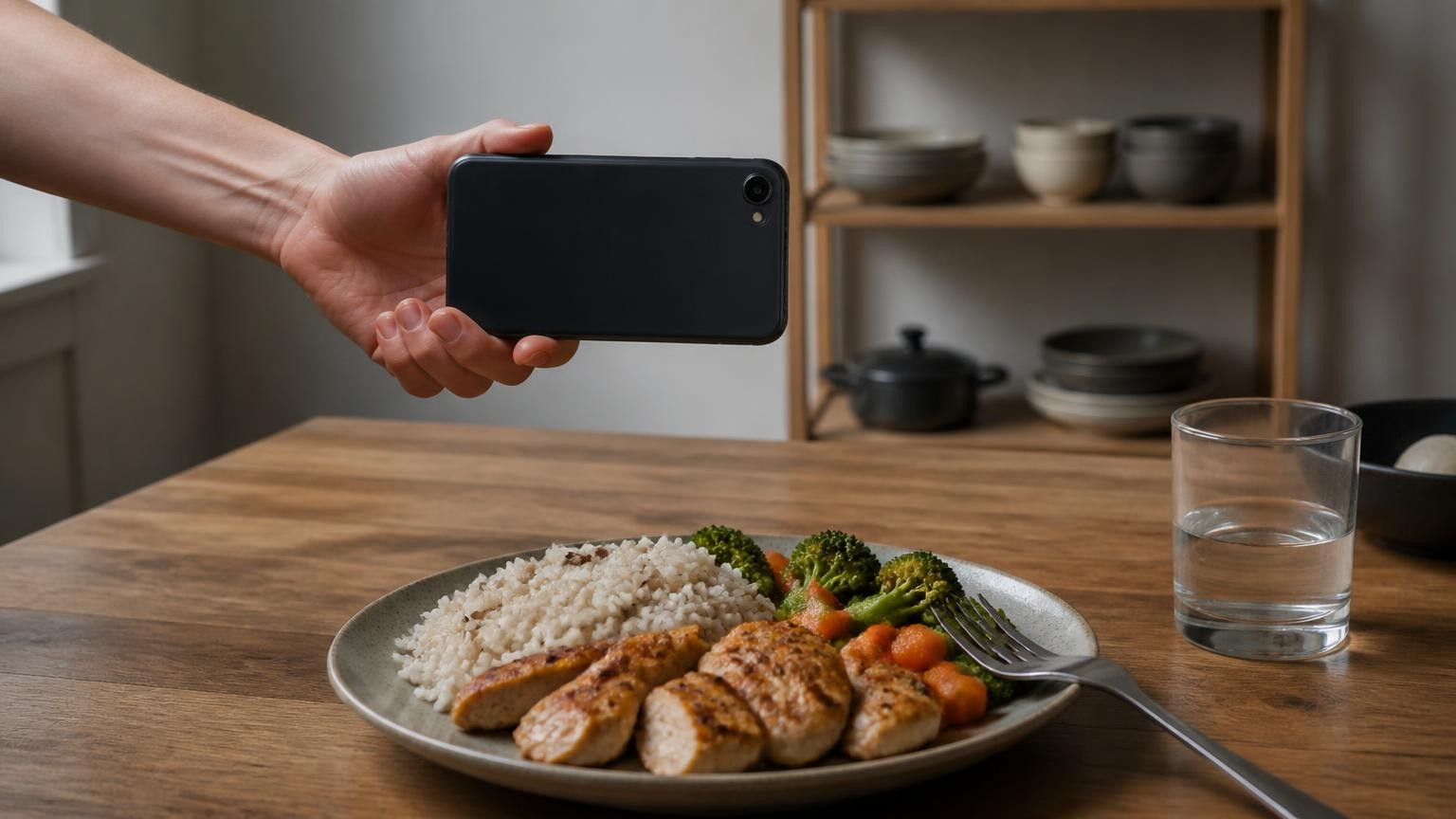
Calorie estimates from a food photo are rough: in a test presented in July 2026, four commercial photo apps put carefully prepared meals about a third below their real energy content, and fat was the biggest miss. A photo estimate works as a starting figure, and it gets closer to the truth when you add what the camera cannot see, such as cooking oil, and correct the portion when you know it.
There is no single accuracy figure for "photo calories", because the error depends on the dish, the portion, what is hidden in it and the tool doing the estimating. Below is what published tests found, why the numbers tend to come out low, and how to get a figure you can work with.
What do independent tests show?
Three tests are worth knowing, and they measured quite different things.
In the most recent one, researchers prepared 102 nutrient-controlled meals, with reference values from national food composition tables, and ran pictures of them through Appediet, Cal AI, Lose It! and MyFitnessPal. According to Healio's report on the study, all four apps underestimated the meals' energy by roughly one-third: Appediet by 252 kcal per meal on average, MyFitnessPal by 327 kcal, Lose It! by 333 kcal and Cal AI by 345 kcal. The work was presented at the NUTRITION 2026 meeting, held from 25 to 28 July 2026, and counts as preliminary until the full study passes peer review.
A second study, published in Nutrients in November 2025, gave 195 dishes to ChatGPT-5. From the photo alone, its energy estimates were off by 30.51% on average. With details the camera cannot capture added to the photo, the error fell to 24.35%, and with a full list of ingredients and quantities it fell to 13.92%.
A third, older study from 2020 tested a food app on an iPhone X that used the phone's structured-light depth sensor to measure the volume of food. Across 48 meals, its energy estimates were off by 12.7% on average, or 41.2 kcal, with slightly worse results for cooked meals than for breakfasts and snacks. That study looked only at measuring volume: the person taking the picture picked each food from a list, and every meal came on one standard plate or bowl type. The authors list both as limits, so the figure may not hold for everyday meals.
| Test | What made the estimate | Meals | What it found |
|---|---|---|---|
| NUTRITION 2026 abstract (preliminary) | Four photo apps: Appediet, Cal AI, Lose It!, MyFitnessPal | 102 | Energy about one-third too low, 252 to 345 kcal per meal; fat about 30 g too low |
| Nutrients, November 2025 | ChatGPT-5 with a photo, then with added details | 195 | Average energy error 30.51% from the photo alone, 13.92% with a full ingredient list |
| JMIR mHealth and uHealth, 2020 | App measuring volume with an iPhone X depth sensor, food picked by hand | 48 | Average energy error 12.7%; volume only, food recognition not tested |
These tests used different meals, reference values and methods, so their numbers cannot be lined up as a ranking. What they agree on is the direction: a photo alone misses things, and every extra piece of real information narrows the gap.
Why do photo apps tend to undercount calories?
The NUTRITION 2026 test points at one culprit above all: fat. All four apps underestimated fat by about 30 g, and one of the researchers summed it up as "these apps tend to underestimate calories, especially from fats". The report adds preliminary follow-up findings that the gap may be larger on higher-fat, lower-carbohydrate meals.
Fat matters more than any other miss because it is so dense in energy. The NHS puts it plainly: a gram of fat provides 9 kcal, against 4 kcal for a gram of carbohydrate or protein. Every gram of fat the camera misses costs more than twice the energy of a missed gram of carbohydrate or protein.
And fat is often the hardest part of a meal to see. Oil soaks into fried vegetables and rice. Butter melts into toast and mashed potato. Cream disappears into a sauce, and dressing into a salad. A picture shows the food, not what it was cooked in, so a plate of stir-fry looks much the same whether the pan got a splash of oil or a generous pour.
Why is portion size the other big unknown?
The second source of error is how much food there is. A flat photo has no built-in sense of scale: a small bowl close to the lens and a large bowl further away can look the same. The ChatGPT-5 study saw larger errors on dishes served in bowls, which the authors linked to the model's "limited ability to infer depth and volume from monocular images".
Depth sensors attack that problem by measuring distance rather than guessing it, which is the idea behind the iPhone X app and its 12.7% average energy error. iPhone 12 Pro and newer Pro models carry a different kind of depth sensor, LiDAR, which times pulses of light to build a depth map. Depth has limits of its own, though. A review of food portion estimation posted on arXiv in February 2026 notes that "the spatial resolution of mobile LiDAR is often insufficient for dietary assessment". Small, granular foods such as rice grains and nuts get smoothed over, so the gaps between pieces are counted as solid food.
Volume is also not the same as calories. A cup of leafy salad and a cup of risotto take up the same space and carry very different energy, so even a well-measured portion still depends on recognising the food and how dense it is. And no depth sensor can see the oil that soaked into it.
How do you get a closer number from a photo?
You cannot make a photo see oil, but you can close several of the gaps yourself.
- Keep every food visible. Take the picture before you mix, stir or cover anything, with the whole plate in the frame and no food hidden under another. An app can only count what it can see.
- Add what the photo cannot show. In the ChatGPT-5 study, adding details the camera could not capture cut the average error from 30.51% to 24.35%, and a full ingredient list cut it to 13.92%. If your app lets you type a note or edit the items, say "fried in oil", "with cream sauce" or "two eggs".
- Log oil and butter by hand. Measure the oil or butter you cook with, at least roughly, and add it as its own item. For a restaurant meal, assume there is fat you cannot see and add it as a separate item rather than hoping the photo caught it.
- Correct the portion when you know it. If you know the weight from a pack, or the number of pieces, change the estimate to match. One of the NUTRITION 2026 researchers said that people who use a photo app "without adjusting the portions or entering the amounts of food should take the results with a grain of salt".
- Check your regular meals once. For a dish you eat often, compare the app's figure with the label or the recipe once, so you know whether it reads high or low on that dish.
Where does a camera with LiDAR fit in?
Portion size is where a depth sensor can help, and it is what MagiScan's Calories and macros mode uses LiDAR for. You point the phone at a plate and get calories, protein, fat and carbs from one photo. On iPhone 12 Pro and newer Pro models, the LiDAR sensor measures the volume of the portion in millilitres; on iPhones without LiDAR, the portion is estimated from the photo. In both cases the calories and macros are AI estimates, worked out from what the AI recognises and its density. LiDAR measures volume, not calories.
The limits above apply here too. Neither LiDAR nor the camera can see oil or butter cooked into the food or hidden under it, so count those yourself, as described in the steps above. None of the studies in this article tested MagiScan, and we publish no accuracy figure for it.
When should you not rely on a photo estimate at all?
Some decisions need more than an estimate.
- Insulin dosing. Do not work out an insulin dose from a photo estimate of calories or carbohydrates. In the NUTRITION 2026 test, Lose It! and Cal AI each underestimated carbohydrates by about 14 g. Follow the method your diabetes care team has given you.
- Allergies and intolerances. A photo cannot show whether a dish contains nuts, milk, egg or any other allergen hidden in a sauce, a dressing or a baked good. Never make an allergy decision from an app's estimate; ask whoever made the food and read the label.
- Eating disorders. If you have or have had an eating disorder, or counting calories makes you anxious, talk to a clinician rather than relying on a counting app.
Calorie and macro estimates are general information, not medical or dietary advice.
So how far can you trust the number?
Treat a photo calorie estimate as an informed guess. Published tests put four commercial photo apps roughly a third low on carefully prepared meals and a general chatbot about 30% off on average from the photo alone, and the error narrows as real information is added: a measured portion, a description, an ingredient list. The biggest hole is fat, which a camera often cannot see, so the most useful habit is adding oil and butter yourself.
If you use MagiScan on an iPhone 12 Pro or newer Pro model, LiDAR measures the portion's volume instead of guessing it from a flat image, which addresses one of the two big unknowns. What went into the pan is still yours to add.
Frequently Asked Questions
How accurate are AI calorie apps that use photos?
In a preliminary test presented in July 2026, four commercial photo apps underestimated 102 carefully prepared meals by about a third, between 252 and 345 kcal per meal on average. Fat was the biggest miss. Use a photo figure as a starting point and correct it with what you know.
What does LiDAR on an iPhone Pro actually measure?
LiDAR measures distance, and from that an app can work out the volume of a portion instead of guessing it from a flat image. It does not measure calories: those still depend on recognising the food and its density, and LiDAR cannot see oil or butter. A 2026 review also notes that its resolution struggles with small, granular foods such as rice and nuts.
Why do photo calorie apps miss so many calories?
Mostly because of fat. Oil, butter, cream and dressing are often invisible in a photo, and a gram of fat carries 9 kcal against 4 kcal for carbohydrate or protein. Portion size is the second big source of error, especially for food served in bowls.
Can a food photo tell me whether a dish is safe for my allergy?
No. A photo cannot show hidden ingredients such as nuts, milk or egg in a sauce, a dressing or a baked good, and no calorie estimate is meant for allergy decisions. Ask whoever made the food and check the label.